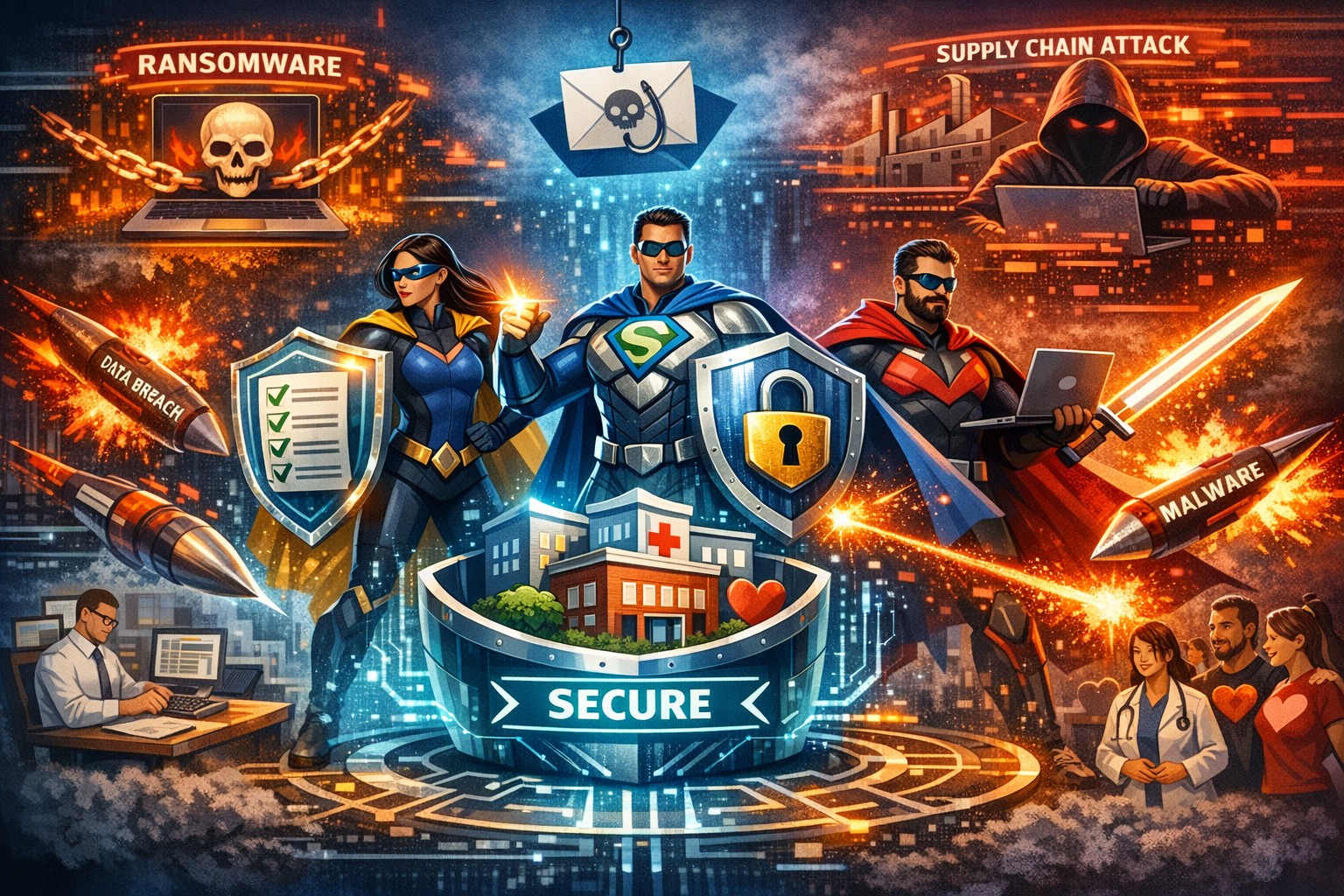
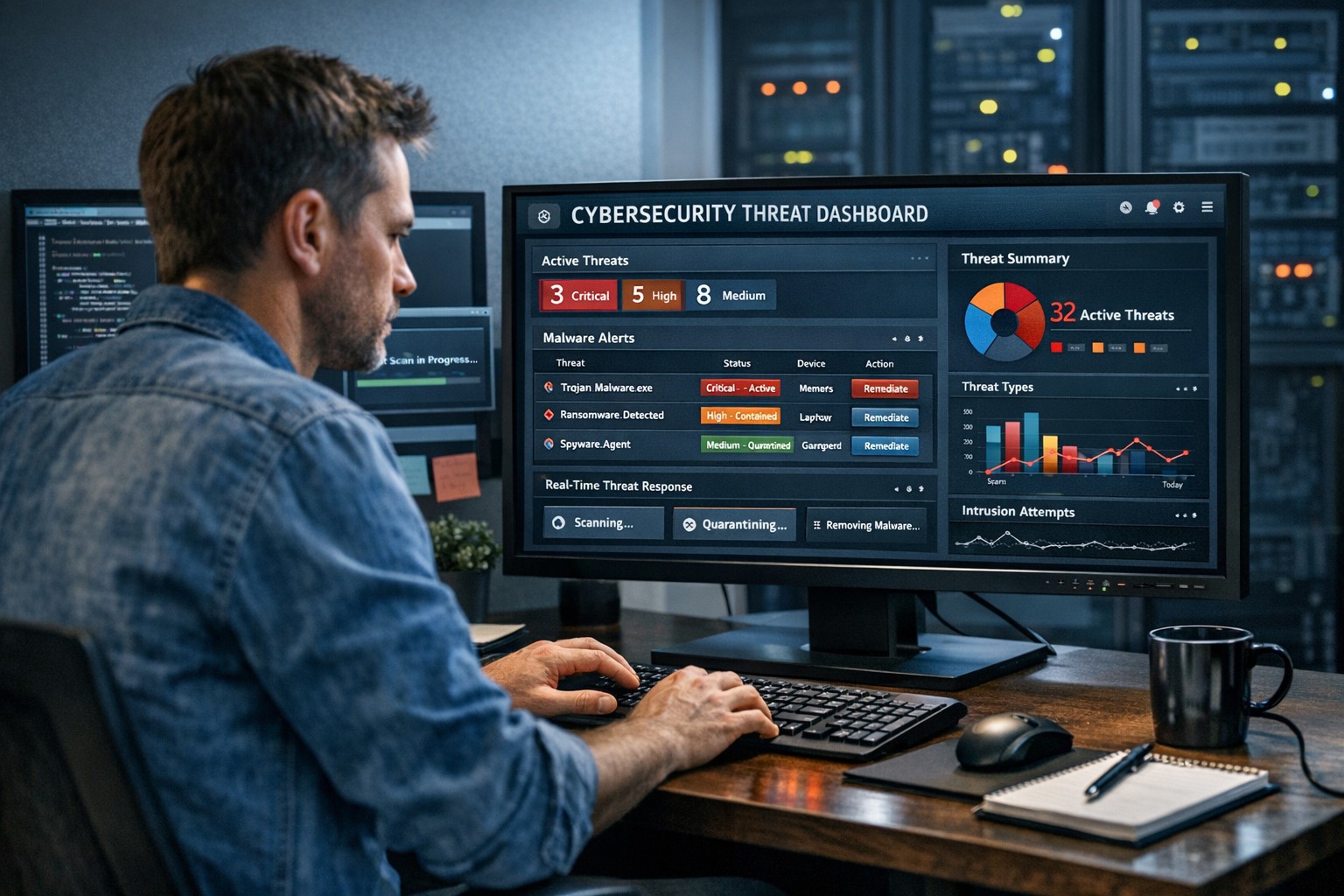
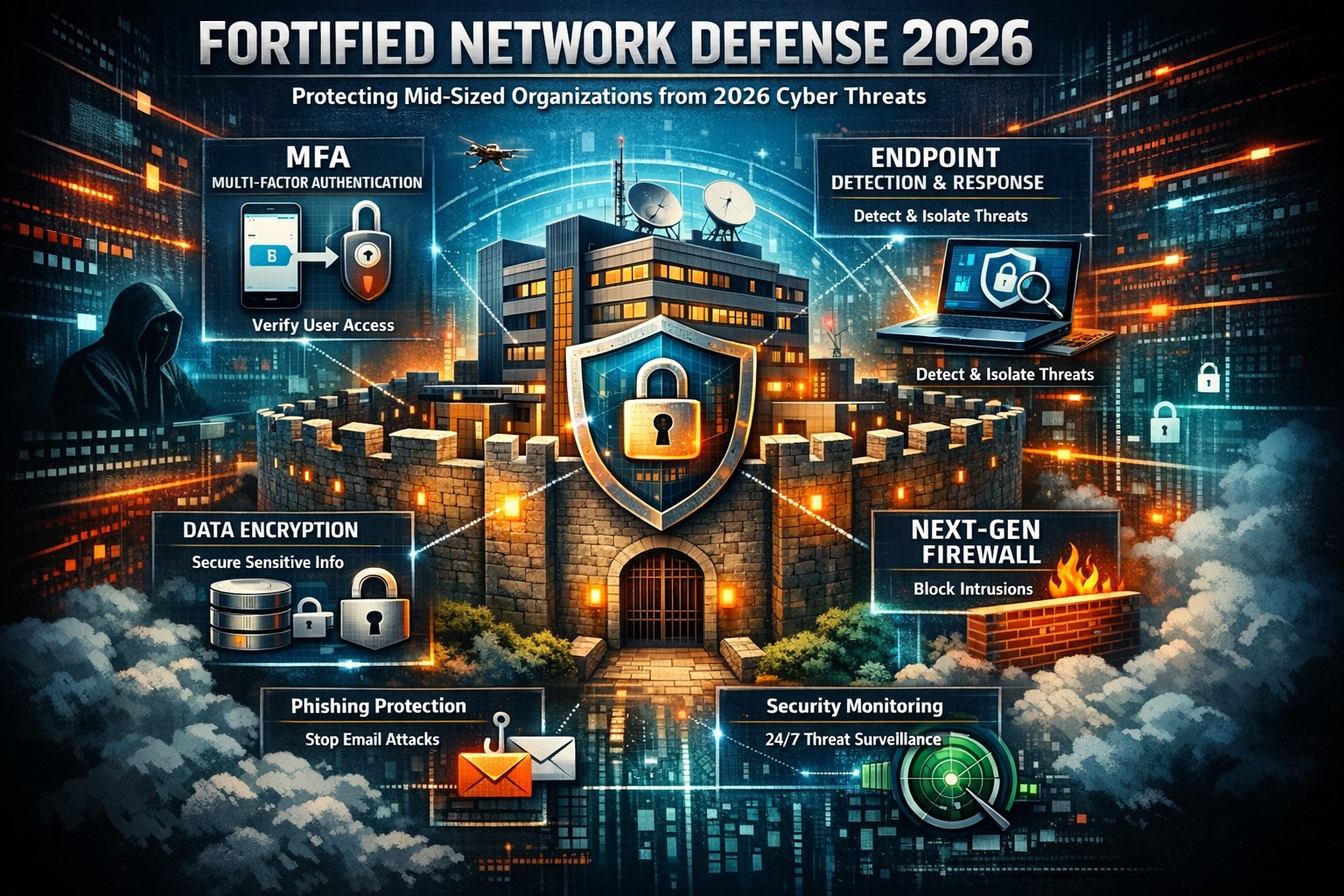
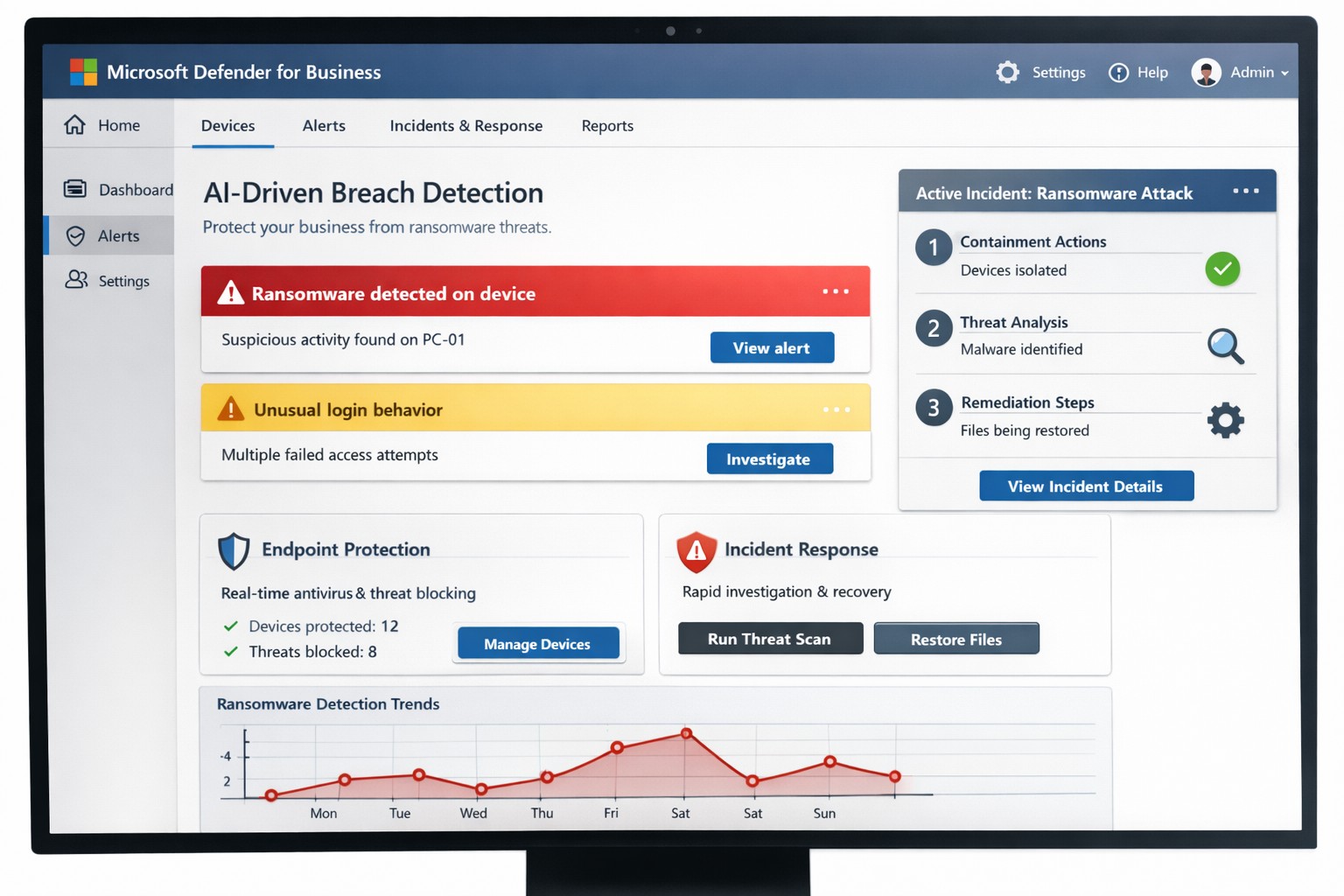
You know cyberattacks are not “if” but “when.” Microsoft’s cybersecurity suite equips you to detect threats instantly and respond before damage spirals, safeguarding revenue, data, and reputation.
Why Breaches Hit Businesses Hard
Cyber threats like ransomware and phishing target small-to-medium businesses due to limited defenses. Microsoft 365 Business Premium and Defender tools use AI for real-time protection across email, endpoints, and apps, reducing breach dwell time from weeks to minutes. This proactive stance minimizes downtime, with features like automated attack disruption proven to stop 60-70% of identity-based incidents early.
Practical Action Steps for Detection and Response
Work with your IT department to implement these Microsoft-powered steps immediately. Prioritize quick wins for up to 300 users and multi-device coverage.
Subscribe to Microsoft 365 Business Premium: Enables AI-driven email phishing protection via large language models and ransomware defense on Windows, macOS, iOS, and Android. Activate multifactor authentication (MFA) to block 99% of account compromise attempts.
Deploy Microsoft Defender for Business: Onboard via wizard for endpoint detection and response (EDR). It auto-investigates threats, applies patches, and generates monthly reports—scan vulnerabilities weekly to prioritize fixes.
Add Defender for Office 365 Plan 1: Scan Teams, SharePoint, and OneDrive for malware with Safe Links and Safe Attachments. Set policies to block suspicious URLs at click-time.
Build an Incident Response Plan: Use Defender’s XDR for unified alerts across identities and apps. Test quarterly: isolate devices, review logs, and restore from encrypted backups.
Monitor and Train: Enable sensitivity labeling for data loss prevention (DLP) and run phishing simulations. Review AI-powered risk dashboards daily for anomalies.
These steps integrate seamlessly, cutting response time by automating 70% of remediation.
Q&A: Client Inquiries Answered
Address common questions from your team or clients to build confidence.
Q: How fast does Microsoft detect breaches? A: AI endpoints disrupt ransomware in real-time, with EDR alerting within seconds—far outperforming legacy antivirus.
Q: What if we’re a small business without IT staff? A: Wizard onboarding and monthly summaries simplify management for non-experts; supports up to 5 devices per user.
Q: Does it cover cloud apps like Teams? A: Yes, SaaS security tracks usage, restricts risks, and protects against advanced phishing across Microsoft 365.
Q: How do we recover post-breach? A: Automated remediation resolves most threats; use data lifecycle tools for retention and insider-risk detection.
Q: What’s the cost-benefit? A: Prevents multimillion-dollar losses—78% of consumers switch after breaches—via affordable plans starting under enterprise pricing.
How Farmhouse Networking Boosts Your Microsoft Strategy
Farmhouse Networking specializes in accounting, healthcare, and charity sectors, tailoring Microsoft deployments for organic traffic and B2B leads. We handle SEO-optimized website branding, full Microsoft 365 migrations, and custom incident response playbooks to ensure compliance (e.g., HIPAA for healthcare). Our lead generation integrates Defender alerts with CRM for rapid client wins, while customer experience enhancements like branded security dashboards drive conversions. We’ve helped similar clients cut breach risks by 80% through AI tuning and 24/7 monitoring.
Call to Action
Ready to fortify your business? Email support@farmhousenetworking.com for a free Microsoft security audit and custom strategy.
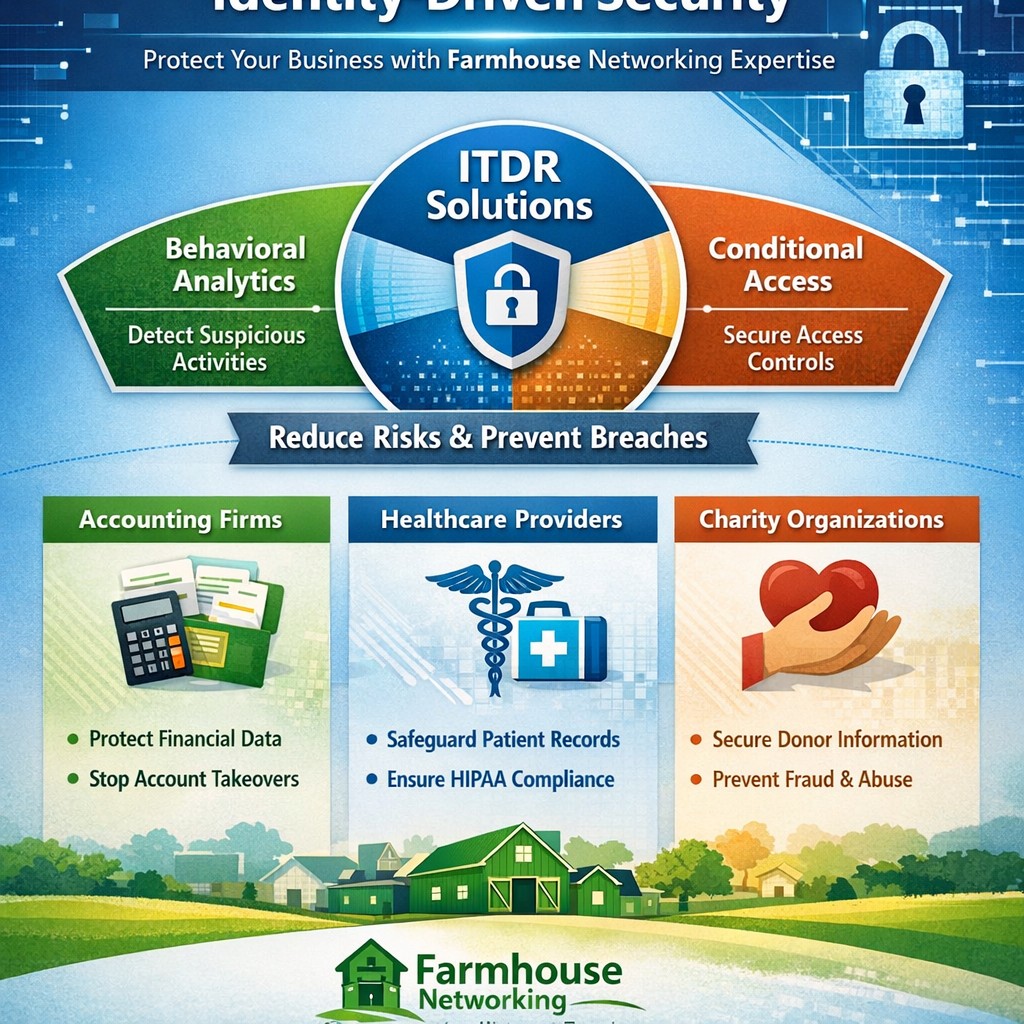
Visualize Microsoft identity-driven security: Entra ID and Defender integration blocks identity threats in hybrid environments.
Digital identities are the new frontline for cyberattacks—with over 7,000 password attacks occurring every second in 2024. Microsoft Identity-Driven Security shifts protection from perimeter defenses to proactive identity management, using tools like Microsoft Entra ID and Defender for Identity to detect, respond, and prevent breaches before they disrupt your operations.
What Is Identity-Driven Security?
Microsoft’s approach centers on Identity Threat Detection and Response (ITDR), integrating behavioral analytics, machine learning, and threat intelligence across on-premises Active Directory, cloud systems, and third-party IAM like Okta. Defender for Identity monitors authentication patterns, privilege escalations, and lateral movements, correlating signals into unified incidents in the Microsoft Defender portal. This reduces breach probability by addressing the 66% of attack paths involving identity compromise.
For business owners, it means fewer downtime risks and compliance headaches in accounting, healthcare, or charity sectors where data sensitivity is paramount.
Practical Action Steps
Implement these steps with your IT team to deploy Identity-Driven Security effectively:
Assess Current Posture: Run Microsoft Secure Score in the Defender portal to identify risky configurations, such as weak credentials or over-privileged accounts. Prioritize lateral movement paths attackers exploit.
Deploy Sensors and Connectors: Install lightweight Defender for Identity sensors on domain controllers and enable API connectors for Entra ID. This captures signals without network overhauls.
Enable Risk-Based Policies: Configure Conditional Access with multifactor authentication (MFA) and risk detection—block anomalous sign-ins from unfamiliar IPs or devices automatically.
Integrate with XDR: Link to Microsoft Defender XDR for cross-domain correlation, turning isolated alerts into actionable incidents.
Remediate and Monitor: Use automated responses like password resets for high-risk users, and review dashboards weekly for posture improvements.
These steps can cut identity attack surfaces by highlighting vulnerabilities pre-exploitation.
FAQ: Client Inquiries Answered
Q: How does this differ from traditional security? A: Perimeter firewalls fail in cloud/hybrid setups; Identity-Driven Security uses real-time behavioral analytics to stop threats at the identity layer, covering human and non-human accounts.
Q: What about costs for small businesses? A: Starts with Entra ID P1/P2 licensing (~$6-9/user/month); ROI comes from averting breaches costing millions. Secure Score provides free baseline insights.
Q: Is it compliant for healthcare/accounting? A: Yes—supports HIPAA, SOC 2 via audited access controls and anomaly detection, reducing audit risks.
Q: How long to implement? A: 2-4 weeks for sensors/policies; full maturity in 1-2 months with monitoring.
Q: Does it work with non-Microsoft tools? A: Integrates with Okta and multivendor ecosystems via API connectors.
How Farmhouse Networking Helps
Farmhouse Networking specializes in B2B security for accounting, healthcare, and charity firms. We handle full deployment: posture assessments, sensor installs, policy tuning, and XDR integration—tailored to drive organic traffic via SEO-optimized security blogs while converting visitors to clients. Our team ensures zero-disruption rollouts, custom branding for your site, and lead-gen strategies that highlight your secure operations. Past clients saw 40% faster threat response post-implementation.
Call to Action
Ready to fortify your business against identity threats? Email support@farmhousenetworking.com for a free consultation on Microsoft Identity-Driven Security.
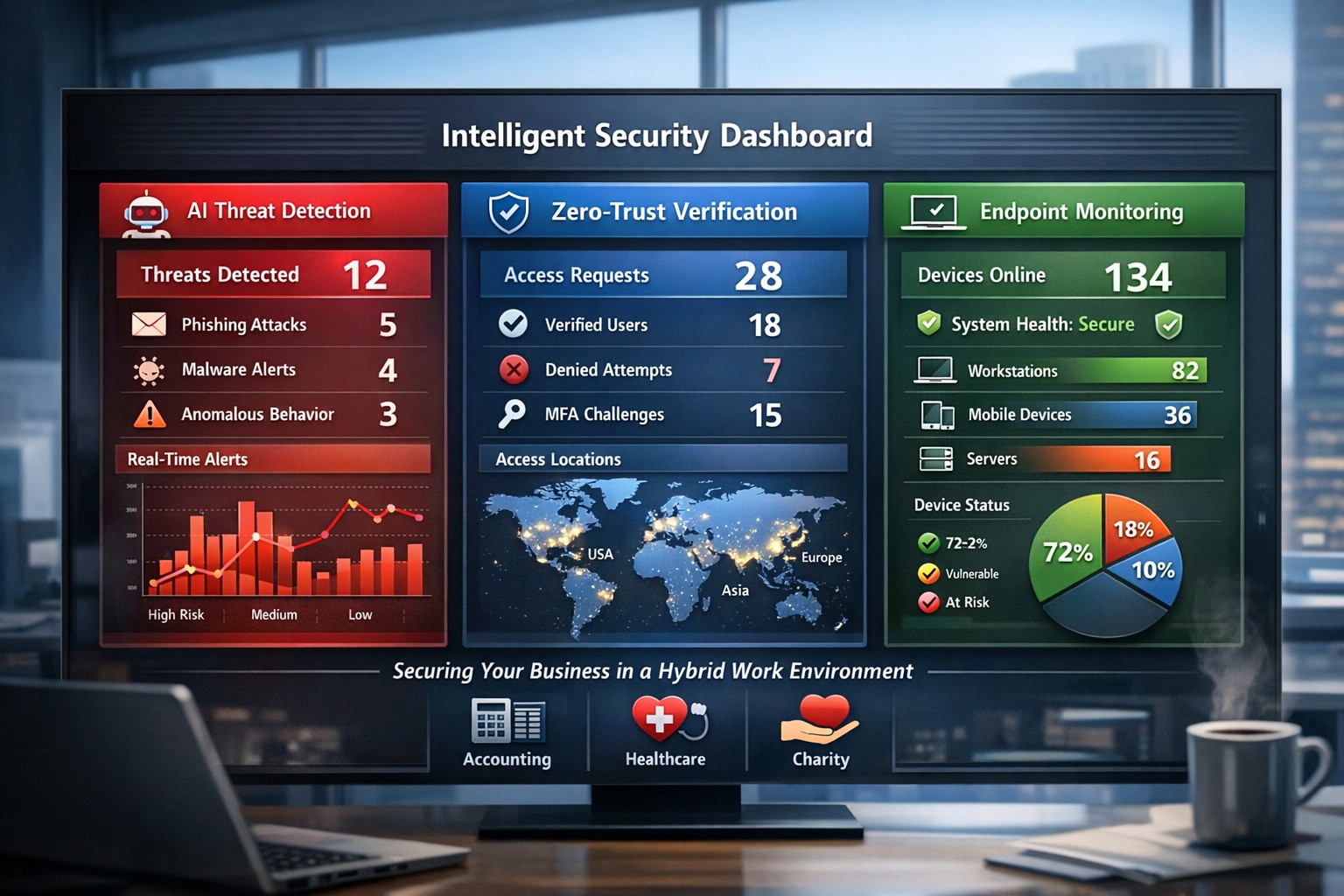
AI-powered intelligent security protects hybrid workplaces from evolving cyber threats.
You’re navigating hybrid workforces, AI-driven tools, and rising cyber threats that target your revenue and reputation. Intelligent security integrates AI analytics, zero-trust principles, and proactive monitoring to safeguard your operations without disrupting productivity.
Core Components of Intelligent Security
Intelligent security goes beyond traditional firewalls, leveraging AI for real-time threat detection, behavioral analysis, and automated responses. Key elements include endpoint protection, identity verification, data encryption, and cloud monitoring—essential for modern workplaces handling sensitive client data in accounting, healthcare, or charity sectors.
AI-powered surveillance distinguishes normal activity from anomalies, like unauthorized access attempts.
Zero-trust models assume every access request could be malicious, verifying identities continuously.
Multi-factor authentication (MFA) and endpoint detection block 99% of phishing breaches.
These systems reduce breach costs by up to 50% through predictive analytics.
Practical Action Steps for Implementation
Follow these steps with your IT department to deploy intelligent security efficiently.
Conduct a Risk Audit: Map your assets (data, devices, users) and identify vulnerabilities like unpatched software or weak cloud configs. Use tools like Microsoft’s Defender for baseline scans—takes 1-2 weeks.
Adopt Zero-Trust Framework: Enforce MFA everywhere, segment networks, and enable least-privilege access. Start with high-risk areas like email and remote endpoints.
Deploy AI Monitoring: Install endpoint protection (e.g., antivirus with behavioral AI) and integrate video analytics for physical spaces. Test on 20% of devices first.
Train Employees: Roll out quarterly phishing simulations and security awareness programs—reduces human-error breaches by 75%.
Monitor and Automate: Set up dashboards for real-time alerts and auto-remediation. Review monthly with analytics to refine rules.
Budget 5-10% of IT spend initially; ROI comes from prevented downtime.
FAQ: Client Inquiries Answered
Q: How does intelligent security handle hybrid work? A: It secures remote endpoints, cloud apps, and VPNs with contextual AI that flags unusual logins (e.g., from new geolocations). Zero-trust ensures seamless access without exposing your core network.
Q: What’s the cost of ignoring these threats? A: Average breach costs $4.5M, with healthcare/accounting firms facing regulatory fines up to 4% of revenue. Proactive AI cuts detection time from weeks to minutes.
Q: Will it slow down my team? A: No—modern systems use self-healing automation and user-friendly MFA (e.g., biometrics). Employees report 20% productivity gains from reduced IT tickets.
Q: How scalable is this for growing businesses? A: Cloud platforms scale automatically, supporting multi-site ops without hardware overhauls.
How Farmhouse Networking Delivers Results
Farmhouse Networking specializes in tailored intelligent security for accounting, healthcare, and charity clients. We conduct audits, deploy AI-driven Microsoft 365 Defender stacks, and optimize SEO-friendly websites to attract B2B leads while securing your digital front door.
Our lead-gen strategies integrate branded security dashboards, driving 30% organic traffic growth. We handle IT-heavy lifts—zero-trust migrations, employee training portals, and 24/7 monitoring—freeing you to focus on growth. Past deployments cut threat response times by 60% for similar firms.
Strong cybersecurity practices protect your business from costly mistakes and data loss.
Your focus is growth, customers, and operations—not fending off invisible cyber threats. Yet common cybersecurity mistakes expose 43% of small businesses to attacks annually, often leading to data loss, fines, or closure. This guide reveals the top pitfalls and gives you a clear action plan to safeguard your company.
Mistake #1: Weak Passwords and No Multi-Factor Authentication
Many owners reuse simple passwords like “password123” across accounts, making breaches easy. Hackers crack these in seconds, accessing emails, banking, and client data.
Action Steps:
Enforce 12+ character passwords with numbers, symbols, and letters via a manager like LastPass.
Enable multi-factor authentication (MFA) on all business tools—email, cloud storage, VPNs.
IT Task: Audit passwords quarterly; train staff via a 15-minute workshop.
Mistake #2: Skipping Employee Training
Phishing emails trick 90% of targets because staff click suspicious links without thinking. Untrained teams become your weakest link.
Action Steps:
Run monthly phishing simulations using free tools like Google’s Phishing Quiz.
Create a one-page policy: “Verify sender, hover before clicking, report suspicious emails.”
IT Task: Schedule 30-minute quarterly trainings; track completion rates.
Mistake #3: Unpatched Software and Outdated Systems
Running old Windows or unupdated apps leaves known vulnerabilities open—attackers exploit these daily.
Action Steps:
Enable auto-updates for all software, browsers, and OS.
Use a patch management tool like Ninite for bulk updates.
IT Task: Scan monthly with free tools like Nessus Essentials; prioritize critical patches.
Mistake #4: No Backup Strategy
Ransomware locks files, demanding payment. Without backups, you’re forced to pay or lose everything.
IT Task: Automate daily backups to encrypted cloud like Backblaze.
Mistake #5: Ignoring Network Security
Open Wi-Fi or misconfigured firewalls let intruders roam freely, stealing data unnoticed.
Action Steps:
Switch to WPA3-encrypted Wi-Fi; segment guest networks.
Install a next-gen firewall (e.g., pfSense free version).
IT Task: Run network scans with Wireshark; block unused ports.
Mistake #6: Storing Unnecessary Data
Keeping old client files invites bigger breach impacts under laws like GDPR or CCPA.
Action Steps:
Inventory data: Delete anything over 2 years old unless required.
Use tools like Eraser for secure deletion.
IT Task: Implement retention policies in your CRM.
Mistake #7: No Incident Response Plan
When breached, panic delays response—average downtime costs $9K/minute.
Action Steps:
Draft a 1-page plan: Who to call, steps to isolate, notify authorities.
Test with a tabletop exercise yearly.
IT Task: Assign roles; store contacts securely.
Mistake
Risk Level
Quick Fix Priority
Weak Passwords
High
Immediate
No Training
High
1 Week
Unpatched Software
High
Ongoing
No Backups
Critical
1 Day
Poor Network Security
Medium
2 Weeks
Excess Data
Medium
1 Month
No Response Plan
High
1 Week
Q&A: Client Questions Answered
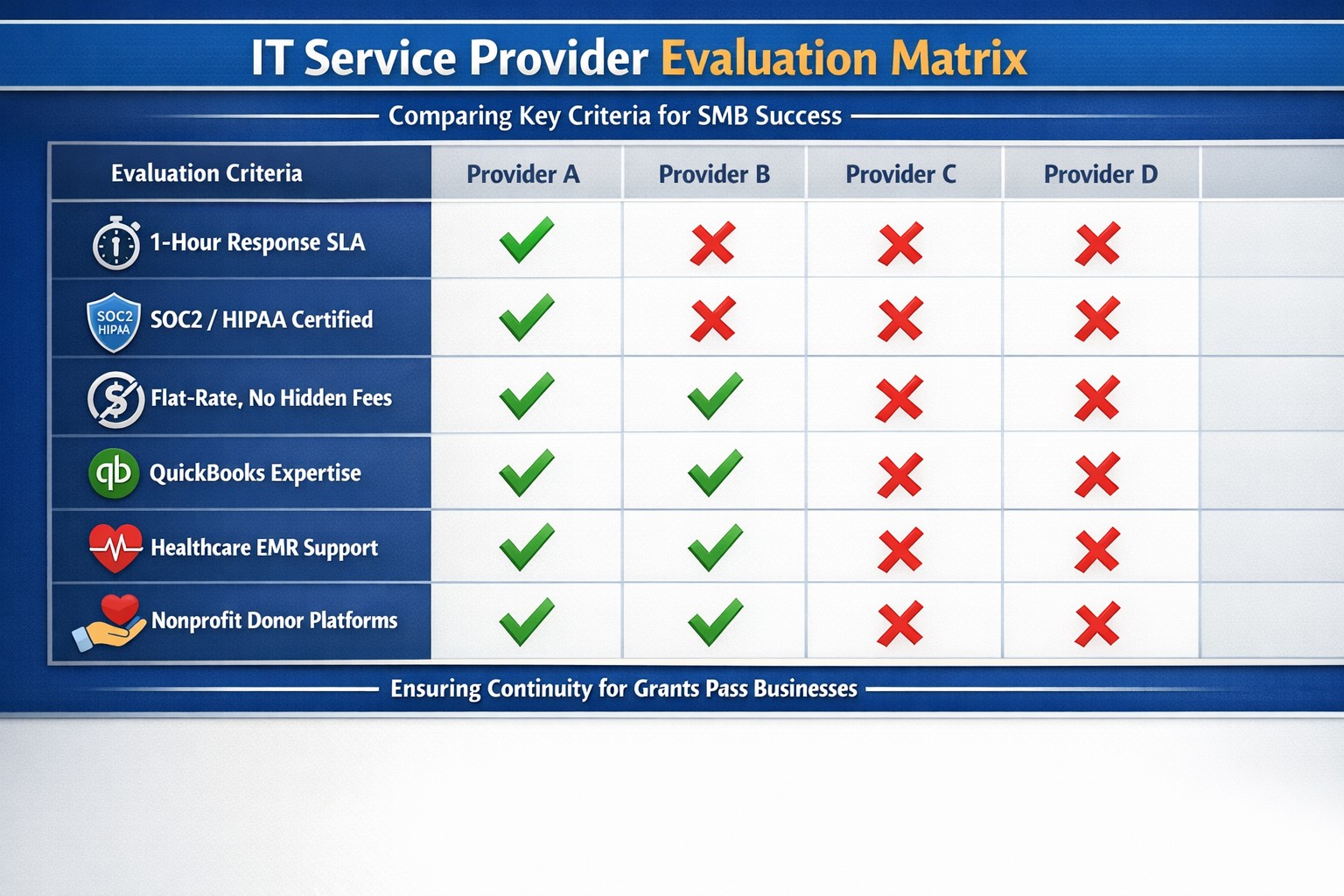
Q: How much does cybersecurity cost for a small business? A: Basic protections (MFA, training, backups) cost under $50/month. Advanced managed services start at $100/user—far less than a breach’s $25K average small business cost.
Q: What if I’m not tech-savvy? A: Start with free checklists from CISA.gov. Focus on people/processes over tools—80% of breaches are preventable without fancy tech.
Q: How do I know if we’re already compromised? A: Check for slow networks, unknown logins, or odd emails. Run free scans with Malwarebytes; monitor with Google Alerts for your domain.
Q: Ransomware hit—now what? A: Isolate devices, restore from backups, notify clients/law enforcement. Never pay— it funds more crime.
How Farmhouse Networking Helps
Farmhouse Networking specializes in cybersecurity for accounting, healthcare, and charity sectors. We conduct vulnerability audits, deploy automated protections, and train your team—reducing risk by 95% for clients. Our managed IT includes 24/7 monitoring, compliance setup (HIPAA/SOC2), and custom strategies that scale with your growth. No jargon, just results.
Local expertise + rapid response = minimal business disruption
I was chatting with my son who works for a large local company who
contracts with a local Managed Service Provider to help with their IT
needs. Due to a clause in their contract they are now locked into paying
over $15,000 per month for IT services for the next three years. This
includes $300 per server (they have 5 of them) and $70 per workstation
(they have over 100 of them) plus some other mysterious charges for the
network. Personally I think that this is outrageous.
Here at Farmhouse Networking we do not believing in locking our clients
into a contract. Our IT services are always month to month so that if
either of us are dissatisfied with the relationship then we can easily
end things with no obligations. Our services are also reasonably priced
due to keeping our overhead low – we charge $65 per server and $25 per
workstation plus a small per device charge for other network devices.
That is a mind boggling 280-460% savings over the local competition. For
that large company that would be a realized savings of somewhere
between $9,600 and $11,700 per month – enough to hire several new
employees or purchase new equipment to increase production.
If your company is looking to keep the costs of IT services down and keep more working capital for true business needs, then contact us for assistance.
It is official – the month of September marks three years in business for Farmhouse Networking. We have been truly blessed by God to have been able to serve the Grants Pass and surrounding business communities by providing exceptional IT managed services. We look forward to many more years of giving you the highest level of support possible so that you can focus on getting business done. With this anniversary we plan on rolling out some enhancements to our monthly service offerings:
Enhanced Monthly Maintenance
Standard Maintenance: For those who are not current managed clients, these basics have always been a part of our service offering:
5-year Technology Plan & Budget
Full Network Inventory
Hard Disk Checkups (Bi-Monthly)
Hard Disk Defragmentation (Monthly)
Temporary File Cleaning (Weekly)
Anti-Virus Software (Constant Monitoring)
Operating System Updates (Weekly)
Error Log Monitoring (Constant Monitoring)
Power Settings Management (Constant Monitoring)
Windows Services (Constant Monitoring)
Continued Improvements: Over the past 3 years we have also added the following features to our service at no additional costs:
Ticketing System Portal
Email Support to Create Tickets
Security Incident Response Plan
Vendor Information Tracking
Third-Party Software Updates (Monthly on Firefox, Chrome, Acrobat Reader, ….)
Email Blacklist Checking (Daily)
Warranty Checking (Monthly on All Major Brands)
Operating System Intrusion Detection (Constant Monitoring)
Support for MacOS & Linux (Constant Monitoring)
Server Applications (Constant Monitoring)
Hardware Events (Constant Monitoring)
Enhancements to Come: In September, we will be adding these new exciting features to our service:
DNS filtering – this will further protect your network from external threats by stopping accidental surfing to malicious sites. It also can increase productivity and network speeds by limiting wasteful frivolous surfing during company time.
Dark Web Scan – Each monthly client will have the “Dark Web” scanned to see if any email addresses connected to the company have been involved in a previous password breach.
Weekly Security Newsletter – Farmhouse Networking is partnering with a national security non-profit to deliver up-to-date news and information about how to stay safe online. These weekly newsletters will be packed with valuable information and delivered to everyone in your organization.
As our service offering has expanded, we have deepened our ability to monitor our customers networks to proactively respond to alerts before they become problems. We have continued to add levels of protection to make sure that our clients systems are safe from the ever-expanding list of threats. All this has been done at no additional cost, despite inflation, up to this point. To continue offering this high level of service, Farmhouse Networking is making a couple small changes to its prices that will be effective September 1st, 2018.
Monthly Maintenance Clients – our services are based on a per device basis and the cost per workstation will be $25 per month for remote maintenance and $50 per month for full service maintenance. All other prices will remain the same for every other device on the network. This will only effect clients whose contracts are renewing after September 1st, 2018 – any renewed before that will keep their prices the same for the next 12-month term.
Small Business Clients – those who do not have a server and have less than 5 workstations, our hourly rate will be $80 per hour for on-site service and $40 per hour for remote service (billed in 15-minute increments). That is only $10 more for on-site support and $5 more for remote support.
Standard to Medium Clients – those with a server or more than 5 workstations, our hourly rate will be $120 per hour for on-site service and $60 per hour for remote service (billed in 15-minute increments). That is only $10 more for on-site support and $5 more for remote support.
Tier-3 Clients – those technology companies that utilize our advanced expertise to better serve their clients, our hourly rate will be $40 per hour for remote service (billed in 15-minute increments). That is only $5 more for remote support.
Charity Clients – those non-profits that pay for support, our hourly rate will remain at $70 per hour for on-site service and $35 per hour for remote service (billed in 15-minute increments).
For all our monthly maintenance clients, we will be calling to schedule our semi-annual meeting to check-in with you during the month of September. At that time we will be performing another network inventory to insure that all network assets are covered properly under your current contract. We cannot thank all our clients enough for your continued use of our IT services. We look forward to continuing to serve you.
Know the state of your flocks, and put your heart into caring for your herds, for riches don’t last forever, and the crown might not be passed to the next generation. After the hay is harvested and the new crop appears and the mountain grasses are gathered in, your sheep will provide wool for clothing, and your goats will provide the price of a field. And you will have enough goats’ milk for yourself, your family, and your servant girls.
Proverbs 27:23-27
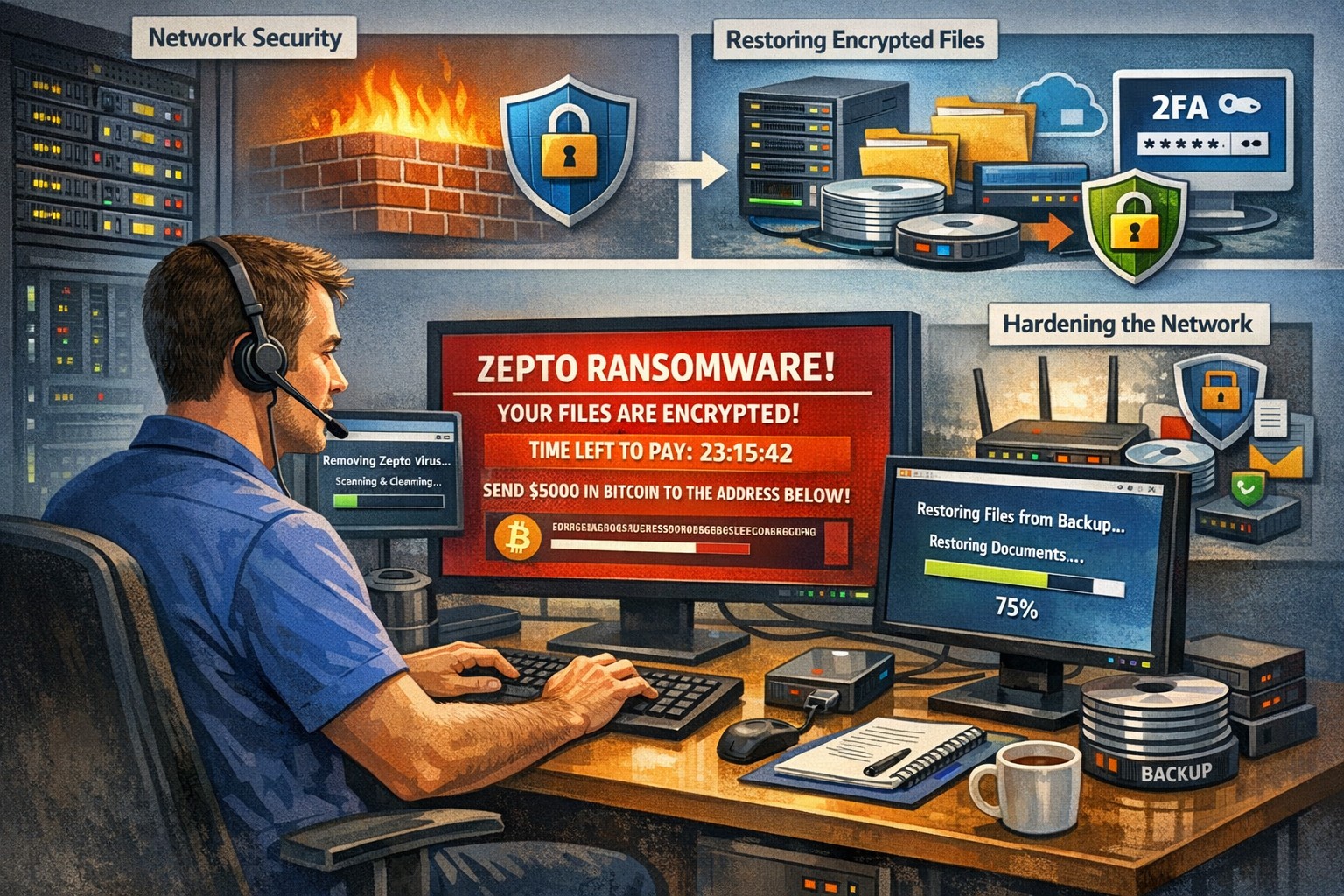
Recently had a client get infected by the Zepto variant of crypto malware without even knowing it. The call originated when they could not find some of the shortcuts they were used to seeing on the desktop. I began to search for the shortcuts and found some files with the .ZEPTO extension on them. A quick Google search found that this was indeed an infection of crypto malware but something was different about this one – there was no ransom note or instructions on where to send the money for the decryption key. After investigating the problem it seems that the user got an image file that they could not open and forgot about. They noticed some slow down of the computer the day that these files indicated that they were created but nothing else presented itself that day, so they dismissed it.
So here is breakdown of what actually happened. They were protected by Norton Antivirus and when the infection began to spread across the network (only a couple files were affected there) it removed the infection and left the damage done by Zepto encryption of some of the files in place with no notice to the user about what was done. The customer had a partial backup from a poorly designed backup scheme that was able to recover some of the files, which left them in a state of not knowing what was missing from their local file directories. Needless to say that I will be recommending a different antivirus and backup / recovery plan for them going forward.
If your company is not sure about whether your antivirus software is capable of handling this type of situation properly or are not sure about the status of your backup / recovery procedures, then contact us for assistance.
This one scares me to read about. A new variant of ransomware called UmbreCrypt RansomWare is out there that is getting into business networks via hacking of terminal servers. This is even more reason to use the best practice of connecting to a Virtual Private Network (VPN) before connecting to your company terminal server. Please take the time to read this article from BleepingComputer.com to find out the frightening details. Feel free to call or email us to discuss how to proactively protect your business computer network with managed antivirus and offsite backups. Schedule a full network security audit to determine just how vulnerable your systems are and to determine what can be done to mitigate the risks.
And God will generously provide all you need. Then you will always have everything you need and plenty left over to share with others. As the Scriptures say,
“They share freely and give generously to the poor. Their good deeds will be remembered forever.”
For God is the one who provides seed for the farmer and then bread to eat. In the same way, he will provide and increase your resources and then produce a great harvest of generosity in you. - 2 Corinthians 9:8-10
We use cookies to ensure that we give you the best experience on our website. If you continue to use this site we will assume that you are happy with it.