AI usage limits are now part of every business plan. Here is what happens when your team hits one, and how to keep company data from walking out the door with them.
When AI usage limits stop work, employees often switch to free AI tools. That is how shadow AI puts company data at risk.
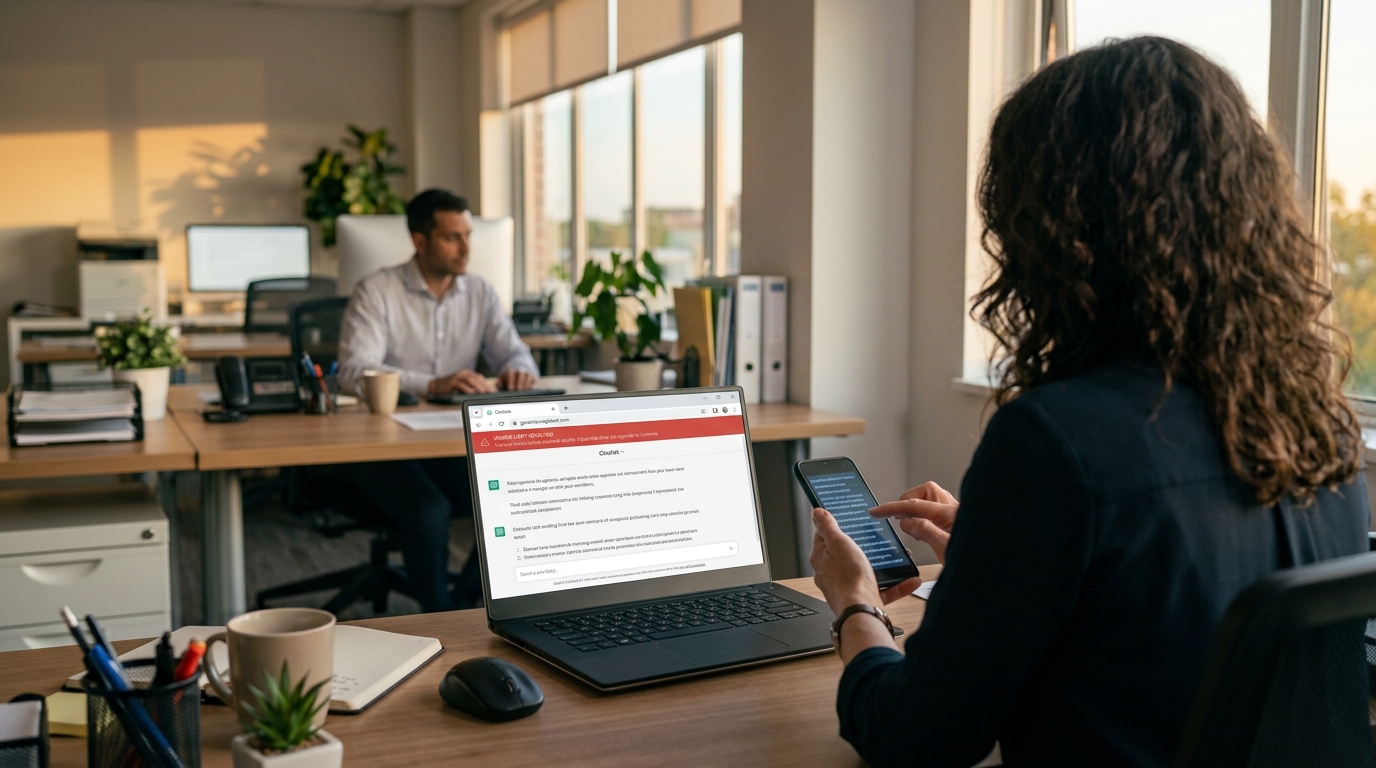
It’s 3:40 on a Thursday. Your office manager is halfway through a customer proposal when the company AI assistant stops responding: usage limit reached, try again later. The deadline is 5:00. So she opens a free AI chatbot on her phone, pastes in the customer’s details, and finishes the job. The proposal goes out on time. The customer’s information now sits on a server you have never vetted, under terms nobody at your company has read.
That is the real risk behind AI token limits. The interruption is annoying. What your people do next can be expensive.
What Are AI Tokens and Why Do They Run Out?
Tokens are how AI tools measure work. A token is a small piece of text, often part of a word, and everything counts: the question, any file you attach, the running conversation history, and the answer. Business AI plans come with an allowance, whether the vendor calls it tokens, credits, or messages.
In 2026 those allowances are tighter and more closely metered. Vendors are moving away from flat, unlimited-feeling plans toward usage-based billing. Microsoft, for example, now bills some Copilot features in Copilot Credits with admin spending limits. At the same time, teams are using AI harder. AI agents that handle multi-step tasks, long chat threads, and large uploaded documents burn through tokens far faster than a quick question does.
What Happens When You Hit the Limit
Depending on the tool and plan, one of three things usually happens:
Work stops. New requests are blocked until the allowance resets or an admin raises it. One source reported one consultant waiting 13 hours for tokens to refresh.
The bill grows. Overage billing keeps things running, then shows up as a surprise on next month’s invoice.
People improvise. Employees switch to whatever AI tool they can reach, usually a free personal account.
That third outcome is called shadow AI: AI tools used for work without the company’s approval or oversight. Free consumer tools may retain what you paste in and, depending on settings, may use it to improve their models. IBM’s 2025 Cost of a Data Breach Report found that 63% of the breached organizations it studied had no AI governance policy, and that high levels of shadow AI added about $670,000 to the average cost of a breach.
Action Steps for Business Owners and IT
Inventory every AI tool in use. Ask staff what they use, including free and browser-based tools. IT should confirm with web traffic and application reports.
Standardize on business-grade plans. Choose approved tools with admin controls and contract terms that keep your data out of model training.
Right-size the allowance. Review usage reports monthly. Set spending caps and threshold alerts so IT hears about a limit before employees hit it.
Write an AI acceptable use policy. Spell out approved tools, data that must never be entered, and exactly what to do when a limit is reached.
Build a fast escalation path. If requesting more capacity takes a day, people will go around it. Make the safe option the easy option.
Restrict unapproved AI sites on company devices. Use web filtering and data loss prevention tools to block or flag sensitive data headed to unknown AI services.
Teach token-smart habits. Start a new chat for each new task, attach only the pages you need, and use lighter models for simple work.
Add AI to your continuity plan. List the workflows that depend on AI and document the manual fallback if the tool is unavailable.
Questions Your Customers May Ask
Do you put my information into AI tools? Only into tools we have approved and configured for business use, under agreements that keep your data out of model training. Our policy prohibits entering customer information into personal or free AI accounts.
What happens if an employee uses an unapproved AI app? Our systems restrict unapproved AI services on company devices, and our policy treats it as a security issue. We would investigate and respond just as we would to any other data concern.
If your AI tool goes down or hits a limit, will my project be delayed? No. AI helps our team work faster, but every AI-assisted process has a documented manual fallback.
Does a person check AI-generated work? Yes. A member of our team reviews anything AI helps produce before it reaches you.
How Farmhouse Networking Can Help
Most small businesses adopted AI one employee at a time, which means few owners know which tools are in use, what they cost, or where the data goes. Farmhouse Networking helps you take control without slowing your team down.
We start by identifying every AI tool touching your network, approved or not. From there we help you choose and configure business-grade accounts, set up usage alerts and spending controls, apply web filtering and data loss prevention to stop shadow AI, and write an acceptable use policy your staff will actually follow. We also train your team on efficient, secure AI habits and add AI dependencies to your continuity plan.
Our 100% U.S.-based team answers the phone live, and most issues are resolved in about 15 minutes, so a blocked tool never becomes an all-afternoon problem.
Get Your Free AI Acceptable Use Policy Template
Your employees are going to hit an AI limit. The only question is whether they have a safe path forward when it happens. Email support@farmhousenetworking.com with AI Policy in the subject line and we will send you our free AI Acceptable Use Policy template, ready to customize for your business.
What the growing patchwork of state laws means for your business, and how to track activity responsibly without eroding staff trust.
A clear, written policy is the starting point for legal, trust-friendly employee monitoring
More states are passing laws that require you to tell employees, in writing, when and how you’re monitoring their electronic activity. At the same time, insider incidents, whether malicious or just careless, remain one of the more expensive risks a small business can face. Those two facts point the same direction: employee activity monitoring is worth doing, but only if it’s built on a clear policy rather than software quietly running in the background. Handled well, it protects your business and your staff know exactly where they stand. Handled poorly, it’s a legal risk and a trust problem rolled into one.
Practical Steps to Take
Put a written monitoring and acceptable use policy in place before you turn on any tracking tool. Define what’s monitored, why, and who sees the reports.
Check your state’s specific requirements, and confirm with an employment attorney if you operate in more than one state. New York, Delaware, Connecticut, Illinois, and Colorado already require written notice or signed acknowledgment before monitoring electronic activity, and more states are following.
If you’re in Oregon, note that state law separately requires notifying everyone in a conversation before it’s recorded, which matters for call and video monitoring specifically. If you have employees or customers in California, remember that state privacy law now covers employee data too, so you need clear notice about what you collect and why.
Scope monitoring to company-owned devices and accounts. Personal phones and personal email should stay out of it unless your BYOD policy explicitly says otherwise.
Get signed acknowledgment from every employee, and update it when the policy changes.
Give your IT provider clear rules for who can see monitoring data, and keep that group small.
Set a schedule for reviewing logs and for deleting them. Don’t let data pile up indefinitely just because storage is cheap.
Revisit the whole policy at least once a year. Both the laws and the tools are changing quickly.
Questions Customers May Ask You
“Is it a red flag that your employees are being monitored? Should I trust this business less?” No, it’s the opposite. It means access to your information is tracked and controlled, not left to chance.
“How do you know an employee hasn’t misused my information?” Access to customer data is logged, and unusual activity, like someone accessing records outside their normal role, gets flagged rather than discovered later.
“Do your employees know they’re being monitored?” Yes. Every employee is given written notice and signs an acknowledgment. Transparency with staff is part of what makes the whole system work.
How Farmhouse Networking Can Help
Farmhouse Networking helps small and mid-sized businesses put together a written employee monitoring and acceptable use policy that matches what your state actually requires, then configures the access controls, activity logging, and secure retention to back it up. It’s part of our managed IT services, so you’re not left guessing whether your policy and your technology actually match, or whether either one would hold up if it were ever questioned.
Let’s Take a Look
If you don’t have a written employee monitoring policy, or you’re not sure your current one matches what your state requires, let’s fix that now. Email support@farmhousenetworking.com and we’ll review what you have and tell you plainly what’s missing.
Audit logs won’t stop an incident from happening. They’re what tells you exactly what happened, how bad it is, and how to move forward with confidence instead of guesswork.
Reviewing audit logs regularly helps small business owners catch problems early and respond with confidence.
An employee’s laptop gets stolen from their car. A phishing email lands and someone clicks it. A contractor’s access is never fully removed after the project ends. Any of these can turn into a genuine crisis, or a contained, well-understood incident, and the difference usually comes down to one unglamorous thing: whether your systems were keeping a record of who did what before anyone knew there was a problem.
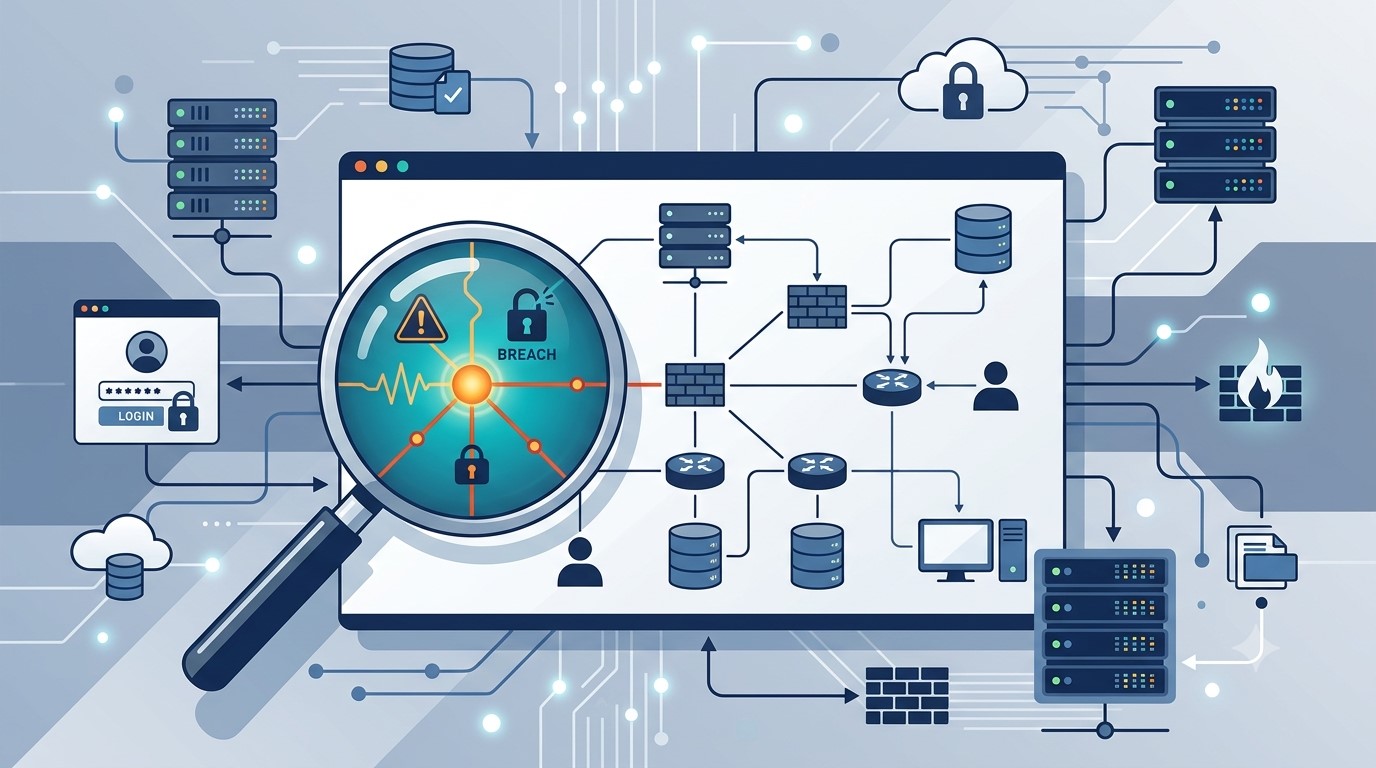
Audit logs are the timestamped trail of activity across your network, systems, and accounts. Most small business owners never think about them until an incident forces the question: what actually happened here, and how far did it go? Without logs, that question gets answered with guesswork, which means overreacting, locking down everything and alarming customers unnecessarily, or underreacting, missing that the problem is worse than it looks. With logs, you get a fast, factual answer.
Action steps for you and your IT team:
Enable logging on your core systems: email, file storage, remote access tools such as VPN or RDP, and any line-of-business software holding customer or financial data.
Log both successful and failed logins. Repeated failures followed by success is one of the clearest signs of a compromised account.
Set a retention period of at least a year for critical systems, and confirm logs aren’t being quietly overwritten by default settings.
Remove access immediately when an employee or contractor leaves, and confirm the removal itself is logged.
Store logs somewhere separate from the systems they’re monitoring, so an attacker who compromises one system can’t also erase the evidence.
Review logs on a regular schedule, not only when something feels wrong. Most warning signs show up as patterns over time.
Know who on your team, or which vendor, is actually responsible for watching this. If the answer is no one, that’s the gap to close first.
Questions clients ask us about this:
Q: We’re a small business. Do we really need this level of tracking? A: Attackers don’t skip small businesses because they’re small. Many target them specifically because defenses tend to be lighter. Basic logging is inexpensive and often the deciding factor in how quickly you recover from an incident.
Q: We have antivirus and a firewall. Isn’t that enough? A: Those tools help prevent and detect threats, but they don’t give you a full history of user activity across your systems. Logs answer the who and when that other tools weren’t built to track.
Q: If nothing bad has ever happened to us, why start now? A: Most businesses that suffer an incident didn’t see it coming either. Logging is cheap insurance you set up before you need it, because you can’t go back and turn it on after the fact.
How Farmhouse Networking helps: We help small and mid-sized businesses put practical monitoring and logging in place without overcomplicating your environment or your budget. That means configuring logging across your key systems, setting retention that actually covers you, and reviewing activity on a regular schedule so small issues get caught before they become expensive ones. If something does happen, you get a fast, clear answer from a U.S.-based team who already knows your setup, instead of starting from zero during a crisis.
Why how your staff uses AI matters more than whether they use it
Experienced staff use AI to work faster. New hires should watch and learn from it, not let it do the job for them.
Why how your staff uses AI matters more than whether they use it
Somewhere in your business right now, an employee is probably using AI to draft an email, summarize a document, or answer a customer question. Whether you approved it or not, AI has already found its way into your workday. The real question for your business isn’t whether to allow AI. It’s whether the people using it know the difference between a tool that makes them better and a shortcut that replaces their judgment.
Here’s a useful way to think about it: AI should act as a tool in the hands of a master and a mentor in the hands of a novice. Your most experienced employees already know what good work looks like in your business, whether that’s a client proposal, a service call, or a piece of finished work. For them, AI is a force multiplier that speeds up the parts of the job they already understand. For your newest hires, the ones still learning how your business actually operates, AI shouldn’t hand them a finished answer to pass along. It should be something they watch work through a problem and learn from, the way they’d learn by shadowing an experienced coworker.
Get that balance backward and the risk is real. Gartner predicts that by 2030, 30 percent of organizations will see worse decision-making tied directly to overreliance on AI, a risk concentrated among less experienced employees in roles that depend on judgment. In practice, that looks like a new hire who never develops real expertise because AI has always supplied the answer. There’s also a more immediate problem: recent workplace surveys found a majority of employees already use AI tools their employer never approved or reviewed, often entering business or customer information into them without a second thought. For any business that handles customer data, that’s a real exposure, not a hypothetical one.
What This Means for Your Business
The goal isn’t to slow down AI adoption. It’s to make sure your best people are using it to work faster, while your newest employees are actually building skill, not just prompting their way through the job.
Action Steps for You as the Business Owner
Put a simple written AI use policy in place: which tools are approved, what business or customer data can go into them, and who signs off on new tools.
Separate low-risk uses, like drafting internal notes, from anything touching customer data, financial information, or work that goes out under your name.
Require experienced staff to review AI-assisted work until you’ve established confidence in the results, not just approved it once and moved on.
Treat AI as a training tool for new hires: have them explain how the AI arrived at an answer to a supervisor, rather than submitting the output directly.
Revisit the policy every few months. AI tools and the risks around them change faster than most small business policies do.
Action Steps for Your IT Department or Provider
Take inventory of the AI tools already touching your network, including ones employees adopted on their own without telling anyone.
Confirm which tools meet your data security and privacy standards, and restrict or block the ones that don’t.
Set up monitoring that flags new or unapproved AI tool use before it becomes a habit across the team.
Check whether AI features built into your existing software, like your CRM or accounting platform, meet the same security bar as the rest of your systems.
Put technical controls behind the written policy, such as access restrictions and activity logs, so it’s more than a memo employees forget.
Questions Your Customers Might Ask You
“Are you using AI to handle my information or my order?” Be direct about where AI helps, such as drafting a first response, and reassure them a staff member reviews anything that matters before it reaches them.
“Is my information safe if you’re using these tools?” Point to your policy: only vetted, secure tools are used, and customer information never goes into a tool that hasn’t been reviewed.
“Will AI replace the people I usually work with at your business?” Explain that AI supports your team’s work, it doesn’t make the final call, and every decision that affects a customer still comes from a person.
“How do I know your newer staff aren’t just letting AI do their job?” Explain that your business uses AI as a supervised training tool for newer employees, always reviewed by an experienced coworker, not a substitute for learning the job.
How Farmhouse Networking Can Help
Setting the right guardrails takes more than good intentions. Farmhouse Networking helps small and mid-sized businesses build AI usage policies that match how their teams actually work, put practical safeguards behind those policies, and monitor the network for AI tools employees may have adopted without approval. We help you see clearly what’s already running on your systems, close the security gaps, and put a structure in place so your experienced staff can work faster with AI while your newest employees are actually learning the job.
If you’re not sure what AI tools are already touching your business data, or you want a policy that actually holds up, we can help you find out and fix it.
Email us at support@farmhousenetworking.com and let’s talk about what a safe, practical AI approach looks like for your business.
Voice phishing scams are getting harder to spot, and they’re not just an enterprise problem anymore. Here’s what business owners need to do now.
One convincing phone call is often all it takes. Verification before action is the strongest defense against vishing.
A hedge fund employee gets a phone call. The voice sounds exactly like a colleague, tone and pacing included. Within minutes, the caller has talked their way into a password reset. That scenario played out at several major investment firms in August 2026, when AI-generated voice cloning was used to target Point72, Citadel, and Millennium Management. Two Sigma caught the attempt before any damage was done, according to Bloomberg’s reporting.
Most small and mid-sized businesses don’t have that level of security scrutiny watching over them. This is vishing: voice phishing, where a scammer uses a phone call instead of an email to trick someone into handing over credentials, approving a wire transfer, or granting system access. It’s not a future threat. It’s active right now, and AI voice tools are making it more convincing every month.
Why Vishing Works So Well
People trust a human voice more than a written message, and criminals know it. According to Verizon’s 2026 Data Breach Investigations Report, phone-based social engineering succeeds roughly 40% more often per attempt than email phishing. Gartner research found that 35% of organizations have already experienced at least one deepfake-related incident, yet only 10% of security leaders prioritize training staff to recognize a cloned voice, compared to 73% who focus on email phishing alone.
The financial risk is real. In 2023, a vishing call to an IT help desk was the entry point for a breach that cost MGM Resorts an estimated $100 million.
Action Steps for Owners and IT
For the business owner:
Set a rule that no wire transfer, password reset, or system access is approved based on a phone call alone. Require a callback to a known, independently verified number first.
Build a culture where staff can pause and question an “urgent” request without fear of looking difficult.
Schedule recurring, not one-time, staff training on phone-based scams.
For your IT team or provider:
Enforce multi-factor authentication on every account that supports it, and never let it be disabled based on a phone request.
Require independent identity verification before any help desk password reset.
Document and block known scam and spoofed numbers where possible.
Run periodic simulated vishing tests to find gaps before criminals do.
Questions Clients Are Asking
“How do I know if a call is legitimate?” Hang up and call the company or person back using a number you already have on file, not one the caller gives you.
“What should my team do if they’re unsure?” Stop, verify, then act. No legitimate request will penalize someone for double-checking.
“Can this really happen to a business our size?” Yes. Smaller businesses are often targeted precisely because attackers assume less security is in place.
“What’s the first thing we should change?” Put a callback verification policy in place this week. It costs nothing and closes the biggest gap immediately.
How Farmhouse Networking Can Help
Farmhouse Networking builds vishing and social-engineering awareness training around how your team actually works, not a generic slideshow. We run realistic simulated call scenarios, show you exactly where the gaps are, and help you put clear verification procedures in place your staff will actually follow. As a locally based, USA-only provider, we invest heavily in our own team’s ongoing security training, and we bring that same standard to yours.
Protect Your Business Before the Call Comes In
Vishing attacks succeed because they catch people off guard. A short, honest conversation now is a lot less costly than the one you’d have after a breach. Email us at support@farmhousenetworking.com for a free risk assessment. We’ll give you a clear picture of where your business stands, not just against vishing, but across your full security posture.
Why Root Cause Analysis Belongs in Your Incident Response Plan
Finding the root cause of an IT incident is what stops it from happening again.
If your last IT issue got fixed but never explained, you may already be sitting on a repeat problem.
Here’s how it usually goes: an employee’s email gets compromised, your IT provider resets the password, the alerts stop, and everyone moves on. But almost nobody asks the harder question — how did the attacker actually get in, and is that same weakness still open somewhere else in your business?
That question is the entire purpose of root cause analysis (RCA). It’s the difference between putting out a fire and finding out what’s been leaking gas into the building. Skip it, and you’re not preventing the next incident — you’re just waiting for it.
What Root Cause Analysis Actually Means for Your Business
Incident response is the emergency part: contain the threat, restore access, get back to work. Root cause analysis is the follow-up step that asks why it happened in the first place — a phishing gap, a missing security policy, an unpatched system, a training blind spot. Without that step, your business ends up treating the same underlying weakness as a brand-new crisis every time it resurfaces.
Action Steps for You and Your IT Provider
Require a written root cause summary after any security incident — not just a “resolved” notification.
Ask whether your provider monitors for unusual sign-in locations and session activity, not just failed login attempts.
Confirm Conditional Access policies are enforced to block logins from unexpected countries or unmanaged devices.
Review whether staff training addresses the specific method behind the last incident, not just general reminders.
Ask your provider whether an incident was isolated or part of a broader pattern across your systems.
Build a root cause step into your written incident response plan, if you don’t already have one.
Schedule a 30-day follow-up review to confirm the fix actually held.
Questions Your Team Might Ask You
Q: We already fixed it — why dig further? A: Fixing the account doesn’t fix the door the attacker used to get in. Without knowing how it happened, you can’t be confident it won’t happen again the same way.
Q: Doesn’t this slow down how fast issues get resolved? A: No. Containment happens immediately, every time. Root cause review is a short follow-up step afterward — usually a summary or a brief call, not a delay.
Q: Is this really worth the extra step for a business our size? A: Yes — arguably more so. Smaller businesses often can’t absorb the same incident twice. Understanding the cause the first time is what keeps a bad week from becoming a bad year.
How Farmhouse Networking Helps
We recently helped a client contain an incident where an employee’s login session — not just her password — was stolen through a convincing fake sign-in page that looked identical to a real Microsoft 365 login. Containing it was step one. The real work was tracing exactly how the attacker got that session, confirming nothing else in the environment was exposed the same way, and closing the gap permanently.
That’s the process we apply to every incident we handle. Farmhouse Networking documents root cause on every security event, gives you a plain-language explanation of what actually happened and why, and makes sure the fix addresses the cause — not just the symptom.
Want to Know What’s Really Behind Your Last IT Incident?
If your business has had an IT issue that got resolved but never really explained, that’s worth a second look before it repeats itself. Email us at support@farmhousenetworking.com and we’ll walk you through what a proper root cause review looks like — plainly, and without the jargon.
A growing attack technique lets criminals steal a live login session instead of a password — and most businesses have no idea it’s happening until it’s too late.
A single stolen login session can be enough for attackers to bypass MFA and take over a business email account.
For years, business owners have been told the same thing: turn on multi-factor authentication (MFA) and you’re safe. That advice is still mostly true — but a newer style of attack is proving it isn’t the whole story. We recently helped a regional nonprofit contain an incident that shows exactly how this plays out, and it’s a pattern every small business owner should understand.
Here’s what happened, in short: an employee was directed to a fake login page that looked identical to the real Microsoft 365 sign-in screen. She entered her password and completed her MFA step normally. But the fake page was secretly relaying everything to the real Microsoft servers in real time — and it captured the “session” created after she logged in. That session is like a hall pass: once you have it, you don’t need the password or the MFA code again. The attacker used it to log in as her, days later, from the other side of the world.
From there, the attacker spent time reading email, quietly created a mail rule to auto-delete replies, and used the compromised account to send hundreds of file-sharing invitations and emails to external contacts — all appearing to come from a real, trusted employee.
Action steps for you and your IT provider:
Ask your IT provider whether your email platform is monitoring for “impossible travel” or suspicious sign-in locations, not just failed MFA attempts.
Enable and enforce Conditional Access or equivalent policies that block sign-ins from unexpected countries or devices.
Shorten session lifetimes so a stolen session expires faster.
Train staff to check the URL bar before entering credentials — even on pages that look pixel-perfect.
Make sure your provider can see and revoke active sessions instantly, not just reset passwords.
Review mail rules periodically; attackers often hide behind rules named with punctuation marks so they’re invisible in a quick glance.
Confirm your incident response plan includes session token revocation, not just password resets.
Q&A
Q: If we have MFA, aren’t we protected? A: MFA blocks most attacks, but this technique steals the session created after MFA succeeds. You need monitoring and Conditional Access policies layered on top of MFA, not instead of it.
Q: How would we even know this happened? A: Often the first sign is unusual outbound email, unexpected file-sharing invitations, or partners asking why they received a strange invoice link. Proactive monitoring catches it earlier.
Q: Is this expensive to defend against? A: Most of the defenses — Conditional Access policies, session timeout settings, monitoring — are configuration changes, not new purchases, if your provider has the expertise to set them up correctly.
How Farmhouse Networking Helps
Farmhouse Networking configures and monitors Microsoft 365 environments specifically to catch this kind of attack — unusual sign-in locations, hidden mail rules, mass outbound activity — before it turns into a full-blown incident. We also help small businesses put the right guardrails in place from the start, so a stolen password or session doesn’t become a company-wide problem.
Not sure if your email environment could catch an attack like this? Email us at support@farmhousenetworking.com to schedule an MFA and email-security review. We’ll walk through your current setup and tell you plainly where the gaps are.
How small business owners can use AI to simplify HR — hiring, onboarding, and staff support — without adding headcount or risk
Small business owners are turning to AI to simplify hiring, onboarding, and everyday HR tasks.
If you’re running a small business, HR is probably one of a dozen hats you wear, not a full-time job. AI tools built for HR — screening applicants, automating onboarding paperwork, answering common staff questions — can take real work off your plate. The opportunity is significant, but so is the need to choose and set up these tools carefully so they don’t create new security gaps.
Action Steps for Owners and IT
List the HR tasks currently taking the most time: recruiting, onboarding, PTO tracking, or answering repeat staff questions.
Evaluate AI-assisted applicant screening and interview scheduling tools that fit your team size and budget.
Set up an AI-powered internal FAQ or chatbot trained on your policies so staff get quick answers without interrupting you.
Have your IT provider review any new HR tool’s data handling and access controls before your team starts using it.
Use AI-generated summaries of employee feedback or engagement surveys to catch problems before they become turnover.
Create a simple written policy on what information staff can and can’t enter into AI tools.
Confirm data storage location and vendor security practices before rolling out any HR software company-wide.
Questions Staff Might Ask
Is the company using AI to decide who gets hired or promoted? AI speeds up early-stage screening, but hiring and promotion decisions still come from you or your managers.
Is my personal information safe with these tools? Properly vetted tools keep employee data secure and separate from other business systems — your IT provider should confirm this before adoption.
Will this replace my manager or HR contact? No — these tools reduce repetitive administrative work so the people around you have more time for you.
How Farmhouse Networking Can Help
Farmhouse Networking helps small business owners vet, integrate, and secure AI-powered HR tools — from applicant screening to internal chatbots — so you get the time savings without the security headaches. We handle the technical review and staff training so you can adopt these tools with confidence.
What the CMMC suspension teaches every small business about the danger of waiting on compliance
Building a cybersecurity policy before it’s required can save your business time, money, and trust.
On July 13, 2026, the Department of War suspended Phase II of its Cybersecurity Maturity Model Certification (CMMC) program — the rule that would have required over 100,000 defense contractors to complete third-party cybersecurity assessments starting this November. The reason wasn’t that cybersecurity stopped mattering. It’s that the compliance system itself couldn’t scale: too few certified assessors, costs approaching $600,000 per certification, and a timeline small businesses couldn’t meet.
That story has nothing to do with defense contracts if you’re not one. But it has everything to do with a mistake we see constantly: business owners treating cybersecurity policy as something to build only when a regulator forces the issue. When the deadline moves or disappears, so does the motivation — right up until a breach, an insurance audit, or a client contract makes it urgent again, usually at the worst possible time.
Why Waiting Is the Expensive Choice
Government programs get delayed, revised, or scrapped. Your actual risk — ransomware, phishing, a stolen laptop, an employee clicking the wrong link — doesn’t wait for anyone’s regulatory calendar. Businesses that build security practices proactively spend less, recover faster, and rarely scramble when a client or insurer asks for documentation they don’t have.
Action Steps for Business Owners
Write down your security policies now, even in simple form: password requirements, data handling rules, who can access what.
Inventory your systems and data — you can’t protect what you haven’t mapped.
Set a patch and update schedule instead of reacting to alerts.
Back up data regularly and actually test that restores work.
Train staff on phishing and basic security hygiene at least twice a year.
Review vendor contracts for the security commitments you’re already making to clients or partners.
Revisit your plan quarterly — don’t let it go stale.
Questions Business Owners Are Likely Asking
“If the government paused its own program, why should I move faster on mine?” Because your risk was never tied to their timeline. The suspension was about assessment logistics, not about cyber threats becoming less real.
“Isn’t this overkill for a small business?” No — attackers target small businesses precisely because they assume no one built a plan. A written policy costs far less than a breach.
“Do I need a full compliance framework?” Not necessarily. You need documented, consistently applied practices. Formal frameworks can come later if a client or contract requires them.
“What if I don’t have an in-house IT person?” That’s exactly where a managed partner earns their keep — building and maintaining the plan so you don’t have to.
How Farmhouse Networking Helps
We help small and mid-sized businesses build the security foundation regulators eventually ask for — without waiting for a mandate to force the issue. That means clear, documented policies, practical safeguards like MFA and monitored backups, and straightforward guidance you can actually act on, without the jargon.
Don’t Wait for the Next Deadline to Get Serious
Regulations pause. Real risk doesn’t. If you’ve been putting off a cybersecurity policy because “nothing’s required yet,” now is the time to close that gap — before something else forces the timeline.
Email us at support@farmhousenetworking.com for a free cybersecurity policy review. We’ll tell you plainly where you stand and what to fix first.
What this summer’s federal security campaign means for any business holding sensitive data
Taking a few hours this summer to review your security practices can prevent a costly data breach later.
What this summer’s federal security campaign means for any business holding sensitive data
This July, the IRS and its Security Summit partners launched Protect Your Clients; Protect Yourself, a five-week campaign built for tax preparers. It walks through the phishing schemes, impersonation scams, and stolen-credential attacks criminals are using against professionals who hold sensitive client data, along with the basic safeguards, written security plans, and verification tools meant to stop them.
Your business may have nothing to do with taxes. But the tactics described in this campaign — fake “new client” emails carrying malware, spoofed calls, and urgent requests designed to pressure someone into clicking or sharing information — are used against every kind of small business, not just tax firms. If your company stores customer records, payment details, or employee data, you’re a target using the same playbook. Summer is a good time to check whether your own safeguards would hold up.
Action Steps for You and Your IT Team
Write down your security practices. A simple, documented policy covering data handling, access, and response is far better than relying on informal habits.
Enable multi-factor authentication on email, financial systems, and any remote access used by your team.
Review employee access regularly, and immediately revoke access for anyone who leaves the company.
Train your team to spot phishing and impersonation attempts, especially fake vendor invoices, urgent executive requests, and unexpected attachments.
Test your backups, not just assume they’re running, to confirm you could actually recover if something went wrong.
Document an incident response plan so your team knows exactly who to call and what to do the moment something looks wrong.
Questions Your Customers or Employees Might Ask
“How do you protect the information you have on file for us?” We maintain a documented security policy, require multi-factor authentication across our systems, and regularly review who has access to sensitive data.
“What would happen if your systems were breached?” We have a tested response plan and know exactly how we’d respond and notify anyone affected.
“Why do you keep asking us to verify things that used to be simple?” Because verification steps protect both of us from scams that specifically exploit shortcuts and urgency.
How Farmhouse Networking Can Help
Farmhouse Networking helps small and mid-sized businesses turn good intentions into an actual, documented security program: written policies, MFA across your critical systems, cleaned-up user access, tested backups, and a clear incident response plan. We handle the technical details so you can run your business with confidence instead of guesswork.
Find Out Where Your Business Actually Stands
Email support@farmhousenetworking.com for a free security assessment, and close the gaps the IRS is warning everyone else about — before they cost you something worse.
And God will generously provide all you need. Then you will always have everything you need and plenty left over to share with others. As the Scriptures say, “They share freely and give generously to the poor. Their good deeds will be remembered forever.” For God is the one who provides seed for the farmer and then bread to eat. In the same way, he will provide and increase your resources and then produce a great harvest of generosity in you. - 2 Corinthians 9:8-10
We use cookies to ensure that we give you the best experience on our website. If you continue to use this site we will assume that you are happy with it.