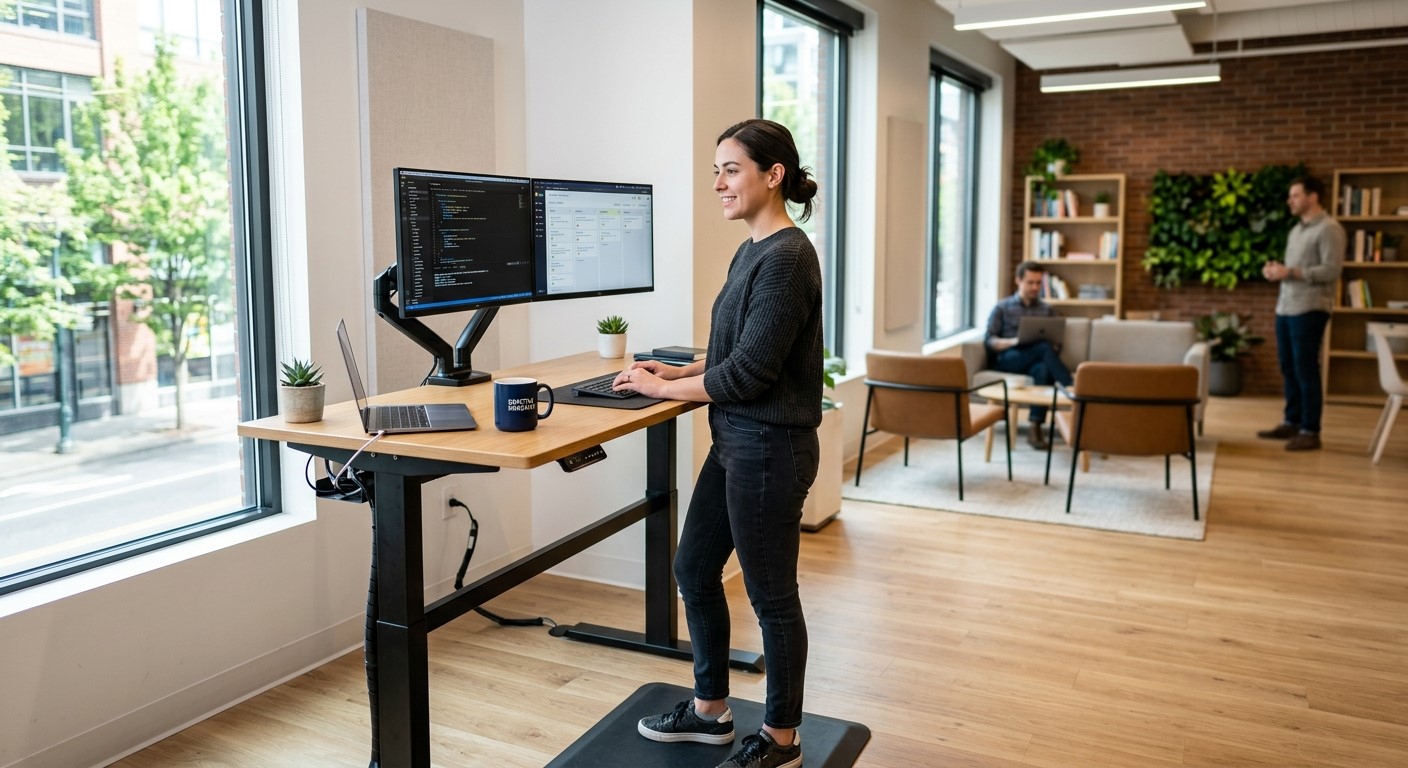
The American Chiropractic Association just endorsed adjustable standing desks and monitor arms
A well-planned ergonomic workstation supports both employee comfort and IT reliability.
This is a small industry story that’s really about a bigger issue: how well your workplace supports the people who keep your business running.
The American Chiropractic Association announced its endorsement of adjustable standing desks and monitor arms, pointing to their ergonomic design and role in reducing strain during long work sessions. For small and mid-sized business owners, it’s a useful prompt to take stock of your own office. Most workplace injuries aren’t dramatic, they’re cumulative, showing up as chronic discomfort, missed days, and slow-building turnover risk among the staff who spend the most hours at a desk.
Ergonomics isn’t just a wellness perk. It’s a practical, low-cost way to reduce absenteeism and protect the productivity of your team.
Action Steps for Business Owners and IT Staff
Identify which employees spend the most consecutive hours at a workstation, and start there.
Try low-cost fixes first: monitor height, chair adjustment, and keyboard positioning, before investing in new equipment.
If you’re upgrading desks or adding monitor arms, involve your IT provider early. Cable management, power access, and hardware compatibility all need to be part of the plan.
Build ergonomic upgrades into your regular equipment refresh cycle instead of treating them as a separate, one-time project.
Ask employees directly what’s uncomfortable, the fix is sometimes simpler and cheaper than a full desk replacement.
Reassess your office setup annually, especially after any staffing or equipment changes.
Questions Employees or Managers Might Ask
“Do we need to replace every desk in the office?” No. Most businesses phase upgrades in by role, starting with the highest-strain positions.
“Will new equipment interfere with our existing setup?” It shouldn’t — as long as the physical changes are planned alongside your network and hardware configuration, not as an afterthought.
“Is this really an IT issue?” More than people expect. Monitor arms, docking stations, and desk power all intersect with your network and device setup, which is why it’s worth coordinating both at once.
How Farmhouse Networking Can Help
Workplace equipment changes almost always touch your IT environment more than expected: cabling, power, docking stations, and device compatibility all need to work together. Farmhouse Networking helps small and mid-sized businesses plan equipment upgrades that support both staff wellbeing and system reliability, so a simple desk swap doesn’t turn into a network headache.
Ready to Take a Closer Look at Your Office Setup?
If you’re considering ergonomic upgrades for your team, let’s make sure the technical side is handled right. Email us at support@farmhousenetworking.com for a free workplace and IT equipment consultation.
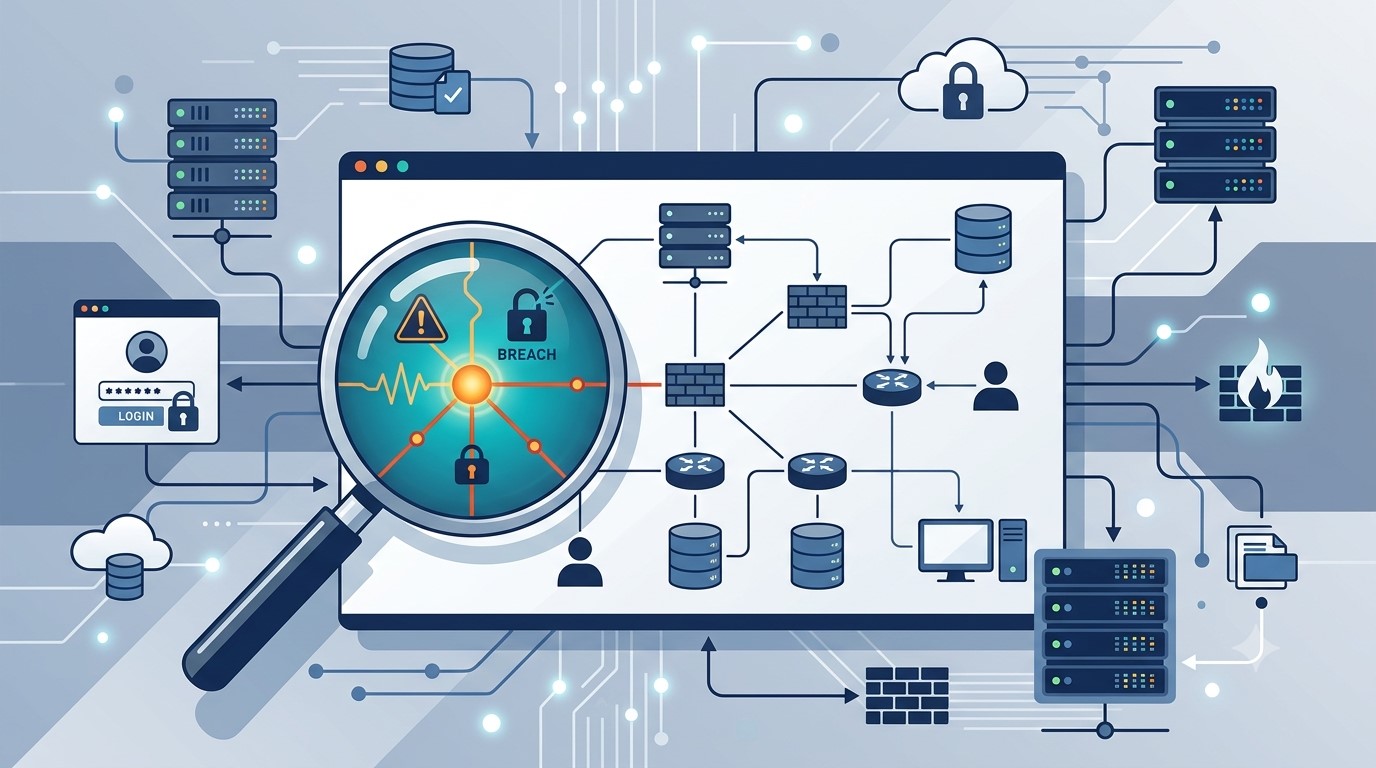
Why Root Cause Analysis Belongs in Your Incident Response Plan
Finding the root cause of an IT incident is what stops it from happening again.
If your last IT issue got fixed but never explained, you may already be sitting on a repeat problem.
Here’s how it usually goes: an employee’s email gets compromised, your IT provider resets the password, the alerts stop, and everyone moves on. But almost nobody asks the harder question — how did the attacker actually get in, and is that same weakness still open somewhere else in your business?
That question is the entire purpose of root cause analysis (RCA). It’s the difference between putting out a fire and finding out what’s been leaking gas into the building. Skip it, and you’re not preventing the next incident — you’re just waiting for it.
What Root Cause Analysis Actually Means for Your Business
Incident response is the emergency part: contain the threat, restore access, get back to work. Root cause analysis is the follow-up step that asks why it happened in the first place — a phishing gap, a missing security policy, an unpatched system, a training blind spot. Without that step, your business ends up treating the same underlying weakness as a brand-new crisis every time it resurfaces.
Action Steps for You and Your IT Provider
Require a written root cause summary after any security incident — not just a “resolved” notification.
Ask whether your provider monitors for unusual sign-in locations and session activity, not just failed login attempts.
Confirm Conditional Access policies are enforced to block logins from unexpected countries or unmanaged devices.
Review whether staff training addresses the specific method behind the last incident, not just general reminders.
Ask your provider whether an incident was isolated or part of a broader pattern across your systems.
Build a root cause step into your written incident response plan, if you don’t already have one.
Schedule a 30-day follow-up review to confirm the fix actually held.
Questions Your Team Might Ask You
Q: We already fixed it — why dig further? A: Fixing the account doesn’t fix the door the attacker used to get in. Without knowing how it happened, you can’t be confident it won’t happen again the same way.
Q: Doesn’t this slow down how fast issues get resolved? A: No. Containment happens immediately, every time. Root cause review is a short follow-up step afterward — usually a summary or a brief call, not a delay.
Q: Is this really worth the extra step for a business our size? A: Yes — arguably more so. Smaller businesses often can’t absorb the same incident twice. Understanding the cause the first time is what keeps a bad week from becoming a bad year.
How Farmhouse Networking Helps
We recently helped a client contain an incident where an employee’s login session — not just her password — was stolen through a convincing fake sign-in page that looked identical to a real Microsoft 365 login. Containing it was step one. The real work was tracing exactly how the attacker got that session, confirming nothing else in the environment was exposed the same way, and closing the gap permanently.
That’s the process we apply to every incident we handle. Farmhouse Networking documents root cause on every security event, gives you a plain-language explanation of what actually happened and why, and makes sure the fix addresses the cause — not just the symptom.
Want to Know What’s Really Behind Your Last IT Incident?
If your business has had an IT issue that got resolved but never really explained, that’s worth a second look before it repeats itself. Email us at support@farmhousenetworking.com and we’ll walk you through what a proper root cause review looks like — plainly, and without the jargon.
Why waiting on that hardware upgrade could cost you more the longer you put it off
As computer prices continue to climb, planning your hardware refresh now can help your business avoid paying more later.
If you’ve been telling yourself “next quarter” every time a laptop upgrade comes up, it’s time to rethink that plan. Industry analysts are now projecting one of the steepest computer price increases in years, driven by a global memory chip shortage that shows no sign of easing. For business owners who’ve been putting off replacing aging machines, the math has changed. The equipment you delay buying today will likely cost meaningfully more tomorrow.
Why prices are rising now
The root cause is a supply crunch in memory chips — the RAM and storage components inside every computer. Analysts at Gartner project soaring memory costs will cut global PC shipments by over 10% in 2026, while pushing PC prices up 17% compared to 2025 levels. Combined DRAM and solid-state drive prices are expected to surge roughly 130% by the end of the year. The driver is straightforward: massive AI data center buildouts are consuming memory chip production, leaving less supply for everyday computers and laptops.
This isn’t a short-term blip. Analysts don’t expect prices to stabilize until sometime after 2027. Some manufacturers have already begun raising prices on popular devices and reducing memory in standard configurations to manage costs. Beyond pricing, availability is tightening too — component shortages are extending lead times on replacement parts and new equipment for many buyers.
For a business owner sitting on a five- or six-year-old fleet of machines, this creates a narrow window. Replacing aging hardware now, while at least some current-generation pricing is still available, is very likely cheaper than waiting another year.
Action steps to take now
Inventory your current hardware. List every workstation and laptop with its age and current performance issues.
Identify machines nearing end of useful life — slow boot times, frequent crashes, or inability to run current software are red flags.
Get a written quote for replacement now, even if you’re not ready to buy immediately, so you have a pricing baseline.
Prioritize replacements by business risk. Machines running critical software or storing sensitive data should move to the front of the line.
Build a rolling replacement budget instead of one large annual purchase, so future price swings hit smaller batches of equipment.
Ask your IT provider about bulk purchasing or reserving inventory ahead of need, which can help lock in current pricing.
Questions business owners are asking
Should we wait to see if prices come back down? Based on current forecasts, prices are expected to stay elevated well into 2027. Waiting is more likely to cost you more than save you.
Do we need to replace everything at once? No. A phased approach — prioritizing your oldest or most critical machines first — spreads out the cost while addressing the biggest risks.
Will refurbished or off-lease equipment help? It can be a reasonable option for lower-priority machines, but it should be evaluated case by case for reliability and support.
How do we know if a machine still has useful life left? Age, performance under current workloads, and whether it can run supported software are the key indicators. An IT assessment can quantify this clearly.
How Farmhouse Networking can help
Farmhouse Networking works with business owners across Oregon, Northern California, and New Mexico to plan hardware refreshes that make financial sense. We start with a straightforward assessment of your current equipment, flag machines that are approaching risk, and help you build a realistic replacement timeline and budget — not just a shopping list. We also help source and configure new equipment so you’re not left navigating a volatile market on your own.
The bottom line
The cost of waiting is no longer hypothetical. Every quarter you delay is a quarter closer to higher prices and tighter availability. If you’ve been meaning to upgrade, now is the time to plan it — not next year.
Email us at support@farmhousenetworking.com for a free hardware and lifecycle assessment. We’ll help you understand exactly where you stand and what a smart, budget-conscious upgrade plan looks like for your business.
Continuing education isn’t just for licensed professionals — it’s the most underused competitive advantage in small business
Business owners who invest in ongoing learning stay ahead of industry changes and better serve their clients.
Ask most small business owners how they stay current in their industry, and you’ll get a variation of the same answer: they read the occasional article, attend a conference when they can, and otherwise learn by doing.
That approach works — until it doesn’t.
Industries change. Regulations shift. Client expectations evolve. New competitors arrive with tools and knowledge that didn’t exist three years ago. The small business owners who fall behind are rarely the ones who made a bad decision. They’re the ones who stopped making decisions at all, because they stopped learning what their options were.
Continuing education for business owners is not about going back to school. It’s about staying deliberately current in your industry, your craft, your compliance obligations, and the technology your business depends on. It’s about being the person in the room who actually knows what’s happening in their field — not the one nodding along.
Action Steps for Business Owners and Their IT Teams
Identify the professional associations and certifying bodies that govern your industry and confirm what continuing education or recertification requirements apply to you or your licensed staff.
Build a structured learning calendar — one that includes time for courses, industry publications, relevant conferences, and peer networking. Treat it as a business expense, because it is one.
Look for CPE, CEU, or certification programs that align directly with where your industry is heading. AI, automation, regulatory changes, and client technology expectations are reshaping most sectors right now.
When professional development introduces new tools or workflows to your business, involve your IT provider early. Technology changes made without IT planning create security gaps, compatibility problems, and support headaches.
Encourage key staff to pursue continuing education in their functional areas — operations, finance, customer service, or technical disciplines. Your team’s knowledge is a direct asset to your clients.
Document what you and your staff have learned. In industries with licensing requirements, this protects you during audits. In industries without them, it differentiates you from competitors who cannot demonstrate the same commitment.
Review your technology stack alongside your continuing education cycle. New industry knowledge often reveals where your current tools are falling short.
Connect with local business resources — chambers of commerce, SCORE, Small Business Development Centers — for low-cost or no-cost professional development that is often highly practical and locally relevant.
Questions Your Clients or Prospects Might Ask
“What makes you different from your competitors?” Demonstrated commitment to staying current — through credentials, certifications, and relevant training — is a concrete and credible differentiator in almost every market.
“Are you keeping up with changes in the industry?” Clients in regulated or fast-moving sectors ask this more than most business owners expect. The answer should be specific, not generic.
“Do you work with businesses like mine?” Industry-specific continuing education lets you answer yes with evidence. It signals that your advice is informed by real sector knowledge, not general business intuition.
“How do you stay ahead of the technology changes in your field?” This question is becoming more common as clients see technology reshaping what good service looks like. A learning culture within your business is a strong and honest answer.
How Farmhouse Networking Can Help
Professional development drives change — new tools, new workflows, new approaches to serving clients. Farmhouse Networking helps small and mid-sized businesses make sure their IT infrastructure keeps pace with what their owners and teams are learning. When a course introduces a new cloud platform, when a certification requires new software, or when industry changes shift how your business operates, we make sure the technology side is ready to support it. We handle IT so you can focus on growing.
The best investment in your business is the knowledge behind it. Email support@farmhousenetworking.com and let’s make sure your technology is as current as you are.
The right technology stack helps SMBs improve security, streamline operations, and support long-term growth.
Businesses need technology that makes the company easier to run, safer to operate, and better at winning customers. The right stack can reduce manual work, improve communication, and create a more professional experience across every part of the business.
For owners, the focus should be on growth and operational clarity. For IT, the goal is secure, reliable systems that support collaboration, backup, automation, and customer-facing workflows.
Practical action steps
Replace disconnected tools with integrated platforms for email, files, CRM, and scheduling.
Use MFA, endpoint protection, and automated backups on every business device.
Improve your website and local SEO so customers can find and contact you more easily.
Automate repetitive workflows like reminders, approvals, and intake forms.
Create a technology roadmap so upgrades happen proactively instead of reactively.
Client questions and answers
Q: Do we need a managed IT provider? A: If technology downtime, security risk, or slow support hurts productivity, yes.
Q: What should we prioritize first? A: Security, backups, and the systems your team uses every day.
Q: How does technology help growth? A: Better tools improve response time, customer experience, visibility in search, and team efficiency.
Farmhouse Networking helps SMBs build dependable, secure, and growth-ready technology foundations without overcomplicating the stack. Email support@farmhousenetworking.com for more information about how Farmhouse Networking can help improve their business.
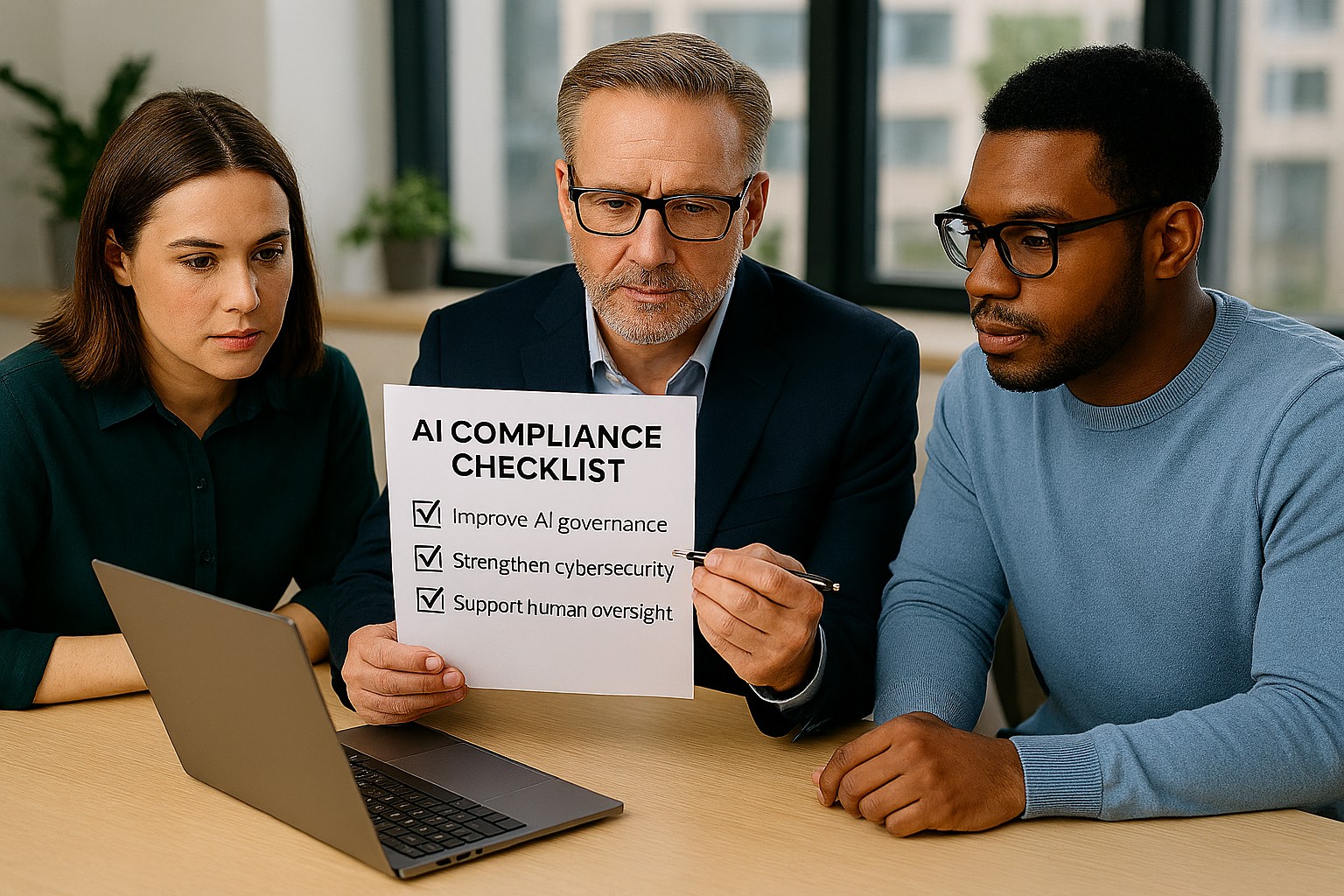
Small business leaders can reduce AI risk by building governance, review processes, and secure IT controls
Businesses are adopting AI faster than ever, often without realizing how many tools already include automation. The Colorado AI Act matters because if AI influences decisions that affect customers, employees, or applicants, your business may need to add oversight, disclosures, and human review.
For SMB owners, the best strategy is simple: know what AI you use, know what it affects, and know who is responsible. That keeps compliance manageable and reduces risk.
What your business should do
Start with an AI inventory across software, plugins, and cloud apps. Then identify which tools affect important decisions, customer experiences, or internal workflows.
Your IT team should review vendor contracts, access controls, logging, and data retention. They should also create a clear process for reviewing AI outputs, correcting mistakes, and responding to customer questions.
Questions customers may ask
Q: Is your business using AI to evaluate me? A: It may be, depending on the service or process.
Q: Can a person review the decision? A: Your business should be able to provide human review where needed.
Q: Why should I care about AI use? A: Because it affects fairness, accuracy, and transparency.
How Farmhouse Networking can help
Farmhouse Networking helps SMBs build a stronger IT foundation for AI governance, security, and compliance. We can help you identify risks, secure systems, and support the operational steps your business needs to take.
Email support@farmhousenetworking.com for more information about how Farmhouse Networking can help improve their business.
What Small Business Owners Need to Know About Health Plans and IT Risk
Small business leaders and IT teams should review how the 2027 NBPP proposed rule will change employee health plans, compliance requirements, and data security.
The 2027 NBPP proposed rule, issued February 11, 2026, will reset key rules for ACA Exchanges and small‑group health plans starting in 2027. As a small or mid‑sized business owner, these changes affect your benefit strategy, your HR workload, and the IT systems that support them.
Big Picture: What’s Changing
Catastrophic and some bronze plans can carry significantly higher out‑of‑pocket maximums, shifting more financial risk to employees.
CMS proposes multi‑year catastrophic plans and broader hardship exemptions, making catastrophic coverage more common among workers who cannot or do not enroll in richer plans.
Agents, brokers, and web‑brokers must use standardized HHS‑approved consent and eligibility review forms, creating more structured documentation.
Certain state‑mandated benefits will be treated as “in addition to” Essential Health Benefits, affecting plan design and cost structure.
Concrete Action Steps for Owners and IT
For the business owner/CEO:
Reevaluate your health benefits package
Ask your broker which 2027 plan designs they expect to offer and whether your team could be pushed toward higher‑OOP bronze or catastrophic options.
Model the total compensation impact if benefits become less generous and consider offsetting with stipends, HRAs, or plan upgrades.
Upgrade HR policy and employee education
Provide clear, written explanations of how deductibles, out‑of‑pocket maximums, and catastrophic coverage work under the new rules.
Set expectations about documentation employees should keep (especially standardized federal consent and eligibility forms tied to subsidies).
For your IT department or MSP:
Prepare your systems for new standardized forms and proofs
Ensure HRIS, payroll, and document systems can accept, tag, and secure HHS‑approved consent and application review forms your broker will use.
Build simple workflows for HR to retrieve this documentation during audits, disputes, or employee questions.
Tighten security around benefits and PHI‑adjacent data
Implement strong identity and access management, encryption, logging, and vendor controls for any system that touches health coverage or subsidy information.
Confirm that contracts with benefits platforms, brokers’ portals, and HR tools reflect updated privacy and security expectations.
Likely Employee Questions – And How to Answer
“Why did my maximum out‑of‑pocket jump so much?”
Under the 2027 NBPP, some bronze and catastrophic plans are allowed to exceed prior out‑of‑pocket caps, which can significantly increase your financial exposure if you get sick or injured.
“What are these new standardized forms from the broker?”
Federal rules now require standardized HHS‑approved consent and eligibility review forms to document the accuracy of your application and protect your subsidy eligibility.
“Are all state‑mandated benefits still fully covered?”
Not always; certain state‑required benefits are treated as outside the core Essential Health Benefits package, which may affect how they’re funded and covered.
How Farmhouse Networking Helps SMBs
Farmhouse Networking partners with small and mid‑sized businesses to turn regulatory change into structured, low‑friction processes:
Integrate new federal consent and eligibility documentation into your HR and document‑management stack, so HR can find what they need in seconds.
Implement or enhance cybersecurity controls around benefits, payroll, and identity data to reduce risk as health coverage documentation becomes more standardized and audit‑friendly.
Coordinate with your broker and benefits platforms so technical changes (new forms, new plan designs) are reflected cleanly in your systems with minimal disruption.
Call to Action Email support@farmhousenetworking.com to get a focused assessment of how the 2027 NBPP proposed rule intersects with your benefits, IT, and employee experience – and a concrete plan to get ahead of it.
Small business leaders should review AI assistant security settings with their IT team to protect customer data and reduce cybersecurity risks.
Every department in your company is experimenting with AI assistants for drafting emails, analyzing documents, and answering questions—but mis‑sharing data with these tools is rapidly becoming a top cybersecurity concern. As the business owner, you need AI productivity without turning your data into the next breach headline.
Key security risks with online AI assistants
Employees paste sensitive data (contracts, passwords, customer lists, financials) into public AI tools, creating uncontrolled copies outside your security perimeter.
AI agents that connect to email, CRM, and file shares can over‑index data and ignore internal permissions, exposing information to users who should not see it.
Shadow AI—unapproved tools adopted by teams—means no vendor vetting, no logging, and no consistent security controls.
Mis‑configured orchestration and weak authentication give attackers new ways to abuse AI agents to access systems and data.
Action plan for you and your IT team
Define an AI usage policy
Specify what data is never allowed in public AI (customer PII, financials, credentials, trade secrets).
List approved AI tools, who may use them, and for what business cases, and require IT review for any new AI platform.
Harden AI tools technically
Enforce single sign‑on, multifactor authentication, and role‑based access to AI assistants tied to your identity platform.
Configure least‑privilege access to email, CRM, and file systems and enable audit logging for AI actions and data access.
Monitor, train, and prepare for incidents
Monitor for unsanctioned AI usage and phase in secure alternatives.
Train staff on safe prompting habits: strip identifiers, avoid secrets, and use internal assistants where possible.
Update your incident‑response plan to include AI mis‑sharing, compromised AI accounts, and vendor‑side issues.
How to answer customer questions
“Are you putting our data into ChatGPT?”
“We only use AI within secure, approved platforms, and we prohibit staff from pasting your identifiable information into public AI tools.”
“Could your AI assistant leak our information?”
“We enforce strict access controls, logging, and vendor security requirements to prevent unauthorized access or cross‑customer exposure.”
“What happens if something goes wrong?”
“We have a defined response plan that includes containment, investigation, and transparent communication if an AI‑related incident affects your data.”
How Farmhouse Networking can help SMBs
Farmhouse Networking can assess where AI is already in use across your environment, identify the highest‑risk workflows, and recommend safer, governed alternatives. We help you implement secure AI architectures, policies, and training so your team can adopt AI confidently while keeping customer data, intellectual property, and compliance obligations under control.
Email support@farmhousenetworking.com for more information about how Farmhouse Networking can help improve your business and secure AI use.
Small business owners can use clear reporting and documentation systems to navigate 2026 charitable giving rules and maximize tax‑deductible donations.
If your business donates to local nonprofits, schools, or community projects, the 2026 charitable giving rules change how much of that generosity you can deduct. The mechanics are more complex, but with the right systems you can still give strategically and get the full benefit available.
What Changed for Small Businesses in 2026
Your corporation can now deduct charitable contributions only to the extent they exceed 1% of taxable income, and total deductible contributions are still capped at 10% of taxable income, with excess potentially carried forward up to five years.
As an individual owner, your personal deductions are subject to a 0.5% AGI floor, though cash gifts to qualifying public charities remain deductible up to 60% of AGI.
A new, permanent charitable deduction for non‑itemizers lets individuals deduct up to $1,000 (single) or $2,000 (joint) for qualifying gifts starting in 2026.
All of this sits on top of existing substantiation rules: written acknowledgments for gifts of $250 or more and additional requirements for non‑cash contributions.
Action Steps for Owners and IT Teams
For the business owner:
Revisit your giving strategy:
Identify how much you typically give each year and whether it clears the new 1% floor and stays within the 10% cap for corporate deductions.
Coordinate with your tax advisor:
Decide whether to increase or bunch certain donations into specific years so you actually realize the deductions you expect.
Clarify business vs. personal giving:
Separate corporate contributions from personal donations so both you and your company can plan around the new floors and limits.
For your IT or technical team:
Build a clear digital trail:
Implement structured storage for donation receipts and acknowledgments, linked to accounting entries and accessible for your CPA during tax season.
Standardize data and approvals:
Use simple forms or workflows where staff record donation details—amount, date, charity, purpose, and whether any benefits were received—before payments go out.
Security and retention:
Protect donor‑related and financial data with proper access controls and keep records long enough to support the five‑year carryforward window for excess contributions.
Questions Your Customers or Community Partners May Ask
“Is my company’s sponsorship of your event still tax‑deductible?”
It may be treated as a charitable contribution or as advertising/marketing depending on the benefits received; in either case, new floors and caps can affect the deduction.
“Does it still help me tax‑wise if I give small amounts?”
Smaller gifts may not exceed the new floors by themselves, which is why many taxpayers will see more benefit from fewer, larger, or more concentrated gifts.
“Why do you need to send such detailed receipts?”
The IRS requires specific elements in acknowledgments for gifts of $250 or more and for non‑cash donations, so detailed receipts protect both you and your donors.
How Farmhouse Networking Supports SMBs
Farmhouse Networking helps small and mid‑sized businesses turn charitable giving from an ad‑hoc expense into a well‑tracked, well‑documented, and strategically planned process. We integrate your accounting tools with secure document management, create simple digital forms for recording donations, and set up dashboards so you can see where you stand relative to the 1% floor and 10% cap.
We also support customer‑facing communication—website content, FAQs, and email updates—so your community partners understand that you are still committed to giving, and how the 2026 rules affect them.
Email support@farmhousenetworking.com to find out how Farmhouse Networking can help your business modernize its systems and make smarter, more strategic charitable giving decisions under the new 2026 regulations.
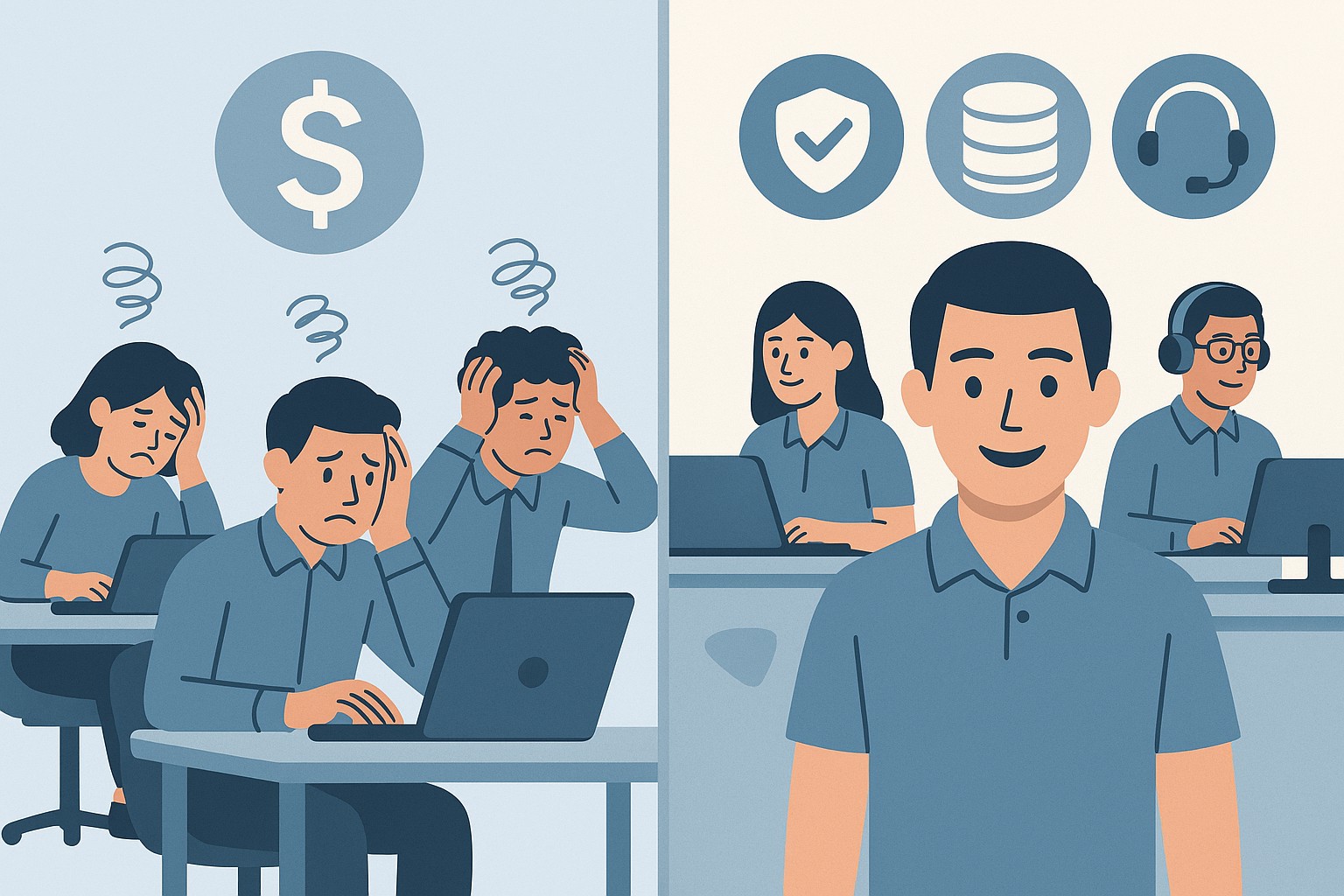
A small business owner collaborates with an IT security partner to elevate cybersecurity from a technical task to a core business risk management priority.
Across regions and industries, executives now rank cybersecurity as their top external risk, ahead of supply chain issues, regulatory changes, and macroeconomic concerns. For small and mid‑sized businesses, cyber incidents can rapidly translate into operational outages, reputational damage, and long‑term financial loss.
What this means for SMBs
Security has moved out of the server room Leaders are embedding cybersecurity within enterprise risk management, using business continuity plans, risk frameworks, and scenario planning rather than treating it as a pure IT issue. Business owners must therefore own cyber risk in the same way they own cash flow and strategy.
Skill gaps and competing priorities Executives report that talent shortages, workload pressure, and cost constraints make it difficult to execute technology and security plans effectively. Many SMBs rely on a small IT team that spends most of its time on basic maintenance instead of proactive defense.
Vendor pressure and forced upgrades A significant share of executives cite vendor lock‑in and forced upgrades that constrain security planning, delay patching, and divert funds from higher‑value initiatives such as AI and modernization. SMBs need more control over when and how they adopt changes.
Practical action steps for owners and IT
Treat cybersecurity as a business risk
Add cyber risk to your leadership agenda, risk register, and strategic planning sessions.
Define risk scenarios in business terms: downtime costs, lost sales, regulatory penalties, and reputational impact.
Build structured risk, continuity, and investment processes
Implement a risk framework and business continuity plan that cover key systems, suppliers, and customer touchpoints.
Evaluate security investments based on multi‑year business value, including reduced incident costs and improved resilience.
Leverage outsourcing as a strategy
Follow the many organizations that already outsource or are planning to outsource cybersecurity services to stabilize operations and address skill shortages.
Let internal IT prioritize strategic initiatives and innovation while a specialist partner handles monitoring, vulnerabilities, and incident response.
Customer questions – and your answers
“How do you protect our data and services?” Cybersecurity is managed at the leadership level, supported by formal risk management, continuity planning, and external security expertise.
“Can you stay operational if you are attacked?” We create tested business continuity and disaster recovery plans, including backups, alternate processes, and clear responsibilities during incidents.
“Are you keeping up with evolving threats?” We evaluate technology with security as a key criterion, and we work with dedicated security partners to adapt to changing risks.
How Farmhouse Networking helps SMBs
Farmhouse Networking helps business owners turn cybersecurity into a manageable, measurable business function by:
Designing and managing secure, resilient IT environments that align with your risk appetite and growth plans.
Delivering outsourced cybersecurity services to tackle monitoring, patching, and incident response so your internal team can focus on innovation.
Advising on vendor strategies and technology investments so security, cost, and flexibility stay in balance.
Call to action
To find out how Farmhouse Networking can help your business make cybersecurity a strategic advantage, email support@farmhousenetworking.com for more information about how Farmhouse Networking can help improve your business.
And God will generously provide all you need. Then you will always have everything you need and plenty left over to share with others. As the Scriptures say, “They share freely and give generously to the poor. Their good deeds will be remembered forever.” For God is the one who provides seed for the farmer and then bread to eat. In the same way, he will provide and increase your resources and then produce a great harvest of generosity in you. - 2 Corinthians 9:8-10
We use cookies to ensure that we give you the best experience on our website. If you continue to use this site we will assume that you are happy with it.