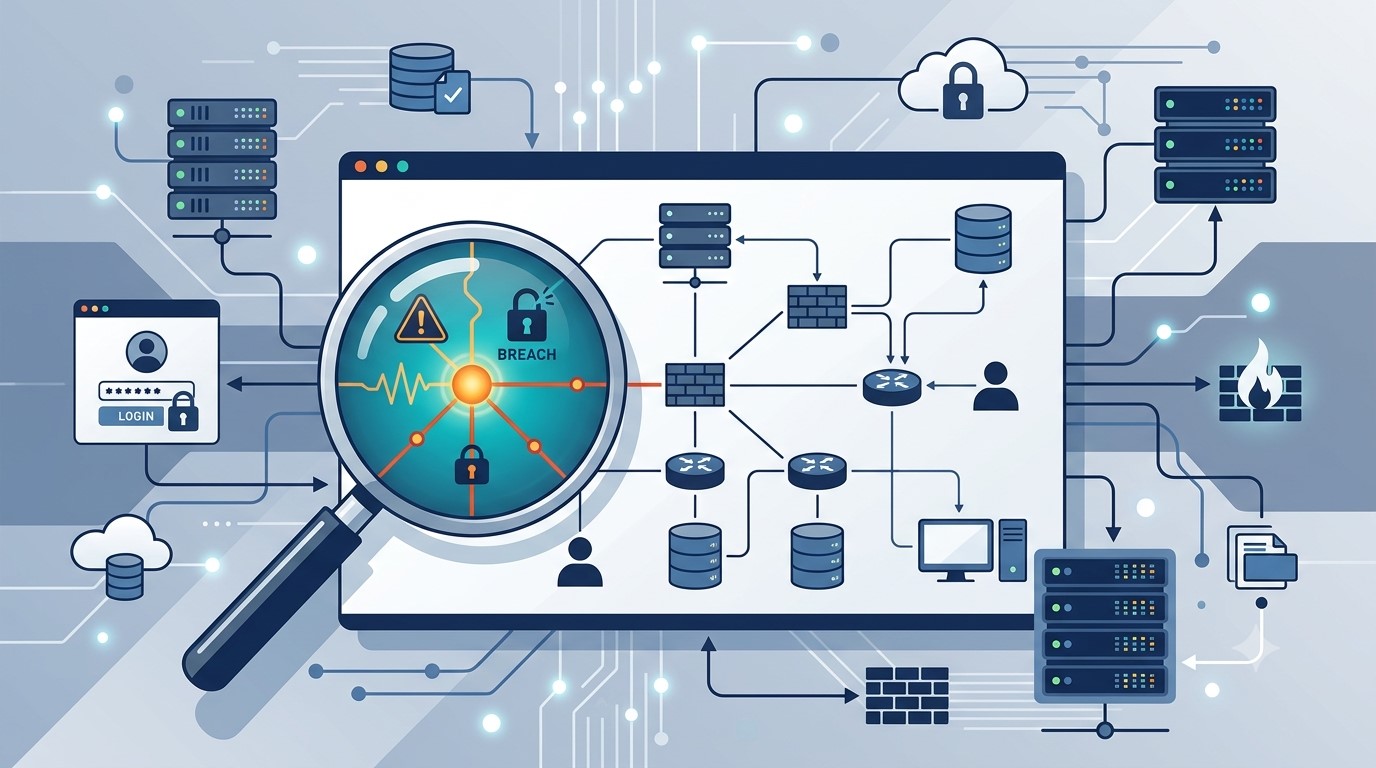
Voice phishing scams are getting harder to spot, and they’re not just an enterprise problem anymore. Here’s what business owners need to do now.
One convincing phone call is often all it takes. Verification before action is the strongest defense against vishing.
A hedge fund employee gets a phone call. The voice sounds exactly like a colleague, tone and pacing included. Within minutes, the caller has talked their way into a password reset. That scenario played out at several major investment firms in August 2026, when AI-generated voice cloning was used to target Point72, Citadel, and Millennium Management. Two Sigma caught the attempt before any damage was done, according to Bloomberg’s reporting.
Most small and mid-sized businesses don’t have that level of security scrutiny watching over them. This is vishing: voice phishing, where a scammer uses a phone call instead of an email to trick someone into handing over credentials, approving a wire transfer, or granting system access. It’s not a future threat. It’s active right now, and AI voice tools are making it more convincing every month.
Why Vishing Works So Well
People trust a human voice more than a written message, and criminals know it. According to Verizon’s 2026 Data Breach Investigations Report, phone-based social engineering succeeds roughly 40% more often per attempt than email phishing. Gartner research found that 35% of organizations have already experienced at least one deepfake-related incident, yet only 10% of security leaders prioritize training staff to recognize a cloned voice, compared to 73% who focus on email phishing alone.
The financial risk is real. In 2023, a vishing call to an IT help desk was the entry point for a breach that cost MGM Resorts an estimated $100 million.
Action Steps for Owners and IT
For the business owner:
Set a rule that no wire transfer, password reset, or system access is approved based on a phone call alone. Require a callback to a known, independently verified number first.
Build a culture where staff can pause and question an “urgent” request without fear of looking difficult.
Schedule recurring, not one-time, staff training on phone-based scams.
For your IT team or provider:
Enforce multi-factor authentication on every account that supports it, and never let it be disabled based on a phone request.
Require independent identity verification before any help desk password reset.
Document and block known scam and spoofed numbers where possible.
Run periodic simulated vishing tests to find gaps before criminals do.
Questions Clients Are Asking
“How do I know if a call is legitimate?” Hang up and call the company or person back using a number you already have on file, not one the caller gives you.
“What should my team do if they’re unsure?” Stop, verify, then act. No legitimate request will penalize someone for double-checking.
“Can this really happen to a business our size?” Yes. Smaller businesses are often targeted precisely because attackers assume less security is in place.
“What’s the first thing we should change?” Put a callback verification policy in place this week. It costs nothing and closes the biggest gap immediately.
How Farmhouse Networking Can Help
Farmhouse Networking builds vishing and social-engineering awareness training around how your team actually works, not a generic slideshow. We run realistic simulated call scenarios, show you exactly where the gaps are, and help you put clear verification procedures in place your staff will actually follow. As a locally based, USA-only provider, we invest heavily in our own team’s ongoing security training, and we bring that same standard to yours.
Protect Your Business Before the Call Comes In
Vishing attacks succeed because they catch people off guard. A short, honest conversation now is a lot less costly than the one you’d have after a breach. Email us at support@farmhousenetworking.com for a free risk assessment. We’ll give you a clear picture of where your business stands, not just against vishing, but across your full security posture.
A practical guide to cutting costs by moving your business off traditional fax
Modern businesses are replacing the fax machine with secure, cloud-based digital fax.
Most businesses that still fax do it because a client, vendor, or government agency expects it, not because anyone actually prefers the machine. But keeping that machine running means paying for a dedicated phone line, equipment, toner, and paper, plus the staff time spent checking on it. A digital fax service lets you keep sending and receiving faxes exactly as your partners expect, without any of the overhead.
What Changes When You Switch
You keep your existing fax number, but instead of documents printing out of a machine, they arrive as PDFs in a secure email or online inbox. Sending works the same way, in reverse: attach a file and send it like an email.
Action Steps for Your Business and IT Team
Calculate your current fax costs. Add up the phone line, any equipment lease, paper, and toner. Compare that total to a monthly digital fax subscription.
Port your existing number. This keeps continuity for clients, vendors, and any government or financial contacts who already have your fax number.
Route incoming faxes to a group inbox. Setting delivery to a Google Group or Microsoft 365 Group means multiple team members see new documents right away instead of one person checking a machine.
Automate document storage. Configure faxes to save directly into a Google Drive or OneDrive folder, cutting down on manual scanning and lost paperwork.
Pilot before a full cutover. Run the new system alongside your current setup for a short period to confirm delivery and receipts are working as expected.
Check vendor security practices. If your business handles sensitive client or financial information, confirm encryption and access control standards before switching.
Questions Your Team or Clients Might Ask
“Will our fax number change?” No, it transfers to the new service and works exactly as before.
“Is this actually cheaper?“ In most cases, yes. You eliminate the dedicated phone line and hardware costs and pay only for the service.
“What if we’re not very technical?” Sending and receiving through email or a simple app is generally easier to learn than operating a physical machine, and most staff pick it up quickly.
“Do we still need to fax at all in [current year]?” Many industries still rely on fax for certain transactions, so keeping a working number matters even as the technology behind it modernizes.
How Farmhouse Networking Can Help
Farmhouse Networking manages RingCentral fax deployments for businesses across our service area, handling the number port, setting up group-based inbox routing so the right people see documents the moment they arrive, and configuring automatic filing into your Google Drive or OneDrive. We work with other fax platforms if you already have a preference, but RingCentral is the service we support directly and recommend for its reliability and flexible notification options.
Ready to Stop Paying for a Machine You Barely Use?
If your business is ready to cut an unnecessary cost and simplify how documents move through your office, email support@farmhousenetworking.com and we’ll help you figure out what the switch looks like for you.
The American Chiropractic Association just endorsed adjustable standing desks and monitor arms
A well-planned ergonomic workstation supports both employee comfort and IT reliability.
This is a small industry story that’s really about a bigger issue: how well your workplace supports the people who keep your business running.
The American Chiropractic Association announced its endorsement of adjustable standing desks and monitor arms, pointing to their ergonomic design and role in reducing strain during long work sessions. For small and mid-sized business owners, it’s a useful prompt to take stock of your own office. Most workplace injuries aren’t dramatic, they’re cumulative, showing up as chronic discomfort, missed days, and slow-building turnover risk among the staff who spend the most hours at a desk.
Ergonomics isn’t just a wellness perk. It’s a practical, low-cost way to reduce absenteeism and protect the productivity of your team.
Action Steps for Business Owners and IT Staff
Identify which employees spend the most consecutive hours at a workstation, and start there.
Try low-cost fixes first: monitor height, chair adjustment, and keyboard positioning, before investing in new equipment.
If you’re upgrading desks or adding monitor arms, involve your IT provider early. Cable management, power access, and hardware compatibility all need to be part of the plan.
Build ergonomic upgrades into your regular equipment refresh cycle instead of treating them as a separate, one-time project.
Ask employees directly what’s uncomfortable, the fix is sometimes simpler and cheaper than a full desk replacement.
Reassess your office setup annually, especially after any staffing or equipment changes.
Questions Employees or Managers Might Ask
“Do we need to replace every desk in the office?” No. Most businesses phase upgrades in by role, starting with the highest-strain positions.
“Will new equipment interfere with our existing setup?” It shouldn’t — as long as the physical changes are planned alongside your network and hardware configuration, not as an afterthought.
“Is this really an IT issue?” More than people expect. Monitor arms, docking stations, and desk power all intersect with your network and device setup, which is why it’s worth coordinating both at once.
How Farmhouse Networking Can Help
Workplace equipment changes almost always touch your IT environment more than expected: cabling, power, docking stations, and device compatibility all need to work together. Farmhouse Networking helps small and mid-sized businesses plan equipment upgrades that support both staff wellbeing and system reliability, so a simple desk swap doesn’t turn into a network headache.
Ready to Take a Closer Look at Your Office Setup?
If you’re considering ergonomic upgrades for your team, let’s make sure the technical side is handled right. Email us at support@farmhousenetworking.com for a free workplace and IT equipment consultation.
Why Root Cause Analysis Belongs in Your Incident Response Plan
Finding the root cause of an IT incident is what stops it from happening again.
If your last IT issue got fixed but never explained, you may already be sitting on a repeat problem.
Here’s how it usually goes: an employee’s email gets compromised, your IT provider resets the password, the alerts stop, and everyone moves on. But almost nobody asks the harder question — how did the attacker actually get in, and is that same weakness still open somewhere else in your business?
That question is the entire purpose of root cause analysis (RCA). It’s the difference between putting out a fire and finding out what’s been leaking gas into the building. Skip it, and you’re not preventing the next incident — you’re just waiting for it.
What Root Cause Analysis Actually Means for Your Business
Incident response is the emergency part: contain the threat, restore access, get back to work. Root cause analysis is the follow-up step that asks why it happened in the first place — a phishing gap, a missing security policy, an unpatched system, a training blind spot. Without that step, your business ends up treating the same underlying weakness as a brand-new crisis every time it resurfaces.
Action Steps for You and Your IT Provider
Require a written root cause summary after any security incident — not just a “resolved” notification.
Ask whether your provider monitors for unusual sign-in locations and session activity, not just failed login attempts.
Confirm Conditional Access policies are enforced to block logins from unexpected countries or unmanaged devices.
Review whether staff training addresses the specific method behind the last incident, not just general reminders.
Ask your provider whether an incident was isolated or part of a broader pattern across your systems.
Build a root cause step into your written incident response plan, if you don’t already have one.
Schedule a 30-day follow-up review to confirm the fix actually held.
Questions Your Team Might Ask You
Q: We already fixed it — why dig further? A: Fixing the account doesn’t fix the door the attacker used to get in. Without knowing how it happened, you can’t be confident it won’t happen again the same way.
Q: Doesn’t this slow down how fast issues get resolved? A: No. Containment happens immediately, every time. Root cause review is a short follow-up step afterward — usually a summary or a brief call, not a delay.
Q: Is this really worth the extra step for a business our size? A: Yes — arguably more so. Smaller businesses often can’t absorb the same incident twice. Understanding the cause the first time is what keeps a bad week from becoming a bad year.
How Farmhouse Networking Helps
We recently helped a client contain an incident where an employee’s login session — not just her password — was stolen through a convincing fake sign-in page that looked identical to a real Microsoft 365 login. Containing it was step one. The real work was tracing exactly how the attacker got that session, confirming nothing else in the environment was exposed the same way, and closing the gap permanently.
That’s the process we apply to every incident we handle. Farmhouse Networking documents root cause on every security event, gives you a plain-language explanation of what actually happened and why, and makes sure the fix addresses the cause — not just the symptom.
Want to Know What’s Really Behind Your Last IT Incident?
If your business has had an IT issue that got resolved but never really explained, that’s worth a second look before it repeats itself. Email us at support@farmhousenetworking.com and we’ll walk you through what a proper root cause review looks like — plainly, and without the jargon.
And God will generously provide all you need. Then you will always have everything you need and plenty left over to share with others. As the Scriptures say, “They share freely and give generously to the poor. Their good deeds will be remembered forever.” For God is the one who provides seed for the farmer and then bread to eat. In the same way, he will provide and increase your resources and then produce a great harvest of generosity in you. - 2 Corinthians 9:8-10
We use cookies to ensure that we give you the best experience on our website. If you continue to use this site we will assume that you are happy with it.