A practical guide to cutting costs by moving your business off traditional fax
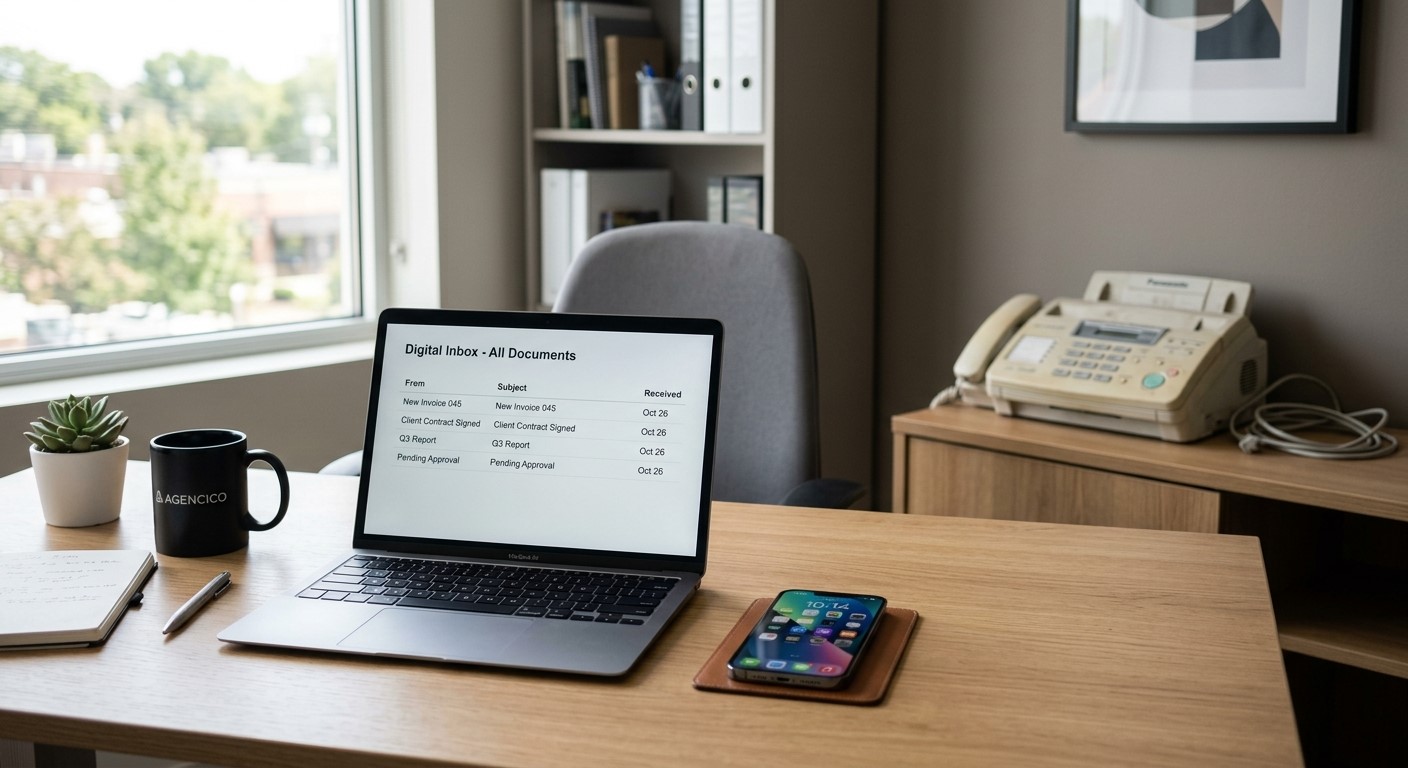
Modern businesses are replacing the fax machine with secure, cloud-based digital fax.
Most businesses that still fax do it because a client, vendor, or government agency expects it, not because anyone actually prefers the machine. But keeping that machine running means paying for a dedicated phone line, equipment, toner, and paper, plus the staff time spent checking on it. A digital fax service lets you keep sending and receiving faxes exactly as your partners expect, without any of the overhead.
What Changes When You Switch
You keep your existing fax number, but instead of documents printing out of a machine, they arrive as PDFs in a secure email or online inbox. Sending works the same way, in reverse: attach a file and send it like an email.
Action Steps for Your Business and IT Team
Calculate your current fax costs. Add up the phone line, any equipment lease, paper, and toner. Compare that total to a monthly digital fax subscription.
Port your existing number. This keeps continuity for clients, vendors, and any government or financial contacts who already have your fax number.
Route incoming faxes to a group inbox. Setting delivery to a Google Group or Microsoft 365 Group means multiple team members see new documents right away instead of one person checking a machine.
Automate document storage. Configure faxes to save directly into a Google Drive or OneDrive folder, cutting down on manual scanning and lost paperwork.
Pilot before a full cutover. Run the new system alongside your current setup for a short period to confirm delivery and receipts are working as expected.
Check vendor security practices. If your business handles sensitive client or financial information, confirm encryption and access control standards before switching.
Questions Your Team or Clients Might Ask
“Will our fax number change?” No, it transfers to the new service and works exactly as before.
“Is this actually cheaper?“ In most cases, yes. You eliminate the dedicated phone line and hardware costs and pay only for the service.
“What if we’re not very technical?” Sending and receiving through email or a simple app is generally easier to learn than operating a physical machine, and most staff pick it up quickly.
“Do we still need to fax at all in [current year]?” Many industries still rely on fax for certain transactions, so keeping a working number matters even as the technology behind it modernizes.
How Farmhouse Networking Can Help
Farmhouse Networking manages RingCentral fax deployments for businesses across our service area, handling the number port, setting up group-based inbox routing so the right people see documents the moment they arrive, and configuring automatic filing into your Google Drive or OneDrive. We work with other fax platforms if you already have a preference, but RingCentral is the service we support directly and recommend for its reliability and flexible notification options.
Ready to Stop Paying for a Machine You Barely Use?
If your business is ready to cut an unnecessary cost and simplify how documents move through your office, email support@farmhousenetworking.com and we’ll help you figure out what the switch looks like for you.
The American Chiropractic Association just endorsed adjustable standing desks and monitor arms
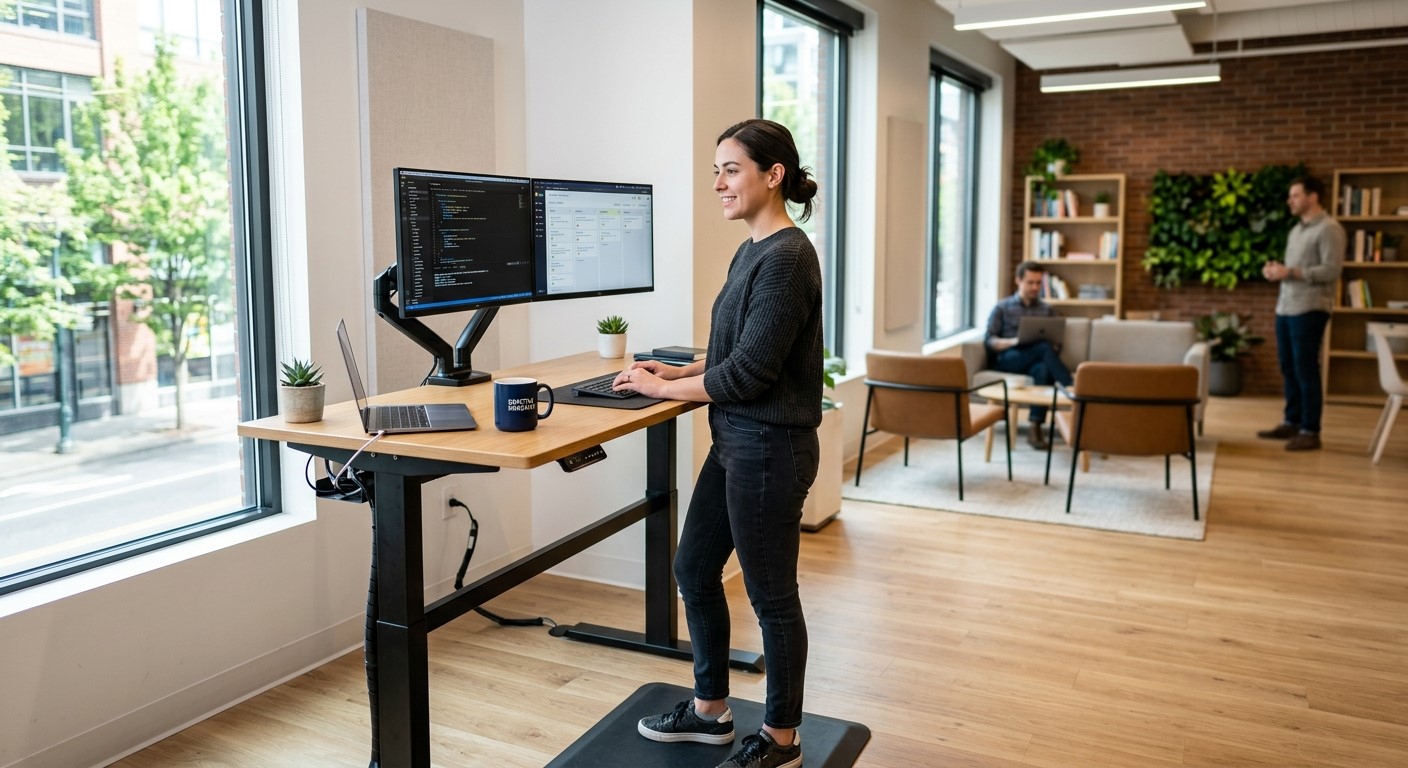
A well-planned ergonomic workstation supports both employee comfort and IT reliability.
This is a small industry story that’s really about a bigger issue: how well your workplace supports the people who keep your business running.
The American Chiropractic Association announced its endorsement of adjustable standing desks and monitor arms, pointing to their ergonomic design and role in reducing strain during long work sessions. For small and mid-sized business owners, it’s a useful prompt to take stock of your own office. Most workplace injuries aren’t dramatic, they’re cumulative, showing up as chronic discomfort, missed days, and slow-building turnover risk among the staff who spend the most hours at a desk.
Ergonomics isn’t just a wellness perk. It’s a practical, low-cost way to reduce absenteeism and protect the productivity of your team.
Action Steps for Business Owners and IT Staff
Identify which employees spend the most consecutive hours at a workstation, and start there.
Try low-cost fixes first: monitor height, chair adjustment, and keyboard positioning, before investing in new equipment.
If you’re upgrading desks or adding monitor arms, involve your IT provider early. Cable management, power access, and hardware compatibility all need to be part of the plan.
Build ergonomic upgrades into your regular equipment refresh cycle instead of treating them as a separate, one-time project.
Ask employees directly what’s uncomfortable, the fix is sometimes simpler and cheaper than a full desk replacement.
Reassess your office setup annually, especially after any staffing or equipment changes.
Questions Employees or Managers Might Ask
“Do we need to replace every desk in the office?” No. Most businesses phase upgrades in by role, starting with the highest-strain positions.
“Will new equipment interfere with our existing setup?” It shouldn’t — as long as the physical changes are planned alongside your network and hardware configuration, not as an afterthought.
“Is this really an IT issue?” More than people expect. Monitor arms, docking stations, and desk power all intersect with your network and device setup, which is why it’s worth coordinating both at once.
How Farmhouse Networking Can Help
Workplace equipment changes almost always touch your IT environment more than expected: cabling, power, docking stations, and device compatibility all need to work together. Farmhouse Networking helps small and mid-sized businesses plan equipment upgrades that support both staff wellbeing and system reliability, so a simple desk swap doesn’t turn into a network headache.
Ready to Take a Closer Look at Your Office Setup?
If you’re considering ergonomic upgrades for your team, let’s make sure the technical side is handled right. Email us at support@farmhousenetworking.com for a free workplace and IT equipment consultation.
How small business owners can use AI to simplify HR — hiring, onboarding, and staff support — without adding headcount or risk
Small business owners are turning to AI to simplify hiring, onboarding, and everyday HR tasks.
If you’re running a small business, HR is probably one of a dozen hats you wear, not a full-time job. AI tools built for HR — screening applicants, automating onboarding paperwork, answering common staff questions — can take real work off your plate. The opportunity is significant, but so is the need to choose and set up these tools carefully so they don’t create new security gaps.
Action Steps for Owners and IT
List the HR tasks currently taking the most time: recruiting, onboarding, PTO tracking, or answering repeat staff questions.
Evaluate AI-assisted applicant screening and interview scheduling tools that fit your team size and budget.
Set up an AI-powered internal FAQ or chatbot trained on your policies so staff get quick answers without interrupting you.
Have your IT provider review any new HR tool’s data handling and access controls before your team starts using it.
Use AI-generated summaries of employee feedback or engagement surveys to catch problems before they become turnover.
Create a simple written policy on what information staff can and can’t enter into AI tools.
Confirm data storage location and vendor security practices before rolling out any HR software company-wide.
Questions Staff Might Ask
Is the company using AI to decide who gets hired or promoted? AI speeds up early-stage screening, but hiring and promotion decisions still come from you or your managers.
Is my personal information safe with these tools? Properly vetted tools keep employee data secure and separate from other business systems — your IT provider should confirm this before adoption.
Will this replace my manager or HR contact? No — these tools reduce repetitive administrative work so the people around you have more time for you.
How Farmhouse Networking Can Help
Farmhouse Networking helps small business owners vet, integrate, and secure AI-powered HR tools — from applicant screening to internal chatbots — so you get the time savings without the security headaches. We handle the technical review and staff training so you can adopt these tools with confidence.
Why waiting on that hardware upgrade could cost you more the longer you put it off
As computer prices continue to climb, planning your hardware refresh now can help your business avoid paying more later.
If you’ve been telling yourself “next quarter” every time a laptop upgrade comes up, it’s time to rethink that plan. Industry analysts are now projecting one of the steepest computer price increases in years, driven by a global memory chip shortage that shows no sign of easing. For business owners who’ve been putting off replacing aging machines, the math has changed. The equipment you delay buying today will likely cost meaningfully more tomorrow.
Why prices are rising now
The root cause is a supply crunch in memory chips — the RAM and storage components inside every computer. Analysts at Gartner project soaring memory costs will cut global PC shipments by over 10% in 2026, while pushing PC prices up 17% compared to 2025 levels. Combined DRAM and solid-state drive prices are expected to surge roughly 130% by the end of the year. The driver is straightforward: massive AI data center buildouts are consuming memory chip production, leaving less supply for everyday computers and laptops.
This isn’t a short-term blip. Analysts don’t expect prices to stabilize until sometime after 2027. Some manufacturers have already begun raising prices on popular devices and reducing memory in standard configurations to manage costs. Beyond pricing, availability is tightening too — component shortages are extending lead times on replacement parts and new equipment for many buyers.
For a business owner sitting on a five- or six-year-old fleet of machines, this creates a narrow window. Replacing aging hardware now, while at least some current-generation pricing is still available, is very likely cheaper than waiting another year.
Action steps to take now
Inventory your current hardware. List every workstation and laptop with its age and current performance issues.
Identify machines nearing end of useful life — slow boot times, frequent crashes, or inability to run current software are red flags.
Get a written quote for replacement now, even if you’re not ready to buy immediately, so you have a pricing baseline.
Prioritize replacements by business risk. Machines running critical software or storing sensitive data should move to the front of the line.
Build a rolling replacement budget instead of one large annual purchase, so future price swings hit smaller batches of equipment.
Ask your IT provider about bulk purchasing or reserving inventory ahead of need, which can help lock in current pricing.
Questions business owners are asking
Should we wait to see if prices come back down? Based on current forecasts, prices are expected to stay elevated well into 2027. Waiting is more likely to cost you more than save you.
Do we need to replace everything at once? No. A phased approach — prioritizing your oldest or most critical machines first — spreads out the cost while addressing the biggest risks.
Will refurbished or off-lease equipment help? It can be a reasonable option for lower-priority machines, but it should be evaluated case by case for reliability and support.
How do we know if a machine still has useful life left? Age, performance under current workloads, and whether it can run supported software are the key indicators. An IT assessment can quantify this clearly.
How Farmhouse Networking can help
Farmhouse Networking works with business owners across Oregon, Northern California, and New Mexico to plan hardware refreshes that make financial sense. We start with a straightforward assessment of your current equipment, flag machines that are approaching risk, and help you build a realistic replacement timeline and budget — not just a shopping list. We also help source and configure new equipment so you’re not left navigating a volatile market on your own.
The bottom line
The cost of waiting is no longer hypothetical. Every quarter you delay is a quarter closer to higher prices and tighter availability. If you’ve been meaning to upgrade, now is the time to plan it — not next year.
Email us at support@farmhousenetworking.com for a free hardware and lifecycle assessment. We’ll help you understand exactly where you stand and what a smart, budget-conscious upgrade plan looks like for your business.
Upgrading your device is exciting. Losing access to every business account is not. Here’s what every business owner needs to know before they make the switch.
Switching to a new phone without preparing your MFA can lock you out of every business account. A little preparation before the switch prevents hours of downtime.
email. The system asks for an authentication code. You open the authenticator app. The accounts are gone. Now you’re locked out.
This happens to business owners every day. Multi-factor authentication (MFA) is one of the most effective security tools available – but it’s bound to the device it was set up on. When that device changes, access can disappear instantly unless you prepare in advance.
Here’s exactly what happens, why it matters, and what to do about it.
Why MFA Breaks When You Switch Phones
Authenticator apps like Microsoft Authenticator, Google Authenticator, and Duo Mobile generate time-sensitive codes that are tied to your specific device. The codes work because the app and the service share a secret key established during setup. When you swap phones without transferring that key, the connection breaks.
The result: you cannot complete login, even with the correct password. If your old phone is already wiped or gone, and you have no backup method configured, recovery can take hours, or longer, and usually requires IT intervention.
For a business, that’s more than an inconvenience. It’s a potential compliance issue, a productivity disruption, and in some cases, a security risk if employees start using workarounds.
Action Steps Before You Switch Phones
These steps apply to you, your staff, and anyone who uses MFA to access business systems.
Inventory every account protected by MFA. Email, cloud storage, accounting software, practice management platforms, banking portals – list them all. You cannot protect what you haven’t identified.
Check your authenticator app’s backup settings. Microsoft Authenticator supports cloud backup. Google Authenticator added backup functionality in 2023. Enable it before you wipe or trade in your old device.
Register a backup MFA method. Most platforms allow you to add a secondary method – a different phone number, a hardware key, or an email-based code. Do this now, not after a problem occurs.
Save recovery codes. During initial MFA setup, most services generate one-time recovery codes. Store these in a password manager or a secure, offline location. These are your safety net if everything else fails.
Do not wipe your old phone until the new one is fully verified. Set up the authenticator app on the new device, confirm every account logs in successfully, then decommission the old device.
Notify your IT provider before the switch. If you use a managed IT service, your provider can verify admin-level access to reset MFA on critical accounts if something goes wrong during the transition.
Remove your old device from your account settings. After the switch is complete, log into your security settings for each platform and delete the old device. Leaving it registered is an unnecessary security exposure.
Q&A: What Your Employees (and Clients) Might Ask
Q: Can I just reinstall the authenticator app on my new phone? A: Installing the app is only the first step. You still need to re-link each account, either by restoring from a cloud backup or by re-scanning QR codes through each platform’s security settings. Without prior backup configuration, you’ll need your IT administrator to reset access.
Q: What if I already switched phones and I’m locked out? A: Contact your IT administrator immediately. They can reset your MFA registration at the admin level, which clears the old device and allows you to set up a new one. Do not attempt to bypass MFA – doing so may violate your organization’s security policies.
Q: Is it safe to use text message codes instead of an authenticator app? A: SMS-based codes are better than no MFA, but they’re the weakest option. They’re vulnerable to SIM-swapping attacks, where a criminal hijacks your phone number. An authenticator app is more secure and worth the minor setup effort.
Q: Do I need to do anything with my business accounts specifically? A: Yes. Business accounts managed through Microsoft 365, Google Workspace, or other platforms often have centralized MFA settings controlled by your IT administrator. Those accounts may require admin-assisted recovery if the authenticator app is lost. This is another reason to have a managed IT partner involved before the phone switch.
How Farmhouse Networking Can Help
MFA transitions are a routine part of what we manage for our clients. When one of your employees gets a new phone, we can audit their MFA registrations, verify backup methods are in place, guide them through the device transfer, and reset access at the admin level if something goes wrong.
We also help businesses build a documented MFA policy – so every employee follows a consistent, tested process when devices change, instead of figuring it out under pressure when they’re locked out.
If you don’t currently have backup MFA methods configured across your team, that’s a gap worth closing now.
Ready to Stop Worrying About MFA Lockouts?
Email us at support@farmhousenetworking.com and let’s make sure your team is set up to handle device changes without the drama. One conversation now can prevent hours of lost access later.o handle device changes without the drama. One conversation now can prevent hours of lost access later.
What Every Small Business Owner Should Know About Accounting Software and GAAP
Choosing the right accounting method and software is one of the most important decisions a small business owner can make — especially when loans, audits, or growth are on the horizon.
The software you chose when you started may not be the right fit for where your business is going – and your IT setup is part of the equation.
Most small business owners choose QuickBooks because someone recommended it, or because it was the obvious option. It’s reliable, widely used, and gets the job done for basic bookkeeping. But as your business grows, the question isn’t whether QuickBooks works – it’s whether it’s working well enough for your specific situation.
The answer depends largely on one thing: how your business handles revenue recognition, and whether your financials need to meet GAAP standards.
QuickBooks and GAAP: Understanding the Difference
QuickBooks defaults to cash-basis accounting, which records income when you receive payment and expenses when you pay them. This works well for simple operations and gives you a clear view of your cash position. It’s also how most small businesses file taxes.
Generally Accepted Accounting Principles (GAAP) typically requires accrual-basis accounting, where revenue is recorded when it’s earned and expenses when they’re incurred, regardless of when money changes hands. This produces a more accurate long-term picture of your business’s financial health.
For most small businesses under $25 million in annual revenue, cash-basis accounting is perfectly legal and practical. But if you plan to seek a business loan, bring on investors, take on a business partner, prepare for a sale, or operate in a regulated industry, GAAP-compliant accrual-basis financials will likely be required. QuickBooks can produce accrual-basis reports, but it requires proper configuration and disciplined bookkeeping to do so accurately.
QuickBooks is a general-purpose tool. Depending on your industry, a purpose-built alternative may serve you better: The right choice depends on your size, complexity, industry compliance requirements, and how your financial data needs to flow between systems.
Practical Action Steps for You and Your IT Team
Identify your accounting method. Confirm whether your books are cash or accrual basis and whether that matches what your CPA recommends for your situation.
Review your reporting needs. Ask yourself: could you produce a GAAP-compliant set of financials today if a bank or investor asked for one? If not, that’s worth addressing.
Audit your software integrations. List every system that connects to your accounting software — payroll, CRM, e-commerce, inventory — and verify those connections are working accurately and securely.
Secure your financial data. Confirm that your accounting platform uses encrypted connections, requires strong passwords, and supports multi-factor authentication for all users.
Set up and test your backups. Automated, offsite backups of your financial data should be tested periodically. A backup you’ve never restored is a backup you can’t trust.
Limit access to financial systems. Only the people who need access to your accounting data should have it. Set role-based permissions and review them regularly.
Plan before you migrate. If you decide to switch platforms, involve your CPA and your IT provider from the beginning. Migrations done without a clear plan often result in data gaps, reporting errors, or security exposures.
Keep your software updated. Accounting software vulnerabilities are real attack vectors. Make sure updates and patches are applied promptly.
Questions Your Clients, Lenders, or Partners May Ask — and How to Answer Them
Are your financials GAAP-compliant? Our books are maintained on an accrual basis in coordination with our CPA. We can produce GAAP-compliant financial statements when needed.
How secure is your financial data? We use encrypted accounting software with multi-factor authentication, limited user access, and automated offsite backups.
What happens if your accounting system goes down? We have business continuity measures in place, including current backups and IT support to restore access quickly. We don’t rely on a single point of failure.
Are you considering switching accounting platforms? Any platform change we make would be planned carefully with input from our CPA and IT provider to avoid disruption to our reporting or data integrity.
How Farmhouse Networking Supports Your Business
Your accounting software is only as reliable as the IT environment it runs in. A slow network, an unpatched system, weak access controls, or a missed backup can turn a small accounting problem into a big one — fast.
Farmhouse Networking helps small and mid-sized businesses build and maintain the IT infrastructure that supports their financial systems. That includes network security and reliability, multi-factor authentication setup, automated backup and disaster recovery, user access management, and coordination with software vendors when issues arise. We’re not accountants — but we make sure the technology your accountant depends on is solid.
Take the Next Step
If you’re not confident your accounting setup and the IT behind it are in good shape, we’re here to help.
Email us at support@farmhousenetworking.com to schedule a free IT assessment. We’ll review your current environment and tell you exactly what’s working, what’s at risk, and what to do about it — in plain English, no jargon.
The right technology stack helps SMBs improve security, streamline operations, and support long-term growth.
Businesses need technology that makes the company easier to run, safer to operate, and better at winning customers. The right stack can reduce manual work, improve communication, and create a more professional experience across every part of the business.
For owners, the focus should be on growth and operational clarity. For IT, the goal is secure, reliable systems that support collaboration, backup, automation, and customer-facing workflows.
Practical action steps
Replace disconnected tools with integrated platforms for email, files, CRM, and scheduling.
Use MFA, endpoint protection, and automated backups on every business device.
Improve your website and local SEO so customers can find and contact you more easily.
Automate repetitive workflows like reminders, approvals, and intake forms.
Create a technology roadmap so upgrades happen proactively instead of reactively.
Client questions and answers
Q: Do we need a managed IT provider? A: If technology downtime, security risk, or slow support hurts productivity, yes.
Q: What should we prioritize first? A: Security, backups, and the systems your team uses every day.
Q: How does technology help growth? A: Better tools improve response time, customer experience, visibility in search, and team efficiency.
Farmhouse Networking helps SMBs build dependable, secure, and growth-ready technology foundations without overcomplicating the stack. Email support@farmhousenetworking.com for more information about how Farmhouse Networking can help improve their business.
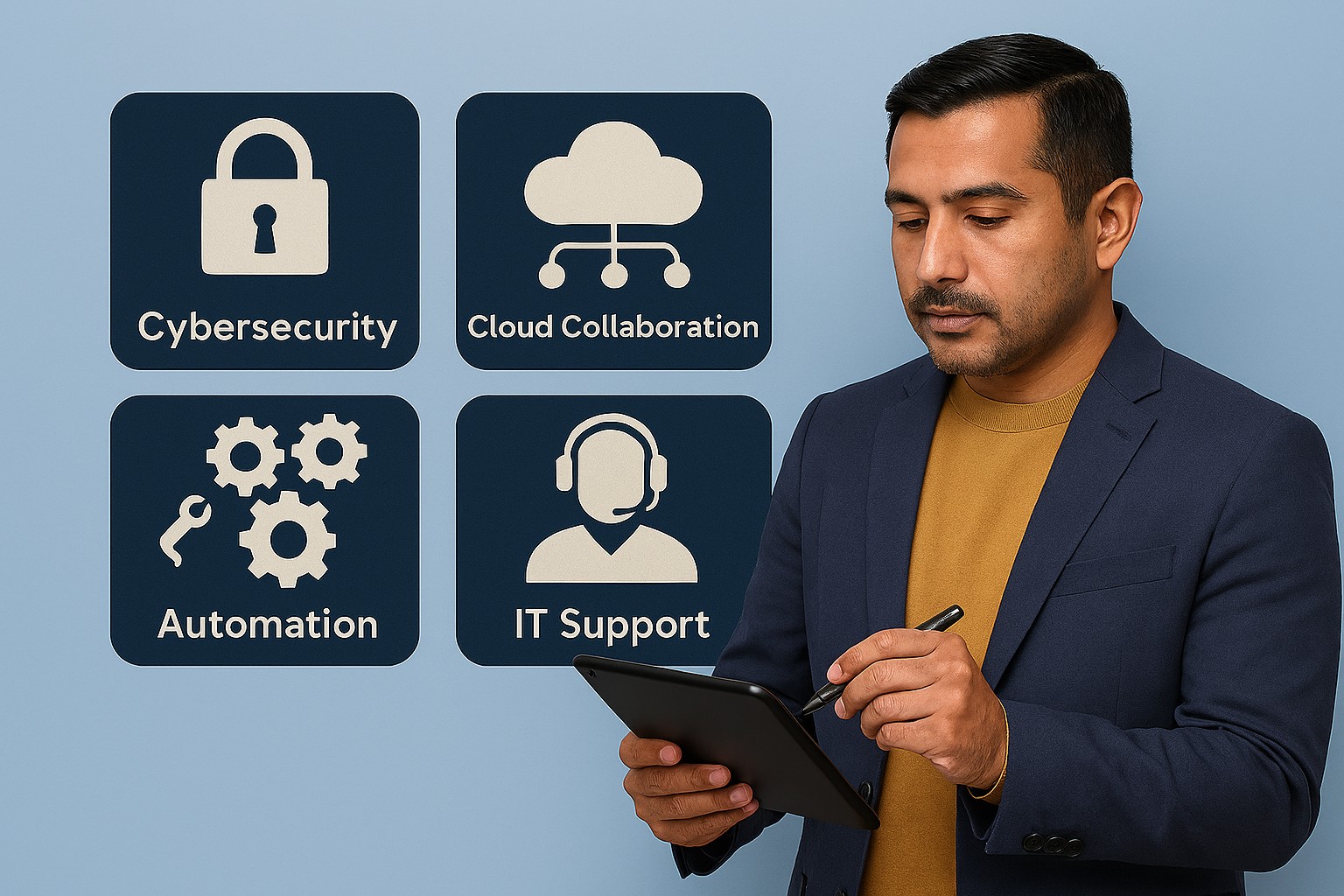
A small business owner collaborates with an IT security partner to elevate cybersecurity from a technical task to a core business risk management priority.
Across regions and industries, executives now rank cybersecurity as their top external risk, ahead of supply chain issues, regulatory changes, and macroeconomic concerns. For small and mid‑sized businesses, cyber incidents can rapidly translate into operational outages, reputational damage, and long‑term financial loss.
What this means for SMBs
Security has moved out of the server room Leaders are embedding cybersecurity within enterprise risk management, using business continuity plans, risk frameworks, and scenario planning rather than treating it as a pure IT issue. Business owners must therefore own cyber risk in the same way they own cash flow and strategy.
Skill gaps and competing priorities Executives report that talent shortages, workload pressure, and cost constraints make it difficult to execute technology and security plans effectively. Many SMBs rely on a small IT team that spends most of its time on basic maintenance instead of proactive defense.
Vendor pressure and forced upgrades A significant share of executives cite vendor lock‑in and forced upgrades that constrain security planning, delay patching, and divert funds from higher‑value initiatives such as AI and modernization. SMBs need more control over when and how they adopt changes.
Practical action steps for owners and IT
Treat cybersecurity as a business risk
Add cyber risk to your leadership agenda, risk register, and strategic planning sessions.
Define risk scenarios in business terms: downtime costs, lost sales, regulatory penalties, and reputational impact.
Build structured risk, continuity, and investment processes
Implement a risk framework and business continuity plan that cover key systems, suppliers, and customer touchpoints.
Evaluate security investments based on multi‑year business value, including reduced incident costs and improved resilience.
Leverage outsourcing as a strategy
Follow the many organizations that already outsource or are planning to outsource cybersecurity services to stabilize operations and address skill shortages.
Let internal IT prioritize strategic initiatives and innovation while a specialist partner handles monitoring, vulnerabilities, and incident response.
Customer questions – and your answers
“How do you protect our data and services?” Cybersecurity is managed at the leadership level, supported by formal risk management, continuity planning, and external security expertise.
“Can you stay operational if you are attacked?” We create tested business continuity and disaster recovery plans, including backups, alternate processes, and clear responsibilities during incidents.
“Are you keeping up with evolving threats?” We evaluate technology with security as a key criterion, and we work with dedicated security partners to adapt to changing risks.
How Farmhouse Networking helps SMBs
Farmhouse Networking helps business owners turn cybersecurity into a manageable, measurable business function by:
Designing and managing secure, resilient IT environments that align with your risk appetite and growth plans.
Delivering outsourced cybersecurity services to tackle monitoring, patching, and incident response so your internal team can focus on innovation.
Advising on vendor strategies and technology investments so security, cost, and flexibility stay in balance.
Call to action
To find out how Farmhouse Networking can help your business make cybersecurity a strategic advantage, email support@farmhousenetworking.com for more information about how Farmhouse Networking can help improve your business.
Modern business teams achieve inclusivity and engagement through technology‑driven hybrid meetings
Meetings are where company culture either thrives—or breaks apart. Too often, remote team members feel like silent observers rather than active participants. The solution? Using technology as the binding factor to create inclusive, engaging meetings that inspire teams and drive productivity.
For business owners, embracing the right meeting technology isn’t just an IT upgrade—it’s a strategic move to strengthen collaboration, innovation, and employee satisfaction across every department.
Why Technology Matters for Inclusive Meetings
Inclusivity in meetings means every voice can be heard—regardless of where or how someone works. When done right, meeting technology:
Empowers remote and in‑office employees to collaborate equally.
Improves engagement through real‑time participation tools like polls, shared whiteboards, and chat functions.
Builds a culture of transparency and belonging that fuels retention and innovation.
According to a 2025 Gartner report, companies with highly inclusive communication practices see up to 35% higher employee performance and 25% faster decision‑making. The right technology stack makes inclusion measurable, scalable, and sustainable.
Action Steps for Business Owners and IT Departments
Here are practical steps your organization can take to create inclusive, inspiring meetings:
Audit Your Meeting Tools Evaluate your current software and hardware. Are your video conferencing, messaging, and file‑sharing systems integrated? Do all employees have equal access, regardless of location or device?
Invest in Hybrid‑Ready Technology Use conference room equipment with high‑quality cameras, directional microphones, and smart displays. Platforms like Microsoft Teams or Zoom Rooms ensure both remote and on‑site attendees can see and hear each other clearly.
Adopt Collaboration Platforms That Promote Engagement Look for tools with live polling, breakout rooms, and digital whiteboards. These features keep people involved and give everyone a voice.
Implement an Inclusive Meeting Policy Technology works best when paired with intentional culture. Train employees to use “raise hand” features, share screens respectfully, and rotate facilitation roles.
Ensure Strong IT Infrastructure Reliable connectivity, robust cybersecurity, and consistent software updates are fundamental. Slow connections and glitches exclude people as surely as poor communication does.
Measure and Iterate Capture feedback from employees after meetings. Use that data to refine your collaboration tools and processes.
Common Questions from Business Owners
Q: Our team already uses Zoom—why upgrade? A: Basic video conferencing isn’t enough. True inclusivity requires integrated tools that connect collaboration, chat, scheduling, and project management, so employees engage before, during, and after meetings.
Q: How can we make sure remote employees feel equally valued? A: Combine visual presence (camera quality and layouts), participation (modeled engagement practices), and access (shared digital workspaces). Empower everyone to contribute ideas asynchronously through shared notes or chat.
Q: Will implementing new technology disrupt daily operations? A: Not if it’s done strategically. Partnering with IT professionals ensures a phased rollout, minimal downtime, and custom training so your team quickly gains confidence in the new tools.
How Farmhouse Networking Can Support Your Success
At Farmhouse Networking, we help small and medium‑sized businesses design, deploy, and maintain technology ecosystems that foster inclusivity and engagement. Our team can:
Audit your existing meeting and communication systems.
Recommend scalable, cost‑effective collaboration platforms tailored to your team’s needs.
Configure hybrid meeting rooms for optimal video, audio, and security performance.
Provide employee training on best practices for inclusive meeting culture.
Offer ongoing support so your systems stay secure, compliant, and fully optimized.
With Farmhouse Networking as your IT partner, your technology won’t just connect devices—it will connect people, ideas, and business goals.
Ready to Transform Your Meetings?
Inclusive meetings don’t just happen—they’re built through intentional leadership and smart technology choices. By integrating hybrid meeting tools and IT best practices, your organization can improve communication, strengthen culture, and keep employees inspired.
💡 Email support@farmhousenetworking.com to learn how our team can help you create a more connected and inclusive workplace today.
And God will generously provide all you need. Then you will always have everything you need and plenty left over to share with others. As the Scriptures say, “They share freely and give generously to the poor. Their good deeds will be remembered forever.” For God is the one who provides seed for the farmer and then bread to eat. In the same way, he will provide and increase your resources and then produce a great harvest of generosity in you. - 2 Corinthians 9:8-10
We use cookies to ensure that we give you the best experience on our website. If you continue to use this site we will assume that you are happy with it.