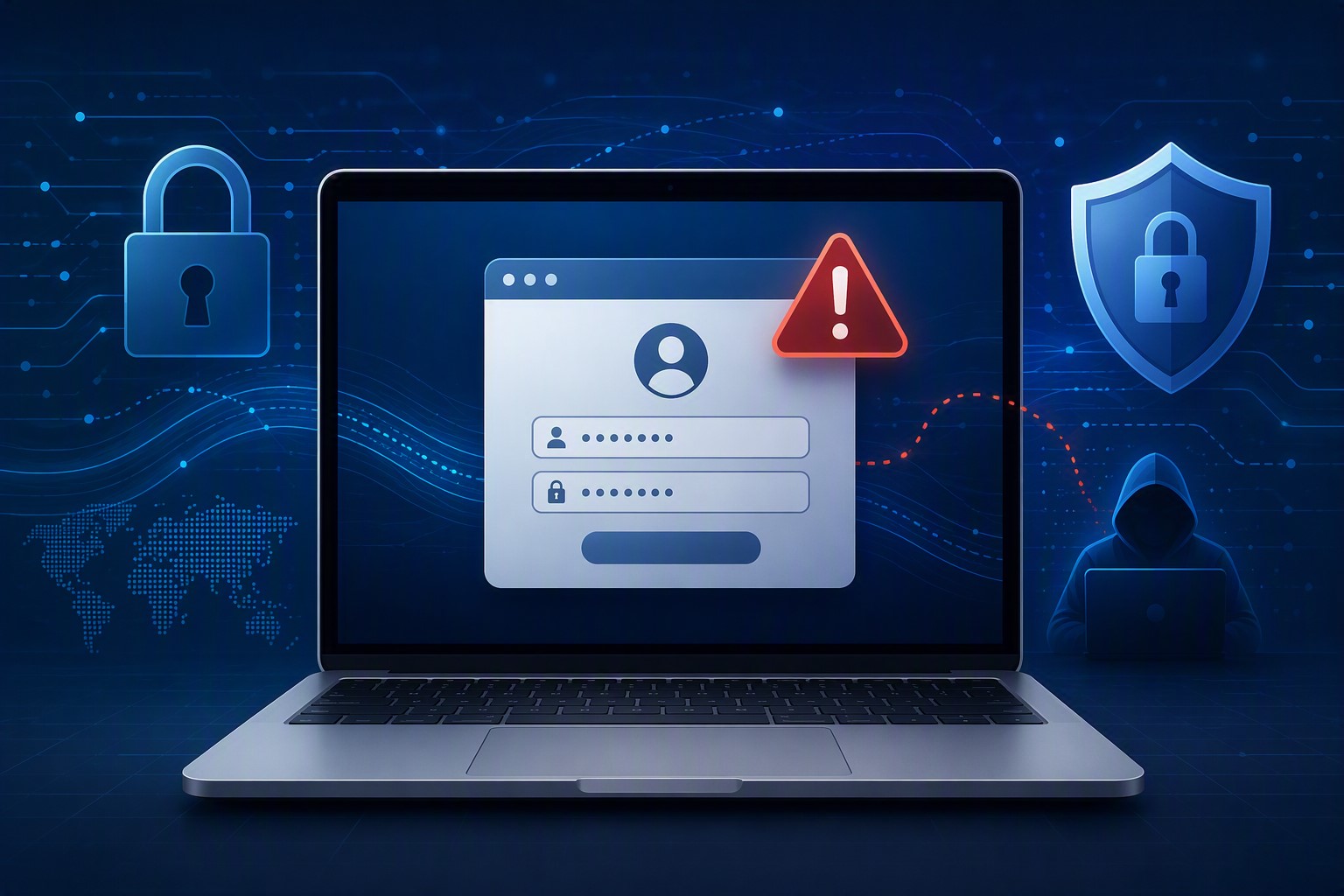
A growing attack technique lets criminals steal a live login session instead of a password — and most businesses have no idea it’s happening until it’s too late.
A single stolen login session can be enough for attackers to bypass MFA and take over a business email account.
For years, business owners have been told the same thing: turn on multi-factor authentication (MFA) and you’re safe. That advice is still mostly true — but a newer style of attack is proving it isn’t the whole story. We recently helped a regional nonprofit contain an incident that shows exactly how this plays out, and it’s a pattern every small business owner should understand.
Here’s what happened, in short: an employee was directed to a fake login page that looked identical to the real Microsoft 365 sign-in screen. She entered her password and completed her MFA step normally. But the fake page was secretly relaying everything to the real Microsoft servers in real time — and it captured the “session” created after she logged in. That session is like a hall pass: once you have it, you don’t need the password or the MFA code again. The attacker used it to log in as her, days later, from the other side of the world.
From there, the attacker spent time reading email, quietly created a mail rule to auto-delete replies, and used the compromised account to send hundreds of file-sharing invitations and emails to external contacts — all appearing to come from a real, trusted employee.
Action steps for you and your IT provider:
Ask your IT provider whether your email platform is monitoring for “impossible travel” or suspicious sign-in locations, not just failed MFA attempts.
Enable and enforce Conditional Access or equivalent policies that block sign-ins from unexpected countries or devices.
Shorten session lifetimes so a stolen session expires faster.
Train staff to check the URL bar before entering credentials — even on pages that look pixel-perfect.
Make sure your provider can see and revoke active sessions instantly, not just reset passwords.
Review mail rules periodically; attackers often hide behind rules named with punctuation marks so they’re invisible in a quick glance.
Confirm your incident response plan includes session token revocation, not just password resets.
Q&A
Q: If we have MFA, aren’t we protected? A: MFA blocks most attacks, but this technique steals the session created after MFA succeeds. You need monitoring and Conditional Access policies layered on top of MFA, not instead of it.
Q: How would we even know this happened? A: Often the first sign is unusual outbound email, unexpected file-sharing invitations, or partners asking why they received a strange invoice link. Proactive monitoring catches it earlier.
Q: Is this expensive to defend against? A: Most of the defenses — Conditional Access policies, session timeout settings, monitoring — are configuration changes, not new purchases, if your provider has the expertise to set them up correctly.
How Farmhouse Networking Helps
Farmhouse Networking configures and monitors Microsoft 365 environments specifically to catch this kind of attack — unusual sign-in locations, hidden mail rules, mass outbound activity — before it turns into a full-blown incident. We also help small businesses put the right guardrails in place from the start, so a stolen password or session doesn’t become a company-wide problem.
Not sure if your email environment could catch an attack like this? Email us at support@farmhousenetworking.com to schedule an MFA and email-security review. We’ll walk through your current setup and tell you plainly where the gaps are.
How small business owners can use AI to simplify HR — hiring, onboarding, and staff support — without adding headcount or risk
Small business owners are turning to AI to simplify hiring, onboarding, and everyday HR tasks.
If you’re running a small business, HR is probably one of a dozen hats you wear, not a full-time job. AI tools built for HR — screening applicants, automating onboarding paperwork, answering common staff questions — can take real work off your plate. The opportunity is significant, but so is the need to choose and set up these tools carefully so they don’t create new security gaps.
Action Steps for Owners and IT
List the HR tasks currently taking the most time: recruiting, onboarding, PTO tracking, or answering repeat staff questions.
Evaluate AI-assisted applicant screening and interview scheduling tools that fit your team size and budget.
Set up an AI-powered internal FAQ or chatbot trained on your policies so staff get quick answers without interrupting you.
Have your IT provider review any new HR tool’s data handling and access controls before your team starts using it.
Use AI-generated summaries of employee feedback or engagement surveys to catch problems before they become turnover.
Create a simple written policy on what information staff can and can’t enter into AI tools.
Confirm data storage location and vendor security practices before rolling out any HR software company-wide.
Questions Staff Might Ask
Is the company using AI to decide who gets hired or promoted? AI speeds up early-stage screening, but hiring and promotion decisions still come from you or your managers.
Is my personal information safe with these tools? Properly vetted tools keep employee data secure and separate from other business systems — your IT provider should confirm this before adoption.
Will this replace my manager or HR contact? No — these tools reduce repetitive administrative work so the people around you have more time for you.
How Farmhouse Networking Can Help
Farmhouse Networking helps small business owners vet, integrate, and secure AI-powered HR tools — from applicant screening to internal chatbots — so you get the time savings without the security headaches. We handle the technical review and staff training so you can adopt these tools with confidence.
What the CMMC suspension teaches every small business about the danger of waiting on compliance
Building a cybersecurity policy before it’s required can save your business time, money, and trust.
On July 13, 2026, the Department of War suspended Phase II of its Cybersecurity Maturity Model Certification (CMMC) program — the rule that would have required over 100,000 defense contractors to complete third-party cybersecurity assessments starting this November. The reason wasn’t that cybersecurity stopped mattering. It’s that the compliance system itself couldn’t scale: too few certified assessors, costs approaching $600,000 per certification, and a timeline small businesses couldn’t meet.
That story has nothing to do with defense contracts if you’re not one. But it has everything to do with a mistake we see constantly: business owners treating cybersecurity policy as something to build only when a regulator forces the issue. When the deadline moves or disappears, so does the motivation — right up until a breach, an insurance audit, or a client contract makes it urgent again, usually at the worst possible time.
Why Waiting Is the Expensive Choice
Government programs get delayed, revised, or scrapped. Your actual risk — ransomware, phishing, a stolen laptop, an employee clicking the wrong link — doesn’t wait for anyone’s regulatory calendar. Businesses that build security practices proactively spend less, recover faster, and rarely scramble when a client or insurer asks for documentation they don’t have.
Action Steps for Business Owners
Write down your security policies now, even in simple form: password requirements, data handling rules, who can access what.
Inventory your systems and data — you can’t protect what you haven’t mapped.
Set a patch and update schedule instead of reacting to alerts.
Back up data regularly and actually test that restores work.
Train staff on phishing and basic security hygiene at least twice a year.
Review vendor contracts for the security commitments you’re already making to clients or partners.
Revisit your plan quarterly — don’t let it go stale.
Questions Business Owners Are Likely Asking
“If the government paused its own program, why should I move faster on mine?” Because your risk was never tied to their timeline. The suspension was about assessment logistics, not about cyber threats becoming less real.
“Isn’t this overkill for a small business?” No — attackers target small businesses precisely because they assume no one built a plan. A written policy costs far less than a breach.
“Do I need a full compliance framework?” Not necessarily. You need documented, consistently applied practices. Formal frameworks can come later if a client or contract requires them.
“What if I don’t have an in-house IT person?” That’s exactly where a managed partner earns their keep — building and maintaining the plan so you don’t have to.
How Farmhouse Networking Helps
We help small and mid-sized businesses build the security foundation regulators eventually ask for — without waiting for a mandate to force the issue. That means clear, documented policies, practical safeguards like MFA and monitored backups, and straightforward guidance you can actually act on, without the jargon.
Don’t Wait for the Next Deadline to Get Serious
Regulations pause. Real risk doesn’t. If you’ve been putting off a cybersecurity policy because “nothing’s required yet,” now is the time to close that gap — before something else forces the timeline.
Email us at support@farmhousenetworking.com for a free cybersecurity policy review. We’ll tell you plainly where you stand and what to fix first.
What this summer’s federal security campaign means for any business holding sensitive data
Taking a few hours this summer to review your security practices can prevent a costly data breach later.
What this summer’s federal security campaign means for any business holding sensitive data
This July, the IRS and its Security Summit partners launched Protect Your Clients; Protect Yourself, a five-week campaign built for tax preparers. It walks through the phishing schemes, impersonation scams, and stolen-credential attacks criminals are using against professionals who hold sensitive client data, along with the basic safeguards, written security plans, and verification tools meant to stop them.
Your business may have nothing to do with taxes. But the tactics described in this campaign — fake “new client” emails carrying malware, spoofed calls, and urgent requests designed to pressure someone into clicking or sharing information — are used against every kind of small business, not just tax firms. If your company stores customer records, payment details, or employee data, you’re a target using the same playbook. Summer is a good time to check whether your own safeguards would hold up.
Action Steps for You and Your IT Team
Write down your security practices. A simple, documented policy covering data handling, access, and response is far better than relying on informal habits.
Enable multi-factor authentication on email, financial systems, and any remote access used by your team.
Review employee access regularly, and immediately revoke access for anyone who leaves the company.
Train your team to spot phishing and impersonation attempts, especially fake vendor invoices, urgent executive requests, and unexpected attachments.
Test your backups, not just assume they’re running, to confirm you could actually recover if something went wrong.
Document an incident response plan so your team knows exactly who to call and what to do the moment something looks wrong.
Questions Your Customers or Employees Might Ask
“How do you protect the information you have on file for us?” We maintain a documented security policy, require multi-factor authentication across our systems, and regularly review who has access to sensitive data.
“What would happen if your systems were breached?” We have a tested response plan and know exactly how we’d respond and notify anyone affected.
“Why do you keep asking us to verify things that used to be simple?” Because verification steps protect both of us from scams that specifically exploit shortcuts and urgency.
How Farmhouse Networking Can Help
Farmhouse Networking helps small and mid-sized businesses turn good intentions into an actual, documented security program: written policies, MFA across your critical systems, cleaned-up user access, tested backups, and a clear incident response plan. We handle the technical details so you can run your business with confidence instead of guesswork.
Find Out Where Your Business Actually Stands
Email support@farmhousenetworking.com for a free security assessment, and close the gaps the IRS is warning everyone else about — before they cost you something worse.
Why waiting on that hardware upgrade could cost you more the longer you put it off
As computer prices continue to climb, planning your hardware refresh now can help your business avoid paying more later.
If you’ve been telling yourself “next quarter” every time a laptop upgrade comes up, it’s time to rethink that plan. Industry analysts are now projecting one of the steepest computer price increases in years, driven by a global memory chip shortage that shows no sign of easing. For business owners who’ve been putting off replacing aging machines, the math has changed. The equipment you delay buying today will likely cost meaningfully more tomorrow.
Why prices are rising now
The root cause is a supply crunch in memory chips — the RAM and storage components inside every computer. Analysts at Gartner project soaring memory costs will cut global PC shipments by over 10% in 2026, while pushing PC prices up 17% compared to 2025 levels. Combined DRAM and solid-state drive prices are expected to surge roughly 130% by the end of the year. The driver is straightforward: massive AI data center buildouts are consuming memory chip production, leaving less supply for everyday computers and laptops.
This isn’t a short-term blip. Analysts don’t expect prices to stabilize until sometime after 2027. Some manufacturers have already begun raising prices on popular devices and reducing memory in standard configurations to manage costs. Beyond pricing, availability is tightening too — component shortages are extending lead times on replacement parts and new equipment for many buyers.
For a business owner sitting on a five- or six-year-old fleet of machines, this creates a narrow window. Replacing aging hardware now, while at least some current-generation pricing is still available, is very likely cheaper than waiting another year.
Action steps to take now
Inventory your current hardware. List every workstation and laptop with its age and current performance issues.
Identify machines nearing end of useful life — slow boot times, frequent crashes, or inability to run current software are red flags.
Get a written quote for replacement now, even if you’re not ready to buy immediately, so you have a pricing baseline.
Prioritize replacements by business risk. Machines running critical software or storing sensitive data should move to the front of the line.
Build a rolling replacement budget instead of one large annual purchase, so future price swings hit smaller batches of equipment.
Ask your IT provider about bulk purchasing or reserving inventory ahead of need, which can help lock in current pricing.
Questions business owners are asking
Should we wait to see if prices come back down? Based on current forecasts, prices are expected to stay elevated well into 2027. Waiting is more likely to cost you more than save you.
Do we need to replace everything at once? No. A phased approach — prioritizing your oldest or most critical machines first — spreads out the cost while addressing the biggest risks.
Will refurbished or off-lease equipment help? It can be a reasonable option for lower-priority machines, but it should be evaluated case by case for reliability and support.
How do we know if a machine still has useful life left? Age, performance under current workloads, and whether it can run supported software are the key indicators. An IT assessment can quantify this clearly.
How Farmhouse Networking can help
Farmhouse Networking works with business owners across Oregon, Northern California, and New Mexico to plan hardware refreshes that make financial sense. We start with a straightforward assessment of your current equipment, flag machines that are approaching risk, and help you build a realistic replacement timeline and budget — not just a shopping list. We also help source and configure new equipment so you’re not left navigating a volatile market on your own.
The bottom line
The cost of waiting is no longer hypothetical. Every quarter you delay is a quarter closer to higher prices and tighter availability. If you’ve been meaning to upgrade, now is the time to plan it — not next year.
Email us at support@farmhousenetworking.com for a free hardware and lifecycle assessment. We’ll help you understand exactly where you stand and what a smart, budget-conscious upgrade plan looks like for your business.
And God will generously provide all you need. Then you will always have everything you need and plenty left over to share with others. As the Scriptures say, “They share freely and give generously to the poor. Their good deeds will be remembered forever.” For God is the one who provides seed for the farmer and then bread to eat. In the same way, he will provide and increase your resources and then produce a great harvest of generosity in you. - 2 Corinthians 9:8-10
We use cookies to ensure that we give you the best experience on our website. If you continue to use this site we will assume that you are happy with it.