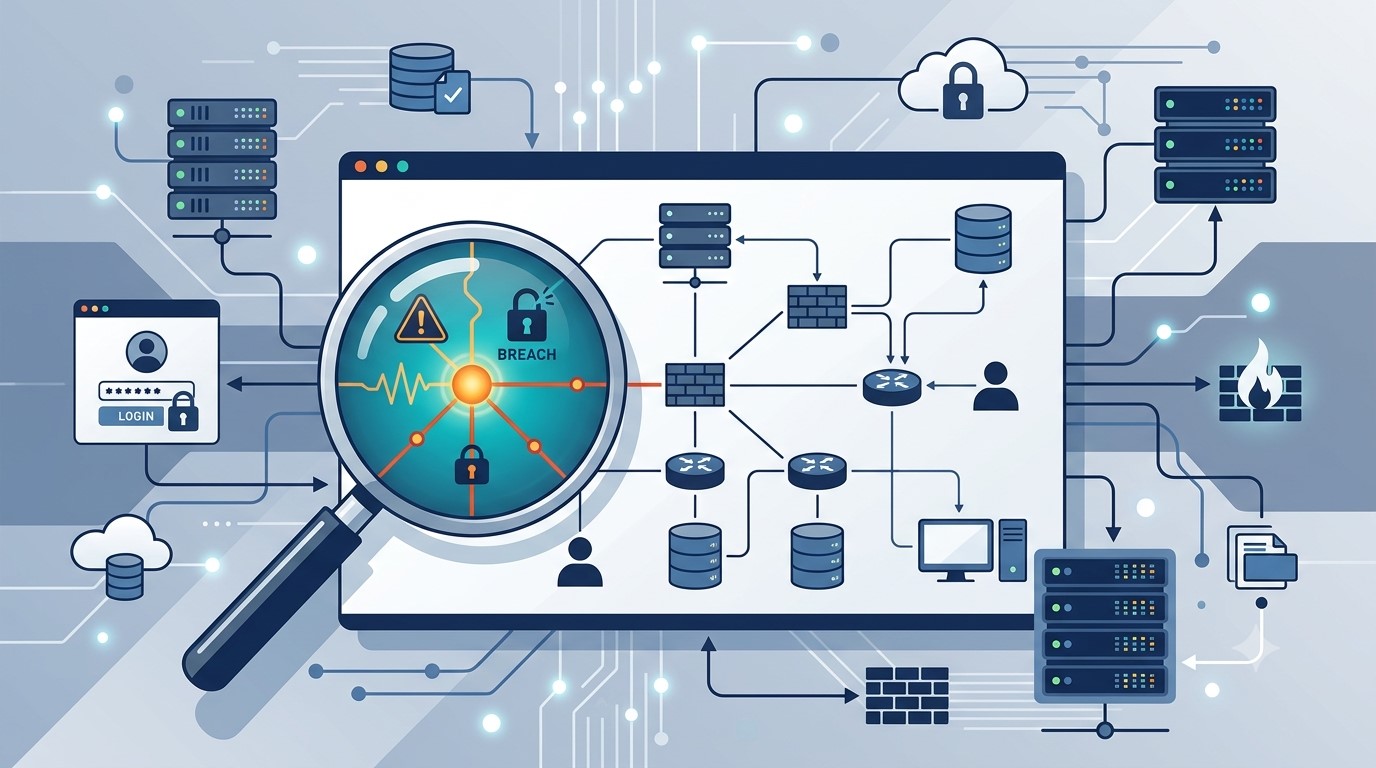
Audit logs won’t stop an incident from happening. They’re what tells you exactly what happened, how bad it is, and how to move forward with confidence instead of guesswork.
Reviewing audit logs regularly helps small business owners catch problems early and respond with confidence.
An employee’s laptop gets stolen from their car. A phishing email lands and someone clicks it. A contractor’s access is never fully removed after the project ends. Any of these can turn into a genuine crisis, or a contained, well-understood incident, and the difference usually comes down to one unglamorous thing: whether your systems were keeping a record of who did what before anyone knew there was a problem.
Audit logs are the timestamped trail of activity across your network, systems, and accounts. Most small business owners never think about them until an incident forces the question: what actually happened here, and how far did it go? Without logs, that question gets answered with guesswork, which means overreacting, locking down everything and alarming customers unnecessarily, or underreacting, missing that the problem is worse than it looks. With logs, you get a fast, factual answer.
Action steps for you and your IT team:
Enable logging on your core systems: email, file storage, remote access tools such as VPN or RDP, and any line-of-business software holding customer or financial data.
Log both successful and failed logins. Repeated failures followed by success is one of the clearest signs of a compromised account.
Set a retention period of at least a year for critical systems, and confirm logs aren’t being quietly overwritten by default settings.
Remove access immediately when an employee or contractor leaves, and confirm the removal itself is logged.
Store logs somewhere separate from the systems they’re monitoring, so an attacker who compromises one system can’t also erase the evidence.
Review logs on a regular schedule, not only when something feels wrong. Most warning signs show up as patterns over time.
Know who on your team, or which vendor, is actually responsible for watching this. If the answer is no one, that’s the gap to close first.
Questions clients ask us about this:
Q: We’re a small business. Do we really need this level of tracking? A: Attackers don’t skip small businesses because they’re small. Many target them specifically because defenses tend to be lighter. Basic logging is inexpensive and often the deciding factor in how quickly you recover from an incident.
Q: We have antivirus and a firewall. Isn’t that enough? A: Those tools help prevent and detect threats, but they don’t give you a full history of user activity across your systems. Logs answer the who and when that other tools weren’t built to track.
Q: If nothing bad has ever happened to us, why start now? A: Most businesses that suffer an incident didn’t see it coming either. Logging is cheap insurance you set up before you need it, because you can’t go back and turn it on after the fact.
How Farmhouse Networking helps: We help small and mid-sized businesses put practical monitoring and logging in place without overcomplicating your environment or your budget. That means configuring logging across your key systems, setting retention that actually covers you, and reviewing activity on a regular schedule so small issues get caught before they become expensive ones. If something does happen, you get a fast, clear answer from a U.S.-based team who already knows your setup, instead of starting from zero during a crisis.
Voice phishing scams are getting harder to spot, and they’re not just an enterprise problem anymore. Here’s what business owners need to do now.
One convincing phone call is often all it takes. Verification before action is the strongest defense against vishing.
A hedge fund employee gets a phone call. The voice sounds exactly like a colleague, tone and pacing included. Within minutes, the caller has talked their way into a password reset. That scenario played out at several major investment firms in August 2026, when AI-generated voice cloning was used to target Point72, Citadel, and Millennium Management. Two Sigma caught the attempt before any damage was done, according to Bloomberg’s reporting.
Most small and mid-sized businesses don’t have that level of security scrutiny watching over them. This is vishing: voice phishing, where a scammer uses a phone call instead of an email to trick someone into handing over credentials, approving a wire transfer, or granting system access. It’s not a future threat. It’s active right now, and AI voice tools are making it more convincing every month.
Why Vishing Works So Well
People trust a human voice more than a written message, and criminals know it. According to Verizon’s 2026 Data Breach Investigations Report, phone-based social engineering succeeds roughly 40% more often per attempt than email phishing. Gartner research found that 35% of organizations have already experienced at least one deepfake-related incident, yet only 10% of security leaders prioritize training staff to recognize a cloned voice, compared to 73% who focus on email phishing alone.
The financial risk is real. In 2023, a vishing call to an IT help desk was the entry point for a breach that cost MGM Resorts an estimated $100 million.
Action Steps for Owners and IT
For the business owner:
Set a rule that no wire transfer, password reset, or system access is approved based on a phone call alone. Require a callback to a known, independently verified number first.
Build a culture where staff can pause and question an “urgent” request without fear of looking difficult.
Schedule recurring, not one-time, staff training on phone-based scams.
For your IT team or provider:
Enforce multi-factor authentication on every account that supports it, and never let it be disabled based on a phone request.
Require independent identity verification before any help desk password reset.
Document and block known scam and spoofed numbers where possible.
Run periodic simulated vishing tests to find gaps before criminals do.
Questions Clients Are Asking
“How do I know if a call is legitimate?” Hang up and call the company or person back using a number you already have on file, not one the caller gives you.
“What should my team do if they’re unsure?” Stop, verify, then act. No legitimate request will penalize someone for double-checking.
“Can this really happen to a business our size?” Yes. Smaller businesses are often targeted precisely because attackers assume less security is in place.
“What’s the first thing we should change?” Put a callback verification policy in place this week. It costs nothing and closes the biggest gap immediately.
How Farmhouse Networking Can Help
Farmhouse Networking builds vishing and social-engineering awareness training around how your team actually works, not a generic slideshow. We run realistic simulated call scenarios, show you exactly where the gaps are, and help you put clear verification procedures in place your staff will actually follow. As a locally based, USA-only provider, we invest heavily in our own team’s ongoing security training, and we bring that same standard to yours.
Protect Your Business Before the Call Comes In
Vishing attacks succeed because they catch people off guard. A short, honest conversation now is a lot less costly than the one you’d have after a breach. Email us at support@farmhousenetworking.com for a free risk assessment. We’ll give you a clear picture of where your business stands, not just against vishing, but across your full security posture.
Why Root Cause Analysis Belongs in Your Incident Response Plan
Finding the root cause of an IT incident is what stops it from happening again.
If your last IT issue got fixed but never explained, you may already be sitting on a repeat problem.
Here’s how it usually goes: an employee’s email gets compromised, your IT provider resets the password, the alerts stop, and everyone moves on. But almost nobody asks the harder question — how did the attacker actually get in, and is that same weakness still open somewhere else in your business?
That question is the entire purpose of root cause analysis (RCA). It’s the difference between putting out a fire and finding out what’s been leaking gas into the building. Skip it, and you’re not preventing the next incident — you’re just waiting for it.
What Root Cause Analysis Actually Means for Your Business
Incident response is the emergency part: contain the threat, restore access, get back to work. Root cause analysis is the follow-up step that asks why it happened in the first place — a phishing gap, a missing security policy, an unpatched system, a training blind spot. Without that step, your business ends up treating the same underlying weakness as a brand-new crisis every time it resurfaces.
Action Steps for You and Your IT Provider
Require a written root cause summary after any security incident — not just a “resolved” notification.
Ask whether your provider monitors for unusual sign-in locations and session activity, not just failed login attempts.
Confirm Conditional Access policies are enforced to block logins from unexpected countries or unmanaged devices.
Review whether staff training addresses the specific method behind the last incident, not just general reminders.
Ask your provider whether an incident was isolated or part of a broader pattern across your systems.
Build a root cause step into your written incident response plan, if you don’t already have one.
Schedule a 30-day follow-up review to confirm the fix actually held.
Questions Your Team Might Ask You
Q: We already fixed it — why dig further? A: Fixing the account doesn’t fix the door the attacker used to get in. Without knowing how it happened, you can’t be confident it won’t happen again the same way.
Q: Doesn’t this slow down how fast issues get resolved? A: No. Containment happens immediately, every time. Root cause review is a short follow-up step afterward — usually a summary or a brief call, not a delay.
Q: Is this really worth the extra step for a business our size? A: Yes — arguably more so. Smaller businesses often can’t absorb the same incident twice. Understanding the cause the first time is what keeps a bad week from becoming a bad year.
How Farmhouse Networking Helps
We recently helped a client contain an incident where an employee’s login session — not just her password — was stolen through a convincing fake sign-in page that looked identical to a real Microsoft 365 login. Containing it was step one. The real work was tracing exactly how the attacker got that session, confirming nothing else in the environment was exposed the same way, and closing the gap permanently.
That’s the process we apply to every incident we handle. Farmhouse Networking documents root cause on every security event, gives you a plain-language explanation of what actually happened and why, and makes sure the fix addresses the cause — not just the symptom.
Want to Know What’s Really Behind Your Last IT Incident?
If your business has had an IT issue that got resolved but never really explained, that’s worth a second look before it repeats itself. Email us at support@farmhousenetworking.com and we’ll walk you through what a proper root cause review looks like — plainly, and without the jargon.
What the CMMC suspension teaches every small business about the danger of waiting on compliance
Building a cybersecurity policy before it’s required can save your business time, money, and trust.
On July 13, 2026, the Department of War suspended Phase II of its Cybersecurity Maturity Model Certification (CMMC) program — the rule that would have required over 100,000 defense contractors to complete third-party cybersecurity assessments starting this November. The reason wasn’t that cybersecurity stopped mattering. It’s that the compliance system itself couldn’t scale: too few certified assessors, costs approaching $600,000 per certification, and a timeline small businesses couldn’t meet.
That story has nothing to do with defense contracts if you’re not one. But it has everything to do with a mistake we see constantly: business owners treating cybersecurity policy as something to build only when a regulator forces the issue. When the deadline moves or disappears, so does the motivation — right up until a breach, an insurance audit, or a client contract makes it urgent again, usually at the worst possible time.
Why Waiting Is the Expensive Choice
Government programs get delayed, revised, or scrapped. Your actual risk — ransomware, phishing, a stolen laptop, an employee clicking the wrong link — doesn’t wait for anyone’s regulatory calendar. Businesses that build security practices proactively spend less, recover faster, and rarely scramble when a client or insurer asks for documentation they don’t have.
Action Steps for Business Owners
Write down your security policies now, even in simple form: password requirements, data handling rules, who can access what.
Inventory your systems and data — you can’t protect what you haven’t mapped.
Set a patch and update schedule instead of reacting to alerts.
Back up data regularly and actually test that restores work.
Train staff on phishing and basic security hygiene at least twice a year.
Review vendor contracts for the security commitments you’re already making to clients or partners.
Revisit your plan quarterly — don’t let it go stale.
Questions Business Owners Are Likely Asking
“If the government paused its own program, why should I move faster on mine?” Because your risk was never tied to their timeline. The suspension was about assessment logistics, not about cyber threats becoming less real.
“Isn’t this overkill for a small business?” No — attackers target small businesses precisely because they assume no one built a plan. A written policy costs far less than a breach.
“Do I need a full compliance framework?” Not necessarily. You need documented, consistently applied practices. Formal frameworks can come later if a client or contract requires them.
“What if I don’t have an in-house IT person?” That’s exactly where a managed partner earns their keep — building and maintaining the plan so you don’t have to.
How Farmhouse Networking Helps
We help small and mid-sized businesses build the security foundation regulators eventually ask for — without waiting for a mandate to force the issue. That means clear, documented policies, practical safeguards like MFA and monitored backups, and straightforward guidance you can actually act on, without the jargon.
Don’t Wait for the Next Deadline to Get Serious
Regulations pause. Real risk doesn’t. If you’ve been putting off a cybersecurity policy because “nothing’s required yet,” now is the time to close that gap — before something else forces the timeline.
Email us at support@farmhousenetworking.com for a free cybersecurity policy review. We’ll tell you plainly where you stand and what to fix first.
What this summer’s federal security campaign means for any business holding sensitive data
Taking a few hours this summer to review your security practices can prevent a costly data breach later.
What this summer’s federal security campaign means for any business holding sensitive data
This July, the IRS and its Security Summit partners launched Protect Your Clients; Protect Yourself, a five-week campaign built for tax preparers. It walks through the phishing schemes, impersonation scams, and stolen-credential attacks criminals are using against professionals who hold sensitive client data, along with the basic safeguards, written security plans, and verification tools meant to stop them.
Your business may have nothing to do with taxes. But the tactics described in this campaign — fake “new client” emails carrying malware, spoofed calls, and urgent requests designed to pressure someone into clicking or sharing information — are used against every kind of small business, not just tax firms. If your company stores customer records, payment details, or employee data, you’re a target using the same playbook. Summer is a good time to check whether your own safeguards would hold up.
Action Steps for You and Your IT Team
Write down your security practices. A simple, documented policy covering data handling, access, and response is far better than relying on informal habits.
Enable multi-factor authentication on email, financial systems, and any remote access used by your team.
Review employee access regularly, and immediately revoke access for anyone who leaves the company.
Train your team to spot phishing and impersonation attempts, especially fake vendor invoices, urgent executive requests, and unexpected attachments.
Test your backups, not just assume they’re running, to confirm you could actually recover if something went wrong.
Document an incident response plan so your team knows exactly who to call and what to do the moment something looks wrong.
Questions Your Customers or Employees Might Ask
“How do you protect the information you have on file for us?” We maintain a documented security policy, require multi-factor authentication across our systems, and regularly review who has access to sensitive data.
“What would happen if your systems were breached?” We have a tested response plan and know exactly how we’d respond and notify anyone affected.
“Why do you keep asking us to verify things that used to be simple?” Because verification steps protect both of us from scams that specifically exploit shortcuts and urgency.
How Farmhouse Networking Can Help
Farmhouse Networking helps small and mid-sized businesses turn good intentions into an actual, documented security program: written policies, MFA across your critical systems, cleaned-up user access, tested backups, and a clear incident response plan. We handle the technical details so you can run your business with confidence instead of guesswork.
Find Out Where Your Business Actually Stands
Email support@farmhousenetworking.com for a free security assessment, and close the gaps the IRS is warning everyone else about — before they cost you something worse.
Why waiting for an audit notice is the most expensive compliance strategy there is
Proactive compliance planning costs far less than scrambling to fix gaps after an audit notice arrives.
Most business owners don’t think about compliance until someone forces the issue – a new client contract requiring proof of security controls, an insurance renewal asking for documentation, or worse, an audit letter. By then, the real cost isn’t the audit itself. It’s everything you didn’t do in the months or years leading up to it: the gaps that piled up, the records that don’t exist, and the scramble to fix it all under a deadline. Research consistently shows that organizations that wait until they’re forced to comply end up paying roughly two-and-a-half to three times more than those who treat compliance as an ongoing practice. That gap isn’t fines alone – it’s lost productivity, disrupted operations, and the cost of fixing things the hard way instead of the easy way.
What “Waiting” Actually Costs
Lost productivity during the scramble. When an audit notice arrives, someone has to drop everything to assemble records, policies, and proof of controls that should have already existed. That’s time not spent serving customers.
Higher remediation costs. Fixing a security gap proactively might mean a software update or a policy change. Fixing it during an active audit often means emergency vendor calls, rushed system changes, and premium pricing.
Weaker negotiating position. Auditors and regulators view a track record of good-faith effort favorably. A business with no documentation looks like it never tried – and that perception drives harsher outcomes.
Business disruption. Operations can grind to a halt while staff redirect their attention to corrective action plans, investigations, or reporting requirements.
Reputational fallout. Clients, vendors, and partners notice when a business fails an audit or discloses a breach. Rebuilding trust takes far longer than building it the first time.
Action Steps to Take Now
Inventory what you actually have. List every system, vendor, and data type your business touches. You can’t protect, or document, what you haven’t identified.
Run a basic risk assessment. Identify where sensitive data lives, who has access to it, and what would happen if it were exposed or lost.
Document your policies in writing. Verbal habits don’t count as a compliance program. Write down password requirements, data handling rules, and incident response steps.
Check your vendor agreements. Make sure any vendor handling sensitive data on your behalf has appropriate contractual protections in place.
Train your staff and keep records of it. A single untrained employee can undo your entire compliance posture. Training without documentation is nearly as risky as no training at all.
Test your backups and recovery plan. A backup you’ve never tested is a backup you don’t actually have.
Set a recurring review cadence. Quarterly or biannual reviews catch small gaps before they become big ones.
Questions Business Owners Are Likely Asking
“We’ve never had a problem. Why worry about this now?” Most compliance failures aren’t discovered until something else goes wrong – a breach, a complaint, or a routine review triggered by a client or insurer. The absence of a problem so far isn’t the same as the absence of risk.
“Isn’t this what our IT vendor is already handling?” Possibly, but it’s worth confirming directly. Compliance documentation, policy writing, and risk assessments are distinct from day-to-day IT support, and gaps often hide in that space between the two.
“How much time does this realistically take?” A basic risk assessment and documentation cleanup can often be completed in a few weeks. Waiting until an audit forces the same work into days, with far less room for error.
“What’s the actual return on doing this now instead of later?” Beyond avoiding fines, proactive compliance tends to reduce insurance premiums, speed up vendor and client onboarding, and protect the business from disruption that has nothing to do with regulators – like a ransomware attack or a lost laptop.
How Farmhouse Networking Can Help
Farmhouse Networking works with business owners to close compliance gaps before they become expensive problems – not after. That means risk assessments that actually identify where your exposure lives, documentation that holds up under scrutiny, employee training programs with the paper trail to prove it, and ongoing monitoring so nothing slips through the cracks between reviews. Instead of a one-time scramble, you get a system that keeps working in the background, year-round.
The Bottom Line
Compliance isn’t a deadline – it’s a discipline. The businesses that treat it that way spend less, sleep better, and never have to explain to a client, an insurer, or a regulator why the paperwork doesn’t exist. If you’re not sure where your gaps are, that’s the best possible reason to find out now, while you still have the luxury of time.
Don’t wait for an audit notice to find out where you stand. Email support@farmhousenetworking.com and let’s talk about what a proactive compliance check would look like for your business.
What Every Small Business Owner Should Know About Accounting Software and GAAP
Choosing the right accounting method and software is one of the most important decisions a small business owner can make — especially when loans, audits, or growth are on the horizon.
The software you chose when you started may not be the right fit for where your business is going – and your IT setup is part of the equation.
Most small business owners choose QuickBooks because someone recommended it, or because it was the obvious option. It’s reliable, widely used, and gets the job done for basic bookkeeping. But as your business grows, the question isn’t whether QuickBooks works – it’s whether it’s working well enough for your specific situation.
The answer depends largely on one thing: how your business handles revenue recognition, and whether your financials need to meet GAAP standards.
QuickBooks and GAAP: Understanding the Difference
QuickBooks defaults to cash-basis accounting, which records income when you receive payment and expenses when you pay them. This works well for simple operations and gives you a clear view of your cash position. It’s also how most small businesses file taxes.
Generally Accepted Accounting Principles (GAAP) typically requires accrual-basis accounting, where revenue is recorded when it’s earned and expenses when they’re incurred, regardless of when money changes hands. This produces a more accurate long-term picture of your business’s financial health.
For most small businesses under $25 million in annual revenue, cash-basis accounting is perfectly legal and practical. But if you plan to seek a business loan, bring on investors, take on a business partner, prepare for a sale, or operate in a regulated industry, GAAP-compliant accrual-basis financials will likely be required. QuickBooks can produce accrual-basis reports, but it requires proper configuration and disciplined bookkeeping to do so accurately.
QuickBooks is a general-purpose tool. Depending on your industry, a purpose-built alternative may serve you better: The right choice depends on your size, complexity, industry compliance requirements, and how your financial data needs to flow between systems.
Practical Action Steps for You and Your IT Team
Identify your accounting method. Confirm whether your books are cash or accrual basis and whether that matches what your CPA recommends for your situation.
Review your reporting needs. Ask yourself: could you produce a GAAP-compliant set of financials today if a bank or investor asked for one? If not, that’s worth addressing.
Audit your software integrations. List every system that connects to your accounting software — payroll, CRM, e-commerce, inventory — and verify those connections are working accurately and securely.
Secure your financial data. Confirm that your accounting platform uses encrypted connections, requires strong passwords, and supports multi-factor authentication for all users.
Set up and test your backups. Automated, offsite backups of your financial data should be tested periodically. A backup you’ve never restored is a backup you can’t trust.
Limit access to financial systems. Only the people who need access to your accounting data should have it. Set role-based permissions and review them regularly.
Plan before you migrate. If you decide to switch platforms, involve your CPA and your IT provider from the beginning. Migrations done without a clear plan often result in data gaps, reporting errors, or security exposures.
Keep your software updated. Accounting software vulnerabilities are real attack vectors. Make sure updates and patches are applied promptly.
Questions Your Clients, Lenders, or Partners May Ask — and How to Answer Them
Are your financials GAAP-compliant? Our books are maintained on an accrual basis in coordination with our CPA. We can produce GAAP-compliant financial statements when needed.
How secure is your financial data? We use encrypted accounting software with multi-factor authentication, limited user access, and automated offsite backups.
What happens if your accounting system goes down? We have business continuity measures in place, including current backups and IT support to restore access quickly. We don’t rely on a single point of failure.
Are you considering switching accounting platforms? Any platform change we make would be planned carefully with input from our CPA and IT provider to avoid disruption to our reporting or data integrity.
How Farmhouse Networking Supports Your Business
Your accounting software is only as reliable as the IT environment it runs in. A slow network, an unpatched system, weak access controls, or a missed backup can turn a small accounting problem into a big one — fast.
Farmhouse Networking helps small and mid-sized businesses build and maintain the IT infrastructure that supports their financial systems. That includes network security and reliability, multi-factor authentication setup, automated backup and disaster recovery, user access management, and coordination with software vendors when issues arise. We’re not accountants — but we make sure the technology your accountant depends on is solid.
Take the Next Step
If you’re not confident your accounting setup and the IT behind it are in good shape, we’re here to help.
Email us at support@farmhousenetworking.com to schedule a free IT assessment. We’ll review your current environment and tell you exactly what’s working, what’s at risk, and what to do about it — in plain English, no jargon.
Small business leaders can reduce AI risk by building governance, review processes, and secure IT controls
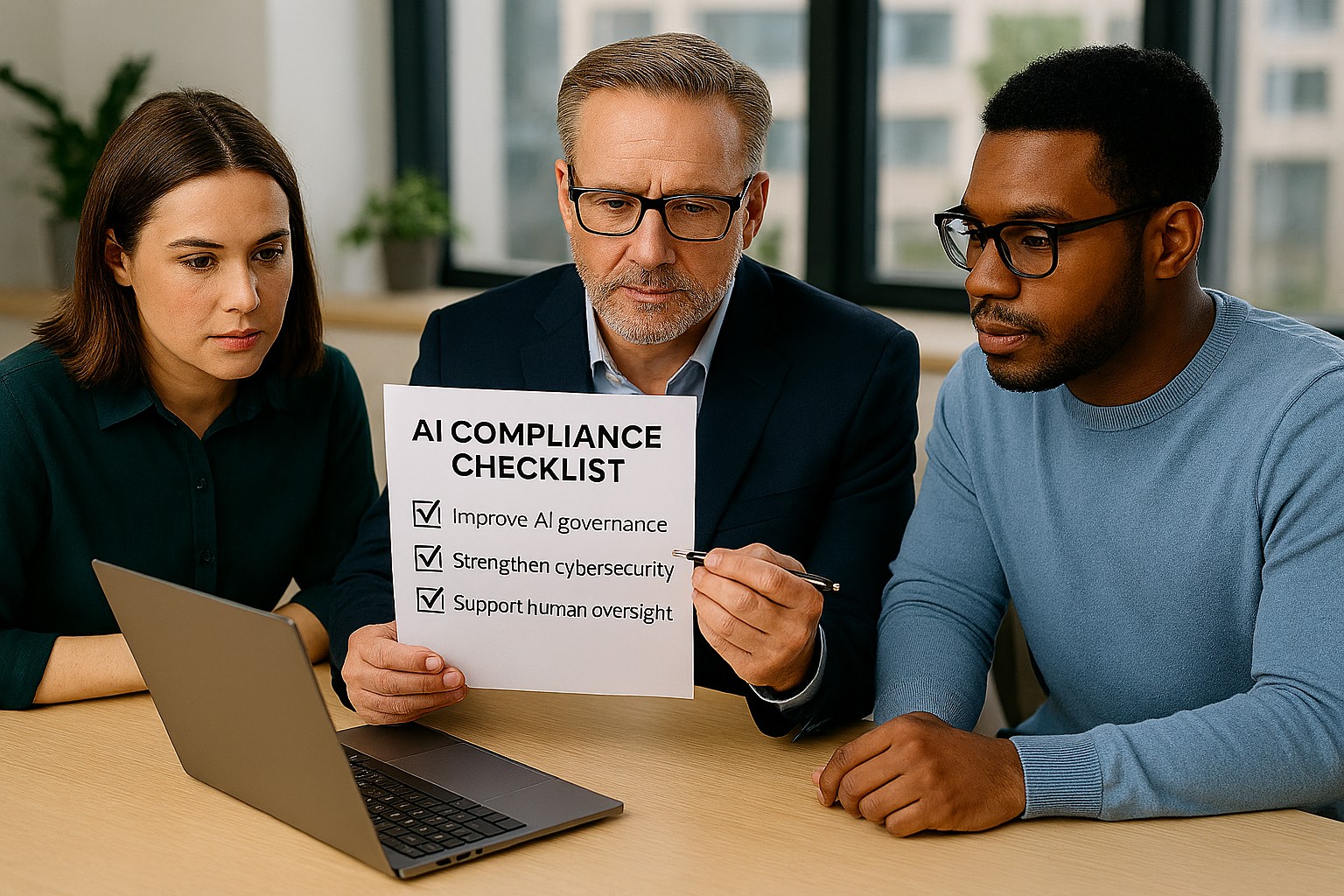
Businesses are adopting AI faster than ever, often without realizing how many tools already include automation. The Colorado AI Act matters because if AI influences decisions that affect customers, employees, or applicants, your business may need to add oversight, disclosures, and human review.
For SMB owners, the best strategy is simple: know what AI you use, know what it affects, and know who is responsible. That keeps compliance manageable and reduces risk.
What your business should do
Start with an AI inventory across software, plugins, and cloud apps. Then identify which tools affect important decisions, customer experiences, or internal workflows.
Your IT team should review vendor contracts, access controls, logging, and data retention. They should also create a clear process for reviewing AI outputs, correcting mistakes, and responding to customer questions.
Questions customers may ask
Q: Is your business using AI to evaluate me? A: It may be, depending on the service or process.
Q: Can a person review the decision? A: Your business should be able to provide human review where needed.
Q: Why should I care about AI use? A: Because it affects fairness, accuracy, and transparency.
How Farmhouse Networking can help
Farmhouse Networking helps SMBs build a stronger IT foundation for AI governance, security, and compliance. We can help you identify risks, secure systems, and support the operational steps your business needs to take.
Email support@farmhousenetworking.com for more information about how Farmhouse Networking can help improve their business.
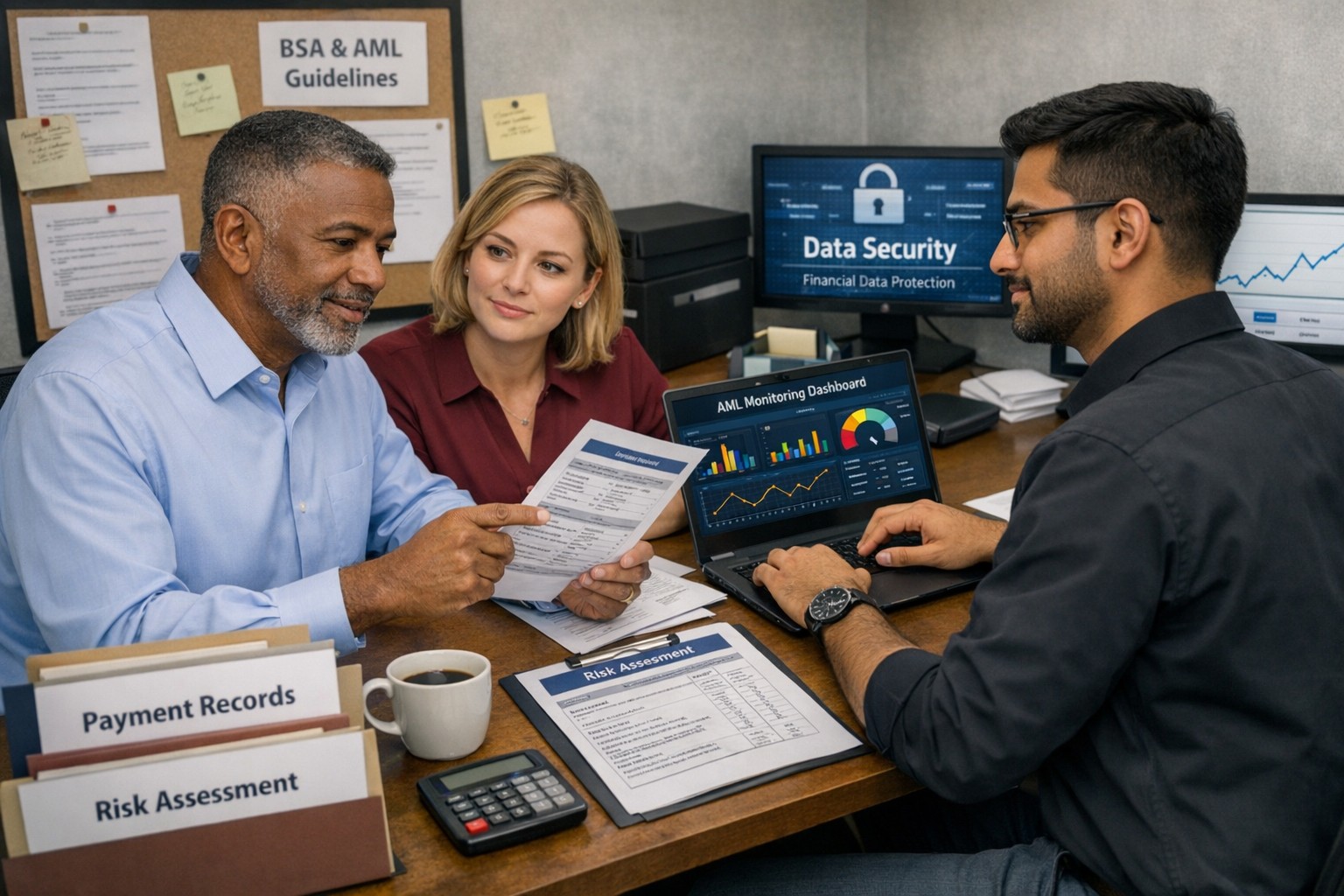
Business owner and IT team working together to strengthen BSA AML compliance, improve financial recordkeeping, and reduce banking risk
Even if you are not a bank, your business can be pulled into Bank Secrecy Act (BSA) and Anti‑Money Laundering (AML) expectations through how you move money, handle client funds, or work with financial institutions. Regulators expect banks to understand their customers’ risk profile, which means your business practices, recordkeeping, and security controls matter more than ever.
What BSA/AML Means for Your Business
BSA requires financial institutions to keep records and file reports on certain currency and suspicious transactions to help detect and prevent money laundering.
Banks use a risk‑based approach and look closely at higher‑risk customers such as cash‑intensive businesses or those sending frequent international payments.
Poor documentation, weak controls, or opaque ownership structures at your company can prompt more questions, delays, or even de‑risking by your bank.
Practical Steps for Owners and IT
Business owner actions:
Map money flows: Document where funds come from, where they go, and who approves each step; share this with your bank when asked.
Clarify ownership: Maintain updated records of beneficial owners and key executives so you can respond quickly to due‑diligence requests.
Define policies: Create written policies on accepting payments, refunds, wires, and handling unusual or large cash transactions.
IT actions:
Centralize records: Implement systems that retain transaction logs, invoices, and client identity data securely and for required retention periods.
Monitor anomalies: Use monitoring tools to flag unusual payment patterns (new countries, unusual amounts, odd timing) for review by management.
Secure access: Enforce least‑privilege access, MFA, and audit trails on finance, billing, and banking systems to support internal controls.
Common Client Questions (with Answers)
“Why are you asking for my ID or entity details?”
Banks and their business customers must perform customer due diligence and verify ownership for certain transactions.
“Why did my payment get delayed or flagged?”
Transactions that deviate from expected patterns may trigger additional review under BSA/AML monitoring rules.
“Are my data and documents safe with you?”
Strong access controls, encryption, and logging protect client information used to meet financial and compliance obligations.
How Farmhouse Networking Helps
Farmhouse Networking can design and implement the technical side of your BSA‑friendly environment so your bank sees you as a well‑controlled, lower‑risk customer. Services include:
Mapping and hardening financial data flows across accounting, CRM, and banking systems.
Implementing logging, alerting, and secure storage to support transaction monitoring and documentation.
Preparing your IT environment for bank questionnaires, vendor risk reviews, and audits.
Call to action: Email support@farmhousenetworking.com for more information about how Farmhouse Networking can help improve your business.
What the U.S. Treasury’s New AI Framework Means for You
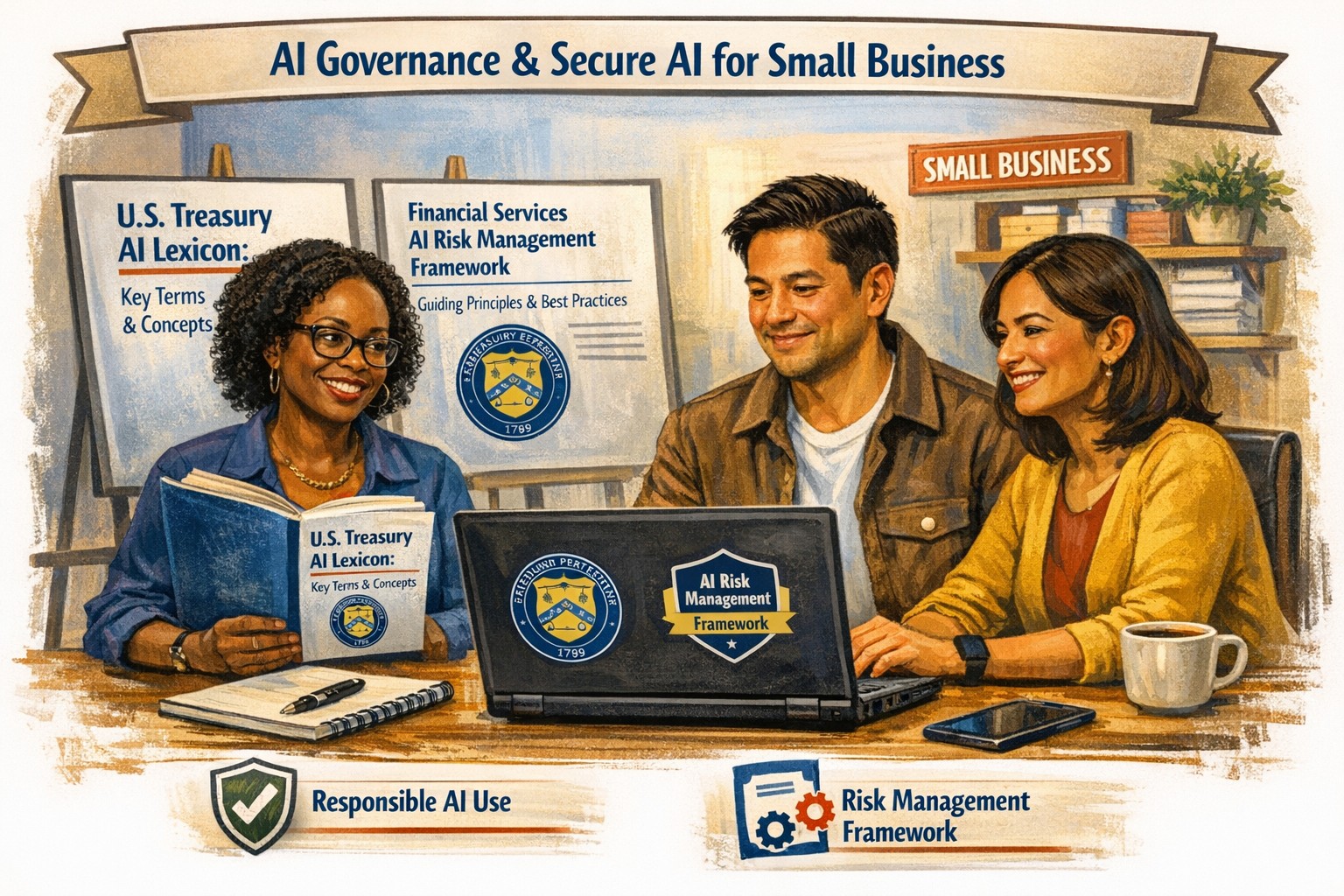
How the U.S. Treasury’s AI Lexicon and Financial Services AI Risk Management Framework help small businesses govern AI safely and securely
From chatbots to cloud‑based “smart” bookkeeping tools, AI is quietly embedded in many SMB software platforms. The Treasury’s AI Lexicon and Financial Services AI Risk Management Framework give small‑business owners a practical way to manage AI‑related risks—without needing a corporate‑level compliance team.
What SMB owners should do
Create a simple AI inventory: List tools that say they use “AI,” “machine learning,” or “smart automation.”
Ask vendors clear questions: How does the AI work? What data does it use? How are models updated and monitored?
Limit AI for sensitive decisions: Use AI for tasks like email filtering, data entry, or basic analytics, but keep humans in the loop for pricing, hiring, or customer‑impact decisions.
Add AI‑governance to your cybersecurity plan: Treat AI‑enabled tools the same way as any other SaaS—review access, permissions, and data‑handling practices.
Sample Q&A for customers and partners
“Do you use AI to decide which customers get service?” You can say: “AI helps us manage communications and prioritize tasks, but a real person makes decisions that affect you.”
“How do you ensure AI isn’t biased or insecure?” You can reference documented vendor‑review processes, human oversight, and your commitment to strong cybersecurity and data‑protection practices.
Farmhouse can help
Farmhouse Networking can:
Help you build a simple AI‑inventory checklist for your SMB.
Assist with drafting light‑touch AI‑governance language for your policies and customer‑facing communications.
Integrate AI‑risk checks into your existing IT and cybersecurity processes.
Call to action: Email support@farmhousenetworking.com to start a conversation about how AI is already in your business—and how to manage it in a way that’s both powerful and defensible.
And God will generously provide all you need. Then you will always have everything you need and plenty left over to share with others. As the Scriptures say, “They share freely and give generously to the poor. Their good deeds will be remembered forever.” For God is the one who provides seed for the farmer and then bread to eat. In the same way, he will provide and increase your resources and then produce a great harvest of generosity in you. - 2 Corinthians 9:8-10
We use cookies to ensure that we give you the best experience on our website. If you continue to use this site we will assume that you are happy with it.