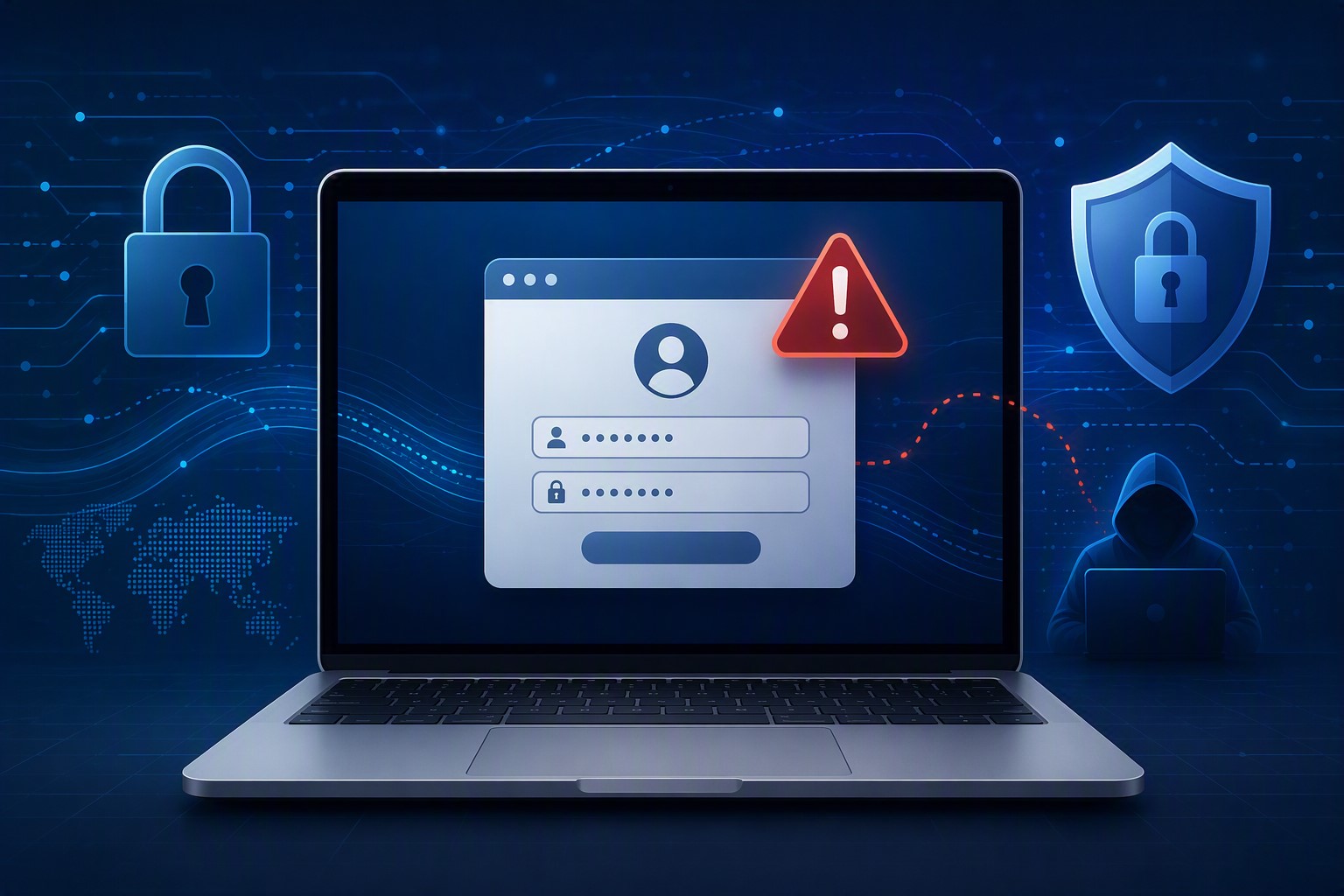
A growing attack technique lets criminals steal a live login session instead of a password — and most businesses have no idea it’s happening until it’s too late.
A single stolen login session can be enough for attackers to bypass MFA and take over a business email account.
For years, business owners have been told the same thing: turn on multi-factor authentication (MFA) and you’re safe. That advice is still mostly true — but a newer style of attack is proving it isn’t the whole story. We recently helped a regional nonprofit contain an incident that shows exactly how this plays out, and it’s a pattern every small business owner should understand.
Here’s what happened, in short: an employee was directed to a fake login page that looked identical to the real Microsoft 365 sign-in screen. She entered her password and completed her MFA step normally. But the fake page was secretly relaying everything to the real Microsoft servers in real time — and it captured the “session” created after she logged in. That session is like a hall pass: once you have it, you don’t need the password or the MFA code again. The attacker used it to log in as her, days later, from the other side of the world.
From there, the attacker spent time reading email, quietly created a mail rule to auto-delete replies, and used the compromised account to send hundreds of file-sharing invitations and emails to external contacts — all appearing to come from a real, trusted employee.
Action steps for you and your IT provider:
Ask your IT provider whether your email platform is monitoring for “impossible travel” or suspicious sign-in locations, not just failed MFA attempts.
Enable and enforce Conditional Access or equivalent policies that block sign-ins from unexpected countries or devices.
Shorten session lifetimes so a stolen session expires faster.
Train staff to check the URL bar before entering credentials — even on pages that look pixel-perfect.
Make sure your provider can see and revoke active sessions instantly, not just reset passwords.
Review mail rules periodically; attackers often hide behind rules named with punctuation marks so they’re invisible in a quick glance.
Confirm your incident response plan includes session token revocation, not just password resets.
Q&A
Q: If we have MFA, aren’t we protected? A: MFA blocks most attacks, but this technique steals the session created after MFA succeeds. You need monitoring and Conditional Access policies layered on top of MFA, not instead of it.
Q: How would we even know this happened? A: Often the first sign is unusual outbound email, unexpected file-sharing invitations, or partners asking why they received a strange invoice link. Proactive monitoring catches it earlier.
Q: Is this expensive to defend against? A: Most of the defenses — Conditional Access policies, session timeout settings, monitoring — are configuration changes, not new purchases, if your provider has the expertise to set them up correctly.
How Farmhouse Networking Helps
Farmhouse Networking configures and monitors Microsoft 365 environments specifically to catch this kind of attack — unusual sign-in locations, hidden mail rules, mass outbound activity — before it turns into a full-blown incident. We also help small businesses put the right guardrails in place from the start, so a stolen password or session doesn’t become a company-wide problem.
Not sure if your email environment could catch an attack like this? Email us at support@farmhousenetworking.com to schedule an MFA and email-security review. We’ll walk through your current setup and tell you plainly where the gaps are.
And God will generously provide all you need. Then you will always have everything you need and plenty left over to share with others. As the Scriptures say, “They share freely and give generously to the poor. Their good deeds will be remembered forever.” For God is the one who provides seed for the farmer and then bread to eat. In the same way, he will provide and increase your resources and then produce a great harvest of generosity in you. - 2 Corinthians 9:8-10
We use cookies to ensure that we give you the best experience on our website. If you continue to use this site we will assume that you are happy with it.