Got a New Phone? Here’s What Happens to Your MFA -What to Do Before It Locks You Out
Upgrading your device is exciting. Losing access to every business account is not. Here’s what every business owner needs to know before they make the switch.
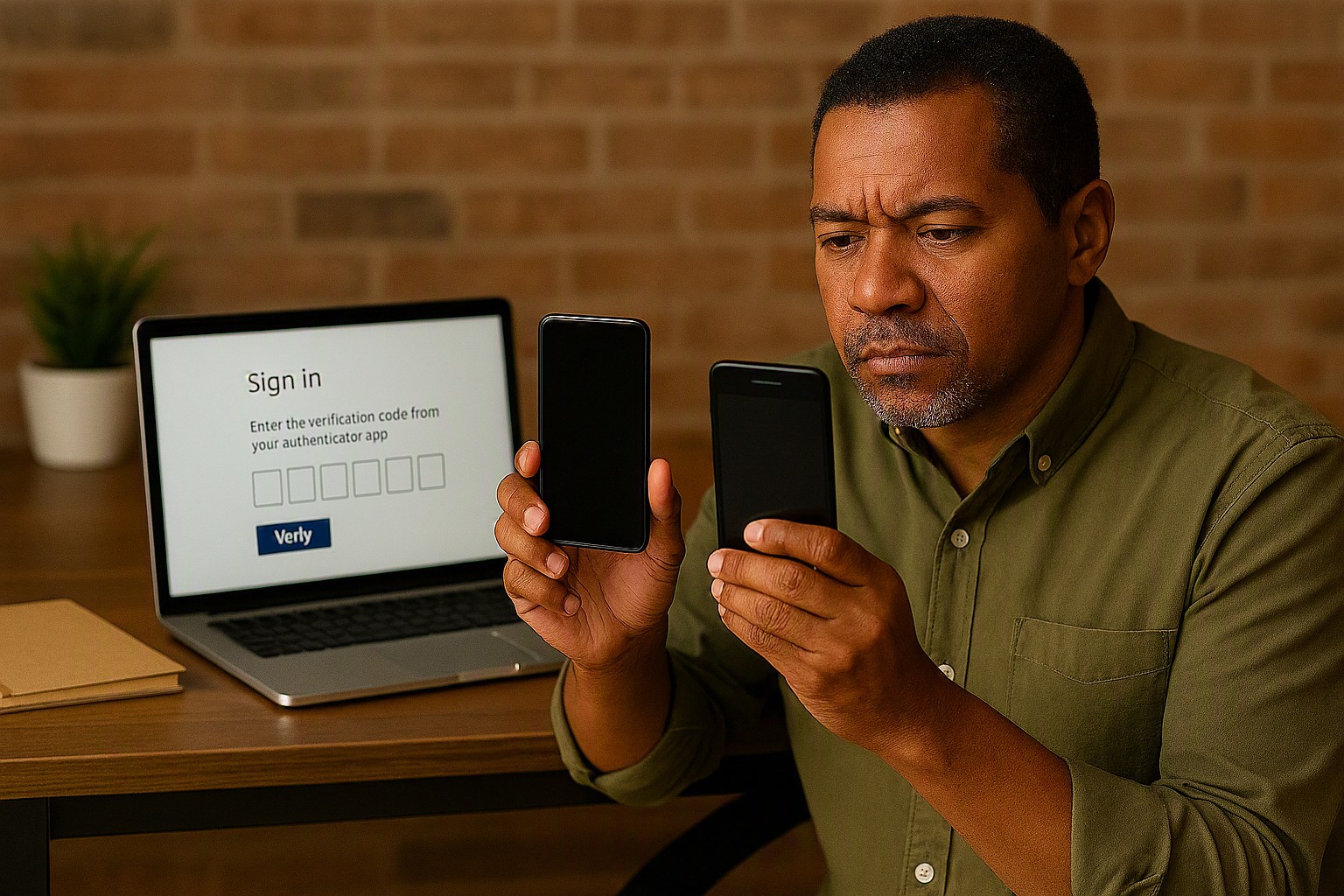
Switching to a new phone without preparing your MFA can lock you out of every business account. A little preparation before the switch prevents hours of downtime.
email. The system asks for an authentication code. You open the authenticator app. The accounts are gone. Now you’re locked out.
This happens to business owners every day. Multi-factor authentication (MFA) is one of the most effective security tools available – but it’s bound to the device it was set up on. When that device changes, access can disappear instantly unless you prepare in advance.
Here’s exactly what happens, why it matters, and what to do about it.
Why MFA Breaks When You Switch Phones
Authenticator apps like Microsoft Authenticator, Google Authenticator, and Duo Mobile generate time-sensitive codes that are tied to your specific device. The codes work because the app and the service share a secret key established during setup. When you swap phones without transferring that key, the connection breaks.
The result: you cannot complete login, even with the correct password. If your old phone is already wiped or gone, and you have no backup method configured, recovery can take hours, or longer, and usually requires IT intervention.
For a business, that’s more than an inconvenience. It’s a potential compliance issue, a productivity disruption, and in some cases, a security risk if employees start using workarounds.
Action Steps Before You Switch Phones
These steps apply to you, your staff, and anyone who uses MFA to access business systems.
Inventory every account protected by MFA. Email, cloud storage, accounting software, practice management platforms, banking portals – list them all. You cannot protect what you haven’t identified.
Check your authenticator app’s backup settings. Microsoft Authenticator supports cloud backup. Google Authenticator added backup functionality in 2023. Enable it before you wipe or trade in your old device.
Register a backup MFA method. Most platforms allow you to add a secondary method – a different phone number, a hardware key, or an email-based code. Do this now, not after a problem occurs.
Save recovery codes. During initial MFA setup, most services generate one-time recovery codes. Store these in a password manager or a secure, offline location. These are your safety net if everything else fails.
Do not wipe your old phone until the new one is fully verified. Set up the authenticator app on the new device, confirm every account logs in successfully, then decommission the old device.
Notify your IT provider before the switch. If you use a managed IT service, your provider can verify admin-level access to reset MFA on critical accounts if something goes wrong during the transition.
Remove your old device from your account settings. After the switch is complete, log into your security settings for each platform and delete the old device. Leaving it registered is an unnecessary security exposure.
Q&A: What Your Employees (and Clients) Might Ask
Q: Can I just reinstall the authenticator app on my new phone? A: Installing the app is only the first step. You still need to re-link each account, either by restoring from a cloud backup or by re-scanning QR codes through each platform’s security settings. Without prior backup configuration, you’ll need your IT administrator to reset access.
Q: What if I already switched phones and I’m locked out? A: Contact your IT administrator immediately. They can reset your MFA registration at the admin level, which clears the old device and allows you to set up a new one. Do not attempt to bypass MFA – doing so may violate your organization’s security policies.
Q: Is it safe to use text message codes instead of an authenticator app? A: SMS-based codes are better than no MFA, but they’re the weakest option. They’re vulnerable to SIM-swapping attacks, where a criminal hijacks your phone number. An authenticator app is more secure and worth the minor setup effort.
Q: Do I need to do anything with my business accounts specifically? A: Yes. Business accounts managed through Microsoft 365, Google Workspace, or other platforms often have centralized MFA settings controlled by your IT administrator. Those accounts may require admin-assisted recovery if the authenticator app is lost. This is another reason to have a managed IT partner involved before the phone switch.
How Farmhouse Networking Can Help
MFA transitions are a routine part of what we manage for our clients. When one of your employees gets a new phone, we can audit their MFA registrations, verify backup methods are in place, guide them through the device transfer, and reset access at the admin level if something goes wrong.
We also help businesses build a documented MFA policy – so every employee follows a consistent, tested process when devices change, instead of figuring it out under pressure when they’re locked out.
If you don’t currently have backup MFA methods configured across your team, that’s a gap worth closing now.
Ready to Stop Worrying About MFA Lockouts?
Email us at support@farmhousenetworking.com and let’s make sure your team is set up to handle device changes without the drama. One conversation now can prevent hours of lost access later.o handle device changes without the drama. One conversation now can prevent hours of lost access later.
And God will generously provide all you need. Then you will always have everything you need and plenty left over to share with others. As the Scriptures say, “They share freely and give generously to the poor. Their good deeds will be remembered forever.” For God is the one who provides seed for the farmer and then bread to eat. In the same way, he will provide and increase your resources and then produce a great harvest of generosity in you. - 2 Corinthians 9:8-10
We use cookies to ensure that we give you the best experience on our website. If you continue to use this site we will assume that you are happy with it.