What a Chiropractic Endorsement Says About the State of Your Office
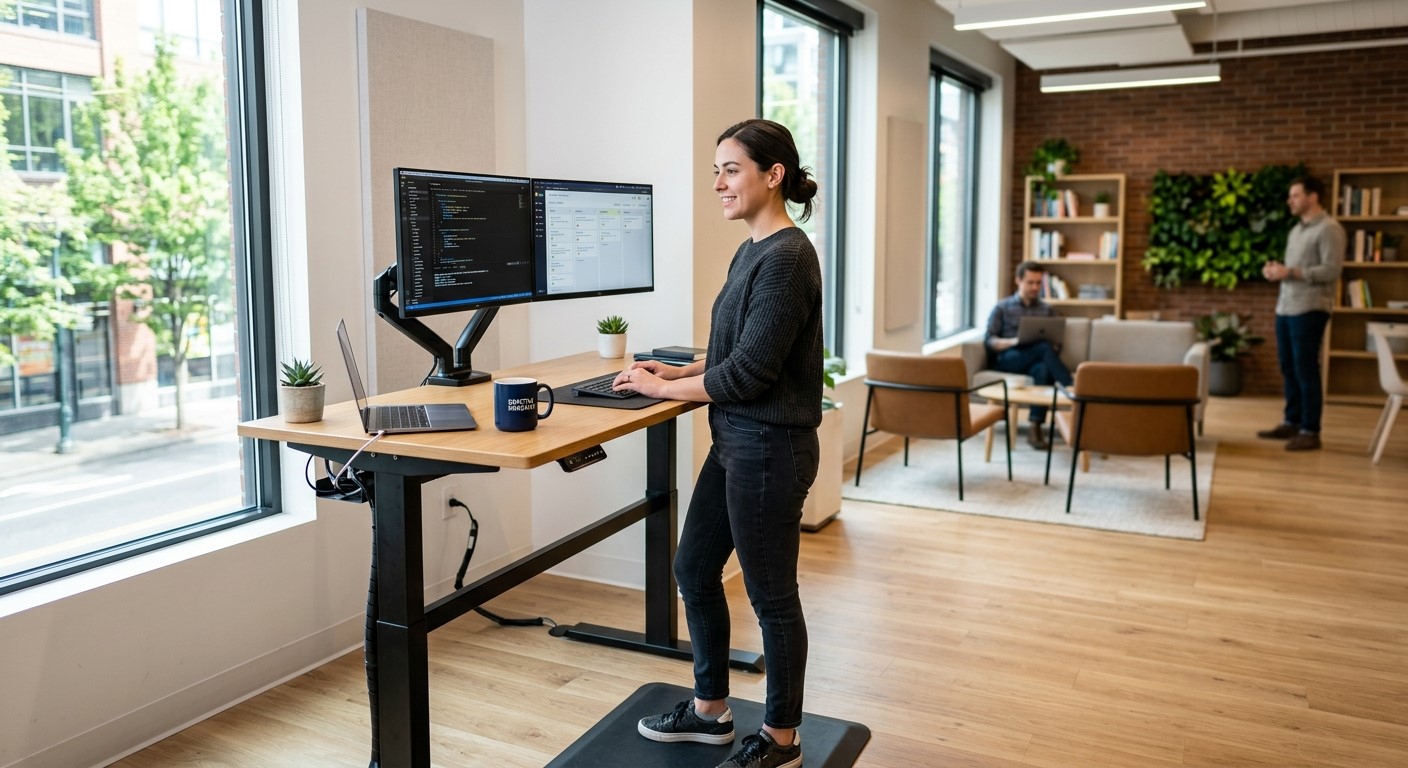
The American Chiropractic Association just endorsed adjustable standing desks and monitor arms
A well-planned ergonomic workstation supports both employee comfort and IT reliability.
This is a small industry story that’s really about a bigger issue: how well your workplace supports the people who keep your business running.
The American Chiropractic Association announced its endorsement of adjustable standing desks and monitor arms, pointing to their ergonomic design and role in reducing strain during long work sessions. For small and mid-sized business owners, it’s a useful prompt to take stock of your own office. Most workplace injuries aren’t dramatic, they’re cumulative, showing up as chronic discomfort, missed days, and slow-building turnover risk among the staff who spend the most hours at a desk.
Ergonomics isn’t just a wellness perk. It’s a practical, low-cost way to reduce absenteeism and protect the productivity of your team.
Action Steps for Business Owners and IT Staff
Identify which employees spend the most consecutive hours at a workstation, and start there.
Try low-cost fixes first: monitor height, chair adjustment, and keyboard positioning, before investing in new equipment.
If you’re upgrading desks or adding monitor arms, involve your IT provider early. Cable management, power access, and hardware compatibility all need to be part of the plan.
Build ergonomic upgrades into your regular equipment refresh cycle instead of treating them as a separate, one-time project.
Ask employees directly what’s uncomfortable, the fix is sometimes simpler and cheaper than a full desk replacement.
Reassess your office setup annually, especially after any staffing or equipment changes.
Questions Employees or Managers Might Ask
“Do we need to replace every desk in the office?” No. Most businesses phase upgrades in by role, starting with the highest-strain positions.
“Will new equipment interfere with our existing setup?” It shouldn’t — as long as the physical changes are planned alongside your network and hardware configuration, not as an afterthought.
“Is this really an IT issue?” More than people expect. Monitor arms, docking stations, and desk power all intersect with your network and device setup, which is why it’s worth coordinating both at once.
How Farmhouse Networking Can Help
Workplace equipment changes almost always touch your IT environment more than expected: cabling, power, docking stations, and device compatibility all need to work together. Farmhouse Networking helps small and mid-sized businesses plan equipment upgrades that support both staff wellbeing and system reliability, so a simple desk swap doesn’t turn into a network headache.
Ready to Take a Closer Look at Your Office Setup?
If you’re considering ergonomic upgrades for your team, let’s make sure the technical side is handled right. Email us at support@farmhousenetworking.com for a free workplace and IT equipment consultation.
And God will generously provide all you need. Then you will always have everything you need and plenty left over to share with others. As the Scriptures say, “They share freely and give generously to the poor. Their good deeds will be remembered forever.” For God is the one who provides seed for the farmer and then bread to eat. In the same way, he will provide and increase your resources and then produce a great harvest of generosity in you. - 2 Corinthians 9:8-10
We use cookies to ensure that we give you the best experience on our website. If you continue to use this site we will assume that you are happy with it.