How to Get Breached, Step 6: Share Files However Is Fastest
Email attachments, “anyone with the link,” and other ways to hand your data to strangers
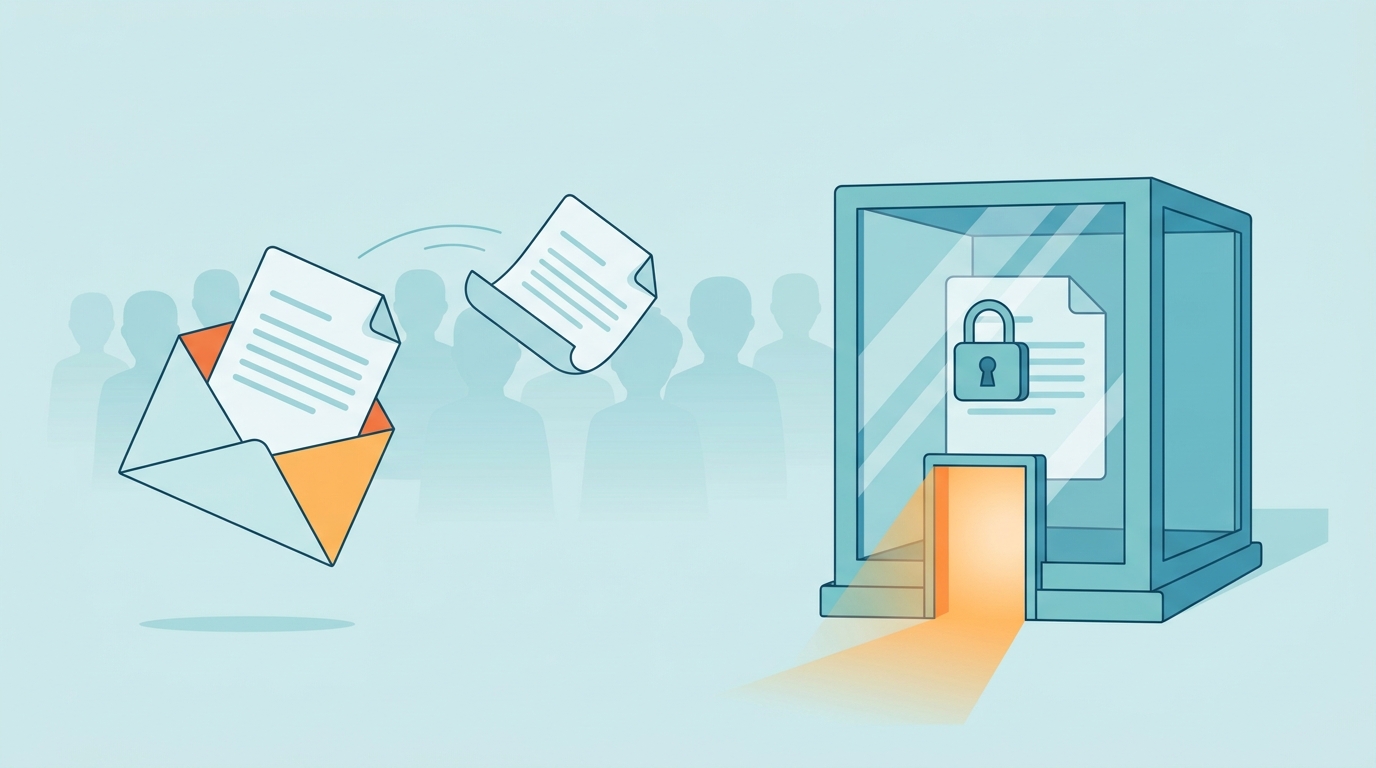
One file, two paths: loose in an inbox or locked inside a secure client portal.
Meet Dale, the hypothetical owner of a 25-person contracting company. Dale has a simple file-sharing philosophy: whatever is fastest wins. Signed contracts go out as email attachments. When a bank statement bounced because the file was too big, Dale clicked “Anyone with the link can view,” pasted the URL into an email, and got back to work.
That link never expired. It has since been forwarded twice, saved in a former employee’s inbox, and pasted into a vendor’s project notes. Dale has no idea who can open it. Neither does anyone else.
Why Fast File Sharing Gets Expensive
Every time a sensitive file moves, it creates another copy you do not control. Verizon’s annual breach report has found for years that the human element is involved in most breaches, and that includes plain mistakes like sending data to the wrong person. Convenience is where most of those mistakes start.
Three methods cause most of the trouble:
Email attachments. Encryption in transit protects a message on its way, but the attachment still lives in every mailbox, backup, and phone it touches. One autocomplete error or one compromised inbox exposes all of it.
“Anyone with the link” sharing. No sign-in is required. Whoever holds the URL can open the file, and the link can work indefinitely unless someone sets an expiration.
Secure client portals. This is the fix. A portal requires sign-in, controls who sees what, can expire access, and keeps a record of who opened which file.
Action Steps for Owners and IT
Owner decisions
Define what counts as sensitive: Social Security numbers, bank details, contracts, credentials, and anything covered by a regulation or client agreement.
Approve a one-page file-sharing policy that names the right channel for each type of file.
Assign someone to review external sharing every quarter.
IT tasks
Restrict “anyone” links, set the default link type to specific people, and add automatic expiration to any external links you allow.
Audit existing shared links and external access, then revoke anything old, unused, or unknown.
Turn on data loss prevention and sensitivity labels so files containing SSNs or account numbers are flagged or blocked before they leave.
Use encrypted email for one-off sends and a secure portal for recurring exchanges.
Require multifactor authentication on every account that can share files.
Set alerts for unusual activity, such as mass downloads or sudden spikes in external sharing.
Remove access and review shares whenever someone leaves.
Questions Your Clients May Ask
Why can’t you just email me the contract? For non-sensitive material, we can. For anything with personal or financial details, attachments get copied to places we cannot control. The secure link takes about a minute and keeps your information in one protected place.
Why did my link expire? On purpose. A link that works forever eventually ends up somewhere it should not. We can send you a new one.
How do I know the portal link is really from you? We will never ask for a password by email or text. If anything looks off, call us at the number on our website before you click.
What happens to my files after the project ends? Access is removed, and files are kept or deleted on a schedule we set in advance.
How Farmhouse Networking Can Help
Farmhouse Networking works with owners to close these gaps without slowing the team down:
Link-sharing lockdown: we disable or restrict “anyone” links and set default expiration.
Sharing audit: we find and clean up old links and external access.
DLP and labeling: we configure policies that flag or block sensitive data before it leaves.
Encrypted email and portal guidance: we set up encrypted email and help you choose a portal for recurring exchanges.
Monitoring: our Wazuh-based alerting watches for mass downloads and unusual sharing.
Find Out What Dale Never Did
You probably have a few “anyone with the link” files out there right now. Email support@farmhousenetworking.com for a free breach-readiness review. We perform it in-house, covering a policy review, basic penetration testing, and a network inventory, and you receive written findings in about a week.
Next week: How to Get Breached, Step 7: Wire the Money. The Boss Emailed, So It’s Fine.
And God will generously provide all you need. Then you will always have everything you need and plenty left over to share with others. As the Scriptures say, “They share freely and give generously to the poor. Their good deeds will be remembered forever.” For God is the one who provides seed for the farmer and then bread to eat. In the same way, he will provide and increase your resources and then produce a great harvest of generosity in you. - 2 Corinthians 9:8-10
We use cookies to ensure that we give you the best experience on our website. If you continue to use this site we will assume that you are happy with it.