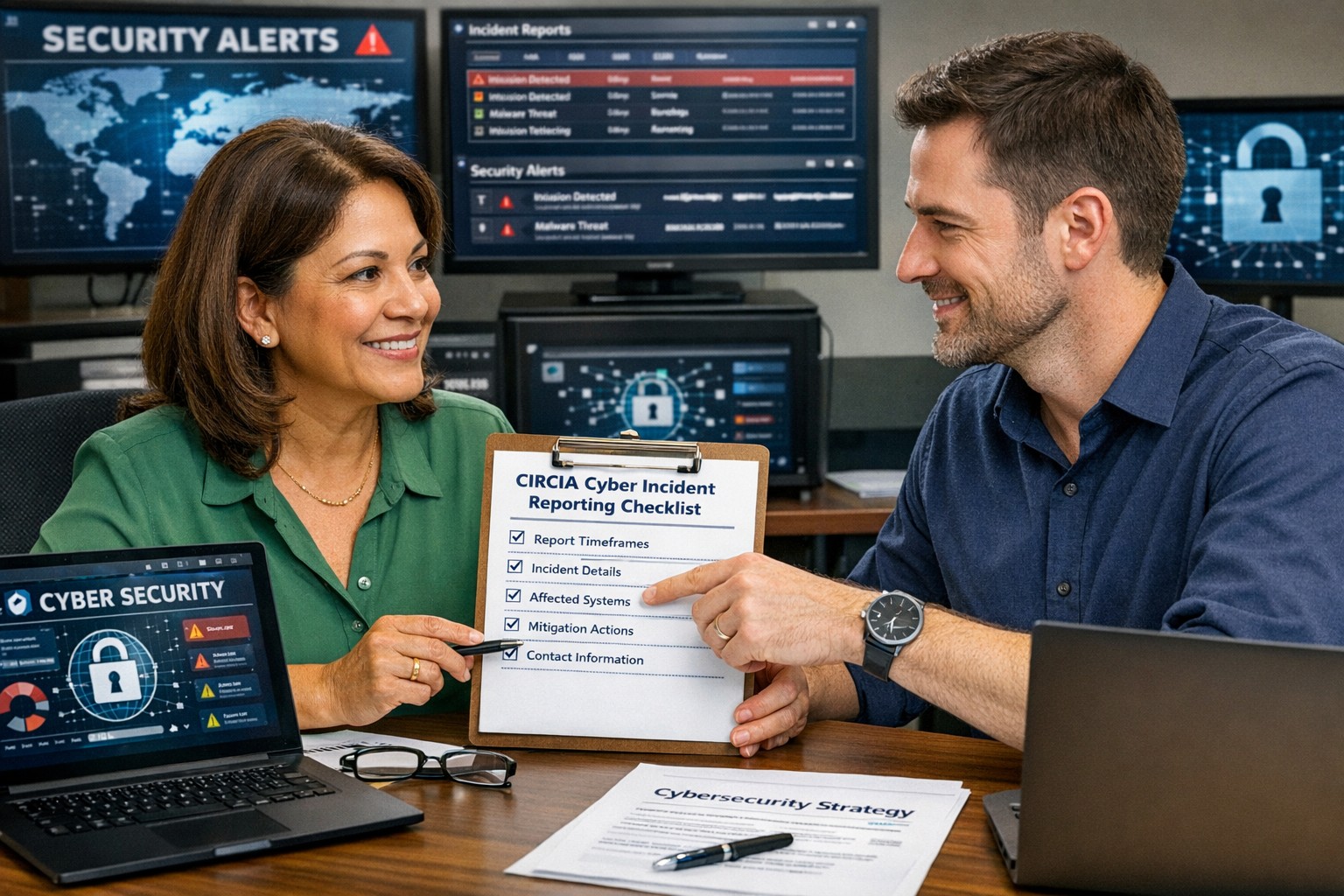
A small business owner working with their IT partner to prepare a CIRCIA‑ready cyber incident response plan.
Many small and midsize business owners assume CIRCIA is aimed only at Fortune 500 companies, but that is a risky assumption. Small and mid‑market organizations can be “covered entities” if they provide critical services or support critical infrastructure, and even those outside scope will feel the ripple effects through clients, insurers, and vendors.
CIRCIA in a Nutshell
CIRCIA (Cyber Incident Reporting for Critical Infrastructure Act) requires covered entities to report substantial cyber incidents to CISA within 72 hours.
Ransomware payments must be reported within 24 hours.
Coverage is based on critical infrastructure role, not just size; small entities can be included if their disruption would impact national or regional security, economy, or public health.
Even if you are not covered, your larger customers and partners may require you to meet CIRCIA-like standards to stay in their supply chain.
Concrete Steps for Owners and IT Teams
Owner-level actions:
Determine your exposure: Identify whether you operate in or support critical infrastructure sectors (healthcare, energy, transportation, government services, etc.).
Review contracts and insurance: Look for new clauses about cyber incident reporting, cooperation, and timelines.
Fund the basics: Approve budget for security monitoring, backups, and an incident response plan; these are now business necessities, not IT “nice‑to‑haves.”
IT / MSP actions:
Perform a security and asset inventory: Know what you have, where it is, and how it is protected.
Implement monitoring and logging: Centralized logs and alerts are essential to detect and investigate incidents fast enough for 72‑hour reporting.
Develop and test an incident response plan: Include decision trees for when to treat an incident as “substantial,” who to notify, and how to collect evidence.
Prepare for CISA reporting, even if “not covered”: Templates and processes for structured incident documentation will help with insurers, regulators, and major customers.
Questions Your Customers May Ask – Answer Set
“Are you compliant with CIRCIA?”
We have implemented incident detection, response, and reporting processes aligned with CIRCIA expectations, and we support our critical-infrastructure customers with the evidence they need.
“If a cyber incident hits you, how will it affect us?”
We maintain backups, response playbooks, and communication plans aimed at minimizing downtime and providing transparent updates.
“Will you tell us quickly if our data is involved?”
Yes. Our procedures require rapid notification to affected customers and support for any regulatory or contractual reporting they must perform.
How Farmhouse Networking Helps SMBs Turn CIRCIA into an Advantage
Farmhouse Networking helps small and midsize businesses use CIRCIA as a catalyst to get modern, business-grade cybersecurity in place:
Determining whether your business or key customers are likely covered entities and what that means for your contracts and obligations.
Implementing security controls—MFA, EDR, monitoring, backups, segmentation—that both reduce incident likelihood and support fast, evidence-based reporting.
Building, documenting, and testing an incident response and communication plan tuned to 72‑ and 24‑hour windows.
Acting as your ongoing IT and security partner so you can answer customer and regulator questions with confidence.
Call to action: Email support@farmhousenetworking.com to find out how Farmhouse Networking can help your small business prepare for CIRCIA and improve your overall cybersecurity resilience.
How to Take Back Control of Your Credentials and Phones
When an MSP controls your passwords and phone system, your entire small business can be held hostage by vendor lock‑in and security risks.
If your MSP controls all your admin passwords and has your phone service in their name, they effectively hold the keys to your entire business. In a dispute, a security incident, or even an acquisition of their company, you could find yourself locked out of critical systems that drive revenue and customer service.
The Real Dangers of MSP Lock‑In
Some providers refuse to release credentials or slow‑roll off‑boarding, forcing clients into “hostage” situations that require legal escalation or aggressive technical takeovers. At the same time, attackers increasingly target MSPs because one compromised technician account can reach many customers’ environments.
When your phone system is outdated or fully tied to that MSP, you pay more each year for less functionality, struggle with remote work, and depend on them for every change. The combination of technical dependence and credential lock‑in is a business‑continuity risk you can’t afford to ignore.
Action Steps for Owners and Their IT Teams
Reassert ownership of core assets
Ensure your company owns master accounts for email, cloud services, line‑of‑business apps, domains, DNS, and phone numbers, with internal admin rights documented.
Centralize credentials in a business‑owned vault
Use a secure password manager or encrypted repository where your business controls the master key and you grant time‑bound, role‑based access to MSP staff.
Implement strong identity and access controls
Enforce MFA everywhere, require strong unique passwords, and use least‑privilege and role‑based access so no external user has unchecked power.
Build clean exit ramps into contracts
Document how credentials, documentation, and phone services will be handed back, and set deadlines and formats for off‑boarding deliverables.
Prepare for the worst‑case scenario
Maintain independent backups, keep an internal “break‑glass” account, and have a written playbook for revoking vendor access and rotating credentials quickly.
Questions Your Customers May Ask
Q: Could your IT company access or leak my data? A: We control the master credentials and use MFA, logging, and access controls so any vendor only has tightly scoped, monitored access to what they need to support us.
Q: What happens if your IT provider is hacked? A: We follow best practices for identity security, vendor risk management, and backups so a single compromised account at an MSP cannot easily cascade into your data.
Q: Are you able to stay operational if you change IT providers? A: Yes—because we own our accounts and phone numbers and have a documented exit process, we can transition providers while keeping systems and support running.
How Farmhouse Networking Helps SMBs
Farmhouse Networking works with business owners to document every critical system, transfer licensing and phone services into the company’s control, and consolidate credentials into secure, business‑owned vaults. We then implement MFA, break glass accounts, role‑based access, and incident‑response plans so neither a single technician nor an MSP relationship becomes a single point of failure.
We can also help you renegotiate or replace MSP contracts with clear off‑boarding terms and test those processes before you ever need them in an emergency.
Email support@farmhousenetworking.com to make sure no MSP can ever hold your credentials, phones, or business hostage again.
What Small Business Owners Need to Know About Health Plans and IT Risk
Small business leaders and IT teams should review how the 2027 NBPP proposed rule will change employee health plans, compliance requirements, and data security.
The 2027 NBPP proposed rule, issued February 11, 2026, will reset key rules for ACA Exchanges and small‑group health plans starting in 2027. As a small or mid‑sized business owner, these changes affect your benefit strategy, your HR workload, and the IT systems that support them.
Big Picture: What’s Changing
Catastrophic and some bronze plans can carry significantly higher out‑of‑pocket maximums, shifting more financial risk to employees.
CMS proposes multi‑year catastrophic plans and broader hardship exemptions, making catastrophic coverage more common among workers who cannot or do not enroll in richer plans.
Agents, brokers, and web‑brokers must use standardized HHS‑approved consent and eligibility review forms, creating more structured documentation.
Certain state‑mandated benefits will be treated as “in addition to” Essential Health Benefits, affecting plan design and cost structure.
Concrete Action Steps for Owners and IT
For the business owner/CEO:
Reevaluate your health benefits package
Ask your broker which 2027 plan designs they expect to offer and whether your team could be pushed toward higher‑OOP bronze or catastrophic options.
Model the total compensation impact if benefits become less generous and consider offsetting with stipends, HRAs, or plan upgrades.
Upgrade HR policy and employee education
Provide clear, written explanations of how deductibles, out‑of‑pocket maximums, and catastrophic coverage work under the new rules.
Set expectations about documentation employees should keep (especially standardized federal consent and eligibility forms tied to subsidies).
For your IT department or MSP:
Prepare your systems for new standardized forms and proofs
Ensure HRIS, payroll, and document systems can accept, tag, and secure HHS‑approved consent and application review forms your broker will use.
Build simple workflows for HR to retrieve this documentation during audits, disputes, or employee questions.
Tighten security around benefits and PHI‑adjacent data
Implement strong identity and access management, encryption, logging, and vendor controls for any system that touches health coverage or subsidy information.
Confirm that contracts with benefits platforms, brokers’ portals, and HR tools reflect updated privacy and security expectations.
Likely Employee Questions – And How to Answer
“Why did my maximum out‑of‑pocket jump so much?”
Under the 2027 NBPP, some bronze and catastrophic plans are allowed to exceed prior out‑of‑pocket caps, which can significantly increase your financial exposure if you get sick or injured.
“What are these new standardized forms from the broker?”
Federal rules now require standardized HHS‑approved consent and eligibility review forms to document the accuracy of your application and protect your subsidy eligibility.
“Are all state‑mandated benefits still fully covered?”
Not always; certain state‑required benefits are treated as outside the core Essential Health Benefits package, which may affect how they’re funded and covered.
How Farmhouse Networking Helps SMBs
Farmhouse Networking partners with small and mid‑sized businesses to turn regulatory change into structured, low‑friction processes:
Integrate new federal consent and eligibility documentation into your HR and document‑management stack, so HR can find what they need in seconds.
Implement or enhance cybersecurity controls around benefits, payroll, and identity data to reduce risk as health coverage documentation becomes more standardized and audit‑friendly.
Coordinate with your broker and benefits platforms so technical changes (new forms, new plan designs) are reflected cleanly in your systems with minimal disruption.
Call to Action Email support@farmhousenetworking.com to get a focused assessment of how the 2027 NBPP proposed rule intersects with your benefits, IT, and employee experience – and a concrete plan to get ahead of it.
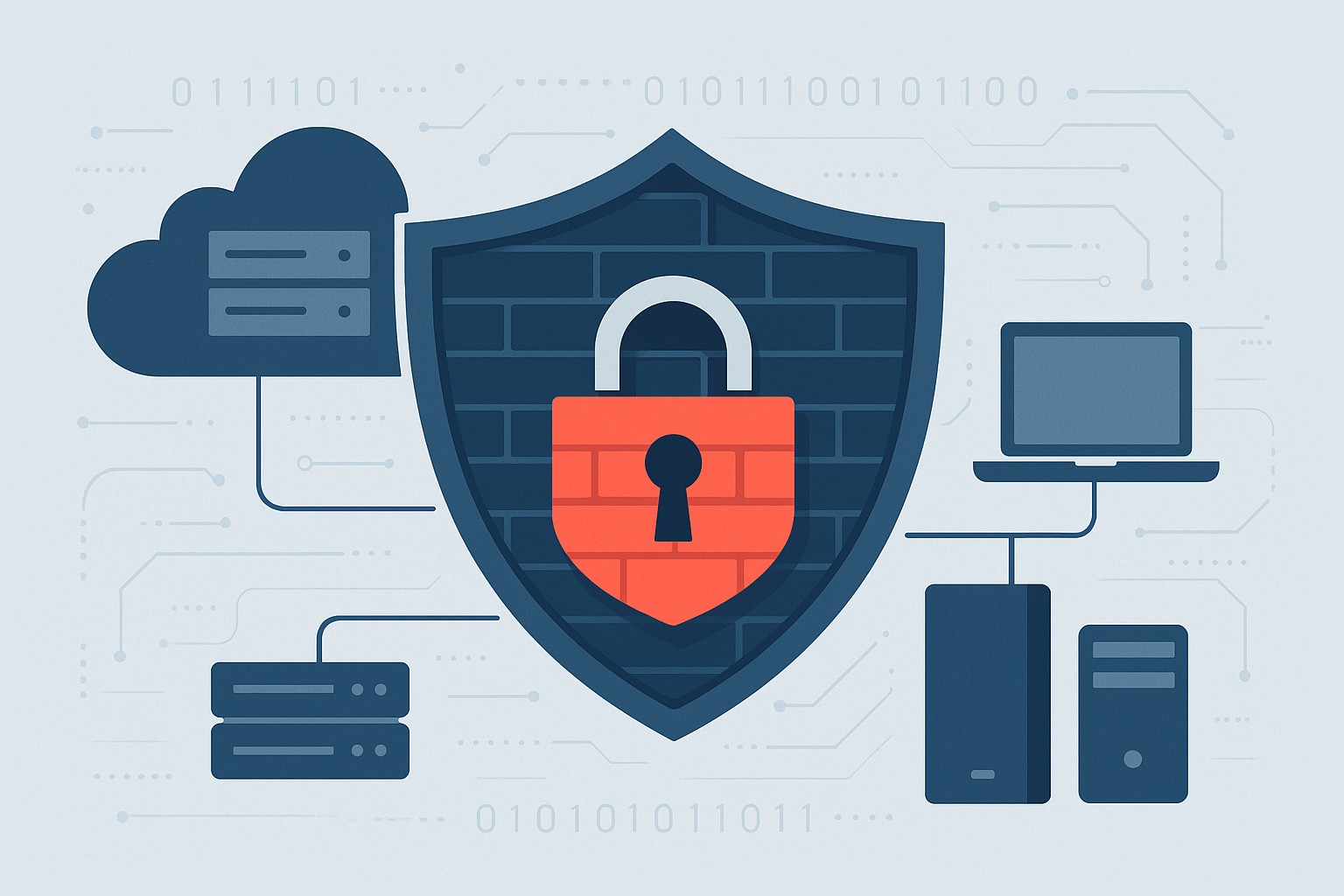
Essential network firewall for business setup—safeguard your SMB cybersecurity today.
Cyberattacks hit 43% of SMBs last year—costing time and revenue. A network firewall changes that, acting as your business’s frontline defense. Unlock practical insights to protect operations and grow confidently.
The Power of Network Firewalls for SMBs
Firewalls monitor traffic, blocking malware, hackers, and data leaks at the network edge. Ideal for email servers, cloud apps, and remote work, they provide visibility basic antivirus misses.
SMB breaches average $25,000-$100,000; firewalls reduce risks by 75%.
Hands-On Setup Steps
Guide your IT with this roadmap:
Inventory Assets: List devices, apps; identify weak points.
Choose SMB-Friendly Firewall: Next-Gen Firewalls (NGFWs) like Ubiquiti or Araknis—easy, affordable.
Apply Baseline Rules: Block common exploits; enable web filtering.
Deploy Monitoring: Use alerts and reports for proactive defense.
Common SMB Questions Answered
Q: DIY or professional install? A: DIY for basics; pros for complex setups.
Q: Cloud or on-premise? A: Cloud for scalability; on-premise for control.
Q: Impact on speed? A: Negligible with modern hardware.
Q: Ongoing costs? A: $1,000-$5,000/year, offset by risk reduction.
Let Farmhouse Networking Handle It
We specialize in SMB firewall deployments, from assessment to management—driving secure growth for businesses like yours.
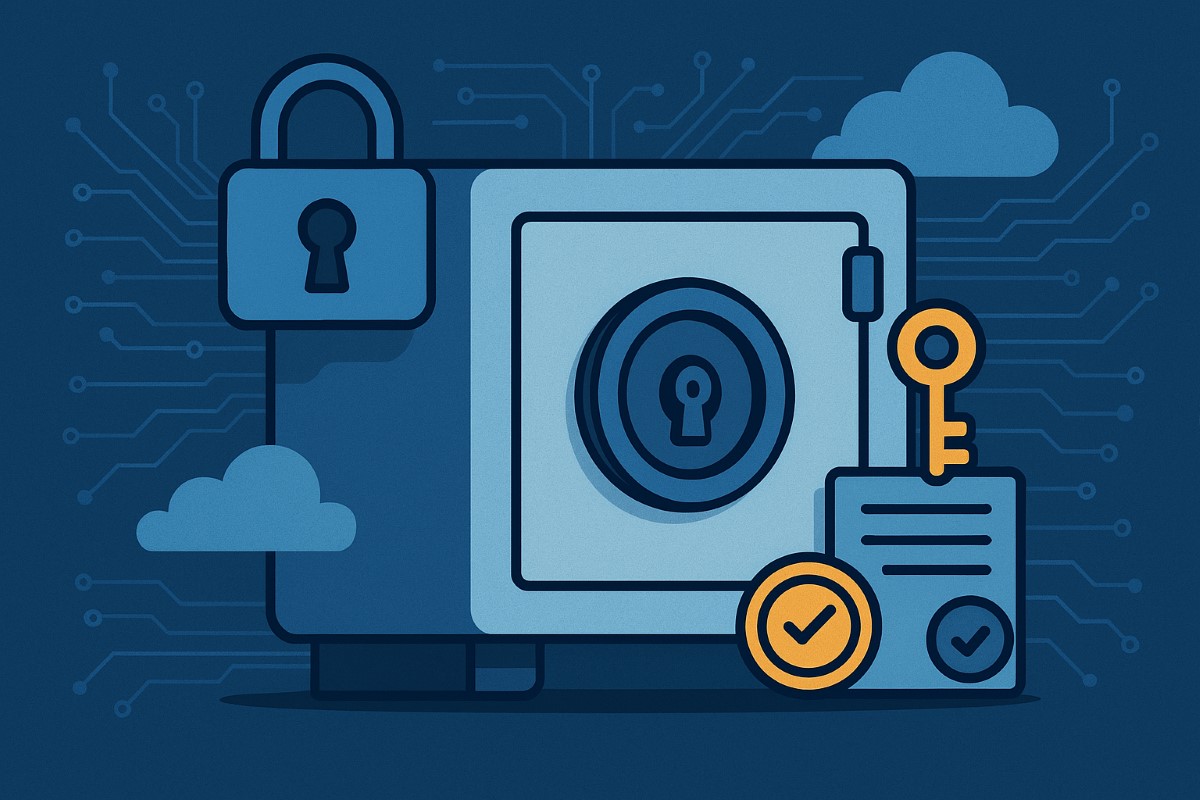
Implementing CIS Controls helps small businesses safeguard sensitive data and comply with regulations.
Data breaches can devastate small businesses, but CIS Controls give you a proven path toward robust data protection and regulatory compliance—without breaking the bank. Here’s how any business owner can get started today.
Practical Action Steps
Survey business data assets: Identify your key customer, employee, and business records and where they’re stored.
Classify business data: Assign “Public,” “Internal,” or “Sensitive” tags and limit who can access the most critical files.
Secure device and network configurations: Change default passwords, apply updates, and enable firewall protection.
Monitor and review: Turn on audit logs for key systems; routinely check logs for odd access.
Automate backups and test restores: Protect against ransomware and disasters with offsite, automatic backups.
Educate your team: Organize short trainings so every employee knows cybersecurity basics and your incident response plan.
Frequently Asked Client Questions
Q: Will CIS Controls help with industry regulations (GDPR, CCPA, etc.)? A: Absolutely! CIS Controls support the foundation of compliance for most data protection laws worldwide through access management, encryption, and monitoring.
Q: How much time and expertise does this take? A: With Farmhouse Networking, most controls are easy to implement—even for non-technical teams. We guide you step by step so your team is protected without added stress.
How Farmhouse Networking Can Help
Farmhouse Networking sets up CIS Controls for any SMB: from asset tracking to secure data access, backup management, and employee training. We implement everything, making compliance and security easy and effective for your business.
Call to Action
Protect your business and comply with regulations. Email support@farmhousenetworking.com to connect with our team and get started.
Secure Your Business Future: Enterprise Asset and Software Configuration for Today’s SMBs
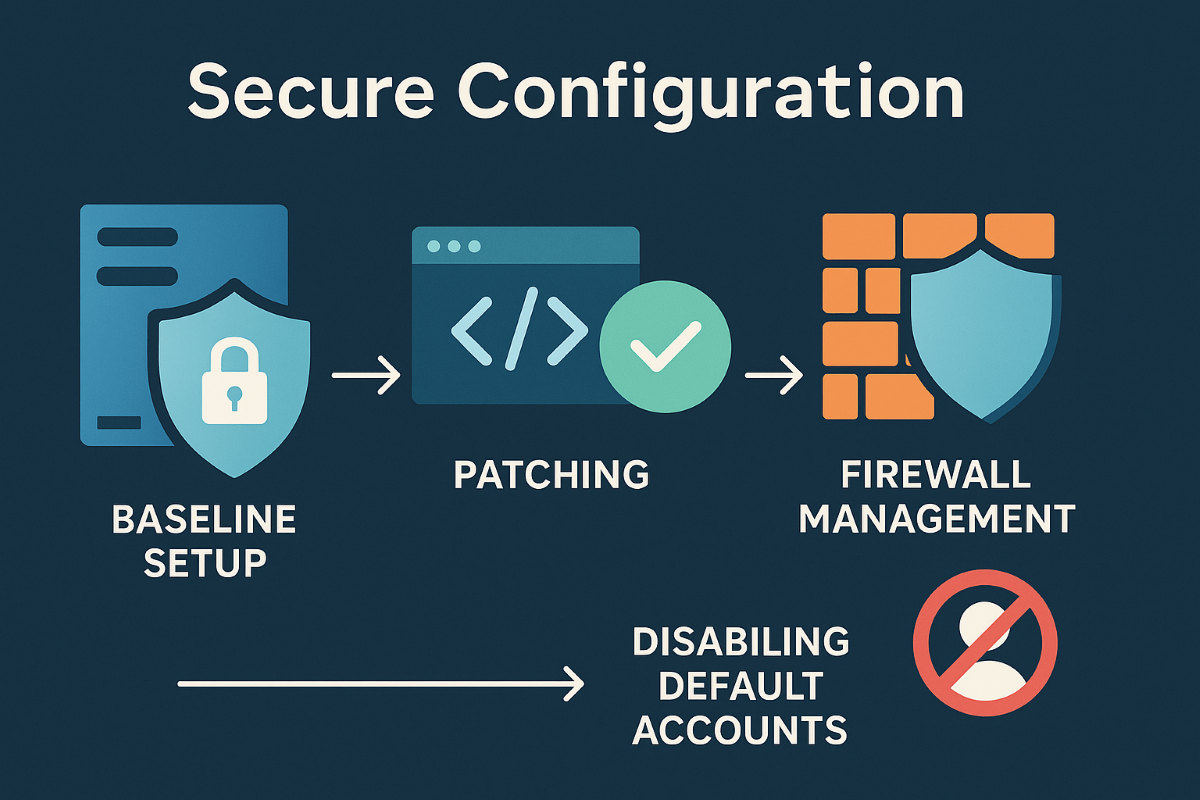
A small business owner implements security configuration for business devices and software as part of IT best practices.
Small to mid-sized business owners face the same cyber dangers as Fortune 500 companies. Misconfigurations can open the door to data theft, financial loss, and operational chaos. Secure configuration of every company asset and software is a non-negotiable step in your risk management plan.
Practical Steps for SMBs
Inventory all hardware, mobile devices, and software—no asset is too small to track.
Apply baseline security configurations using global standards, such as CIS Benchmarks and NIST guidelines.
Schedule regular patching and enforce automatic updates.
Limit admin access, enforce strong authentication, and document all configuration changes.
Uninstall anything not needed and disable unused network ports and services.
Encrypt sensitive business data transmissions and use secure protocols for all connections.
Monitor for any changes or vulnerabilities with automated tools.
Client Q&A
Q: Is this overkill? We’re not a bank. A: Basic misconfigurations fuel most breaches, regardless of company size. A secure foundation keeps your doors open and customers confident.
Q: How do I make sure this is all kept up to date? A: Farmhouse Networking offers managed services that maintain and audit your configurations, ensuring nothing slips through the cracks.
How Farmhouse Networking Can Help
Farmhouse Networking is your partner in building, managing, and auditing secure configurations for all your business assets. Trust us to streamline processes, improve productivity, and safeguard data.
Small business security strengthened with CIS account management controls
Small business owners face evolving security threats and regulatory obligations. Implementing CIS Account Management Control is key to protecting data, assets, and reputation.
Practical Steps for SMBs
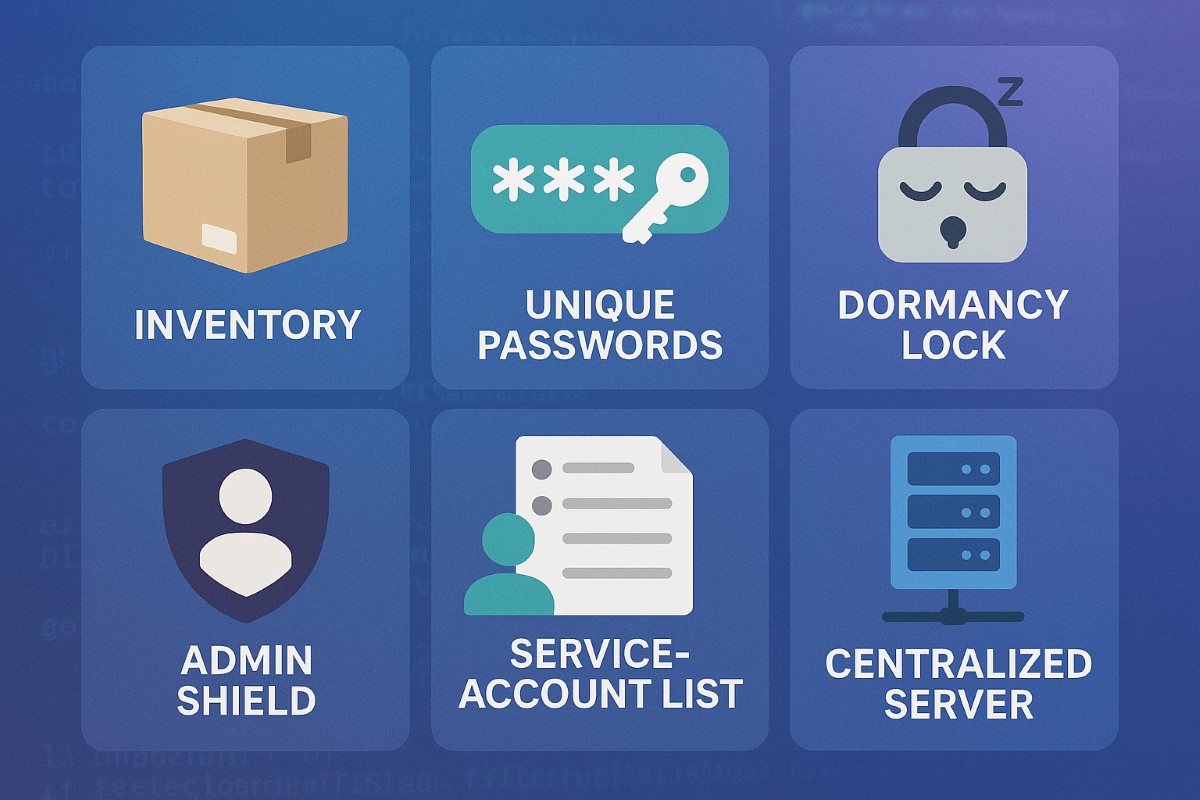
Catalog All User and Service Accounts: Record names, departments, and account activity for every user and automated process.
Use Strong and Unique Passwords: Demand complex passwords, rotate them annually, and use MFA whenever possible.
Disable Dormant Accounts: Purge inactive accounts every 45 days for better security hygiene.
Limit and Monitor Admin Privileges: Assign admin roles sparingly and monitor usage.
Centralize Account Oversight: Deploy a directory or identity manager for simplified user management and audit trails.
Questions & Answers
Q: What’s the biggest risk of poor account management? A: Unauthorized access can lead to financial loss, data breach, or legal liability—CIS controls dramatically reduce this risk.
Q: Does this require expensive software? A: Many tools, such as Microsoft Active Directory, are affordable and scalable for SMBs. CIS controls guide you in choosing solutions that fit your needs.
How Farmhouse Networking Helps
Farmhouse Networking guides SMBs through creating robust account management policies, deploying affordable directory services, and training your team for optimal cyber hygiene.
Call to Action
Start protecting your business today—email support@farmhousenetworking.com to learn how CIS controls can boost your cybersecurity.
Why Continuous Vulnerability Management Matters for SMBs
Continuous Vulnerability Management Dashboard for Small Businesses
Small and midsize businesses are no longer flying under the radar. Cybercriminals increasingly target SMBs because they often lack the same level of protection as large enterprises. One missed update or unpatched system can open the door to major data breaches, regulatory fines, and reputation damage.
That’s where Continuous Vulnerability Management (CVM) comes in—a proactive strategy that helps your business identify, evaluate, and fix security weaknesses before attackers can exploit them.
What Is Continuous Vulnerability Management?
Continuous Vulnerability Management is the ongoing process of discovering, assessing, prioritizing, and resolving vulnerabilities across your network, cloud environments, and endpoints. Unlike one-time scans, CVM is continuous—it ensures that your systems are constantly monitored and that new threats are handled quickly.
Why Your SMB Needs CVM
Cyber threats evolve daily: New vulnerabilities appear every week in commonly used software.
Attackers automate scanning: Hackers use bots to find unpatched systems instantly.
Regulatory compliance: Businesses in finance, healthcare, and retail must maintain security standards.
Customer trust: Demonstrating strong cybersecurity builds confidence and credibility.
Action Steps for Business Owners and IT Teams
Identify assets: Know every connected device, service, and application in your network—on-site and in the cloud.
Automate vulnerability scans: Use continuous scanning tools to detect weaknesses in real-time.
Prioritize by risk level: Not all vulnerabilities are equal. Fix high-impact risks first.
Apply timely patches: Automate patch management or schedule updates systematically.
Monitor continuously: Track scan results and compliance metrics weekly or even daily.
Engage a trusted partner: A managed service provider like Farmhouse Networking ensures these steps happen seamlessly.
Common Questions Business Owners Ask
Q: Isn’t antivirus software enough? A: Antivirus protects against known malware, but it doesn’t detect system weaknesses. CVM identifies and fixes those entry points before an attack even starts.
Q: How often should we run vulnerability scans? A: Automated CVM means scanning happens continuously, not just monthly or quarterly. This ensures no gap between when a vulnerability appears and when it’s discovered.
Q: Will CVM disrupt my business operations? A: When managed properly, CVM operates quietly in the background with minimal impact on day-to-day productivity.
Q: Is CVM expensive for small businesses? A: Not when compared to the cost of a cyber breach. Farmhouse Networking customizes CVM to your size and budget, providing enterprise-level protection at SMB pricing.
How Farmhouse Networking Helps You Stay Secure
Farmhouse Networking partners with SMBs to implement comprehensive Continuous Vulnerability Management solutions tailored to their environment. Our service includes:
24/7 vulnerability monitoring
Automated scanning and patching
Risk reports that translate technical terms into plain business language
Strategic guidance to align your cybersecurity with business goals
With Farmhouse Networking managing your CVM, you can focus on growing your business while we safeguard your infrastructure.
Take Control of Your Cybersecurity Today
Don’t wait for a breach to remind you of the importance of proactive security. Continuous Vulnerability Management is the difference between reacting to an attack and preventing one altogether.
Email support@farmhousenetworking.com today to learn how Farmhouse Networking can strengthen your security posture and keep your business protected year-round.
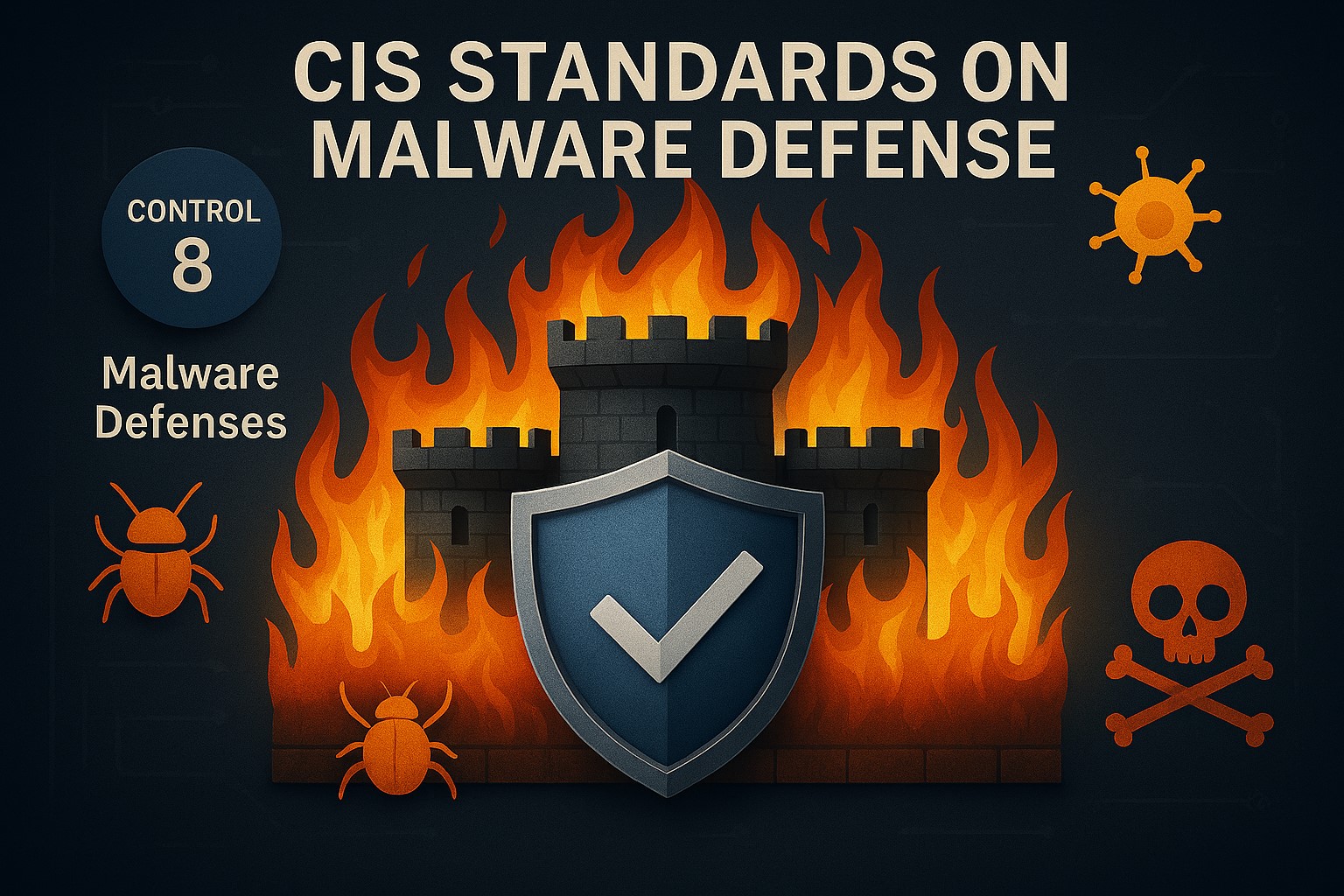
A modern office environment where a diverse SMB team uses networked devices under the protection of digital shields and secure icons, symbolizing strong malware defense through CIS Controls implementation, endpoint security, and best cybersecurity practices for small and medium-sized businesses.
Small and medium-sized businesses are increasingly targeted by malware attacks—one breach can devastate operations and reputation. The CIS Malware Defense standards streamline best practices so any SMB can stay secure.
Action Steps for Owners & IT
Audit technology assets and software configurations regularly.
Apply least-privilege principles and multi-factor authentication across the board.
Install and update comprehensive anti-malware solutions on every device.
Monitor networks for suspicious activity and maintain regular vulnerability scans.
Back up all business-critical data and test recovery plans.
Train employees in safe IT habits with regular, practical security workshops.
FAQs
Q: Are CIS Malware Defense standards really practical for small businesses? A: Yes, the framework scales down for SMB needs and budgets, providing prioritized, actionable steps.
Q: What if my business doesn’t have an IT department? A: Farmhouse Networking specializes in becoming the IT department for SMBs, offering hands-on help and ongoing management for CIS-standard malware defense.
How Farmhouse Networking Can Help
Farmhouse Networking ensures SMBs of every size are protected, providing managed services, expert consulting, and step-by-step implementation of CIS Malware Defense standards.
Want peace of mind? Email support@farmhousenetworking.com for a personalized solution—your first step in robust malware defense.
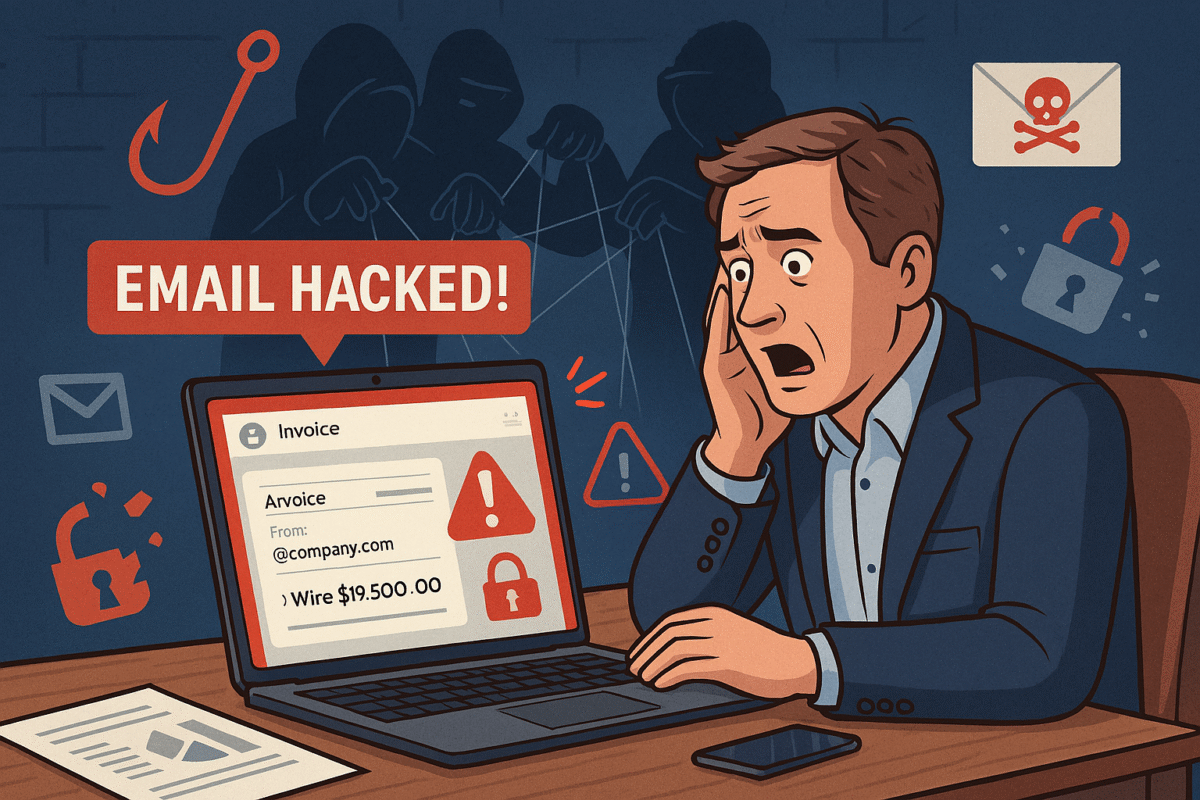
Small businesses rely on professional email security to protect customer and financial data from phishing and hacks.
You’re running your business, responding to client messages, when suddenly strange duplicate messages and failed delivery emails flood your inbox. This is what happened to a business owner who discovered her emails—including sensitive financial data—were silently copied to hackers for weeks without her knowledge.
For small and midsized businesses (SMBs), this type of attack can result in financial loss, leaked company secrets, and damaged relationships with clients.
What Happened in This Email Breach
Hackers guessed or stole an email password.
They set up secret rules to forward every incoming message.
Confidential information like Social Security numbers, tax data, and financial records were exposed.
Farmhouse Networking responded by:
Removing malicious rules.
Securing the account with new password protections and recovery options.
Advising the business owner on how to monitor for ongoing fraud.
Practical Steps for SMBs
SMBs aren’t too small to be targeted. In fact, they’re often prime targets. Protect your business with these key actions:
Set strong passwords and enable MFA: Critical first layer of defense.
Regularly review email rules: Look for forwarding or auto-delete actions you didn’t create.
Encrypt sensitive documents: Especially contracts, employee data, and customer details.
Train employees: Staff should recognize phishing emails before they trigger a hack.
Backup systems: Ensure backups of both email and company files are offline-protected.
Have an incident response plan: Know what to do if a breach occurs.
Questions Your Clients May Ask
“Did hackers see my information?” If emails contained contracts, billing, or sensitive attachments—possibly.
“Could this affect my payments or records?” Yes. Compromised invoices or payment requests can be used in fraud scams.
“Can clients continue to trust our company?” By demonstrating enhanced security measures and a clear recovery plan, clients can regain confidence.
How Farmhouse Networking Helps SMBs
Farmhouse Networking empowers SMBs with:
Affordable enterprise-grade email security.
24/7 monitoring for account breaches.
Employee training to reduce phishing success rates.
Scalable security solutions for growing businesses.
Your business reputation is too valuable to be left to chance. Secure your email systems and protect your clients’ trust with Farmhouse Networking. Reach out today at support@farmhousenetworking.com.
And God will generously provide all you need. Then you will always have everything you need and plenty left over to share with others. As the Scriptures say, “They share freely and give generously to the poor. Their good deeds will be remembered forever.” For God is the one who provides seed for the farmer and then bread to eat. In the same way, he will provide and increase your resources and then produce a great harvest of generosity in you. - 2 Corinthians 9:8-10
We use cookies to ensure that we give you the best experience on our website. If you continue to use this site we will assume that you are happy with it.