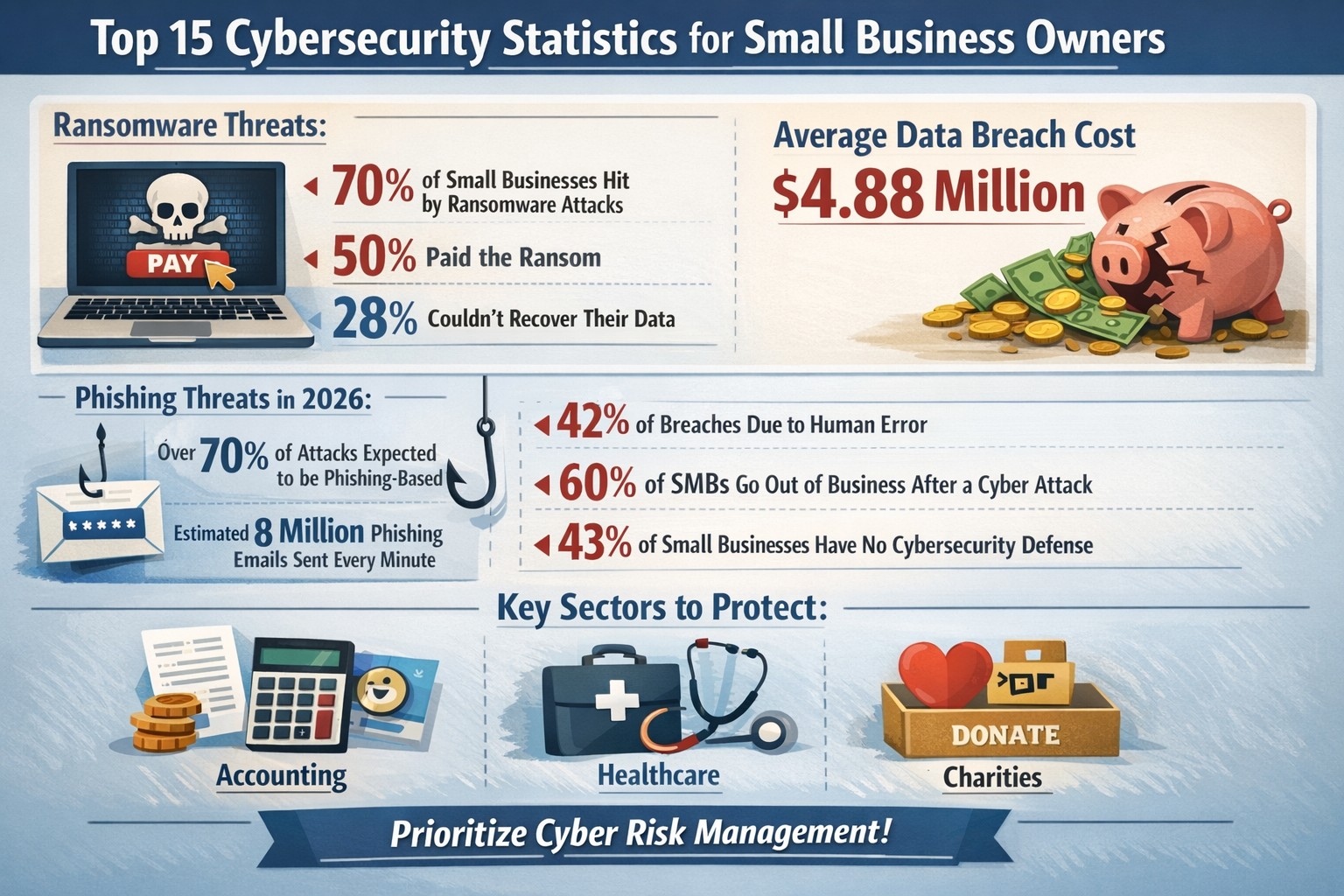
Cyberattacks aren’t just targeting large corporations anymore — small and mid-sized businesses are in the crosshairs, often because attackers assume you have weaker defenses. One click on a malicious email or one unpatched system can open the door to ransomware, data theft, or business downtime that costs thousands.
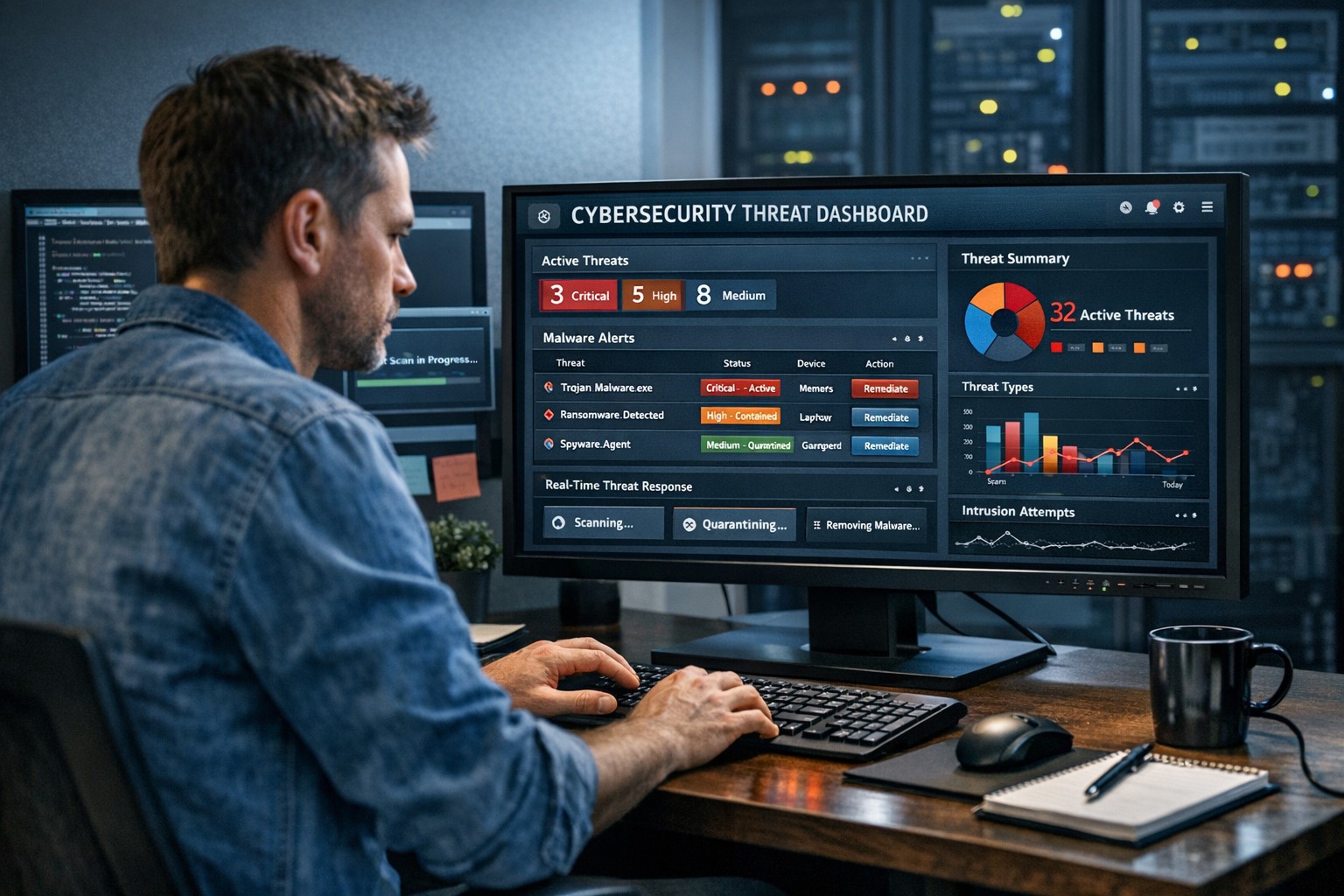
As a business owner, you can’t afford to wait until something goes wrong. The key is being proactive: discover threats quickly, remediate issues immediately, and mitigate the impact of malware and breaches before they spiral out of control.
Why Quick Detection and Response Matters
Every minute counts when it comes to cybersecurity. According to IBM’s 2025 Cost of a Data Breach Report, the average time to identify and contain a breach is 207 days — and the faster a business can detect and respond, the lower the cost and damage.
For small businesses, early detection can mean the difference between minor disruption and major data loss. Automated tools, continuous system monitoring, and staff cybersecurity training all play vital roles in keeping your operations safe.
Practical Steps to Protect Your Business
Here are actionable steps you and your IT department can take to strengthen your cybersecurity posture today:
- Implement Continuous Threat Monitoring
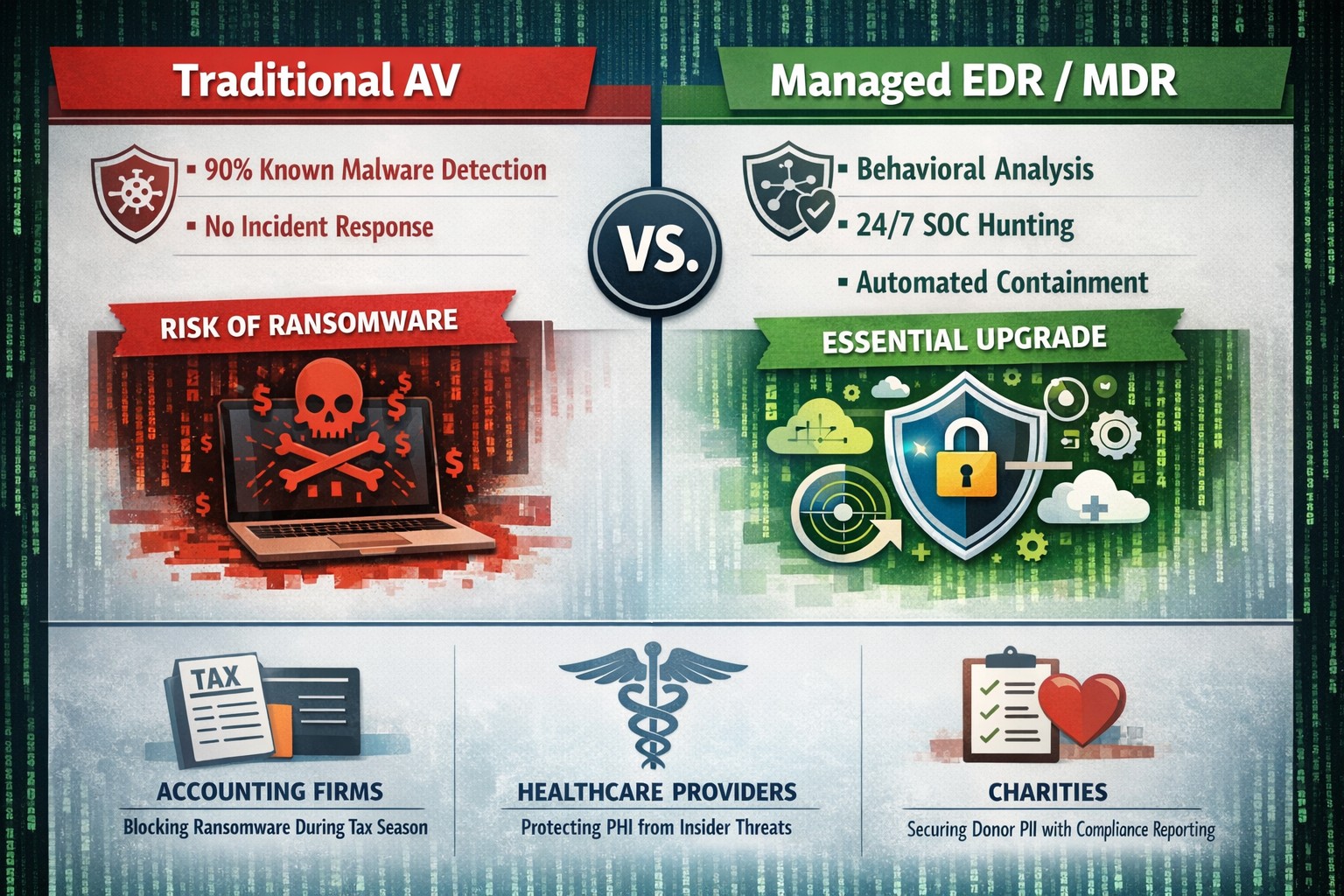
Use endpoint detection and response (EDR) tools or managed detection and response (MDR) services to monitor your systems 24/7. These tools use AI to identify suspicious activity before it becomes a breach. - Keep Systems and Software Updated
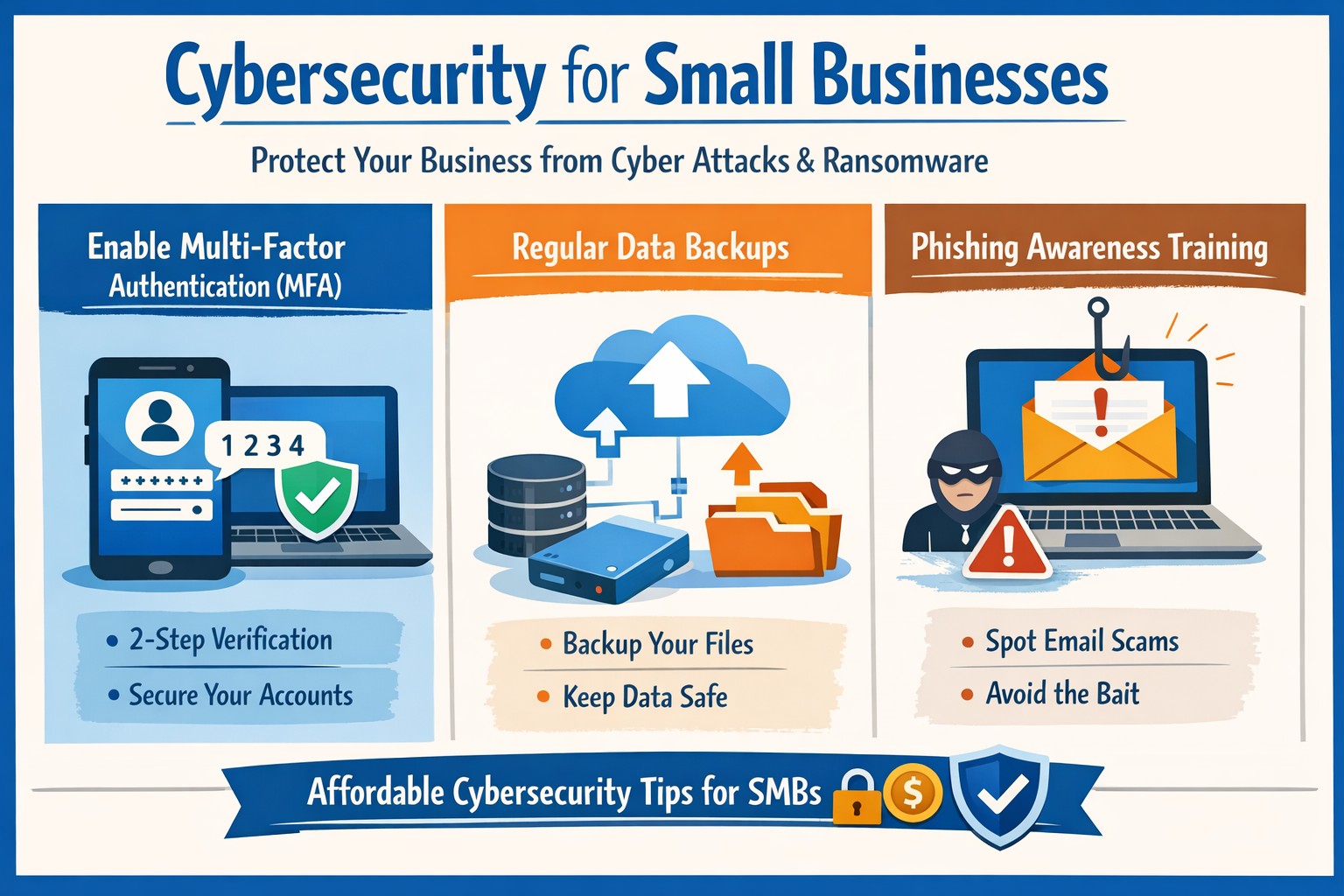
Outdated software is a hacker’s best friend. Schedule regular updates and patches for operating systems, firewalls, and applications to close known vulnerabilities. - Use Multi-Factor Authentication (MFA)
Protect user accounts with multiple verification layers. MFA stops 99% of automated attacks, even if passwords are leaked. - Create a Clear Incident Response Plan
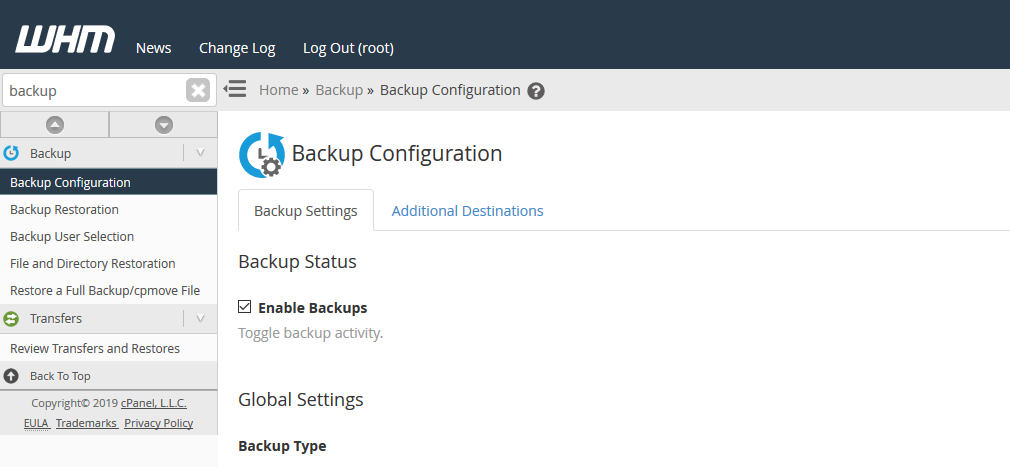
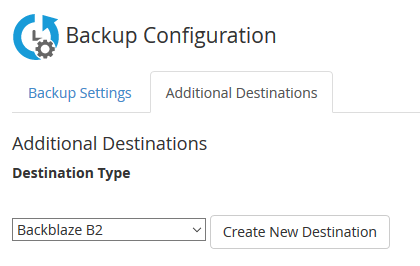
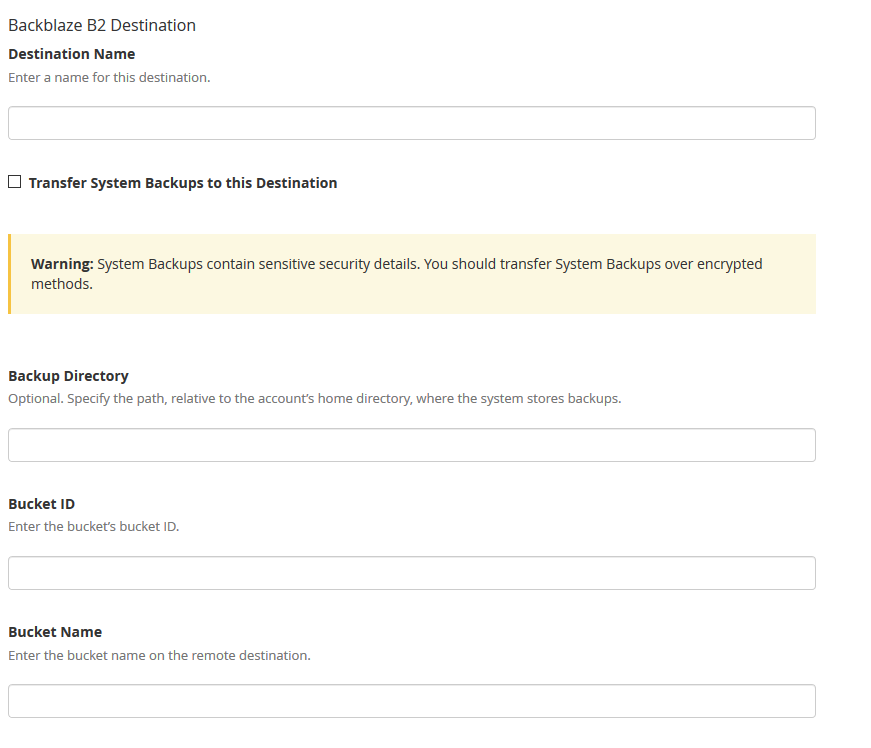
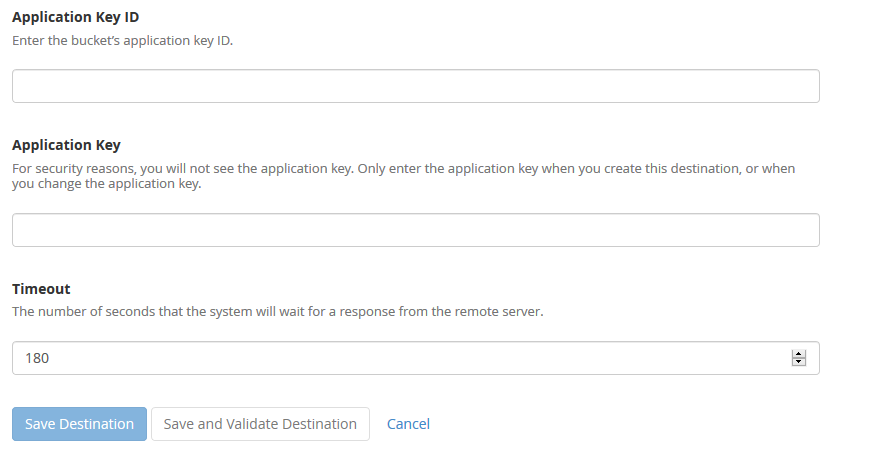
Develop a step-by-step playbook for how your team will respond to a security incident — including who to contact, how to isolate affected systems, and how to communicate with clients. - Backup Data Regularly (and Securely)
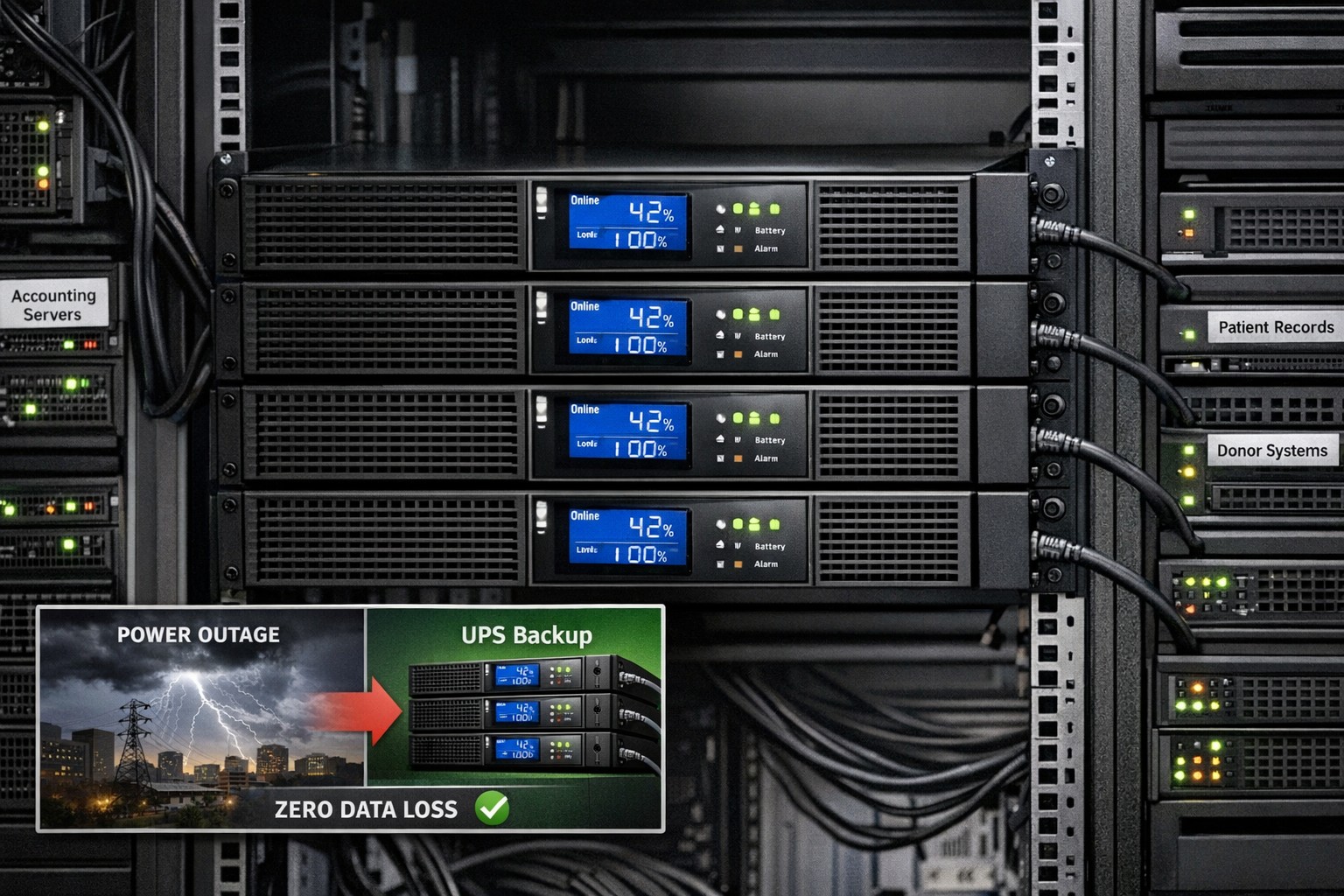
Use automated, encrypted backups stored both onsite and offsite. Test restores regularly to ensure reliability during an emergency. - Train Employees on Cyber Hygiene
Human error causes most breaches. Run regular phishing simulations and cybersecurity awareness sessions so your team can spot risks early. - Engage a Trusted IT Partner
Collaborate with professionals who specialize in threat detection and breach response. A managed IT provider can bring enterprise-level security to your SMB without the enterprise-level price.
Clients Often Ask…
Q: What’s the best way to know if a threat is active in my network?
A: Real-time monitoring is the gold standard. Tools like EDR or SOC-as-a-Service actively scan your endpoints, networks, and cloud systems for anomalies so you catch incidents before data is compromised.
Q: How do we remediate a breach once it’s detected?
A: First, isolate affected systems to stop the spread. Next, identify the source, remove the malware, and restore clean backups. Finally, perform a full post-incident review to close the gap that allowed the breach.
Q: Is all this cybersecurity really affordable for small businesses?
A: Yes — scalable managed IT services make advanced protection accessible. Think of it as business insurance that pays for itself by preventing downtime and data loss.
Q: How do I explain cybersecurity investments to my leadership team or board?
A: Focus on the financial impact — downtime, lost data, and reputational damage often cost far more than preventative cybersecurity services. Showing this risk-to-cost ratio makes the business case clear.
How Farmhouse Networking Can Help
At Farmhouse Networking, we’ve helped Oregon SMBs stay secure, compliant, and productive through tailored cybersecurity solutions designed for real-world small business needs.
Here’s what we offer to help you discover, remediate, and mitigate threats effectively:
- 24/7 Threat Monitoring: Managed detection and response (MDR) tools that catch threats before they cause harm.
- Rapid Remediation Support: Our specialists act fast to contain and remove threats as soon as they appear.
- Comprehensive Incident Response Planning: From establishing protocols to training your team, we help you prepare for the unexpected.
- Data Backup and Recovery Solutions: Automated, encrypted backups ensure you can restore your systems quickly after an incident.
- Employee Training Programs: Interactive sessions help staff recognize phishing attempts and adopt safe online habits.
We don’t just sell tools — we partner with your business to strengthen your defenses and give you peace of mind.
Stay Ahead of Cyber Threats
Cyber threats evolve every day, but your business doesn’t have to face them alone. With the right combination of proactive monitoring, smart response, and expert guidance, you can keep operations smooth and your data secure.
Ready to protect your business?
Email support@farmhousenetworking.com today to learn how Farmhouse Networking can help you stop threats before they stop your business.