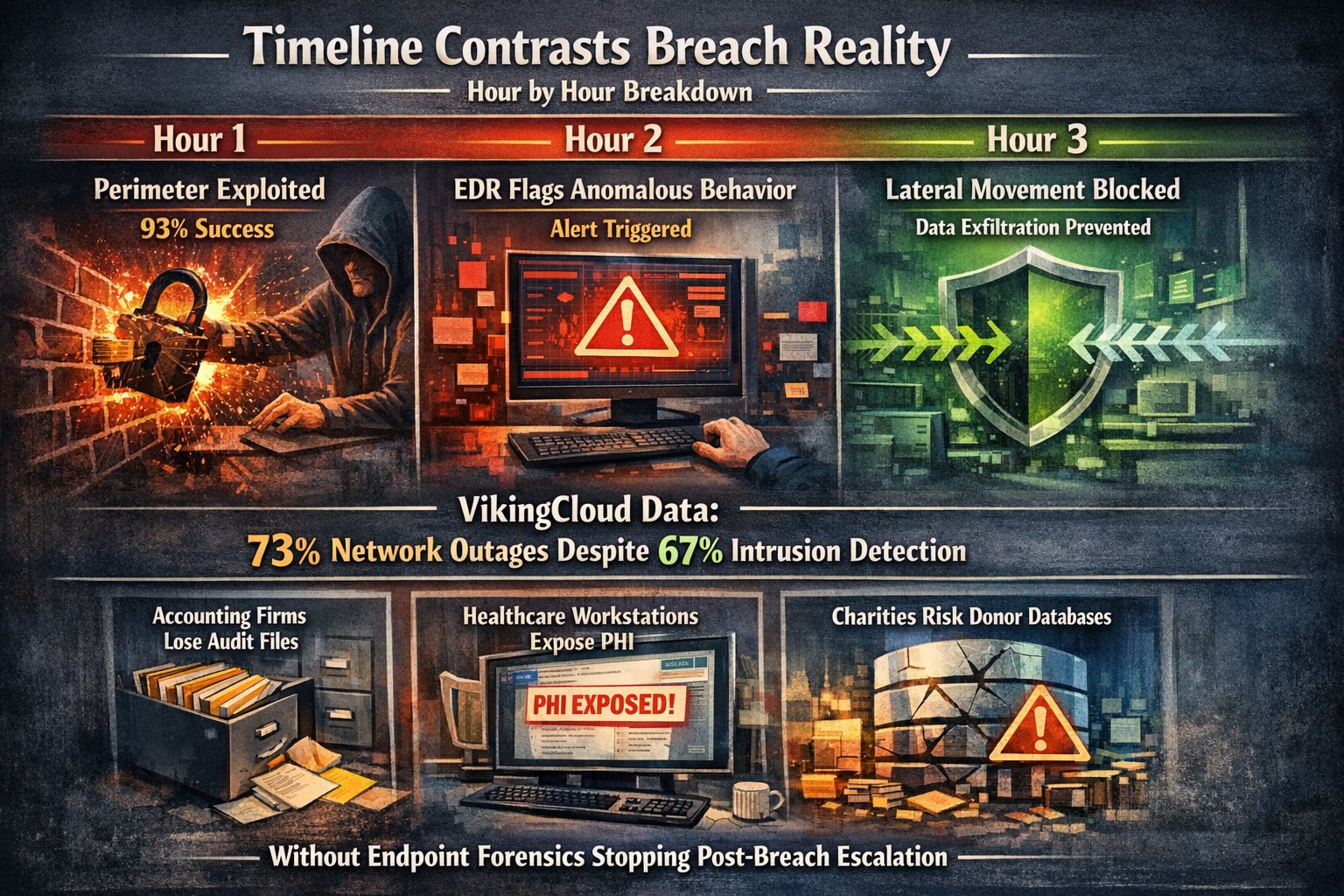
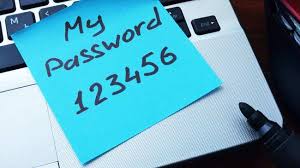
Security researchers performed penetration testing on the networks of 45 various mid-sized companies and found that in real life scenarios 93% of those networks were able to be compromised to the point of business disruption. Here are the details:
The Target
The 45 companies were polled to determine what would be an unacceptable business interruption. They decided that the following met that criteria:
Disruption of production processes
Disruption of service delivery processes
Compromise of the digital identity of top management
Theft of funds
Theft of sensitive information
Fraud against users
These became the target for the penetration testers.
The Process
In order for the penetration tester to achieve their target, they followed the following process:
Breach the network perimeter – This was done by the use of compromised passwords found on the Dark Web and know vulnerabilities on devices that were directly connected to the internet
Obtain maximum privileges – In 100% of the networks, once an attacker was inside the network
Gaining access to key systems – With maximum privileges, the testers are able to gain access to other areas of the network including databases, executives computers, and production servers
Develop attacks on target systems – Once key systems are compromised the testers then figured out how to create the unacceptable business interruption. Although they could have created these interruptions, they only gathered proof that they could to present the data to the companies.
How to Defend
There are a couple main ways to defend against these kinds of attacks:
Security Controls / Segmentation – Creating least privileged access to key systems and segmenting the network will keep hackers from traversing the network once inside
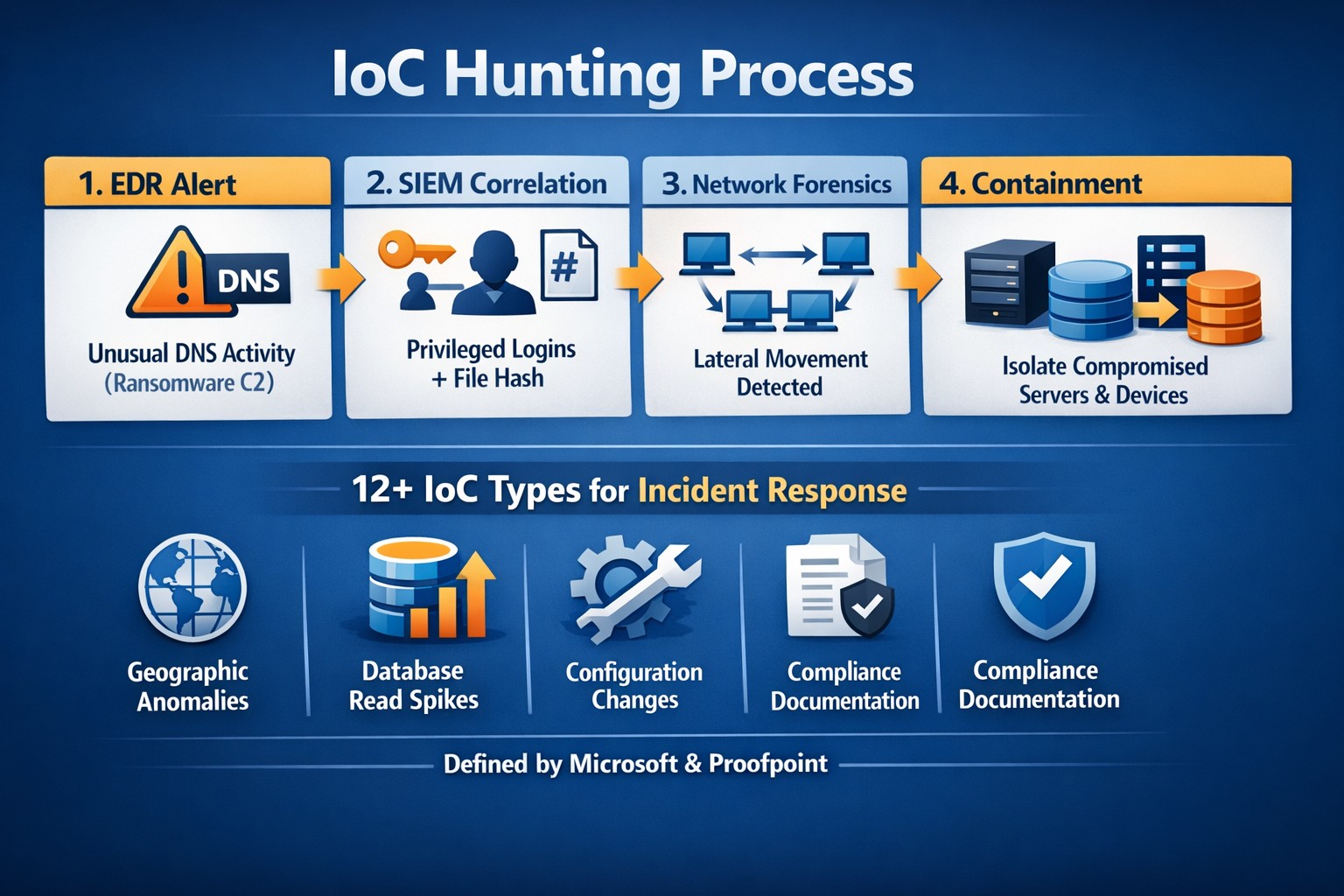
Enhanced Network Monitoring – Modern cyber security tools watch activity and traffic on the network to find indicators of compromise. They pool this information into an attack history that can be used to remediate and further protect.
Your company is not as safe as you think, so contact us for free initial cybersecurity evaluation and risk report. .
Nobody wants to be hacked, breached, compromised, or whatever else they are calling it now. Here is a quick list of things to think about to keep your company safe:
Compromise Prevention
Keep track of your inventory, both software and hardware.
Make sure to properly dispose of these things (recycle or responsible destruction)
Scan your network for vulnerabilities
Patch or remediate everything you find
Manage your antivirus & keep it up-to-date
Keep your passwords complex & safely stored
Remove all users / accounts when no longer in use
Look at best practices to harden your computers / network to attacks
Monitor your network for strange activity (indicators of compromise)
If your company is concerned about security, then contact us to take care of it for you.
Single secure vault eliminates password sprawl across business apps
Whether you are buying something from an online store, reading your email in the browser, checking your account balances, or uploading photos / videos to social media, most websites require an individual username and password when accessing their services. This raises various problems.
What’s with ALL the Passwords?
Using the same password for all the websites you access is a bad idea and horribly insecure. If we run a quick check on the “Dark Web” for your email address, it would likely show that hackers already know the one password you have been using forever. So the only other option is multiple passwords, which can easily go beyond the limits of our feeble human brains to keep track of OR people start creating a list that is typically typed up and saved on the computer – if a hacker gets into the computer then all the passwords are theirs too. So then the option is to find a secure way of storing and backing up these passwords, not to mention trying to make them easy to use.
Rangle Them Passwords!
That is the job of Password Management done by a small piece of software known as a password manager. It takes the complexity down to remembering the one password to open the software, then it tracks the rest from there. The good ones have the ability to generate passwords for you, store them in connection with the website you are visiting, auto-filling the password fields on the websites when you visit them again, and backup your passwords to the cloud – all with strong security and encryption to keep the hackers out of your business.
If your company is still typing passwords into a list, or worse have a paper list, then contact us for assistance migrating to a password manager.
429% credential exposure surge demands passwordless authentication now
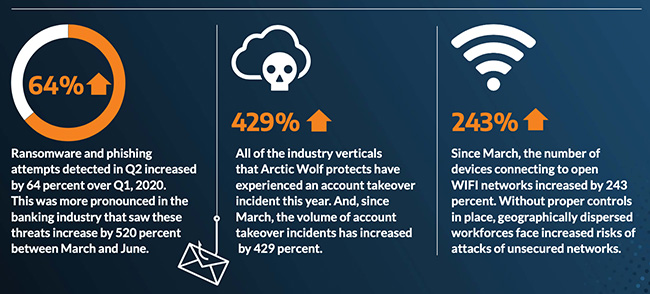
A company named Arctic Wolf, a leader in enterprise security operation centers, published a report that states that the number of corporate credentials with plaintext passwords on the dark web has increased by 429% since March.
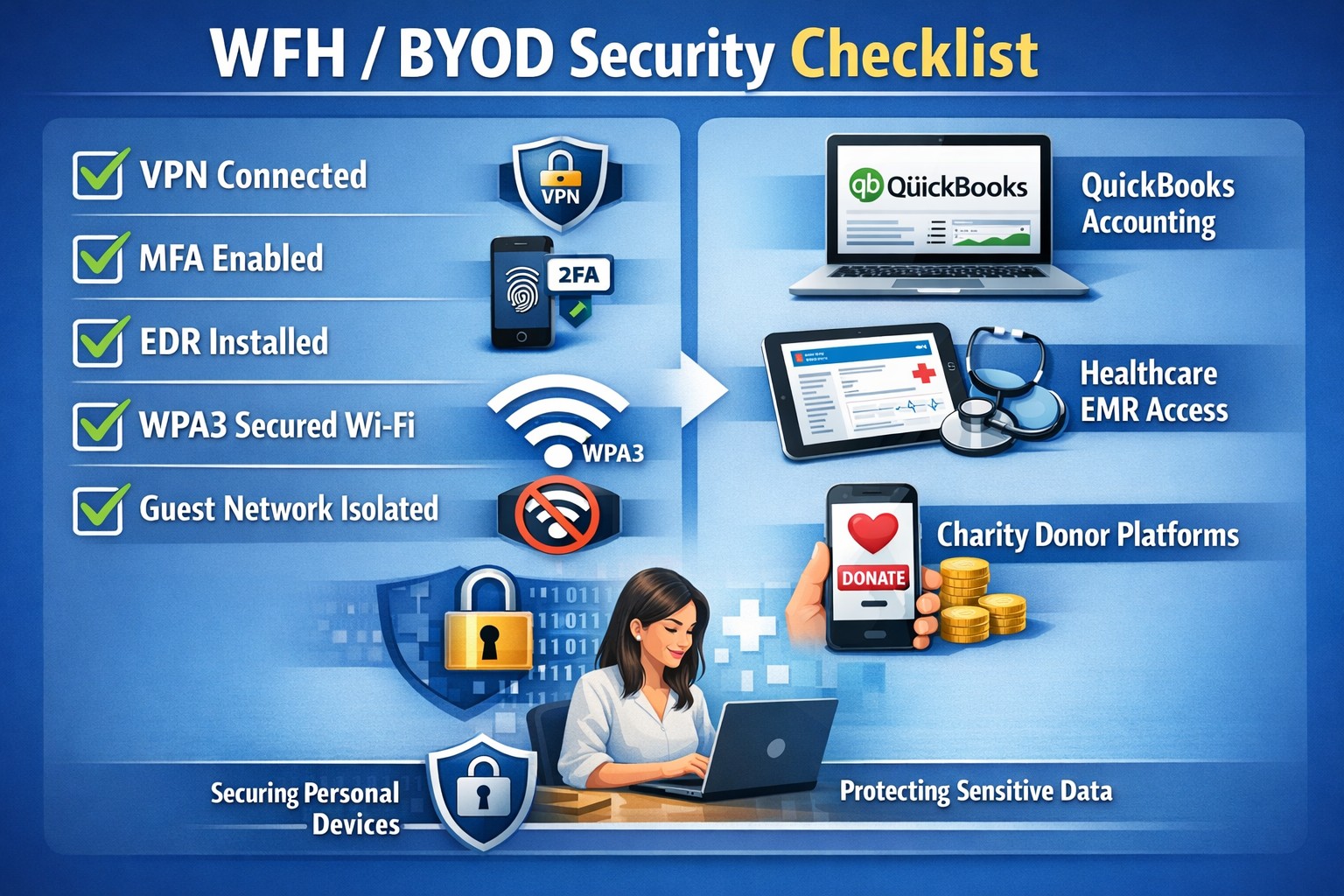
There are also startling statistics on the increase in email phishing attempts and the use of unsecure public wireless connections. These numbers are like due to the Work From Home employees using their own insecure computers and cyber criminals trying to take advantage of the trend. It appears that security measures that are used in the office need to be extended to the Work From Home network as well.
If your company is currently or is going to have Work From Home users, then contact us for assistance.
In this unprecedented time that we are currently experiencing, you have had to set your team up to work remotely, often without thinking about how they might actually get work done, let alone security of all things. Our employee checklist and no-cost cybersecurity training course will provide your team with the tools they need to ensure that they are safe and productive – right out of the gate. These free resources are part of our initiative to keep our community safe and working during this time of crisis, without the additional disruption and financial impact of a breach.
Don’t let a change in circumstance allow for a change in cybersecurity standards.
Unlock strong, memorable passwords: Use 5-7 random words for SMB security—simple, effective, and Farmhouse Networking approved.
The COVID-19 scare and ensuing rush to remote access has us thinking security. What is more basic to security than passwords. In an effort to find a way to make passwords both secure and easy to remember, I have found a website that seems to fit the bill:
The concept is surprisingly simple and is said to be based on a cartoon:
I have played with the settings and found the following to generate some good password settings. Here they are for those who are interested:
The only other option would be to use random passwords stored in a password keeper. This also allows secure sharing of passwords throughout the organization.
If your company is using remote access, then contact us for assistance to make it secure.
And God will generously provide all you need. Then you will always have everything you need and plenty left over to share with others. As the Scriptures say,
“They share freely and give generously to the poor. Their good deeds will be remembered forever.”
For God is the one who provides seed for the farmer and then bread to eat. In the same way, he will provide and increase your resources and then produce a great harvest of generosity in you. - 2 Corinthians 9:8-10
We use cookies to ensure that we give you the best experience on our website. If you continue to use this site we will assume that you are happy with it.