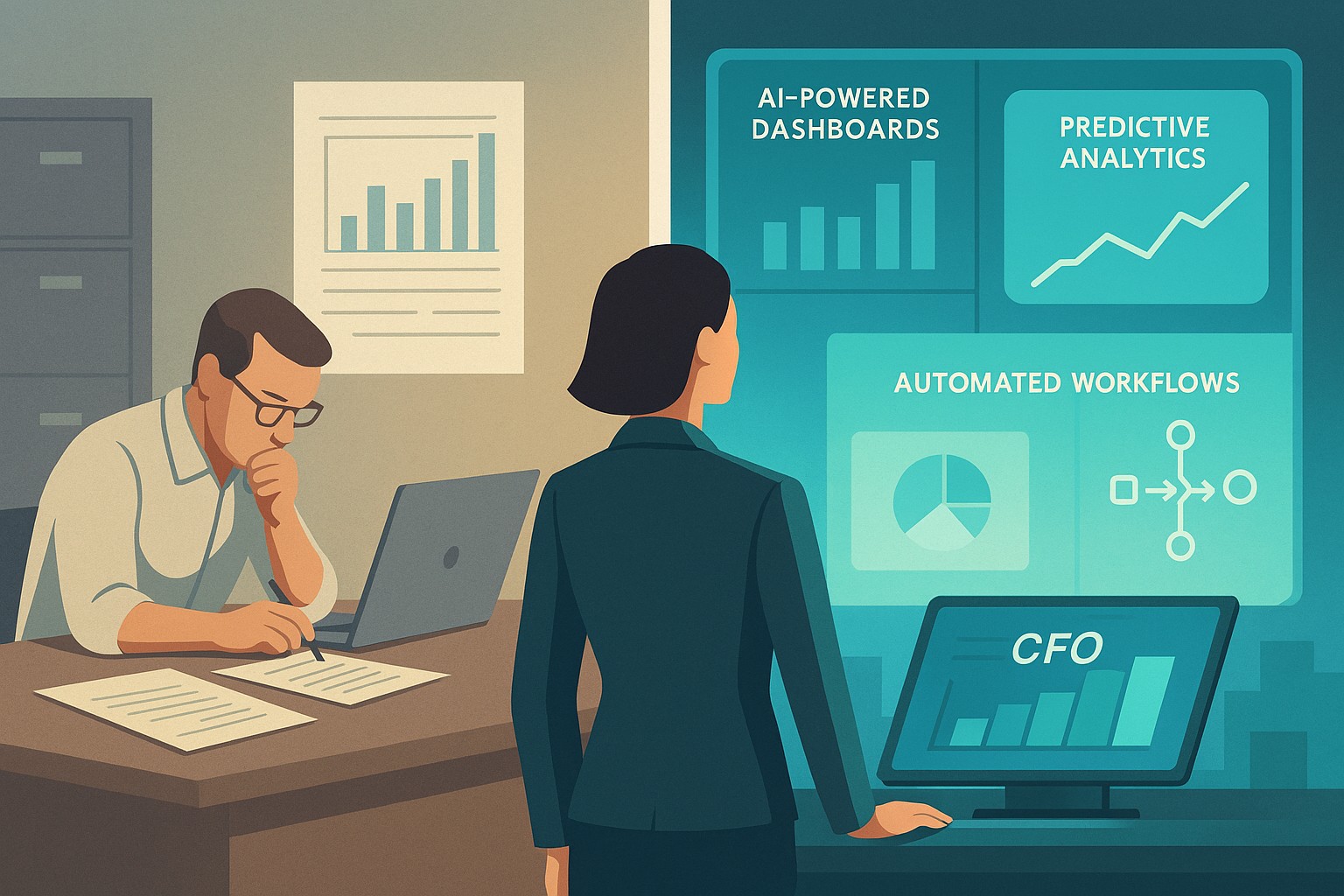
A small business owner and IT partner align on 2026 CFO technology priorities using AI‑powered finance dashboards and automation tools.
Across industries, CFOs are entering 2026 with rising confidence and a clear message: technology — especially AI and automation — is now central to financial performance, not a side project. Half list digital finance transformation as their top priority, and nearly 9 in 10 expect AI to be critical to their operations. For small and mid-sized businesses, this is both a threat and an opportunity.
What this shift means for SMBs
Digital transformation of finance now outranks many traditional priorities.
87% of CFOs expect AI to be extremely or very important to their finance departments in 2026, and over half plan to integrate AI agents.
Finance leaders are using tech to improve cash management, forecasting, and efficiency, while interest in deals and expansion is rising.
Businesses that modernize will outpace competitors on speed, insight, and resilience when conditions change.
Action steps for owners and IT
Take inventory of your finance tech stack
List all tools used for invoicing, payments, payroll, accounting, reporting, and analytics, plus the spreadsheets in between.
Identify duplicated effort, manual rekeying, and systems that do not integrate.
Automate the “finance plumbing”
Implement automation for AR/AP workflows, bank feeds, reconciliations, and basic reporting to reduce errors and labor.
Use role-based dashboards to give leadership real-time visibility into cash, pipeline, and profitability.
Pilot AI in contained, high-impact areas
Start with anomaly detection on transactions, cash flow forecasting support, and draft commentary for financial reports.
Ensure humans remain accountable for approvals and final decisions, with clear audit trails.
Invest in data quality and governance
Standardize your chart of accounts, customer/vendor master data, and product/service coding for consistent reporting.
Define who owns which data, and document how it flows across systems.
Upgrade security and resilience
Move to secure, managed cloud infrastructure with strong access control, encryption, backup, and continuous monitoring.
Regularly test incident response and recovery so a cyber event or outage does not cripple your finance function.
Questions owners often ask
Q: Is this level of tech really necessary for an SMB? A: Yes. Research shows most finance functions will use AI-enabled tools by 2026, and those that do not will struggle with costs, speed, and insight relative to competitors and larger buyers.
Q: How do we avoid wasting money on tools we never use? A: Start with clear business goals (e.g., reduce DSO by X days, shorten monthly close by Y hours, cut errors by Z%), then choose the minimal tech that supports those goals and measure outcomes.
Q: Do we need to hire data scientists? A: Not typically. Many modern tools embed AI and analytics; what you need most are clean data, good processes, and a partner who understands both finance and IT.
How Farmhouse Networking helps SMBs
Farmhouse Networking helps small and mid-sized businesses translate big-company CFO tech strategies into practical roadmaps. Services include:
Assessing current systems, data quality, and security to identify gaps and opportunities.
Designing and implementing integrated, automated finance and operations platforms, with appropriate AI where it delivers value.
Providing ongoing management, monitoring, and support so your internal team can focus on growth and customers.
With Farmhouse Networking, your business gains the infrastructure and expertise needed to compete in a world where technology is central to financial performance.
Optimizing SMB network infrastructure for stronger, scalable business networks
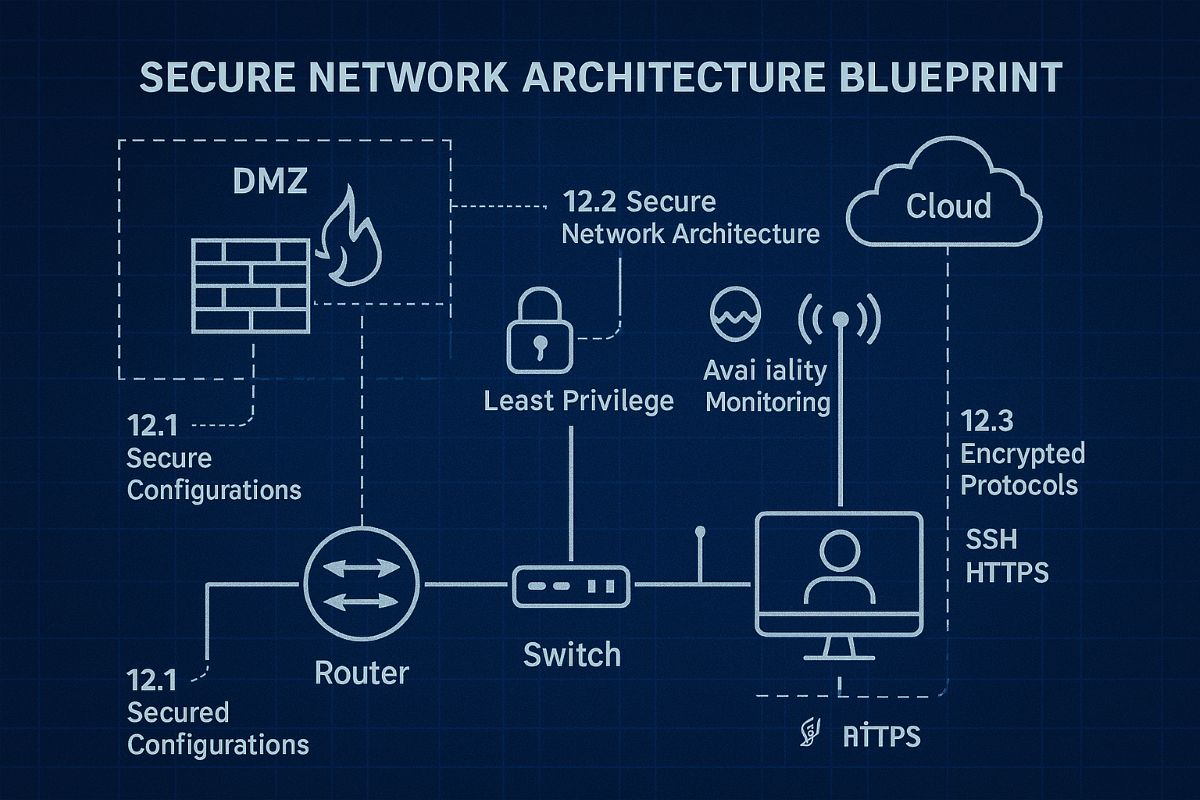
For small and midsize business owners, every minute of uptime counts. A slow or vulnerable network isn’t just frustrating—it costs productivity, damages customer trust, and drains revenue. Network Infrastructure Management, guided by CIS (Center for Internet Security) standards, is the key to keeping your technology reliable, secure, and scalable.
Practical Action Steps
Audit Your Current Network: Compare your systems to CIS-recommended controls to uncover risks.
Secure Data Flows: Implement firewalls, intrusion detection, and CIS baseline configurations.
Plan for Growth: Ensure your infrastructure supports cloud, remote work, and future expansion.
Continuous Monitoring: Use real-time alerts to prevent disruption before it happens.
Employee Awareness: Provide staff training on cybersecurity aligned with CIS best practices.
Client Q&A
“Do CIS standards apply to smaller companies?” – Absolutely; they’re designed to scale to all business sizes.
“Will I need to overhaul my whole network?” – Not necessarily. Often, a phased approach is more cost-effective.
“What if I already have an IT person?” – Farmhouse Networking’s role is to extend their expertise, not replace it.
How Farmhouse Networking Helps We align your systems with CIS benchmarks, secure your infrastructure, and monitor it constantly. That means less downtime, stronger client trust, and more bandwidth for business growth.
Call to Action Ready to protect your network and grow confidently? Email us today at support@farmhousenetworking.com to learn how Farmhouse Networking can keep your systems strong and compliant.
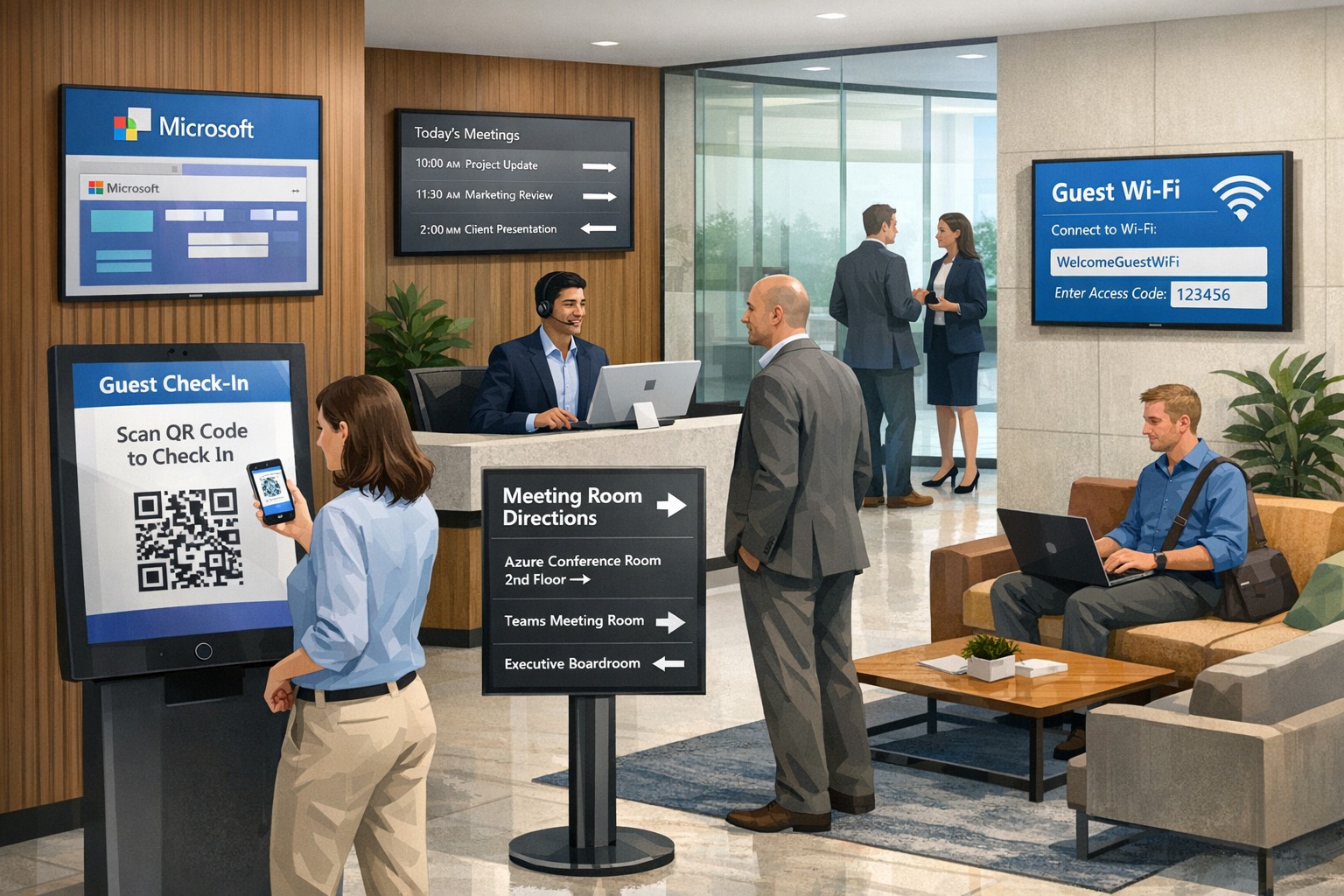
Transform your lobby into a connected guest experience using Microsoft 365, Teams, and Azure for fast check-ins and secure access.
Your lobby, front desk, and meeting spaces are the first “touchpoints” for clients, partners, and visitors. Modern guests expect smooth, secure, and professional experiences—no long check‑in lines, no confusing signage, and no feeling like you’re an afterthought. By leveraging Microsoft technology, you can unify your guest journey across check‑in, meetings, Wi‑Fi, and digital signage, turning every visit into a brand‑enhancing moment.
Why a connected guest experience matters
A “connected guest experience” means using integrated tools so that every system—visitor management, meeting rooms, Wi‑Fi, and communications—works together instead of in silos. When guests arrive, they should be recognized, checked in quickly, routed to the right space or person, and given clear, branded guidance.
For owners, the payoff is tangible: higher perceived professionalism, fewer front‑desk bottlenecks, stronger security, and more data‑driven insights into how visitors use your space.
How Microsoft technology powers this experience
Microsoft’s ecosystem—Microsoft 365, Teams, Azure, Entra ID (formerly Azure AD), and integrated visitor management and digital‑signage add‑ons—gives you the backbone to connect guest workflows end to end.
Key capabilities include:
Cloud‑based visitor check‑in and QR or badge‑based access tied to Microsoft identity.
Meeting and room scheduling through Outlook and Teams, which can trigger guest invites, room bookings, and digital‑signage displays.
Secure Wi‑Fi and network access policies that distinguish employees, guests, and contractors, all controlled from the Microsoft stack.
Used together, these tools let you treat visitors as “guest users” in your environment, not just names on a paper log.
Practical steps for business owners and IT
Creating a connected guest experience is a joint project between leadership and IT. Here are concrete steps you can take over the next 3–6 months.
1. Define your guest‑journey blueprint
Map how guests typically arrive (walk‑in vs. scheduled), where they wait, and how they get to meetings or services.
Identify pain points: slow check‑in, lack of wayfinding, unclear Wi‑Fi access, or security anxiety.
This blueprint will guide which Microsoft tools you prioritize and how you configure them.
2. Implement a cloud‑based visitor‑management system
Choose a Microsoft‑aligned visitor management solution (native or third‑party) that integrates with Outlook/Teams and Azure identity. Guests should be able to pre‑register or receive an invite, check in via kiosk or mobile, and receive a QR code or badge.
IT then configures the system so that check‑in events push data into your directory and security systems, enabling automatic Wi‑Fi access, visitor tracking, and reporting.
3. Connect check‑in to meeting and room workflows
Use Outlook calendars and Teams Rooms so that when a guest is invited, that event automatically:
Books the right room.
Triggers a welcome message or digital‑signage greeting.
IT should enable APIs or connectors between visitor management, Microsoft 365, and any digital‑signage or room‑scheduling platforms in use.
4. Create a secure, guest‑ready network
Set up separate Wi‑Fi SSIDs and network policies for guests, employees, and contractors using Microsoft‑based network management tools.
Configure conditional access so that guest Wi‑Fi sessions are time‑bound, logged, and disconnected automatically after the visit.
5. Extend the experience beyond the lobby
Use digital signage or displays in lobbies and hallways to show wayfinding, meeting schedules, and branded content.
Integrate these screens with Microsoft 365 so that content can be updated centrally (e.g., from SharePoint or a management portal) without manual changes at each location.
FAQs owners and clients will ask
Here are typical questions and concise, business‑oriented answers you can use internally or in client conversations.
Q: Won’t this make things more complicated for our staff? A: The goal is fewer manual steps, not more. When check‑in, meeting rooms, Wi‑Fi, and digital signage are tied together in the Microsoft stack, staff spend less time at the front desk and can redirect more energy to actual client service.
Q: Is this only for big enterprises, or can small and mid‑sized businesses use it? A: Microsoft’s cloud‑based tools scale from small offices to large campuses. Even a single‑location firm can benefit from a simple visitor‑management kiosk, Outlook‑based guest invites, and a branded lobby screen.
Q: How secure is granting guests access to our systems? A: Guest users live in their own identity lane with limited permissions, and you can enforce access policies, expiration times, and monitoring via Microsoft’s security and compliance tools.
Q: What about cost and implementation time? A: Many components (Microsoft 365, Teams, Azure) are already in your stack; you’re mostly adding workflow logic and integration. A phased rollout—starting with check‑in and Wi‑Fi—keeps costs and disruption manageable.
How Farmhouse Networking helps you execute
Farmhouse Networking specializes in helping accounting, healthcare, and nonprofit organizations build secure, Microsoft‑aligned infrastructures that serve people, not just technology.
For “Create a connected guest experience with Microsoft technology,” we can:
Auditing your current Microsoft‑based environment (365, Teams, Azure, Wi‑Fi) and designing a guest‑experience blueprint tailored to your size and workflow.
Implementing and configuring a visitor management system that integrates with Outlook/Teams and your existing front‑desk or security tools.
Setting up secure guest Wi‑Fi, room‑booking logic, and lobby signage integrations so that your physical space feels coordinated and professional.
Training your IT and front‑desk teams on policies and workflows, and monitoring performance over time to refine the experience.
Call to action
If you’re ready to turn your lobby and front‑of‑house experience into a seamless, branded extension of your business, Farmhouse Networking can help you design and deploy a connected guest experience on the Microsoft platform.
Email support@farmhousenetworking.com to schedule a consultation and discuss how we can help you improve your guest experience, strengthen security, and make your day‑to‑day operations more efficient.
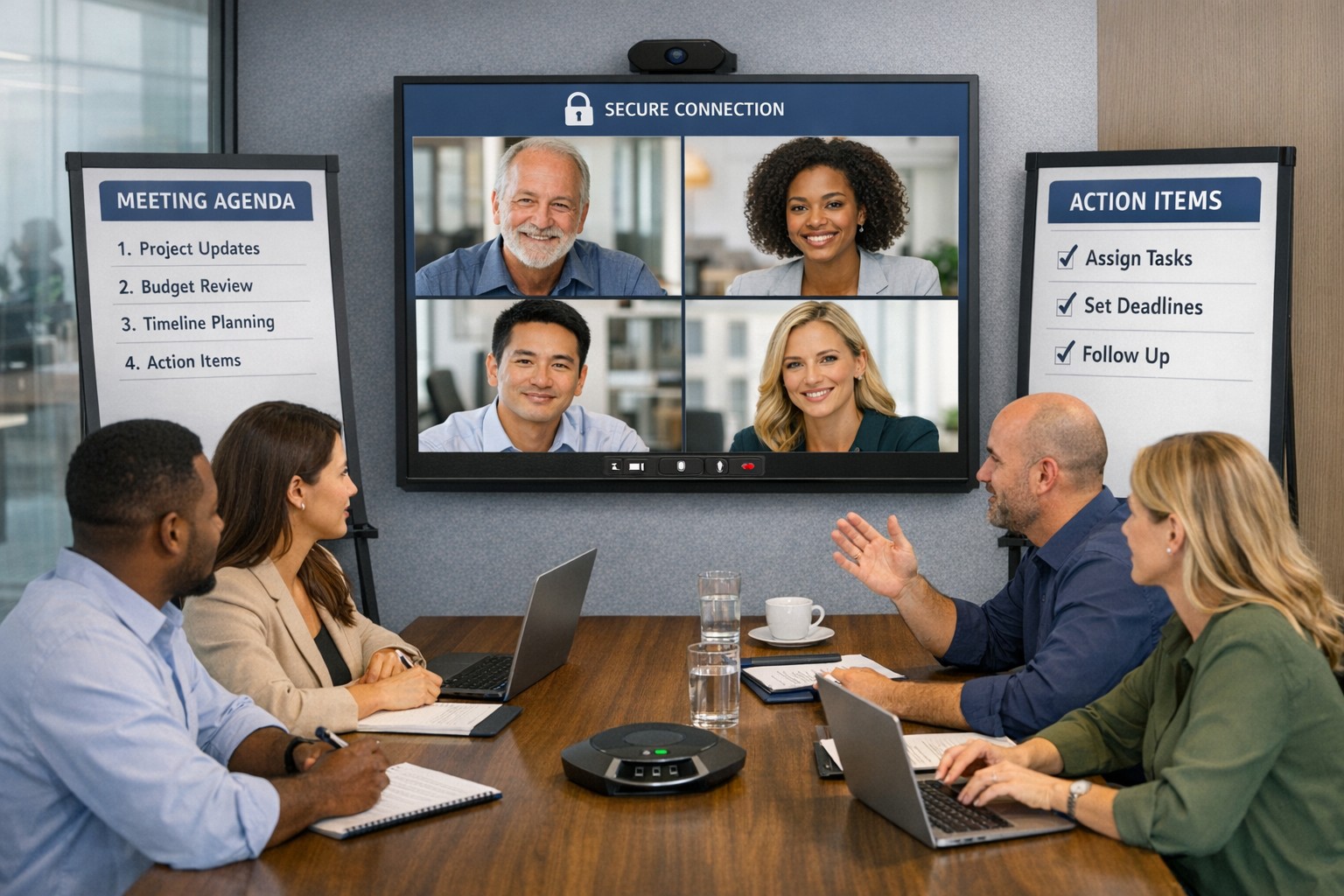
Implement these hybrid meeting best practices to reclaim hours weekly.
Tired of meetings that drain time and productivity? As a business owner, mastering meetings can reclaim hours weekly, sharpen decisions, and drive growth. This guide delivers actionable steps tailored for you and your IT team.
Why Meetings Matter
Effective meetings align teams, solve problems, and spark innovation—yet poor ones waste 20-30% of work hours. Business owners who optimize them see faster execution and higher morale. Focus on purpose-driven gatherings to transform your operations.
Practical Action Steps
Follow these steps with your team and IT department for immediate impact.
Assess Meeting Necessity: Before scheduling, ask: “Does email or async update suffice?” Cancel 30% of meetings by testing this weekly.
Craft Clear Agendas: Draft agendas 48 hours ahead with goals, topics as questions, time allocations (e.g., 10 mins per item), and attendees. Share via shared doc.
Set Tech Foundations: IT audits tools—ensure Zoom/Teams licenses, stable Wi-Fi (100Mbps+), backups like Google Meet. Test hybrid setups: cameras, microphones, screen sharing.
Run Structured Sessions: Start on time with purpose recap. Use timer for topics. Assign action items with owners/deadlines. End early if done.
Follow Up: IT logs recordings securely; send minutes within 24 hours with tasks tracked in tools like Asana or Trello.
Review and Iterate: Post-meeting, survey: “What worked? Improve?” Trim recurring meetings under 15 mins for huddles.
These cut meeting time by half while boosting outcomes.
FAQ: Client Inquiries Answered
Address common questions from accounting, healthcare, or charity clients.
How do we handle hybrid meetings? Prioritize equal participation: IT enables “raise hand” features, shared notes. Use noise-canceling mics and 4K cameras for remote clarity.
What if meetings overrun? Enforce time boxes; have a timekeeper. Shift overflow to async channels like Slack threads.
How to engage quiet team members? Start with round-robin input. Pose questions early. For virtual, use polls/reactions.
Best tools for secure meetings? Enterprise-grade like Microsoft Teams (HIPAA-compliant for healthcare) with end-to-end encryption. IT verifies compliance yearly.
How often for different meetings? Daily huddles (15 mins), weekly managers (30 mins), quarterly strategy (2 hours).
How Farmhouse Networking Helps
Farmhouse Networking specializes in IT solutions for accounting, healthcare, and charity sectors. We audit your meeting tech stack, deploy secure video platforms, optimize networks for lag-free hybrid calls, and train teams on best practices. Our SEO-driven blogs and custom strategies have helped clients cut meeting waste by 40%, freeing time for client wins. From branding your site to lead-gen automation, we handle it all.
Call to Action
Ready to make every meeting count? Email support@farmhousenetworking.com for a free meeting efficiency audit tailored to your business.
Consumer routers = compliance nightmares for business networks
Even though we recently sent out another email newsletter about this topic, we have to keep raising this issue as the work from home remains a regular occurrence. A German think tank analyzed 127 popular home routers with the majority having at least one flaw (D-Link, Netgear, ASUS, Linksys, TP-Link and Zyxel were affected by 53 critical-rated vulnerabilities each). The biggest problem is that most (91%) are built on top of an old version of Linux operating system and their makers rarely publish updates.
There are several solutions that we can discuss to secure your work from home networks, so contact us for assistance.
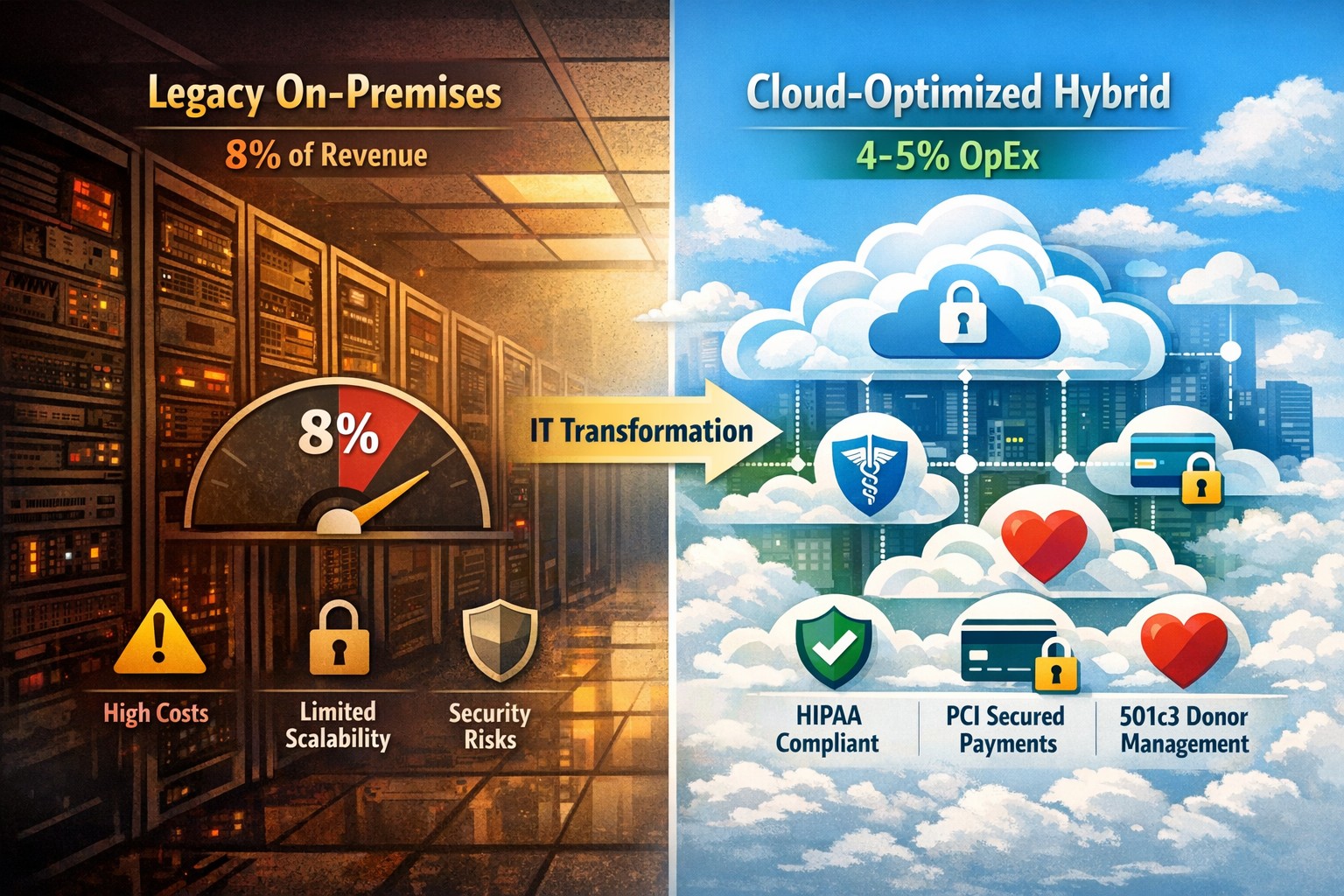
Modernization = immediate 30% IT cost reduction with compliance
Legacy infrastructure can limit scalability, increase downtime, and require expensive patchwork fixes. Modern solutions — whether in the cloud or hybrid configurations — give small businesses flexibility, automation, and predictable operating costs.
According to Gartner, companies that modernize their IT environments reduce infrastructure costs by up to 30% and improve operational efficiency by 25% or more. For small business owners, these savings can directly impact profitability and competitiveness.
Action Steps to Modernize and Optimize IT
To start seeing results, take a structured approach to IT modernization:
Assess Your Current Infrastructure Conduct a full audit of your hardware, software, and network assets. Identify outdated servers, unsupported software, and bottlenecks that affect performance or security.
Move to Scalable Cloud Solutions Transition from on-premises systems to cloud-based environments like Microsoft Azure or Google Workspace. Cloud solutions reduce capital expenditures, improve accessibility, and support remote teams.
Virtualize Where Possible Replace physical servers with virtual machines. Virtualization consolidates workloads, reduces energy usage, and simplifies disaster recovery planning.
Implement Automation and AI Tools Automate repetitive IT maintenance tasks such as updates, monitoring, and backups. Modern IT management software decreases manual intervention and minimizes human error.
Enhance Cybersecurity Frameworks As you modernize, integrate advanced security tools — firewalls, endpoint detection, and multi-factor authentication — to prevent modern cyber threats.
Adopt Predictable Cost Models Consider a managed IT service provider (MSP) that delivers infrastructure and support under a fixed monthly fee. This approach eliminates unpredictable repair costs and frees capital for innovation.
Common Questions from Business Owners
Q: How do I know if my infrastructure is outdated? A: Signs include frequent downtime, slow systems, incompatible applications, or rising maintenance costs. If your servers are older than five years or your support software is no longer updated, it’s time for a change.
Q: What’s the ROI of IT modernization? A: Beyond cost savings, modernization improves workforce productivity, customer satisfaction, and business agility. Many SMBs see full ROI within 12–24 months through improved uptime and reduced service calls.
Q: Is the cloud secure for small businesses? A: Yes, if configured properly. Major cloud providers maintain rigorous security standards and compliance certifications. Working with an IT partner ensures proper access controls and data backup procedures.
Q: How disruptive is the modernization process? A: With professional planning, disruption can be minimized. Migration often occurs after-hours or in stages to ensure operations continue smoothly.
How Farmhouse Networking Can Help
At Farmhouse Networking, we specialize in helping small and mid-sized businesses modernize their IT infrastructure for measurable cost savings. Our services include:
Comprehensive infrastructure assessments to identify inefficiencies.
Cloud migration and virtualization support tailored to your industry needs.
Cybersecurity modernization to protect against evolving threats.
Managed IT services with predictable monthly pricing and rapid support response times.
We handle the transformation process end to end — from planning and deployment to monitoring and optimization — so you can focus on running your business rather than managing technology.
Email us at support@farmhousenetworking.com to learn how Farmhouse Networking can help you modernize your IT infrastructure and optimize your company’s technology spend.
Reading through a whitepaper from an industry leader in structured cable certification and realized the importance and cost savings that comes from the certification process. Here is a summation of their findings:
Cable Certification Less Expensive Than Downtime
Running the numbers against enterprise sized environments showed that for an average cost of $750 worth of cable certification and repair the business was able to insure themselves against $67,000 of downtime. Consider how much each hour of downtime is worth to your organization then think about how much even 8 hours of downtime per year will cost you – that is the difference between 99.9% and 99.99% uptime.
Product Warranties Don’t Cover Workmanship
Even if you have product warranties from the manufactures of your network equipment and cable there is no guarantee as to the quality of the installation without cable certification.
Certification & Re-certification
The idea here is to future proof your business by making sure that cabling exceeds the current standards. This often can lead to extended return on investment (ROI) when newer technology standards are introduced and the current cabling can go through cable certification again to prove that it meets those standards. For example many Cat6 installations that originally were thought to be running at 1Gbps have been proven to run at 10Gbps over short distances thereby saving the company money and expanding their network bandwidth.
Cable Certification Saves Money
Landlords are mentioned here as a direct beneficiary of the cost savings inherent in cable certification. The costs of certifying a building full of cable prior to new tenants moving in is minimal in comparison with the cost of running all new wires – often only 5-10% of the cost.
Reducing Waste
Instead of demolishing current cable infrastructure to comply with National Electric Code standards of removing abandoned cabling, why not have the cable certification done to mark it for future use? It saves money and the environment
Unscrupulous Installers
No-name copper vendors are putting out so-called Cat5 or Cat6 cables that are manufacture outside the country with inferior goods and facilities. This is then used by unscrupulous installers to lower their overall costs whether or not they pass that savings on to the client. To avoid the use of these inferior cables make sure to only use vendors that supply cable certification for their work.
If your company is unsure about their current structured cable infrastructure or is looking to have new network cabling done, then contact us for assistance.
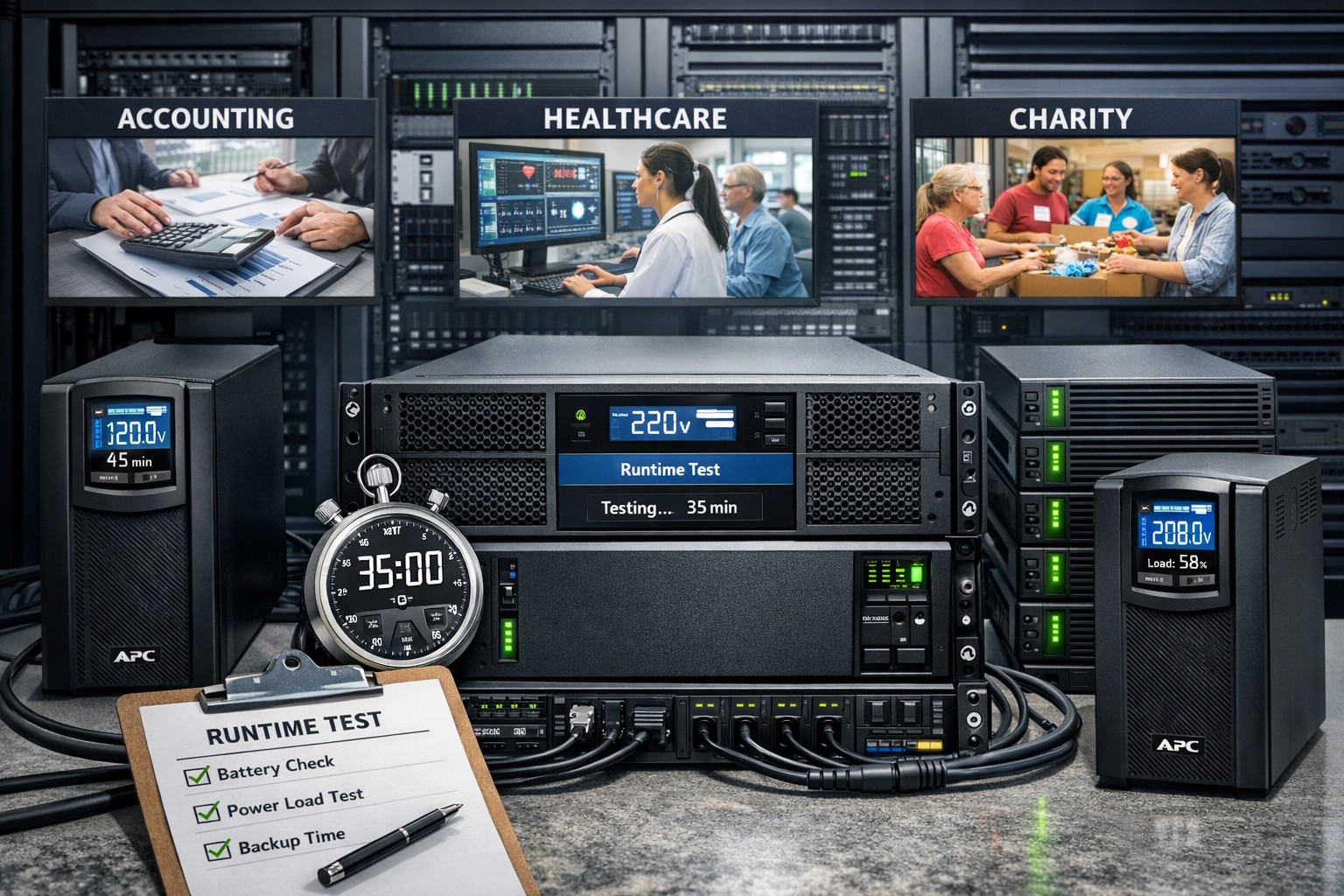
It is astounding to think that many servers in small businesses are plugged directly into the wall for power without any protection from outages or dirty electric current. It is easy to mitigate up to 44% of data loss incidents that are due to hardware failure by providing clean and consistent power to servers on the network. Installing a server battery backup is quite easy to do and the possible return on investment will never be seen due to the possible issues being taken care of. Here is a basic list of best practices for purchasing and setting up the monitoring software that comes with the unit:
Server Battery Backup Purchasing:
Budget to purchase new battery backup devices every 5-6 years
Replace internal battery on unit at the 3 year mark
Based on maximum load (think power supply total watts) select an Uninterupted Power Supply (UPS) that will not be loaded over 80% which protects the unit from undue wear and allows for some growth
Consider redundant UPS configuration for larger servers with multiple power supplies
In high production environments, consider adding an UPS for each workstation to allow for file saves before file server shutdown occurs.
Server Battery Backup Setup:
Make sure buildings elecrical breakers are rated to handle the 80-100% load of the UPS
If single UPS used in multiple power supply server scenario then put one plug into the wall and the other into the UPS, but please consider redundant power supplies.
Plug in serial, usb or network management and install the management software that comes with it
Configure the management software to gracefully shutdown the Operating System (OS) of all connected servers
If using sequential shutdown of servers then shutdown database servers first, file servers second and domain controllers last.
Configure either SNMP alerting or email alerting to get status updates from the device
Configure regular self-test of the battery to make sure there is no failure of the internal battery before the replacement period
Taking the time to do this right the first time will save headaches later when things go wrong. Call or email us to do an evaluation of your power infrastructure.
And God will generously provide all you need. Then you will always have everything you need and plenty left over to share with others. As the Scriptures say,
“They share freely and give generously to the poor. Their good deeds will be remembered forever.”
For God is the one who provides seed for the farmer and then bread to eat. In the same way, he will provide and increase your resources and then produce a great harvest of generosity in you. - 2 Corinthians 9:8-10
We use cookies to ensure that we give you the best experience on our website. If you continue to use this site we will assume that you are happy with it.