Use DNS Filtering to Stay Safe and Open for Business
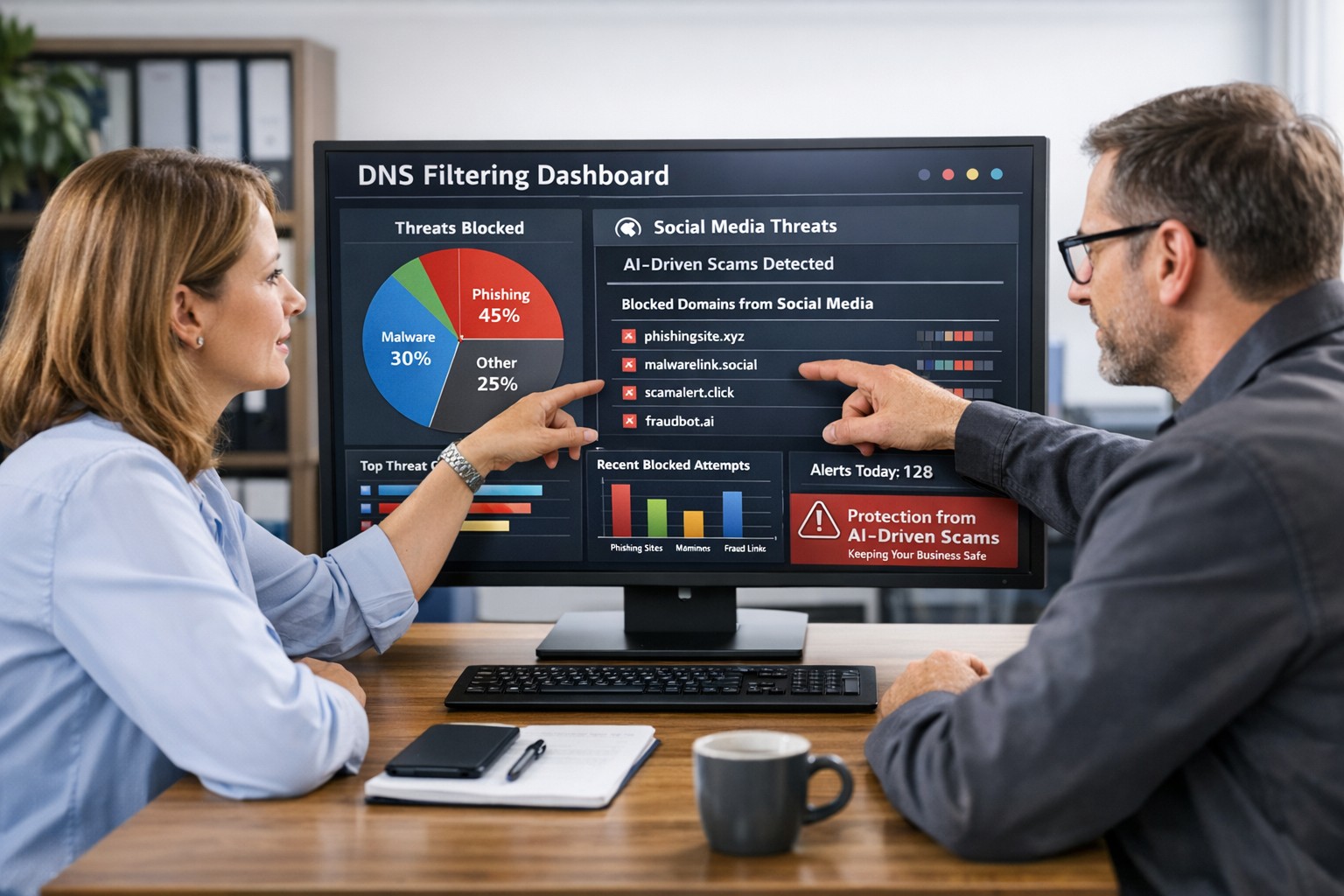
DNS filtering helps small business owners block AI powered social media scams before employees can reach malicious websites
AI tools now let scammers quickly generate deepfake videos, realistic ads, and convincing phishing messages that target small and mid‑sized businesses on social media. These attacks trick employees into clicking malicious links that steal logins, install ransomware, or divert payments, and incident rates and losses are climbing. DNS filtering offers your business a practical, affordable way to block dangerous sites at the network level before a bad click turns into downtime.
Why AI-Driven Social Media Threats Matter for SMBs
AI deepfakes and fake ads can impersonate your brand or suppliers and lead to look‑alike scam sites.
AI-enhanced phishing leverages details from your website and social media to sound like real customers, partners, or executives.
Web‑based phishing and spoofing attempts are rising sharply year over year, driven by generative AI.
What DNS Filtering Does for Your Business
DNS filtering checks where your employees’ devices are trying to connect and blocks known or suspected malicious domains. For SMBs, this:
Prevents access to phishing pages and fake login screens linked from social media or email.
Reduces malware and ransomware risk by blocking communication with malicious servers.
Gives you visibility into risky browsing and helps enforce acceptable‑use policies.
Action Steps for Business Owners and IT
Document where and how your team uses social media for sales, support, and marketing.
Roll out DNS filtering to office networks, remote workers, and any company‑managed laptops or phones.
Integrate DNS filtering logs with your security monitoring to quickly investigate suspicious activity.
Establish a clear process for verifying unusual requests (wire transfers, password resets, gift card purchases) received via social media or email.
Sample Customer Questions and Answers
“Is it safe to click promotions I see about your business on social media?” We recommend visiting our official website or verified profiles directly, because scammers can create fake ads that lead to malicious sites.
“How do you protect my data from online scams?” We use layered security including DNS filtering to block malicious websites, alongside secure payment providers and strong internal controls.
How Farmhouse Networking Helps SMBs
Farmhouse Networking works with you to understand your business, social media use, and risk tolerance, then designs and manages a DNS filtering solution that fits your size and budget. We deploy, configure, and monitor the service, fine‑tune policies over time, and provide clear reports so you always know how your network is being protected. This is included at no additional cost to all our monthly managed IT services clients.
Call to Action: Email support@farmhousenetworking.com for more information about how Farmhouse Networking can help improve your business and defend against AI‑driven social media threats.
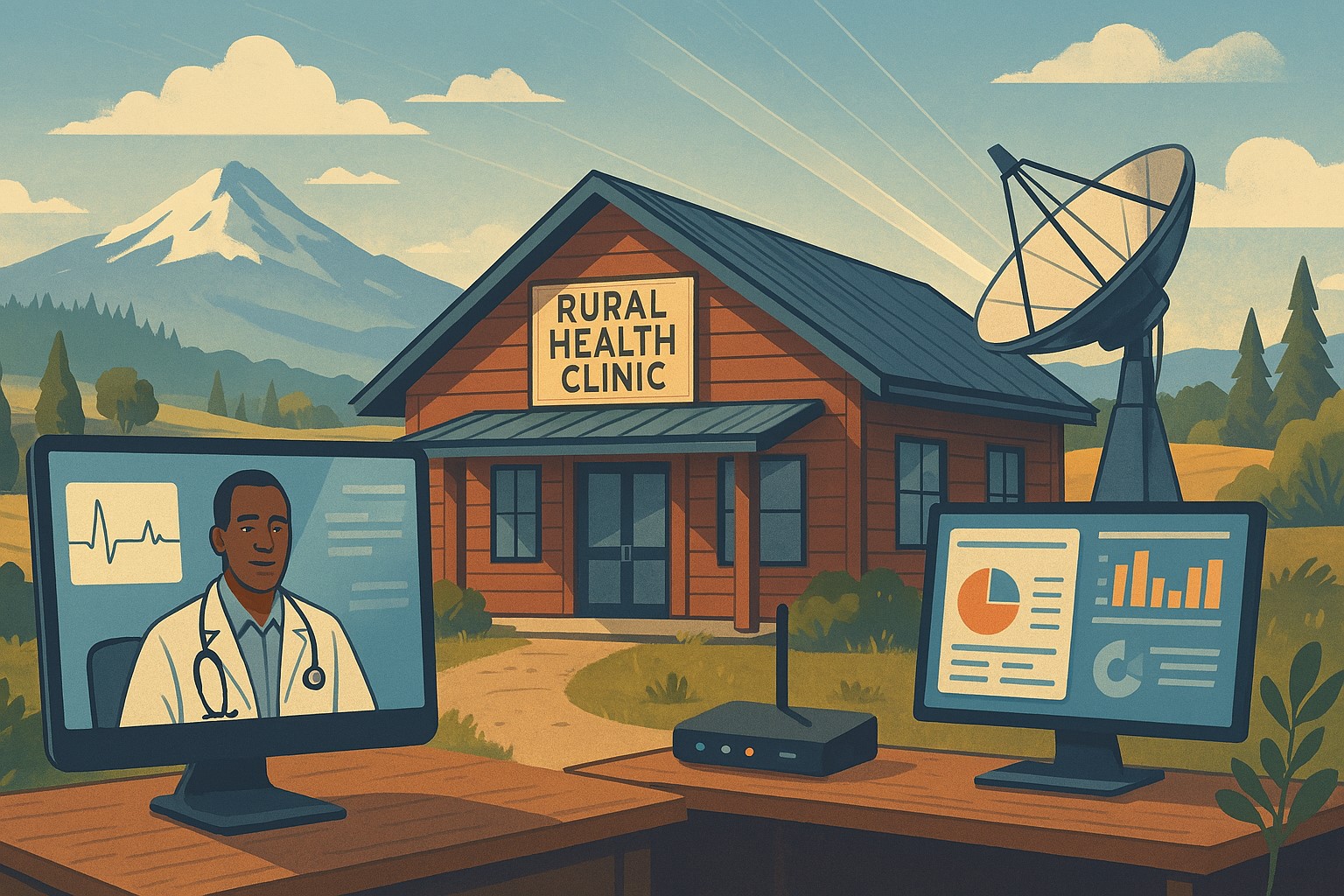
Modern IT and cybersecurity tools help rural small businesses strengthen resilience, protect customer data, and apply lessons from the Rural Health Transformation Program.
The Rural Health Transformation Program is a five-year, $50 billion national initiative focused on stabilizing and modernizing rural health systems through better technology, stronger cybersecurity, and more resilient operations. Even if your business is not in healthcare, the same principles apply: modern, secure IT and good data are now core to long-term sustainability.
Why Business Owners Should Pay Attention
The program explicitly invests in IT support, cybersecurity, and technology-enabled efficiency as critical to sustainable operations in rural settings.
Oregon’s plan emphasizes tech modernization, workforce resilience, and strong regional partnerships as keys to surviving funding shifts and market changes.
SMBs that adopt these same priorities gain resilience against outages, cyberattacks, and regulatory pressure—without waiting for a crisis.
Practical Action Steps for You and Your IT Team
Treat IT as critical infrastructure, not overhead
Conduct a full inventory and risk assessment: hardware, software, data flows, third-party platforms, and security controls.
Identify single points of failure and systems that would halt operations if compromised.
Invest in modernization and cybersecurity
Prioritize upgrades that increase efficiency and security: cloud migration, MFA, endpoint protection, secure backups, and network segmentation.
Align IT investments with measurable business outcomes such as uptime, recovery time, and staff productivity.
Build reporting and data capability
Ensure your systems can generate the metrics you need to manage performance and respond to customer or regulator questions.
Standardize data structures so growth, audits, or new partnerships do not require rebuilding your information from scratch.
Plan for multi-year resilience, not quick fixes
Create a three- to five-year IT roadmap similar to how RHTP structures its budget periods and milestones.
Include cybersecurity training, periodic testing, and regular reviews of your business continuity and disaster recovery plans.
Likely Customer Questions – With Suggested Answers
“Is my data safe with your company?”
Yes. We use modern security practices—encryption, secure access controls, and monitored systems—to protect your information.
“Can you keep operating if there’s an outage or cyberattack?”
Yes. We maintain tested backups, continuity plans, and resilient systems so we can continue serving you even during disruptions.
“How do you handle sensitive information?”
We limit access to only those who need it, track system activity, and use secure tools to store and transmit sensitive data.
How Farmhouse Networking Helps SMBs Apply These Lessons
Farmhouse Networking has helped organizations that participate in complex state and federal programs build robust, secure IT environments that pass strict scrutiny. Those same capabilities translate directly to SMBs in any industry. Farmhouse Networking can:
Conduct comprehensive IT and cybersecurity assessments focused on business risk and resilience.
Design and implement a modernization roadmap—cloud, security, backups, remote work, and compliance-aligned practices.
Provide ongoing, proactive support so your internal team can focus on revenue, customers, and strategic growth.
Call to Action
To apply the same modernization, security, and resilience principles behind Rural Health Transformation to your own business, email support@farmhousenetworking.com and discover how Farmhouse Networking can help improve your systems and protect your bottom line.
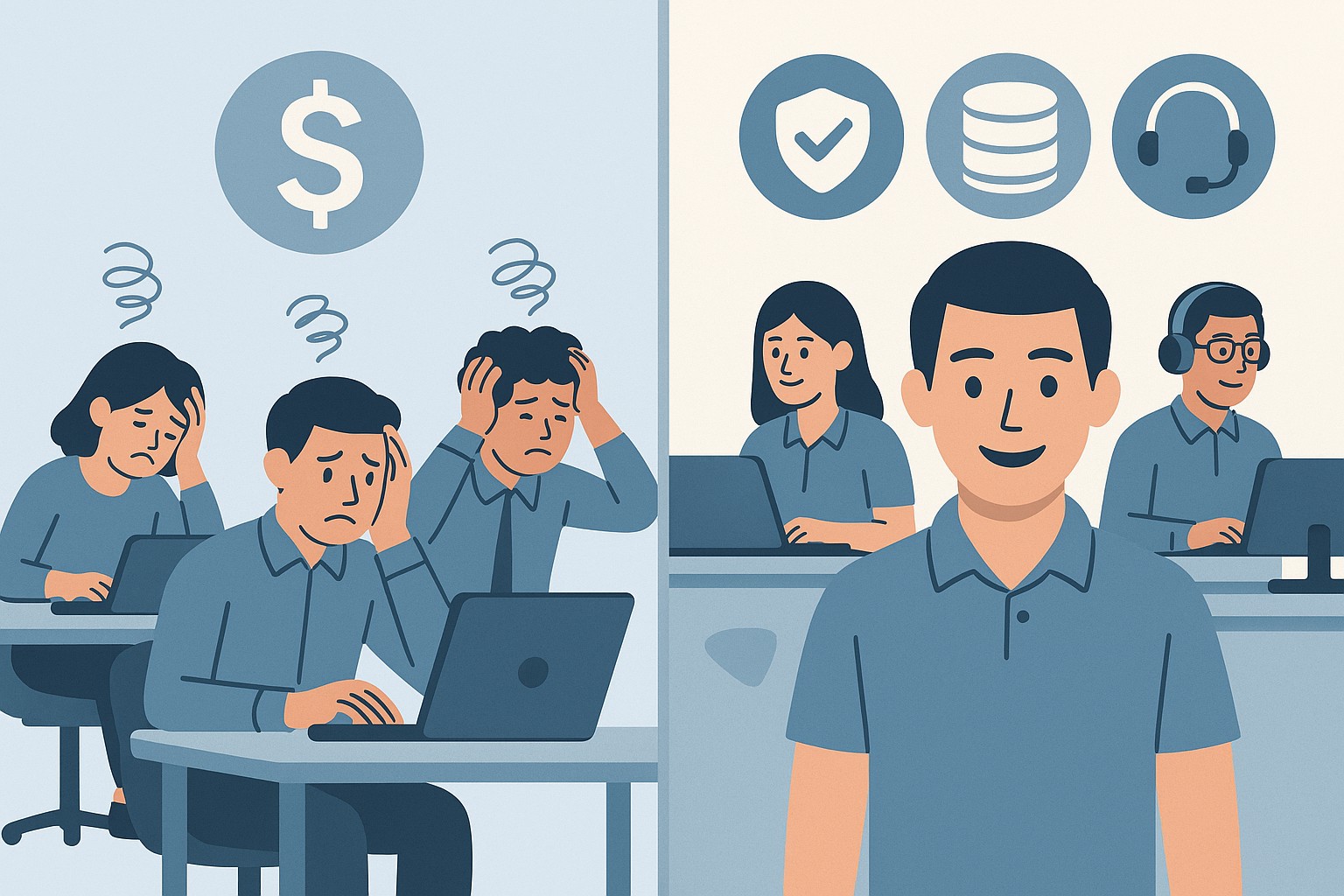
A small business owner collaborates with an IT security partner to elevate cybersecurity from a technical task to a core business risk management priority.
Across regions and industries, executives now rank cybersecurity as their top external risk, ahead of supply chain issues, regulatory changes, and macroeconomic concerns. For small and mid‑sized businesses, cyber incidents can rapidly translate into operational outages, reputational damage, and long‑term financial loss.
What this means for SMBs
Security has moved out of the server room Leaders are embedding cybersecurity within enterprise risk management, using business continuity plans, risk frameworks, and scenario planning rather than treating it as a pure IT issue. Business owners must therefore own cyber risk in the same way they own cash flow and strategy.
Skill gaps and competing priorities Executives report that talent shortages, workload pressure, and cost constraints make it difficult to execute technology and security plans effectively. Many SMBs rely on a small IT team that spends most of its time on basic maintenance instead of proactive defense.
Vendor pressure and forced upgrades A significant share of executives cite vendor lock‑in and forced upgrades that constrain security planning, delay patching, and divert funds from higher‑value initiatives such as AI and modernization. SMBs need more control over when and how they adopt changes.
Practical action steps for owners and IT
Treat cybersecurity as a business risk
Add cyber risk to your leadership agenda, risk register, and strategic planning sessions.
Define risk scenarios in business terms: downtime costs, lost sales, regulatory penalties, and reputational impact.
Build structured risk, continuity, and investment processes
Implement a risk framework and business continuity plan that cover key systems, suppliers, and customer touchpoints.
Evaluate security investments based on multi‑year business value, including reduced incident costs and improved resilience.
Leverage outsourcing as a strategy
Follow the many organizations that already outsource or are planning to outsource cybersecurity services to stabilize operations and address skill shortages.
Let internal IT prioritize strategic initiatives and innovation while a specialist partner handles monitoring, vulnerabilities, and incident response.
Customer questions – and your answers
“How do you protect our data and services?” Cybersecurity is managed at the leadership level, supported by formal risk management, continuity planning, and external security expertise.
“Can you stay operational if you are attacked?” We create tested business continuity and disaster recovery plans, including backups, alternate processes, and clear responsibilities during incidents.
“Are you keeping up with evolving threats?” We evaluate technology with security as a key criterion, and we work with dedicated security partners to adapt to changing risks.
How Farmhouse Networking helps SMBs
Farmhouse Networking helps business owners turn cybersecurity into a manageable, measurable business function by:
Designing and managing secure, resilient IT environments that align with your risk appetite and growth plans.
Delivering outsourced cybersecurity services to tackle monitoring, patching, and incident response so your internal team can focus on innovation.
Advising on vendor strategies and technology investments so security, cost, and flexibility stay in balance.
Call to action
To find out how Farmhouse Networking can help your business make cybersecurity a strategic advantage, email support@farmhousenetworking.com for more information about how Farmhouse Networking can help improve your business.
Why Every Minute Matters and How Farmhouse Networking Delivers
Every minute of system downtime costs your small business money—proactive monitoring and managed IT services dramatically reduce outages and protect your revenue.
Imagine your business suddenly grinds to a halt—orders can’t be processed, patient records are inaccessible, and your team is scrambling to keep up. Technical issues or downtime can stop operations in their tracks, leading to lost revenue, frustrated customers, and even dissatisfied patients in healthcare settings. Today every second of downtime can cost thousands of dollars and erode the trust your clients and patients place in your organization.
Why Farmhouse Networking Stands Out Among MSPs
Farmhouse Networking isn’t just another managed service provider (MSP)—we’re your proactive partner in preventing costly system interruptions. While many MSPs offer basic monitoring and support, Farmhouse Networking delivers a competitive advantage through a blend of advanced technology, rapid response protocols, and a deep understanding of the unique challenges faced by healthcare, manufacturing, and charity sectors.
Our approach is built on proactive monitoring, which means we detect potential issues—such as failing hardware, network bottlenecks, or cyber threats—before they impact your operations. With 24/7 monitoring and clearly defined Service Level Agreements (SLAs), we guarantee swift issue resolution, minimizing downtime and keeping your business running smoothly. Unlike in-house IT teams limited to business hours, our team is always on standby, ready to tackle urgent problems the moment they arise.
Key Features and Benefits: What Farmhouse Networking Offers
Proactive Network Monitoring: Continuous oversight of your IT infrastructure to catch and resolve issues before they escalate.
Rapid Issue Resolution: Fast response times with clear SLAs, ensuring minimal disruption to your business operations.
Disaster Recovery Planning: Comprehensive plans tailored to your organization, including risk assessment, backup strategies, and clear communication protocols to restore services quickly in case of a disaster.
Customized Support: Solutions designed specifically for healthcare, manufacturing, and nonprofit sectors, addressing industry-specific compliance and security needs.
Employee and Patient Satisfaction: By keeping systems online and data secure, we help you maintain trust with both your team and your clients or patients.
A Real-World Example: The Value of Proactive MSP Support
Consider a healthcare provider facing a network outage. Without proactive monitoring and rapid response, clinicians may be unable to access electronic health records, leading to delayed diagnoses, treatment errors, and frustrated patients. Farmhouse Networking’s proactive approach ensures these scenarios are prevented or swiftly resolved, safeguarding both patient safety and your organization’s reputation.
Secure Your Business Continuity
Don’t let system downtime disrupt your business or compromise your clients’ trust. Farmhouse Networking is ready to help you minimize downtime, maximize productivity, and keep your operations running smoothly—no matter what challenges arise.
Email us today to learn more about how Farmhouse Networking can improve your business continuity and end system downtime for good. Let’s build a more resilient future together.
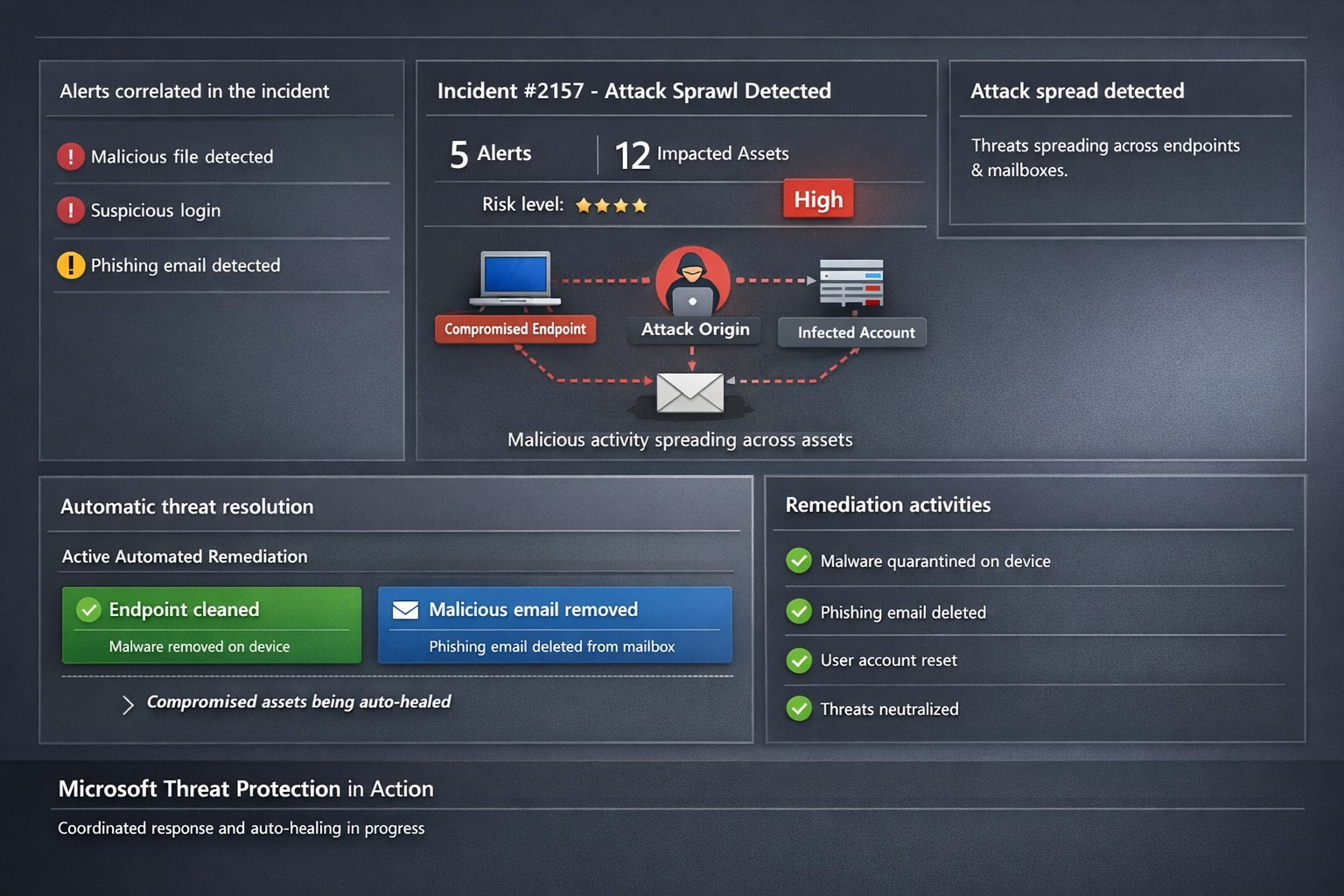
Microsoft 365 Defender auto-disrupts threats across endpoints and identities, healing assets in real-time to prevent sprawl.
One cyberattack can cripple operations, expose sensitive data, and cost millions in recovery. Microsoft Threat Protection (now evolved into Microsoft 365 Defender) integrates defenses across endpoints, email, identity, and apps to halt attack sprawl—where threats spread unchecked—and automatically heals compromised assets, minimizing downtime and risk.
What Is Attack Sprawl and Auto-Healing?
Attack sprawl happens when adversaries breach one domain, like email, then pivot to endpoints or identities via weak seams in siloed tools. Microsoft Threat Protection correlates signals across Microsoft Defender for Endpoint, Office 365 ATP, Azure ATP, and Cloud App Security to detect the full attack chain in real time.
It stops sprawl by blocking persistence mechanisms, such as malicious processes or credential abuse, and auto-heals assets—terminating threats on devices, removing harmful email rules, and flagging compromised users in Azure AD—restoring safety without manual intervention. Recent updates add automatic attack disruption for critical assets like domain controllers, disrupting threats days earlier in the kill chain.
Practical Action Steps for Implementation
Business owners and IT teams can deploy Microsoft Threat Protection systematically to fortify defenses. Follow these steps:
Assess Your Environment: Inventory endpoints, email, identities, and apps using Microsoft 365 Defender portal. Enable integration for Defender ATP, Office 365 ATP, Azure ATP, and MCAS via the unified console.
Enable Cross-Domain Correlation: Activate incident correlation in the Microsoft 365 Defender portal to prioritize high-fidelity threats. Configure conditional access policies to block risky logins automatically.
Turn On Auto-Healing and Disruption: In Defender settings, enable automated response actions like process termination and asset isolation. Test automatic attack disruption for critical assets via Security Exposure Management integration.
Conduct Proactive Hunting: Use custom queries in the portal to hunt cross-domain threats with your org-specific indicators. Review Threat Analytics reports for exposure insights and patches.
Monitor and Refine: Set up Action Center to track automated actions. Schedule monthly reviews to harden configurations based on incident data.
These steps reduce response times from hours to minutes, cutting breach costs by limiting sprawl.
FAQ: Client Inquiries Answered
How does Microsoft Threat Protection differ from standalone tools? It unifies siloed solutions into one XDR platform, correlating alerts for end-to-end visibility—unlike fragmented tools that miss cross-domain sprawl.
What assets does auto-healing cover? Endpoints (malicious processes), mailboxes (forwarding rules), identities (compromised flags), and apps. New capabilities target domain controllers and high-value servers.
Is it suitable for small businesses without a full IT team? Yes—built-in automation handles most responses. Pair with Microsoft 365 E5 licensing for seamless setup, scaling from SMBs to enterprises.
How effective is it against ransomware? It disrupts human-operated ransomware early by inoculating devices org-wide upon initial detection, reducing dwell time significantly.
What are setup costs and timelines? Licensing starts in Microsoft 365 plans; deployment takes days for integrated environments. Expect ROI via reduced incidents within weeks.
How Farmhouse Networking Boosts Your Efforts
Farmhouse Networking specializes in tailored Microsoft 365 security for accounting, healthcare, and charity sectors—industries handling sensitive data under strict compliance like HIPAA or GAAP. We handle assessment, configuration, and optimization of Threat Protection to stop attack sprawl and enable auto-healing.
Our team deploys custom integrations, trains your staff on hunting tools, and monitors via proactive managed services. We’ve helped similar clients cut threat response by 70%, ensuring business continuity. As your partner, we align SEO-driven website branding with lead-gen strategies to attract secure B2B growth.
Ready to protect your business? Email support@farmhousenetworking.com for a free Threat Protection audit and custom strategy.
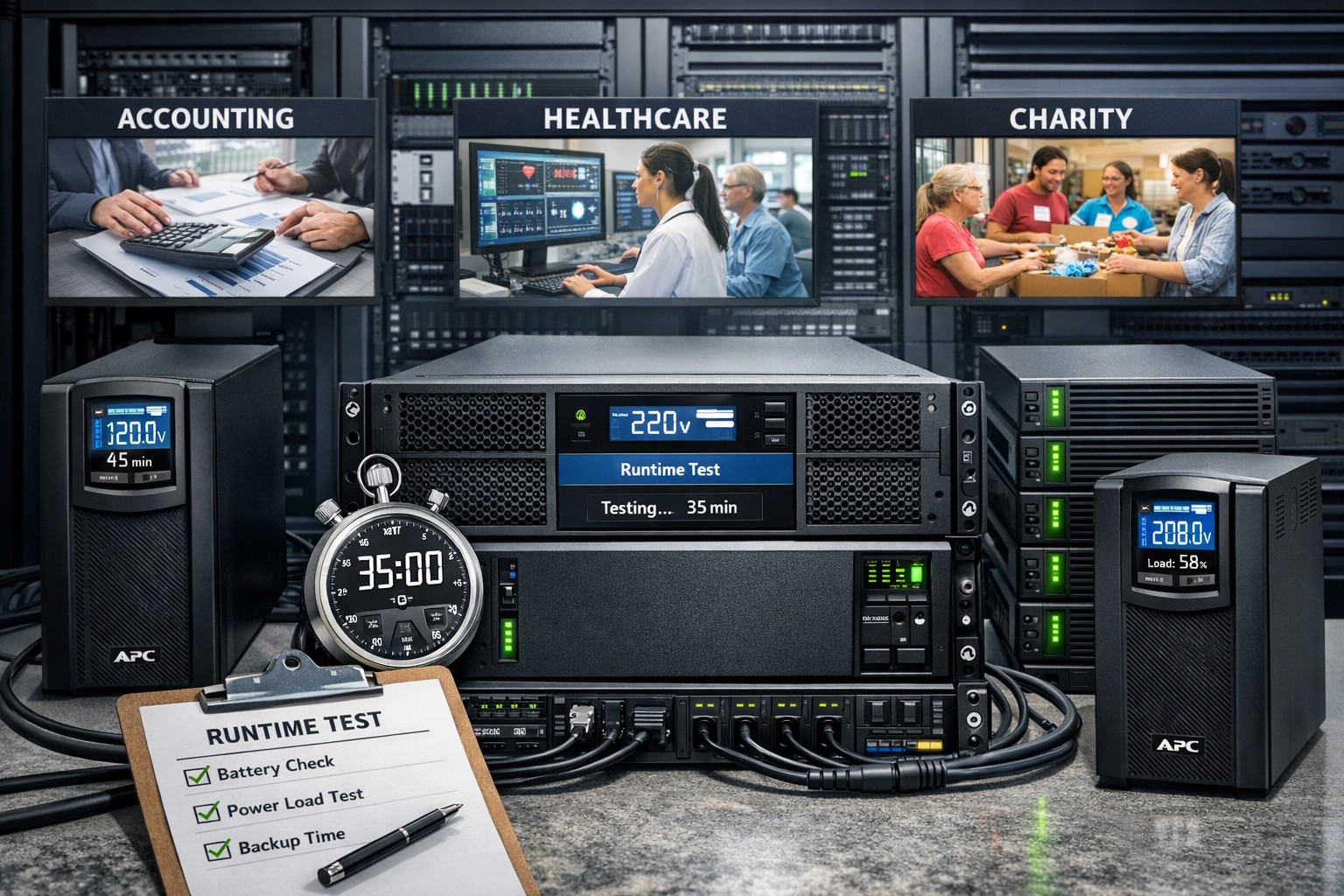
It is astounding to think that many servers in small businesses are plugged directly into the wall for power without any protection from outages or dirty electric current. It is easy to mitigate up to 44% of data loss incidents that are due to hardware failure by providing clean and consistent power to servers on the network. Installing a server battery backup is quite easy to do and the possible return on investment will never be seen due to the possible issues being taken care of. Here is a basic list of best practices for purchasing and setting up the monitoring software that comes with the unit:
Server Battery Backup Purchasing:
Budget to purchase new battery backup devices every 5-6 years
Replace internal battery on unit at the 3 year mark
Based on maximum load (think power supply total watts) select an Uninterupted Power Supply (UPS) that will not be loaded over 80% which protects the unit from undue wear and allows for some growth
Consider redundant UPS configuration for larger servers with multiple power supplies
In high production environments, consider adding an UPS for each workstation to allow for file saves before file server shutdown occurs.
Server Battery Backup Setup:
Make sure buildings elecrical breakers are rated to handle the 80-100% load of the UPS
If single UPS used in multiple power supply server scenario then put one plug into the wall and the other into the UPS, but please consider redundant power supplies.
Plug in serial, usb or network management and install the management software that comes with it
Configure the management software to gracefully shutdown the Operating System (OS) of all connected servers
If using sequential shutdown of servers then shutdown database servers first, file servers second and domain controllers last.
Configure either SNMP alerting or email alerting to get status updates from the device
Configure regular self-test of the battery to make sure there is no failure of the internal battery before the replacement period
Taking the time to do this right the first time will save headaches later when things go wrong. Call or email us to do an evaluation of your power infrastructure.
And God will generously provide all you need. Then you will always have everything you need and plenty left over to share with others. As the Scriptures say,
“They share freely and give generously to the poor. Their good deeds will be remembered forever.”
For God is the one who provides seed for the farmer and then bread to eat. In the same way, he will provide and increase your resources and then produce a great harvest of generosity in you. - 2 Corinthians 9:8-10
We use cookies to ensure that we give you the best experience on our website. If you continue to use this site we will assume that you are happy with it.