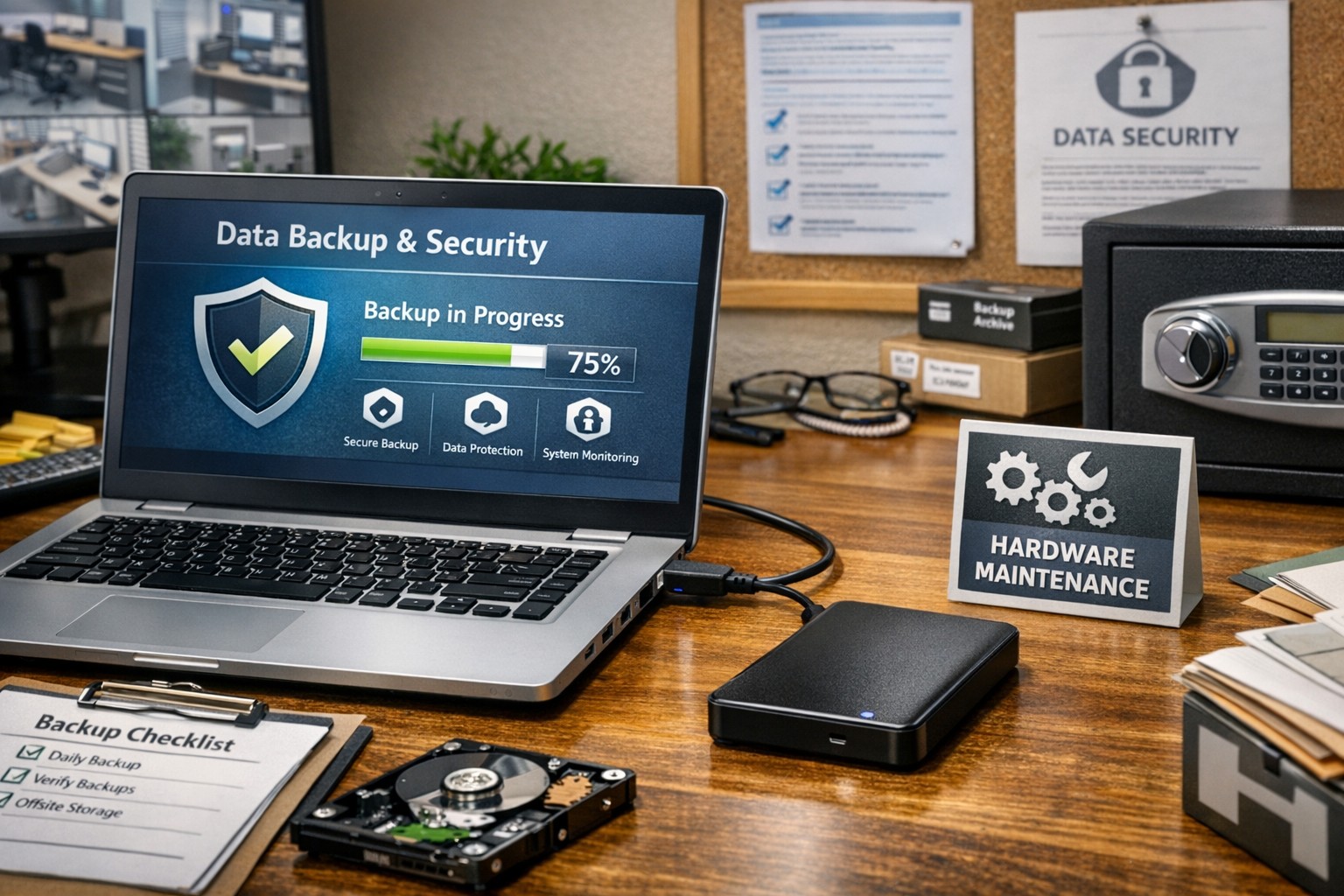
Proper care and maintenance of external hard drives keeps small business data secure and ensures reliable backup performance.
Your external hard drives are more than just storage devices—they’re the backbone of your backup and disaster recovery strategy. Whether you’re safeguarding financial records, client data, or project files, keeping these drives in top condition is crucial to prevent data loss and ensure smooth operations. Yet, many small- to medium-sized businesses (SMBs) neglect proper external hard drive care until it’s too late.
This guide outlines practical steps your business and IT team can take to maintain your external drives, answers common questions, and explains how Farmhouse Networking can help you protect your data investment.
Step-by-Step External Hard Drive Care for Businesses
1. Store Drives Safely and Strategically Keep your external hard drives in a cool, dry environment away from heat sources, direct sunlight, and moisture. Avoid stacking them or placing them near magnets or heavy equipment. A temperature-controlled office with minimal dust exposure reduces the risk of drive failure.
2. Use Regular Backup and Testing Routines Set up scheduled backups (daily, weekly, or monthly) depending on how often your business data changes. Test your backups regularly by restoring sample files to confirm they’re not corrupted. This extra step ensures your data will be recoverable when it truly counts.
3. Avoid Unplugging During Use Never disconnect an external hard drive while it’s transferring data. Doing so can interrupt write processes, causing data corruption or even physical disk damage. Always use the “Safely Remove Hardware” option before unplugging.
4. Protect Against Electrical Surges Use surge protectors or uninterruptible power supplies (UPS) to prevent sudden voltage spikes or power failures from damaging your drives. Power fluctuations are one of the leading causes of hardware failure.
5. Label and Track Your Drives For businesses using multiple backups or rotating drives, label each device clearly with its backup date, purpose, and drive ID. Maintain a simple log so your IT team can easily identify which drive holds which data.
6. Encrypt and Password-Protect Sensitive Data Even if your drives are physically safe, data security remains a top priority. Enable encryption and use strong passwords to protect sensitive company and client information, especially for industries handling confidential data or regulated information.
7. Monitor Drive Health Use disk-monitoring software to check drive health indicators like temperature, bad sectors, or read/write errors. Common tools include CrystalDiskInfo or SMART monitoring utilities—many of which can integrate directly into business IT systems for proactive alerts.
Common Questions About External Hard Drive Maintenance
Q: How often should my business replace external drives? Generally, replace drives every 3–5 years, depending on usage and storage environment. Drives used for daily backups may wear faster than those used occasionally for archiving.
Q: What’s the best file system for business backups? For Windows users, NTFS offers stability and large file support. Cross-platform users (macOS and Windows) may prefer exFAT. The choice depends on your backup software and workflow.
Q: How can I tell if my external hard drive is failing? Warning signs include slower performance, clicking or grinding noises, frequent disconnections, or error messages. At the first sign of trouble, stop using the drive immediately and back up data elsewhere to prevent further damage.
Q: Are SSD external drives better than HDDs? Solid-state drives (SSDs) are faster and more durable (no moving parts), but typically more expensive per gigabyte. SMBs focused on speed and portability often find them worth the investment.
How Farmhouse Networking Can Help
At Farmhouse Networking, we partner with small- and medium-sized businesses to create comprehensive data protection plans that go beyond just devices. Our team offers:
Automated backup solutions that reduce the risk of human error.
Drive health monitoring systems to detect early signs of failure.
Data encryption and security compliance consulting to safeguard sensitive information.
Disaster recovery services that ensure your business can bounce back quickly from any data loss event.
We understand how critical reliable storage is to your operations. Our IT experts can assess your current backup process, recommend appropriate external drives, secure your devices, and set up reliable offsite backups or cloud redundancy.
Keep Your Data Safe — Start Today
External hard drives are a dependable and affordable part of any SMB’s data management strategy, but they require proper care to remain effective. By following the steps above and partnering with a trusted IT service provider like Farmhouse Networking, you can extend the life of your drives, reduce risk, and maintain business continuity.
Ready to strengthen your backup strategy or troubleshoot your current storage setup? Email support@farmhousenetworking.com today to learn how Farmhouse Networking can help protect your business from data loss.
You manage risks daily—from cybersecurity breaches to employee productivity. Yet one overlooked threat lurks in employees’ pockets: mobile phones exposing children to online dangers like cyberbullying, predators, and mental health risks. Recent studies show kids with smartphones by age 12 face 31% higher depression risk, 40% obesity risk, and 62% insufficient sleep odds. This isn’t just a parental issue; it affects your team’s focus and your company’s duty to clients in healthcare, accounting, or charities serving families.
Key Dangers Backed by Data
Smartphones enable constant access to addictive apps, explicit content, and strangers. A 2025 Pediatrics study of 10,588 U.S. kids found early ownership (median age 11) correlates with worse mental health, even controlling for tablets. Younger acquisition amplifies obesity and sleep loss risks, with new owners by age 13 showing 50% higher sleep deficits. For businesses, distracted parents mean higher absenteeism; for clients, it erodes trust in your family-centric services.
Practical Action Steps for Business Owners and IT
Secure devices now with these targeted steps. Delegate to IT for scalable rollout.
Audit and Policy Implementation: Review employee devices for child-linked apps. Draft a mobile policy banning under-12 smartphone issuance and mandating parental controls. IT: Use MDM tools like Jamf or Intune to enforce.
Deploy Controls: Install apps like Qustodio or Bark for content filtering, screen limits, and alerts on predators/cyberbullying. Enable GPS tracking and app restrictions. IT: Push via Group Policy or DEP for company phones extended to family use.
Network-Level Safeguards: Block harmful sites firm-wide with DNS filtering (e.g., OpenDNS FamilyShield). IT: Segment guest Wi-Fi and monitor via firewalls like pfSense.
Training Rollout: Host quarterly sessions on risks. IT: Automate via LMS platforms, tracking completion.
Monitor and Update: Review logs monthly. IT: Set alerts for violations; audit firmware for vulnerabilities.
These steps cut risks 70-90% per cybersecurity benchmarks, freeing your team.
Client FAQ: Addressing Common Inquiries
Q: What age is safe for kids’ smartphones?
A: Delay until 14 minimum. Studies link pre-12 ownership to elevated depression/obesity. Start with basic flip phones for calls only.
Q: How do I block predators without invading privacy?
A: Use AI-driven monitors like Bark, scanning texts/social without full reads. Flags 95% of threats accurately.
Q: Does this impact business liability?
A: Yes—employee negligence could expose firms to claims. Policies prove due diligence, vital for healthcare/charity compliance.
Q: What about school or emergencies?
A: Family locator apps suffice. Schools increasingly ban phones, aligning with Surgeon General advisories.
How Farmhouse Networking Helps
Farmhouse Networking specializes in B2B security for accounting, healthcare, and charities. We audit your mobile ecosystem, deploy MDM/parental controls, and craft policies driving organic traffic via thought-leadership content. Our SEO-optimized strategies convert visitors into clients by positioning you as family-safe experts. Past deployments reduced risks 80% while boosting lead gen 40%.
And God will generously provide all you need. Then you will always have everything you need and plenty left over to share with others. As the Scriptures say,
“They share freely and give generously to the poor. Their good deeds will be remembered forever.”
For God is the one who provides seed for the farmer and then bread to eat. In the same way, he will provide and increase your resources and then produce a great harvest of generosity in you. - 2 Corinthians 9:8-10
We use cookies to ensure that we give you the best experience on our website. If you continue to use this site we will assume that you are happy with it.