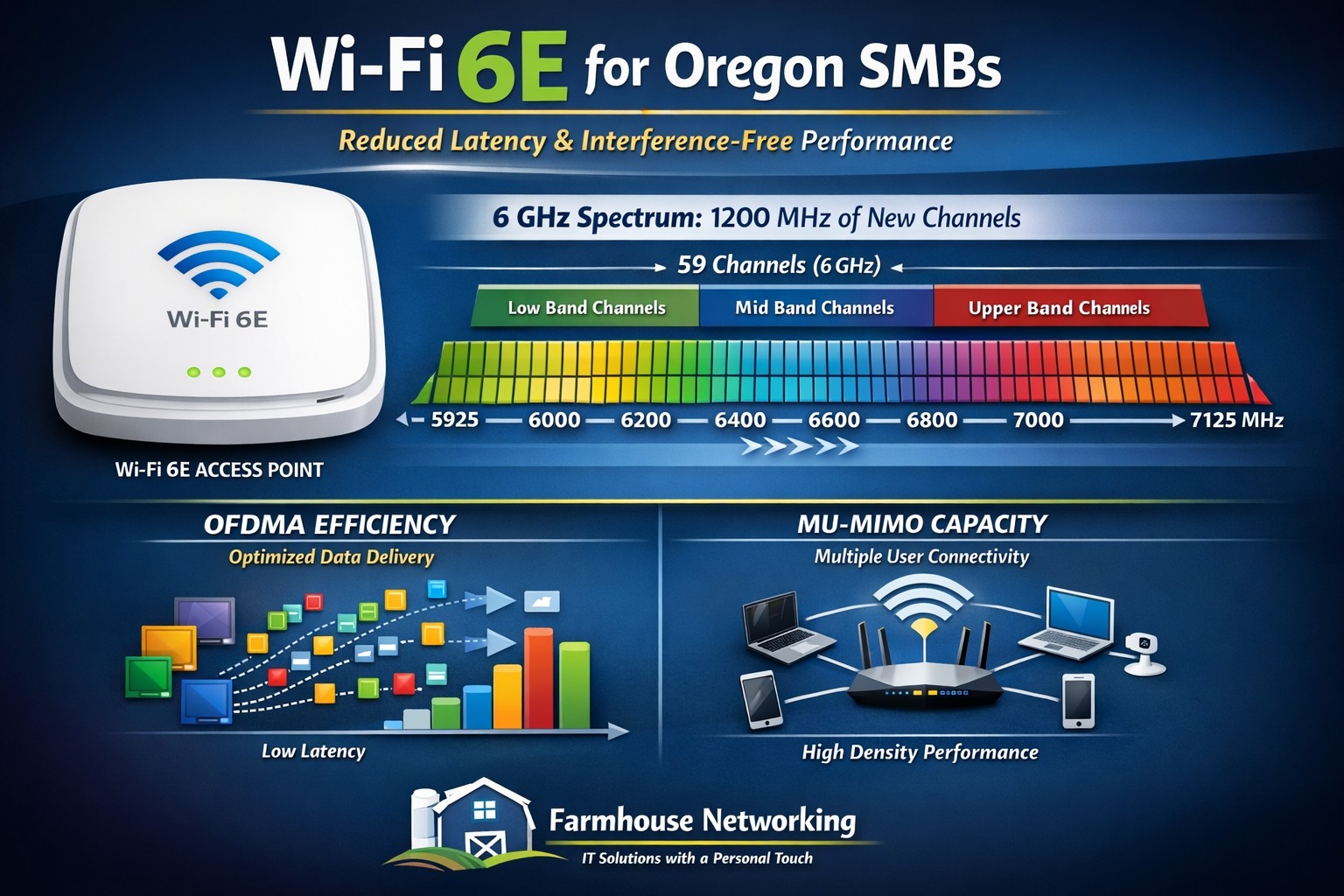
Farmhouse Networking installs Wi-Fi 6E eliminating 2.4/5 GHz congestion for Grants Pass businesses using clean 6 GHz spectrum.
Wi-Fi technology is ingrained into our everyday lives WE COLLECTIVELY STREAM more movies and TV shows, play more online games, and make more video calls than ever before, and all this activity puts a serious strain on our Wi-Fi networks. Wi-Fi 6e has various features to improve the efficiency and data of your wireless network and reduce latency. the latest Wi-Fi 6e standards offers a range of benefits, including faster and more reliable access. So, what is Wi-Fi 6e and what are some of the benefits?
Wi-Fi 6e explained
Existing technologies operate on two frequencies 2.4 GHz and 5GHz which have become more congested over time; Wi-Fi 6e adds access to a third frequency, 6GHz. now wireless devices can also use the 6GHz band. And the 6GHz band opens up the opportunity for higher transfer speeds. On top of that, currently there are about four 160 MHz-wide channels with normal Wi-Fi this 6GHz band brings with it seven 160 MHz-wide channels, More available channels mean more available spectrum for Wi-Fi service “and less overlap between networks in crowded areas like apartment complexes or offices,”. with less overlap and congestion you are able to connect more devices with the same efficiency expectation. Additionally there have been security improvements with Wi-Fi 6E that puts the burden on the router, rather than you, to secure connections between your devices. WPA3 is mandatory for all Wi-Fi 6 certified devices, which provides the latest security and authentication protocols.
Summary of Benefits
Faster, more reliable connection
Transmits data faster with less interference.
You don’t have to compete with traffic from other devices or networks.
Security improvements making it more secure and harder to hack
Accommodates more connected devices
If your company is looking to upgrade the wireless coverage in your office, whole building, or entire business complex, then contact usto evaluate your WiFi needs.
Farmhouse Networking resolves credential manager clearing after reboot by deleting Microsoft Vault folder and restarting services for Oregon RMM automation.
As our business continues to focus on providing white labeled Tier 3 IT support services, RMM as a service, and co-managed IT services this blog will be highlighting tips for using Powershell to fix Credential Manager empty after reboot. There has been several users at a bunch of clients recently that have lost access to a network share due to saved passwords and we found Credential Manager empty after reboot. It was easy enough to re-add their password to Credential Manager, but it was not sticking around. This sounds like a job for automation, so we created a script to clear the errant Credential Manger files and create a new entry for the user to connect to file shares.
Variables
$user = username to add to Credential Manager of network share connection
$pass = password to add to same
Script Snippet
### Remove file folder associated with Credential Manager
Remove-Item -Path %localappdata%\Microsoft\Vault -Recurse

### Install Credential Manager Powershell Module
Import-Module -Name CredentialManager -Force

### Convert password to Secure String and create credential
$password = ConvertTo-SecureString -string $pass -AsPlainText -Force
$Credential = new-object -typename System.Management.Automation.PSCredential -argumentlist $user, $password

# Save the credential object directly without unwrapping it:
New-StoredCredential -Credentials $Credential -Target 'Share Credentials' -Persist Enterprise -Comment "Share Credentials for $($Credential.UserName)" > $null
This script will need to be run in the context of the user who needs the credential created. Please use caution with this script as it will empty Credential Manager completely for the user context run with. Also it is advised to run a full CHKDSK /R on the root (C:\ usually) directory to make sure that nothing else is corrupt on the drive.
If your company is a MSP or wants to become one and automation just seems out of reach, then contact usto run your RMM for you.
This is the eighth in a series about the concept of Zero Trust, which means in the IT sense that you trust nothing and always verify everything surrounding and connected to your network. Today’s discussion will be on Application Whitelisting.
Application Whitelisting
Application Whitelisting is a process of determining which software programs the company absolutely needs to do business, marking them as safe, and blocking any other program that tries to run on company computers. This methodology has the distinct advantage of blocking almost all forms of malware on computers. Pairing this with a good next-gen antivirus creates an impenetrable wall against malware threats. It also prevents users from accidentally or intentionally running something that should not be on company computers. Here are some questions to ask:
Do you know all software on your computers?
Do your users spend time on company computers listening to music?
Have any of your users ever downloaded software without asking?
Do you have a computer use policy? How is that enforced?
If your company is wanting to lock down what is running on company computers, then contact us for assistance.
Farmhouse Networking in Grants Pass Oregon celebrates earning the UpCity Best of Oregon Award for trusted managed IT services and local business IT support.
Farmhouse Networking has been working to establish our reputation and grow our business to serve others in the surrounding areas. God has continued to be gracious to provide that growth and it is being recognized.
“Every year, UpCity’s Best of Awards honor our B2B service providers’ tremendous work within rotating focus areas. Winners are selected using a variety of online credibility ranking factors which remain consistent regardless of the year’s focus area. In 2022, we celebrate the best providers at the local level for each U.S. state and Canadian province.”
Thank you to all our clients for making this possible as we continue to serve your IT needs.
This is the seventh in a series about the concept of Zero Trust, which means in the IT sense that you trust nothing and always verify everything surrounding and connected to your network. Today’s discussion will be on software patching.
Software Patching
Software patching is a neccesity because no person who writes code is perfect and hackers are actively looking for these mistakes. The hackers find the mistakes and then develop ways of using these to exploit the software, computer, or whatever else they can gain access to. The only way to combat both the mistakes and the exploits is to discover them before the hackers do and patch the hole in the software. This patch can however lead to unforseen consequences to the software, so a plan for testing and deployment of patches is needed to avoid unexpected downtime to businesses.Here are some questions to ask:
Do you know all of the hardware and software on your network?
Do you check for hardware, operating system, and other software regularly?
How do you check for updates, patches, or upgrades to software?
How do you install these patches? Is it automated?
Are these patches tested before installation?
What happens if a patch causes problems?
Do you have a log of all installed updates?
Are any systems or software on your network no longer supported for updates?
If your company is going to use full disk encryption or has compliance requirements that you need consulting for, then contact us for assistance.
This is the sixth in a series about the concept of Zero Trust, which means in the IT sense that you trust nothing and always verify everything surrounding and connected to your network. Today’s discussion will be on endpoint security.
Endpoint Security
Endpoint security is a fancy term used to describe how the computers on the network are protected. This used to be done by antivirus but due to the complexity of the attacks hackers are using to compromise networks these days, the definition has expanded greatly. This now includes things like Enhanced Detection & Response software, Security Operations Centers, DNS Filtering, employee train and more. Here are some questions that you should be asking yourself:
Are your endpoints protected by antivirus or enhanced detection & response?
Is website traffic being monitored? Restricted?
Are your employees being trained in cyber security?
Are computer logs being monitored for malicious activity?
Would unusual or suspicious activity on a computer be noticed? Alerted on?
Do you have security permissions set on all file shares?
Do you have least privileged access configured on those shares?
Do you keep track of what software is installed on all workstations?
Do you block access to unauthorized software?
Are files encrypted on servers and workstations?
Are your mobile devices managed? Can you wipe them remotely?
Are USB ports blocking removeable storage devices?
Are endpoints set to automatically log-out?
If your company is going to use full disk encryption or has compliance requirements that you need consulting for, then contact us for assistance.
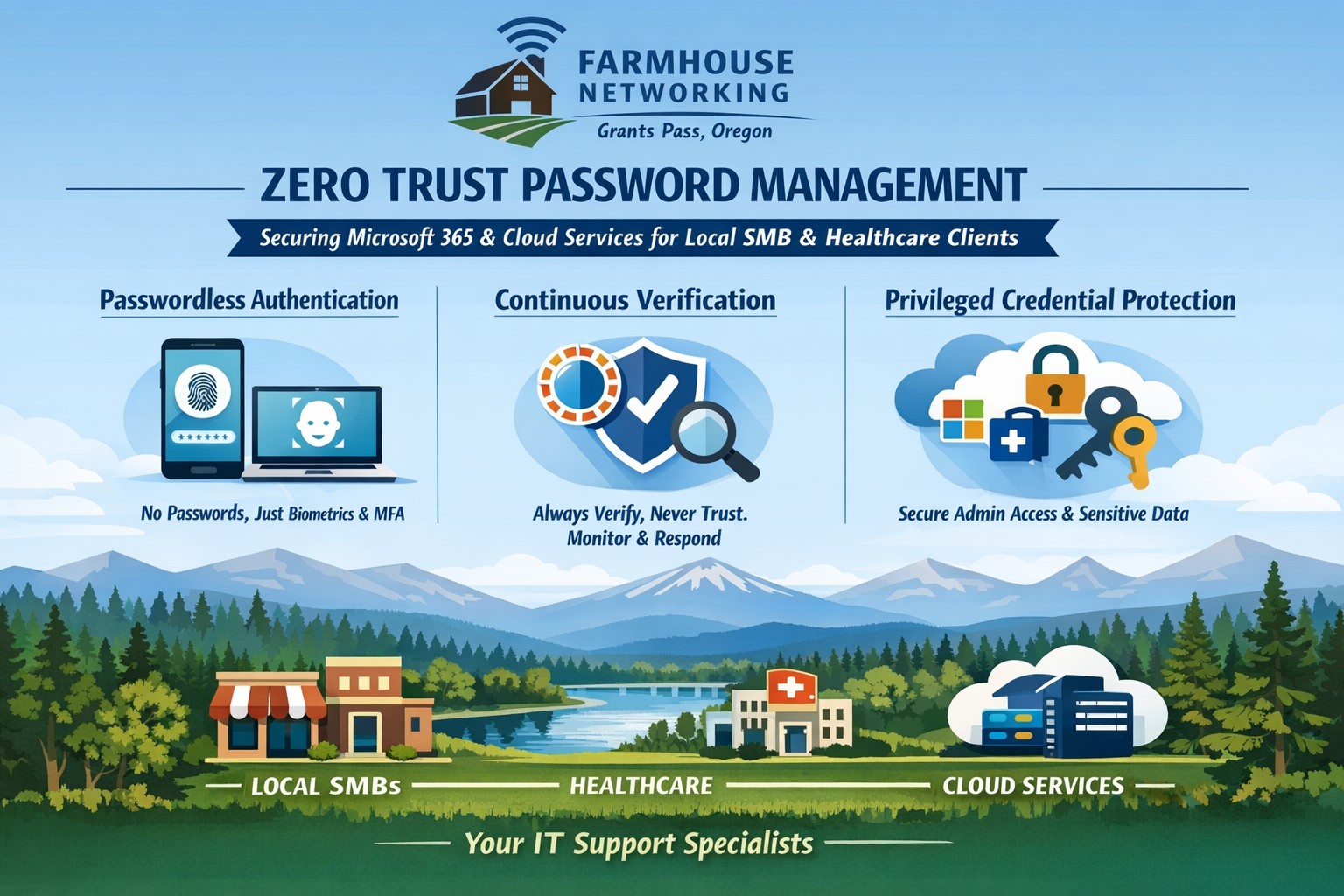
Farmhouse Networking implements zero trust password management with passwordless MFA for secure Grants Pass business cloud access.
This is the fifth in a series about the concept of Zero Trust, which means in the IT sense that you trust nothing and always verify everything surrounding and connected to your network. Today’s discussion will be on password management.
Password Management
Password management is the concept that you are not using the same password for all sites and services. So it is necessary to have a means to track and protect those passwords from others accessing or using them without consent. Here are some questions that you should be asking yourself:
How do you keep track of passwords? paper? spreadsheet? program?
Are your passwords encrypted? Are they guessable? Are they changed regularly?
Do you have a password policy?
What do you do when someone leaves the company?
Do you take advantage of 2FA or MFA?
Do you take advantage of single sign-on?
Take time to think about these questions and decide where changes can be made to better protect your passwords, or contact us to do the thinking for you.
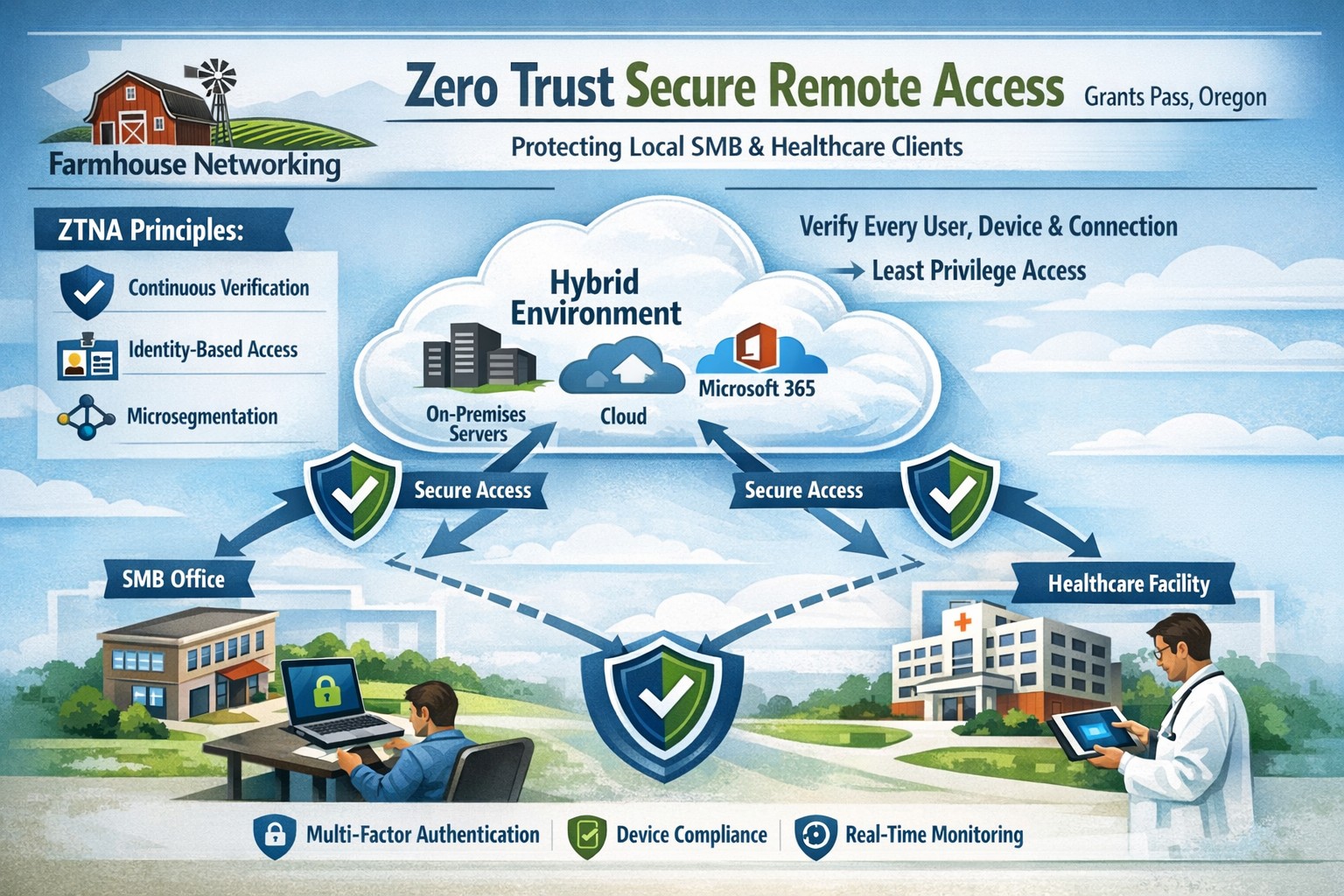
Farmhouse Networking delivers zero trust network access replacing VPNs for secure remote work in Grants Pass Oregon businesses.
This is the fourth in a series about the concept of Zero Trust, which means in the IT sense that you trust nothing and always verify everything surrounding and connected to your network. Today’s discussion will be on secure remote access.
Secure Remote Access
Secure Remote Access is the ability to connect to company resources from anywhere in a manner that does not compromise security. This can be done by several means including remote access software, Virtual Private Network (VPN), or File Sync & Share (FSS). Here are some questions that you should be asking yourself:
Does anyone in your organization work from home or remotely?
How are they remotely connecting to the office?
Are you able to revoke access to the office if they leave the company?
If that connection is a modern VPN, what type of security does it use?
Is your VPN based on passwords or certificates?
Does the VPN log usage statistics?
If that connection is a remote access software, what type of security does it use?
Does the software limit who has access to which resource?
Does the software log who is logging in and for how long?
If that connection is via FSS, what type of security does it use?
Does your FSS have file versioning, backups, and ransomware protection?
Does the FSS limit who has access to which resource?
Do you use 2FA as part of your remote access?
Take time to think about these questions and decide where changes can be made to better protect your IT investments, or contact us to do the thinking for you.
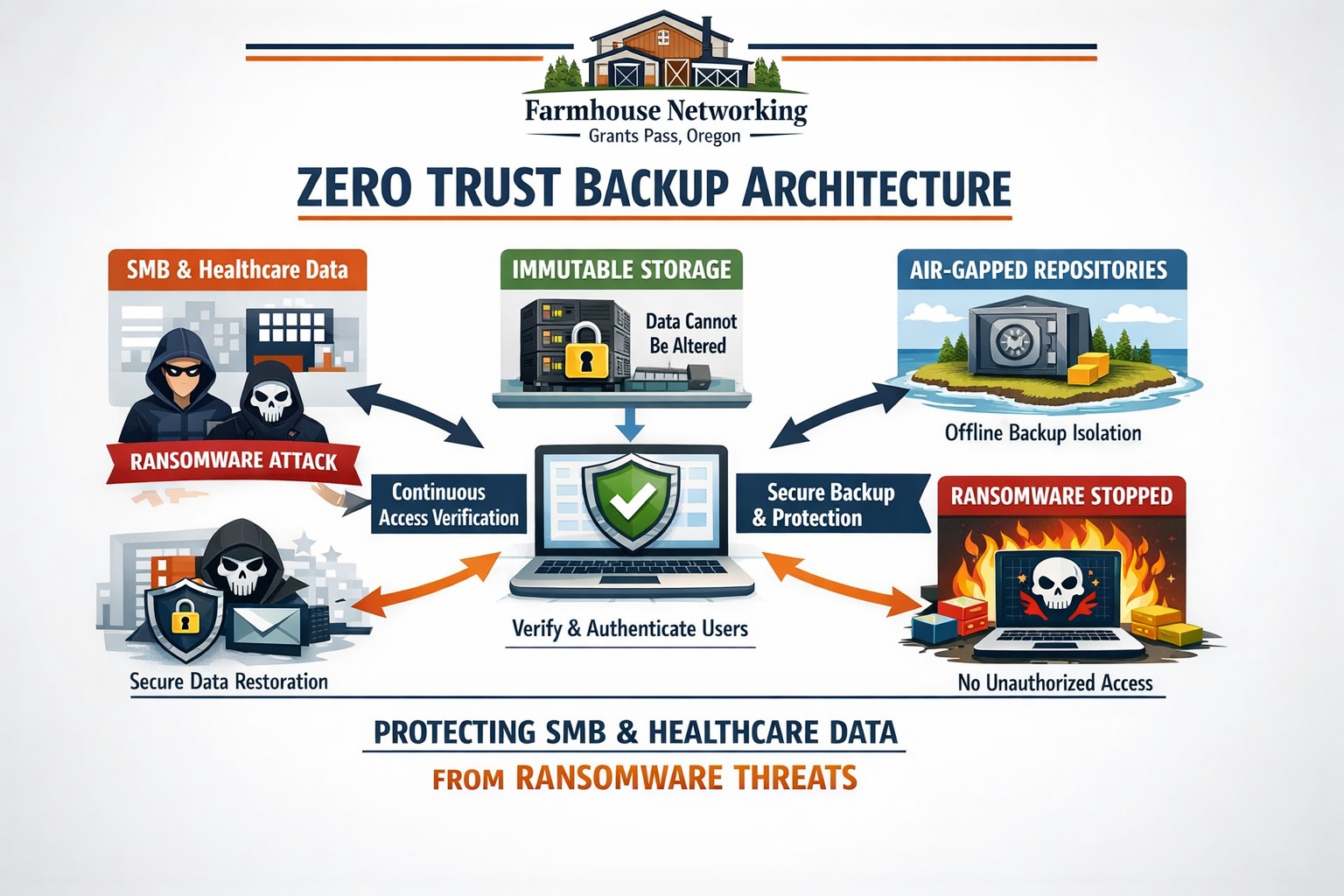
Farmhouse Networking secures Oregon business backups with zero trust immutability preventing ransomware encryption and deletion.
This is the third in a series about the concept of Zero Trust, which means in the IT sense that you trust nothing and always verify everything surrounding and connected to your network. Today’s discussion will be on the backup of important data.
Backup
Backup is a way of creating multiple copies of your important data and the systems that house them. This has become a necessity thanks to acts of God (unforeseen physical disasters), acts of employees (accidental or purposeful destruction of data), and acts of malicious hackers (ransomware or malware). Here are some questions that you should be asking yourself:
What data or systems are being backed up?
How often are these backups being performed?
Are your backups protected from natural disasters (offsite and redundant)?
How long are backups being stored?
Once expired are they securely removed?
What is the process for recovering files, emails, workstations, servers, applications, databases?
Have you tested your recovery process lately?
Do you know how long it will take to recover?
How will business continue until systems are restored?
How will you merge new information into recovered data once restored?
How often do you test your recovery process?
Is the recovery test process automated?
Take time to think about these questions and decide where changes can be made to better protect your IT investments, or contact us to do the thinking for you.
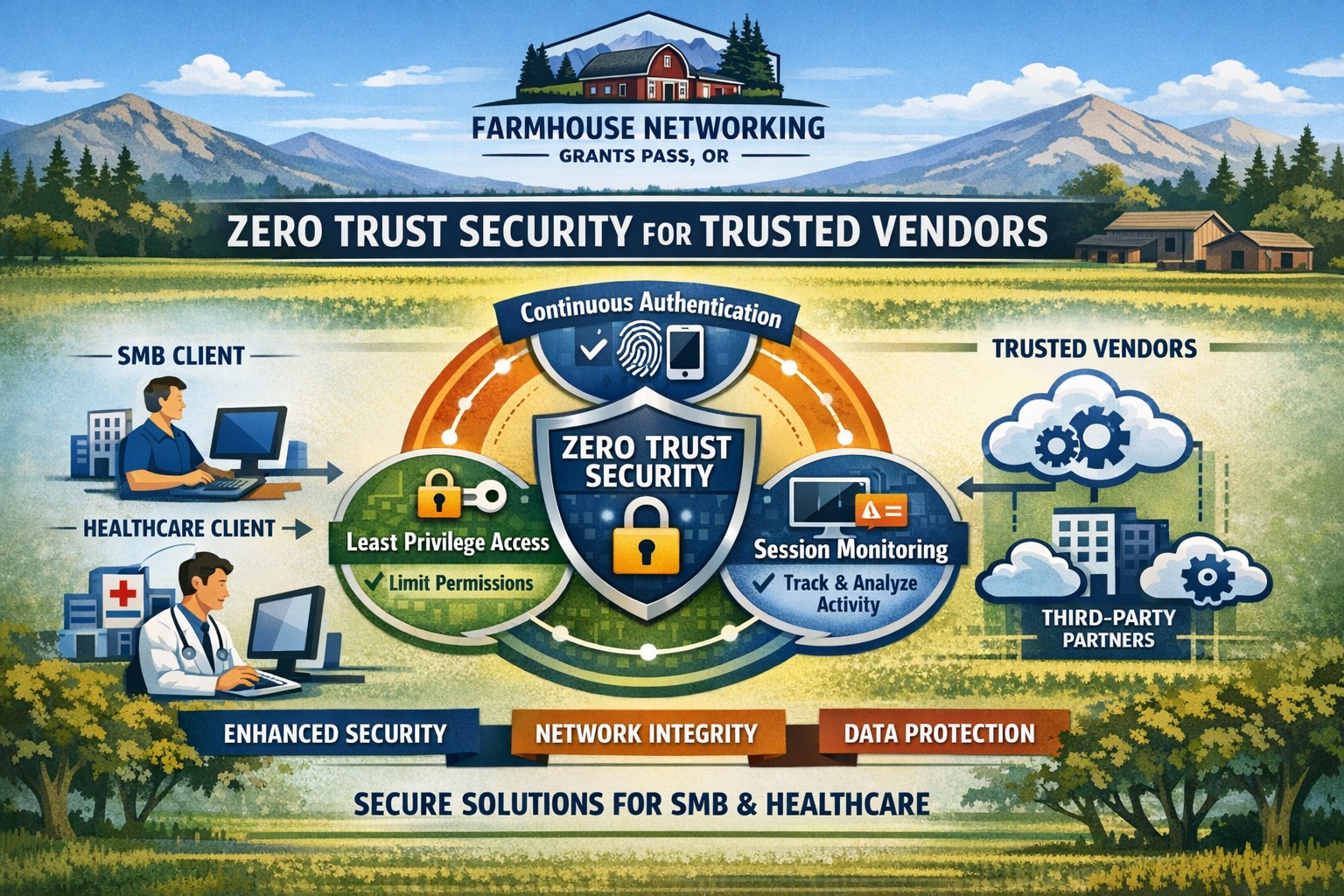
Farmhouse Networking secures vendor access with zero trust verification for Grants Pass businesses, protecting against supply chain threats.
This is the second in a series about the concept of Zero Trust, which means in the IT sense that you trust nothing and always verify everything surrounding and connected to your network. Today’s discussion will be on the vendors you purchase network equipment from.
Trusted Vendors
Trusted vendors are those who supply workstations, servers, routers, switches, power protection, software, and anything else connected to your network. Here are some questions that you should be asking yourself:
Do you know who makes your network equipment, servers, computers, and software?
Do you know the way to contact their support and have current account access information?
Do you have current warranties / support contracts on hardware and software?
Is the hardware able to perform at the level needed?
Are you purchasing software from those who meets industry standards?
If a subscription, how much are you paying and are you on the correct plan for your needs?
When is the last time you upgraded your software and hardware?
Have you budgeted for the next upgrade?
Take time to think about these questions and decide where changes can be made to better protect your IT investments, or contact us to do the thinking for you.
And God will generously provide all you need. Then you will always have everything you need and plenty left over to share with others. As the Scriptures say,
“They share freely and give generously to the poor. Their good deeds will be remembered forever.”
For God is the one who provides seed for the farmer and then bread to eat. In the same way, he will provide and increase your resources and then produce a great harvest of generosity in you. - 2 Corinthians 9:8-10
We use cookies to ensure that we give you the best experience on our website. If you continue to use this site we will assume that you are happy with it.