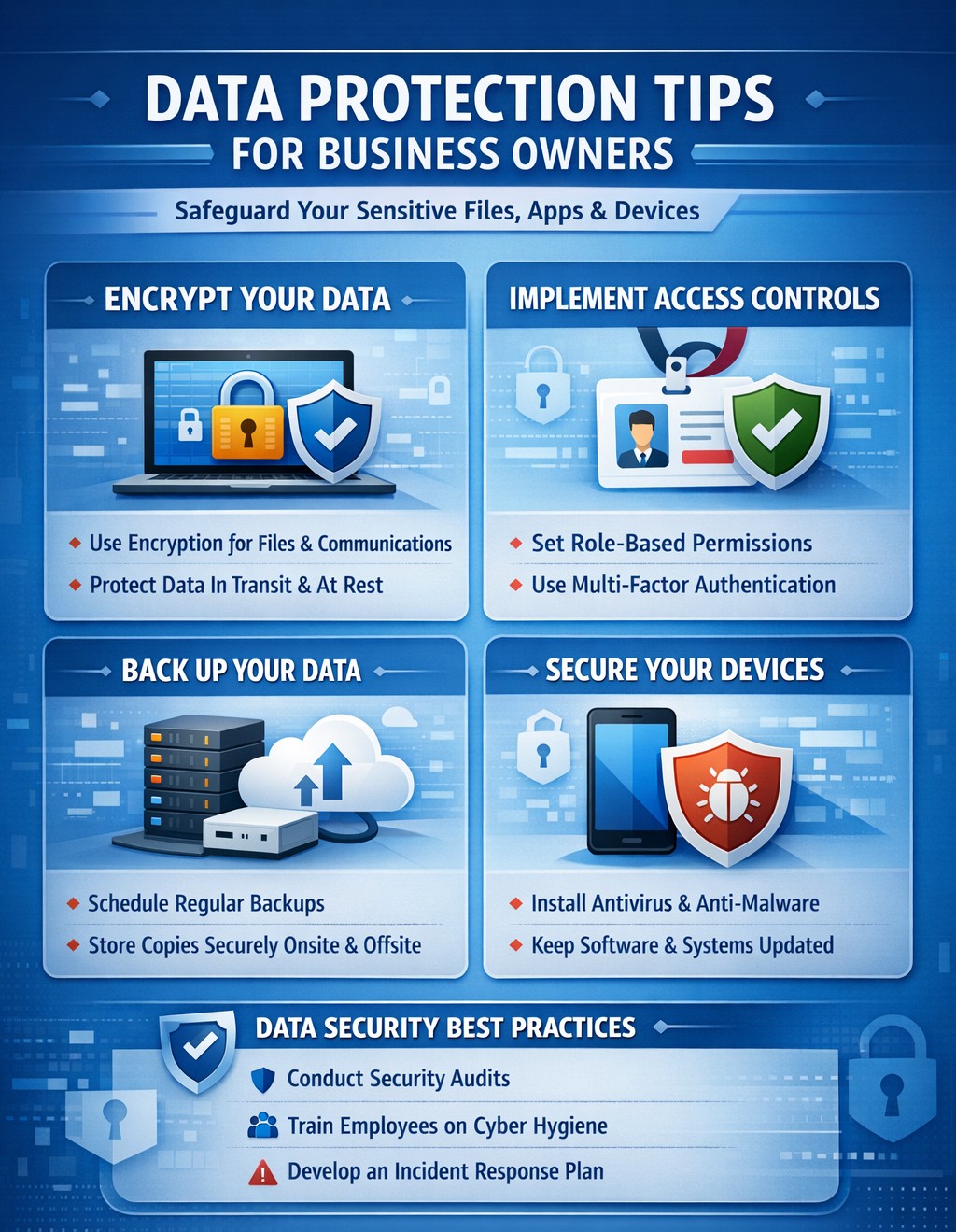
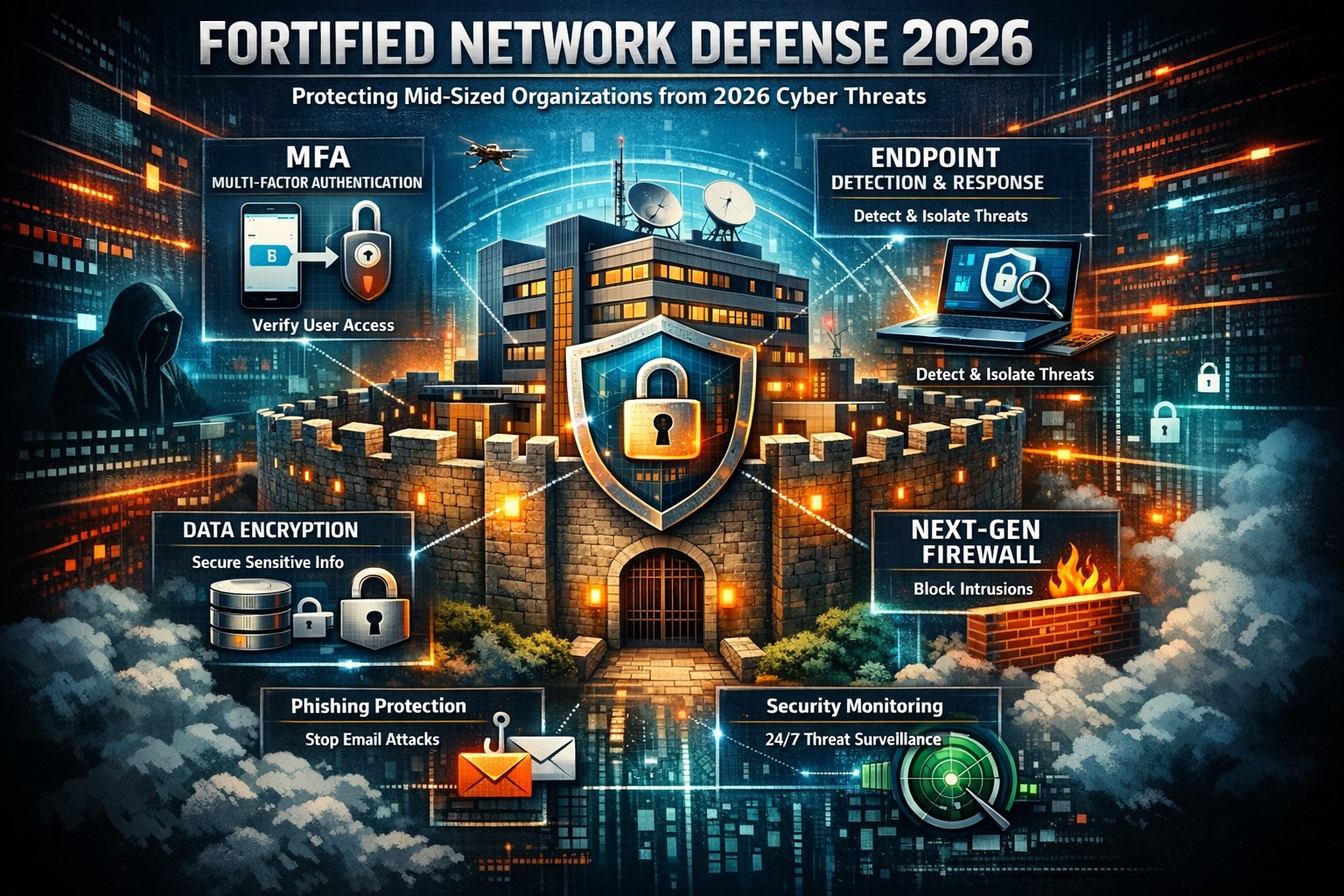
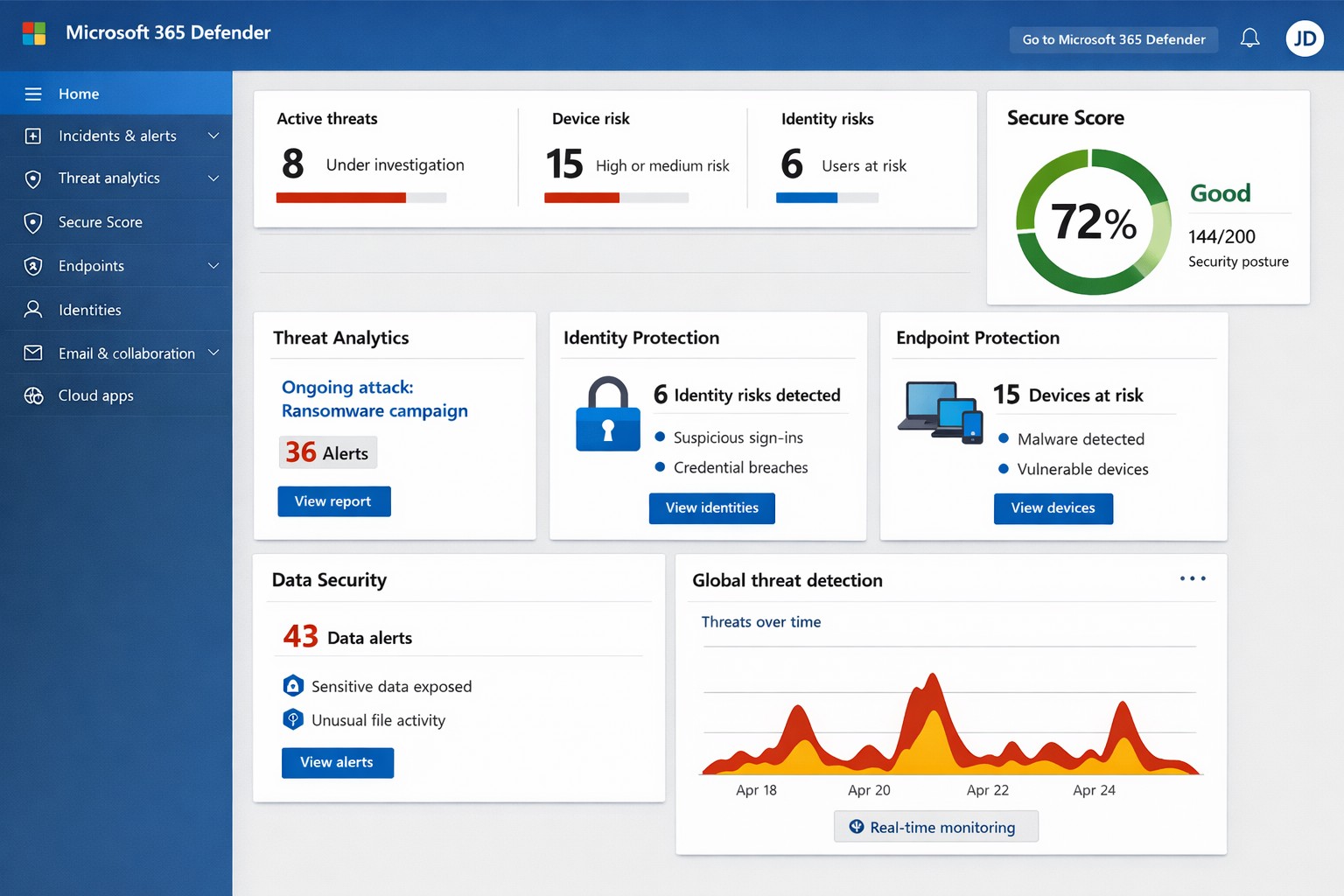
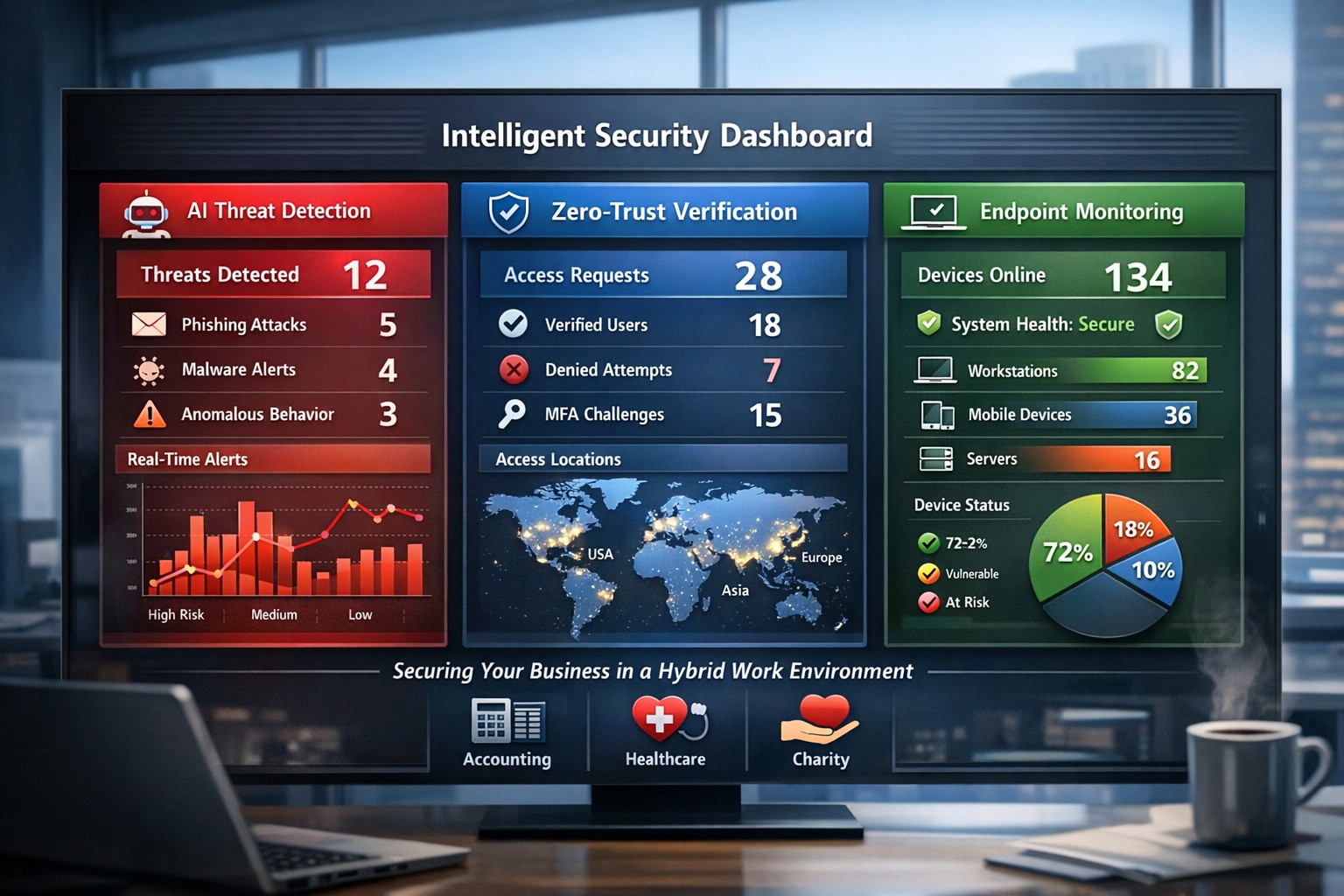
Essential small business information security fundamentals: encrypt data, enable MFA, train employees, and backup regularly.
NIST is the National Institute of Standards and Technology. It acts as the defacto baseline that all other security and compliance organizations use to construct their standards. Reading their publications is like reading any other government document – extremely long and not interesting. Farmhouse Networking recently became aware of one such document called NISTIR 7621 aka Small Business Information Security: The Fundamentals. We took the time to distill out the main points here:
The Fundamentals aka Best Practices
Identify: Who has access to the network, who has access to the data, and what do they have access to. This includes background checking employees during the hiring process, taking an inventory of data to see who needs access to what, requiring that each user have their own login, and company policy creation.
Protect: Protection starts with separating data into shares then giving access only to those who really need it. It also includes protecting hardware with uninterruptible power supplies (UPS) and protecting software with regular updates. Protecting the network includes setting up a proper firewall, separate wireless for guest access, and VPN only access for remote users. Web filtering, SPAM filtering, file encryption, proper disposal of old equipment, and employee training are also mentioned.
Detect: Having a centrally managed antivirus software on each workstation is a must. This includes the ability to look back in time via log files or monitoring system to find the root of the security breach.
Respond: Have a disaster recovery plan and security incident response plan in place.
Recover: Need full backups of all important business data, invest in cyber insurance, and regularly access your technology to find timely improvements.
If your company does not meet these fundamentals, then contact us for assistance.
It’s an unfortunate reality but our workforce can often times be our worst enemies, often creating vulnerabilities and leaving our systems open to hackers, viruses, data breaches and data loss. More often than not, we do this through completely harmless, everyday activities like opening compromised emails and links.
As a leader in your organization it’s your role to monitor your team and arm them with the knowledge of good security practices. Without implementing a company-wide security training program, you leave your systems vulnerable to a host of attacks.
Another crucial step in preventing system attacks, is to configure a firewall to monitor user activity and website visits throughout your organization. An Acceptable Use Policy is helpful in establishing what your organization will and will not allow from its employees.
Curious how we can help you establish a more secure company infrastructure?
It seems lately that the power company in the area has not been able to offer consistent service power to the city. This has left many businesses down without the technology they need to operate properly. These power outages cause data loss and damage computer components.
My own unexpected outage
Once upon a time, about two weeks ago, the unexpected happened at our offices. A semi-truck carrying a large backhoe on a trailer drove between two buildings in the area. The landlord had wired power between buildings and the truck driver did not lower the arm of the backhoe low enough. Sure enough the wire was snagged by the backhoe’s arm and pulled from the building. Needless to say the power was out to that part of the building until the landlord took care of the matter.
What can be done?
Farmhouse Networking recommends that all business workstations, servers, and networking equipment be protected by an uninterruptible power source aka UPS or battery backup. When the power goes out the right size battery backup will keeps things running for about 15-30 minutes to allow the last touches to be added to whatever was being worked on and things to be shutdown gracefully.
Did you know that malware accounts for 20% of all security incidents?
And that’s just one threat! Your data, no matter how proactive you are from a security standpoint, is constantly vulnerable to a multitude of security threats, the list of which is constantly growing. From ransomware, worms and phishing attacks to human error, your data needs to have a multi-layer defense in place to not only prevent downtime but recover quickly in the event that disaster strikes.
The following are just a few staggering facts about just how vulnerable our systems are to attacks and outages:
• According to Microsoft, the potential cost of cyber-crime to the global community is a $500 billion, and a data breach will cost the average company about $3.8 million!1 • A whopping 1 in 131 emails contain malware2 • 230,000 new malware samples are produced every day, and that number is projected to continue growing3 • It will take the average business about 197 days to detect a breach on their network4
Thought that I would share a recently received new phishing email variant that could easily be overlooked and possibly cause damage to your network. The email appears to have come from Dropbox as a user sharing a folder with me, but a closer look shows many obvious signs that the email is a fake.
Starting from the Top
Look closely at the From portion of the email:
The lettering is actually another language where the font makes it look like English lettering. There is also the fact that the email is form someone that I don’t do business with. Always fight the urge to look at things that are not yours.
Stick to the Subject
Now to take a look at the Subject line of the email:
This has different lettering but it is again a different language used to look like English lettering.
And now the rest…
The final thing that caught my eye was the “button” in the middle of the email:
It actually looked fuzzy. It turns out the entire body of the email is a single image that is a link to their malicious site. Clicking anywhere in the body of the email would send you on your way to infection or account compromise. Hope this little tutorial helps you detect other phishing attempts in the future.
If your company is having trouble with SPAM or phishing, then contact us for assistance.
Entrepreneurs face the same cybersecurity challenges and threats that larger businesses face but with limited resources, capacity, and personnel. Cybersecurity is especially important for entrepreneurs because they have the unique opportunity to integrate cybersecurity practices at the onset of their investments and business development.
DID YOU KNOW?
Approximately 77 percent of small firms believe their company is safe from a cyber attack, even though 83 percent of those firms do not have a written security policy in place.
Unlike larger firms that can absorb the cost of a cyber attack, the consequences can be catastrophic for smaller ventures and entrepreneurs.
SIMPLE TIPS
Use and regularly update anti-virus software and anti-spyware on all computers. Automate patch deployments to protect against vulnerabilities. (Our monthly maintenance takse care of this.)
Secure your Internet connection by using a firewall, password protecting your Wi-Fi network, and changing default passwords for your wireless network and router. (Most businesses who buy a router from a local office supply store don’t take the time to change the default password and don’t know these devices are rarely updated by vendors.)
Establish security policies and practices (e.g., using encryption technology) to protect sensitive data, including customer information and intellectual property.
Use strong passwords and change them regularly. (Minimum recommended password length is 10 characters with upper and lower letters, numbers and symbols. Changing passwords should be monthly or quarterly if possible.)
Protect all pages on your public-facing websites, not just the sign-up and checkout pages.
Invest in data loss prevention software and use encryption technology to protect data that is transmitted over the Internet.If your company is concerned about cybersecurity and wants to take the needed steps to protect yourselves, then contact us for assistance.
Here is a recent email that I received from a “hacker” that was threatening to expose some secrets. It was an obvious fake email, but I wanted to take the time to educate on how to know a fake when you receive one:
Hacker Email Exposed
Strange Email Address: This email comes from “auf@cesco.com.br” which is an address unknown to me and the domain itself ends in BR which stands for Brazil which again I don’t do business in Brazil so why would someone from there be emailing me.
Poor English: It starts out with the over-friendly greeting and continues with “I hack your computer” then just doesn’t stop. This was likely something typed into Google Translate then pasted into an email.
They Have Everything: Unless you really have something to hide, then this should not scare you. You need to assume that anything that you post online is public information anyways – there are no secrets on Facebook.
Invalid Help: They offer to help with acquiring Bitcoin to pay them in then offer a site to find local ATMs that have this feature. They have no understanding of the area or what local banking services are available. If they know everything about me then they know where I live and could easily look up the local economic structure.
Internet Extortion: They are using extortion tactics to try and scare me into action. They are trying to “sell” me information security for $120, but if I gave into their demands then my email address would become an even more valuable asset as they would have someone they could regularly extort for funds.
What To Do
Unless you have something to hide, ignore the threats. If you do have something to hide then I suggest you quit so that no one can have anything against you.
Forward these emails to me. Include the “header” information by copying it from the File > Properties menu in Outlook as this will help to track down where they are from.
Farmhouse Networking will alert the proper authorities about the malicious activity to help shut these scammers down.
If your company is receiving tons of SPAM or hacker email, then contact us for assistance.
Ransomware attacks continue to spread around the world this weekend, after the initial damage inflicted on healthcare organizations in Europe on Friday.
The criminals responsible for exploiting the Eternal Blue flaw haven’t yet been identified, but up to 100 countries have hit with WannaCry ransomware, with Russia, Ukraine and Taiwan among the top targets.
The ransomware first appeared in March, and is using the NSA 0-day Eternal Blue and Double Pulsar exploits first made available earlier this year by a group called the Shadow Brokers. The initial spread of the malware was through email, including fake invoices, job offers and other lures with a .zip file that initiates the WannaCry infection. The worm-like Eternal Blue can exploit a flaw in the Server Message Block (SMB) in Microsoft Windows, which can allow remote code execution. This flaw was patched in Microsoft’s March 2017 update cycle, but many organizations had not run the patch or were using unsupported legacy technology like XP.
What’s New
Today, Microsoft has released emergency security patches to defend against the malware for unsupported versions of Windows, including XP and Server 2003.
Overnight and today, it has become clear that a kill switch was included in the code. When it detects a specific web domain exists—created earlier today—it halts the spread of malware. You can learn more at The Register.
As a Webroot customer, are you protected? YES.
Webroot SecureAnywhere does currently protect you from WannaCry ransomware.
In simple terms, although this ransomware is currently causing havoc across the globe, the ransomware itself is similar to what we have seen before. It’s the advanced delivery mechanism that has unfortunately caught many organizations off guard.
In addition to deploying Webroot SecureAnywhere as part of a strong endpoint control strategy, it is essential you continue to keep your systems up-to-date on the latest software versions and invest in user education on the dangers of phishing, ransomware, social engineering and other common attack vectors.
If you have any questions about your Webroot deployment, reach out to our Support Team now.
Proper care and maintenance of external hard drives keeps small business data secure and ensures reliable backup performance.
Your external hard drives are more than just storage devices—they’re the backbone of your backup and disaster recovery strategy. Whether you’re safeguarding financial records, client data, or project files, keeping these drives in top condition is crucial to prevent data loss and ensure smooth operations. Yet, many small- to medium-sized businesses (SMBs) neglect proper external hard drive care until it’s too late.
This guide outlines practical steps your business and IT team can take to maintain your external drives, answers common questions, and explains how Farmhouse Networking can help you protect your data investment.
Step-by-Step External Hard Drive Care for Businesses
1. Store Drives Safely and Strategically Keep your external hard drives in a cool, dry environment away from heat sources, direct sunlight, and moisture. Avoid stacking them or placing them near magnets or heavy equipment. A temperature-controlled office with minimal dust exposure reduces the risk of drive failure.
2. Use Regular Backup and Testing Routines Set up scheduled backups (daily, weekly, or monthly) depending on how often your business data changes. Test your backups regularly by restoring sample files to confirm they’re not corrupted. This extra step ensures your data will be recoverable when it truly counts.
3. Avoid Unplugging During Use Never disconnect an external hard drive while it’s transferring data. Doing so can interrupt write processes, causing data corruption or even physical disk damage. Always use the “Safely Remove Hardware” option before unplugging.
4. Protect Against Electrical Surges Use surge protectors or uninterruptible power supplies (UPS) to prevent sudden voltage spikes or power failures from damaging your drives. Power fluctuations are one of the leading causes of hardware failure.
5. Label and Track Your Drives For businesses using multiple backups or rotating drives, label each device clearly with its backup date, purpose, and drive ID. Maintain a simple log so your IT team can easily identify which drive holds which data.
6. Encrypt and Password-Protect Sensitive Data Even if your drives are physically safe, data security remains a top priority. Enable encryption and use strong passwords to protect sensitive company and client information, especially for industries handling confidential data or regulated information.
7. Monitor Drive Health Use disk-monitoring software to check drive health indicators like temperature, bad sectors, or read/write errors. Common tools include CrystalDiskInfo or SMART monitoring utilities—many of which can integrate directly into business IT systems for proactive alerts.
Common Questions About External Hard Drive Maintenance
Q: How often should my business replace external drives? Generally, replace drives every 3–5 years, depending on usage and storage environment. Drives used for daily backups may wear faster than those used occasionally for archiving.
Q: What’s the best file system for business backups? For Windows users, NTFS offers stability and large file support. Cross-platform users (macOS and Windows) may prefer exFAT. The choice depends on your backup software and workflow.
Q: How can I tell if my external hard drive is failing? Warning signs include slower performance, clicking or grinding noises, frequent disconnections, or error messages. At the first sign of trouble, stop using the drive immediately and back up data elsewhere to prevent further damage.
Q: Are SSD external drives better than HDDs? Solid-state drives (SSDs) are faster and more durable (no moving parts), but typically more expensive per gigabyte. SMBs focused on speed and portability often find them worth the investment.
How Farmhouse Networking Can Help
At Farmhouse Networking, we partner with small- and medium-sized businesses to create comprehensive data protection plans that go beyond just devices. Our team offers:
Automated backup solutions that reduce the risk of human error.
Drive health monitoring systems to detect early signs of failure.
Data encryption and security compliance consulting to safeguard sensitive information.
Disaster recovery services that ensure your business can bounce back quickly from any data loss event.
We understand how critical reliable storage is to your operations. Our IT experts can assess your current backup process, recommend appropriate external drives, secure your devices, and set up reliable offsite backups or cloud redundancy.
Keep Your Data Safe — Start Today
External hard drives are a dependable and affordable part of any SMB’s data management strategy, but they require proper care to remain effective. By following the steps above and partnering with a trusted IT service provider like Farmhouse Networking, you can extend the life of your drives, reduce risk, and maintain business continuity.
Ready to strengthen your backup strategy or troubleshoot your current storage setup? Email support@farmhousenetworking.com today to learn how Farmhouse Networking can help protect your business from data loss.
Recently had a client get infected by the Zepto variant of crypto malware without even knowing it. The call originated when they could not find some of the shortcuts they were used to seeing on the desktop. I began to search for the shortcuts and found some files with the .ZEPTO extension on them. A quick Google search found that this was indeed an infection of crypto malware but something was different about this one – there was no ransom note or instructions on where to send the money for the decryption key. After investigating the problem it seems that the user got an image file that they could not open and forgot about. They noticed some slow down of the computer the day that these files indicated that they were created but nothing else presented itself that day, so they dismissed it.
So here is breakdown of what actually happened. They were protected by Norton Antivirus and when the infection began to spread across the network (only a couple files were affected there) it removed the infection and left the damage done by Zepto encryption of some of the files in place with no notice to the user about what was done. The customer had a partial backup from a poorly designed backup scheme that was able to recover some of the files, which left them in a state of not knowing what was missing from their local file directories. Needless to say that I will be recommending a different antivirus and backup / recovery plan for them going forward.
If your company is not sure about whether your antivirus software is capable of handling this type of situation properly or are not sure about the status of your backup / recovery procedures, then contact us for assistance.
And God will generously provide all you need. Then you will always have everything you need and plenty left over to share with others. As the Scriptures say,
“They share freely and give generously to the poor. Their good deeds will be remembered forever.”
For God is the one who provides seed for the farmer and then bread to eat. In the same way, he will provide and increase your resources and then produce a great harvest of generosity in you. - 2 Corinthians 9:8-10
We use cookies to ensure that we give you the best experience on our website. If you continue to use this site we will assume that you are happy with it.