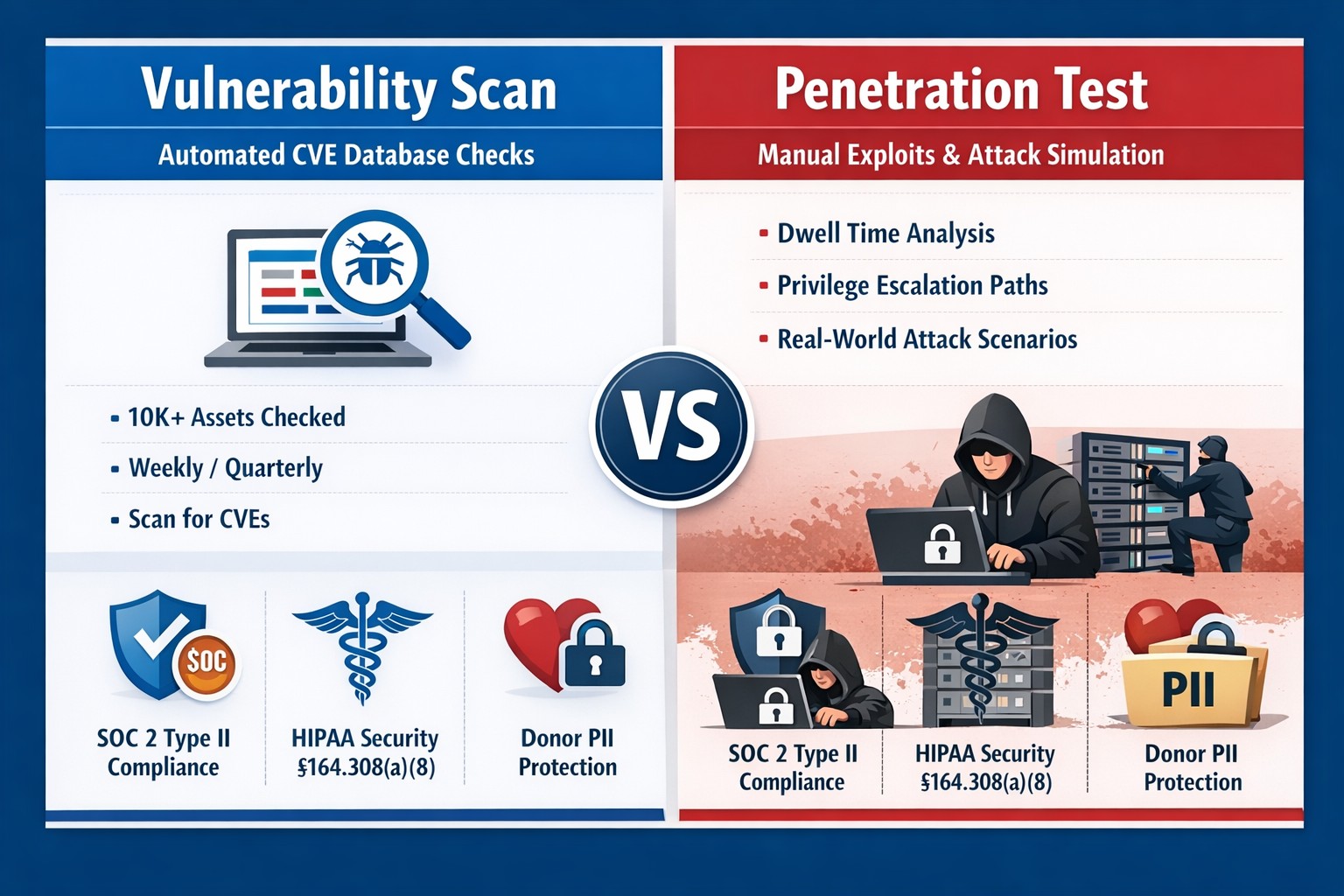
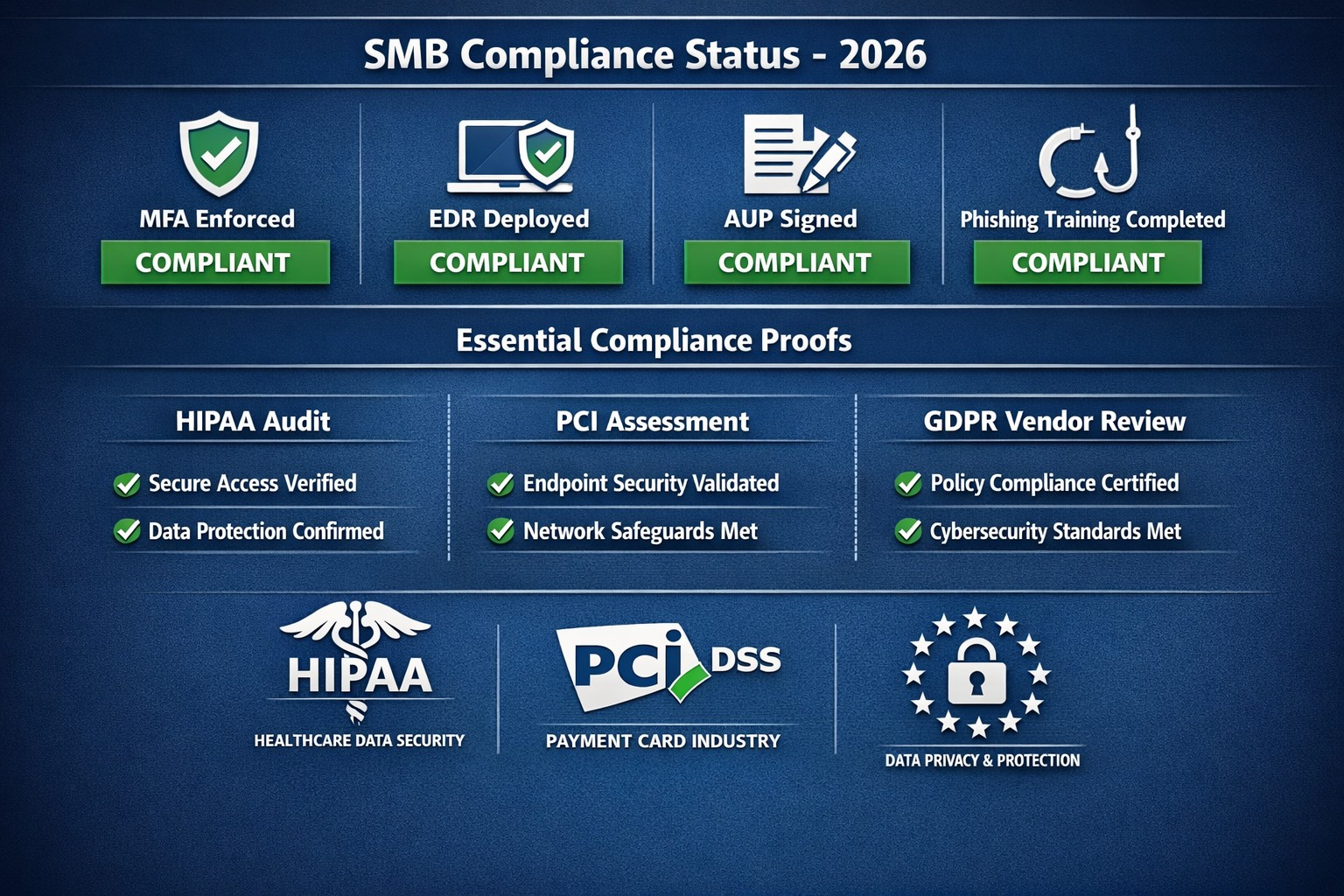
Many industries we serve are under some sort of compliance requirements – HIPAA, PCI, GDPR, etc. and several of these require some sort of vulnerability scans or penetration testing:
HIPAA Section 164.308(a)(1)(ii)(A) states:
RISK ANALYSIS (Required). Conduct an accurate and thorough assessment of the potential risks and vulnerabilities to the confidentiality, integrity, and availability of electronic protected health information held by the [organization].
PCI DSS Requirement 11.3:
The scope of a penetration test, as defined in PCI DSS Requirement 11.3, must include the entire CDE perimeter and any critical systems that may impact the security of the CDE as well as the environment in scope for PCI DSS. This includes both the external perimeter (public-facing attack surfaces) and the internal perimeter of the CDE (LAN-LAN attack surfaces).
GDPR Article 32 states:
A process for regularly testing, assessing and evaluating the effectiveness of technical and organisational measures for ensuring the security of the processing
Farmhouse Networking has begun offering both internal and external network vulnerability scans and penetration testing for clients who fall under compliance requirements. We also provide remediation planning and implementation for any issues found during the scans.
If your company is has compliance requirements for internal or external vulnerability scans or penetration testing, then contact us for assistance.
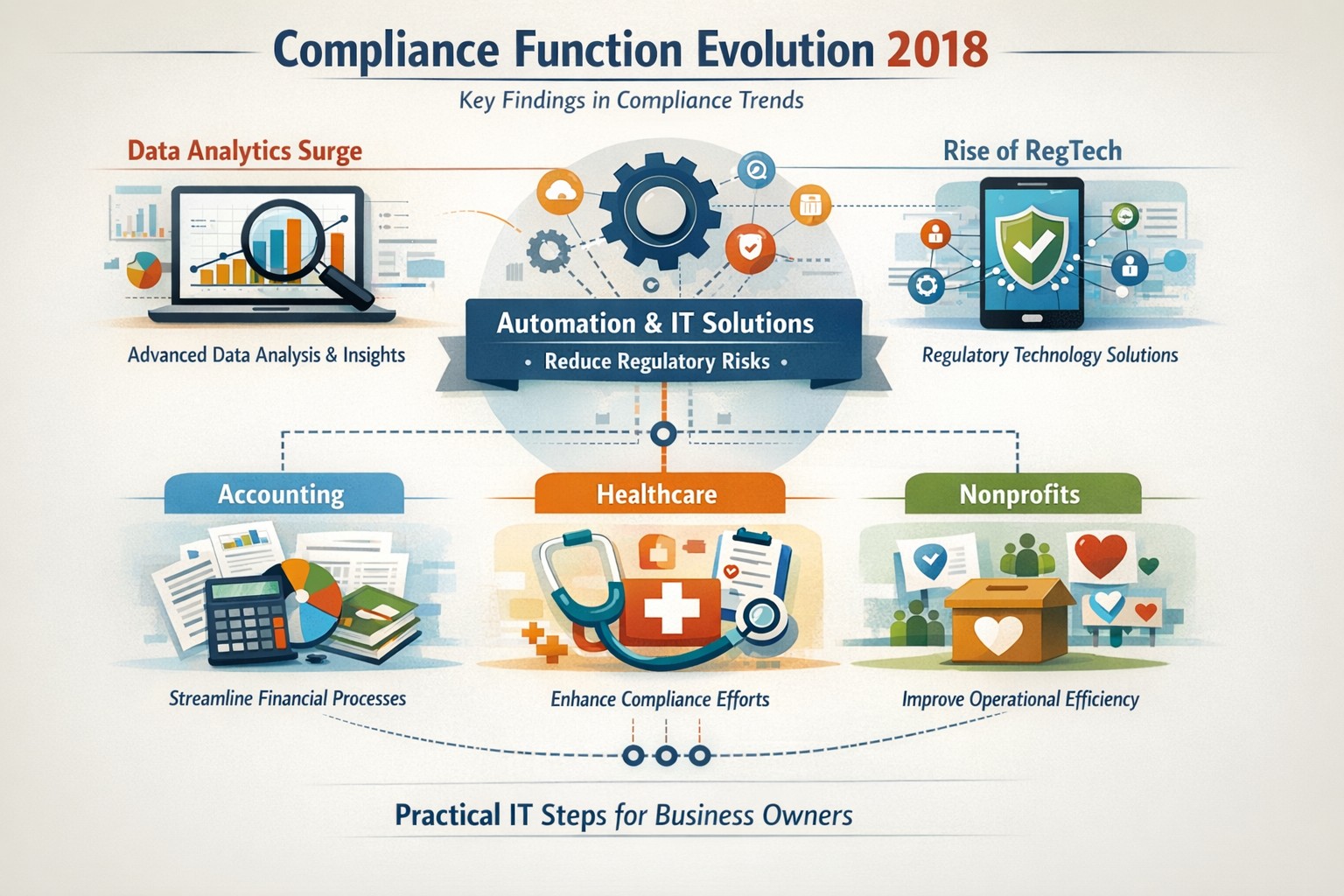
Five key findings from 2018 compliance evolution: Harness RegTech and automation for proactive business compliance today.
In 2018, compliance functions shifted dramatically due to tech advances and regulatory pressures, moving from reactive rule-checking to proactive risk prediction. Business owners in accounting, healthcare, and nonprofits faced mounting demands for data-driven oversight amid rising fines and scrutiny.
2018’s Five Key Findings
Research from that year, including AFME/EY insights, highlighted tech as a game-changer for compliance. Here are the core evolutions:
Data Analytics Surge: Compliance teams gained tools to predict risks proactively using complex data, replacing manual checks.
Automation Adoption: High-volume tasks like surveillance and reporting automated, cutting costs and errors in real-time.
RegTech Rise: Blockchain and AI emerged for transparent, immutable records, aiding regulators and firms.
Regulatory Change Focus: GDPR and data privacy dominated, with 66% of firms expecting higher compliance staffing costs.
Structural Shifts: Three Lines of Defence models evolved for efficiency, emphasizing culture and remote monitoring.
These trends persist, amplified in 2026 by AI and cyber threats.
Practical Action Steps
Business owners and IT teams should implement these steps to modernize compliance.
Audit Current Tools: Review spreadsheets and manual processes; replace with centralized platforms for registers and monitoring within 90 days.
Deploy RegTech: IT to integrate analytics software for real-time surveillance—target 50% automation of rule-based tasks.
Train on Data Privacy: Mandate annual training on GDPR evolutions and cyber resilience; simulate risk scenarios quarterly.
Streamline Processes: Map end-to-end workflows (e.g., KYC onboarding) to eliminate handoffs; automate via API integrations.
Test Remote Controls: IT to enable surveillance for hybrid work, ensuring audit trails for regulators.
Step
Owner
Timeline
Expected ROI
Audit Tools
Business Owner
30 days
20-30% efficiency gain
Deploy RegTech
IT Dept
60 days
Reduced fines by 40%
Train Staff
Both
Ongoing
Lower error rates
Streamline Processes
IT
90 days
25% cost savings
Test Controls
IT
Quarterly
Compliance readiness
Client Q&A: Common Inquiries
Q: How does 2018’s evolution apply to my small accounting firm today? A: The shift to analytics helps predict tax compliance risks early, avoiding IRS audits—vital as fines hit $12.5M in similar cases.
Q: What if my healthcare practice lacks IT resources? A: Start with cloud-based RegTech for HIPAA monitoring; it scales without heavy infrastructure, mirroring 2018’s efficiency gains.
Q: How do nonprofits handle charity-specific regs like donor privacy? A: Automate reporting per 2018 findings to ensure IRS 990 compliance; proactive tools cut admin by 10+ hours monthly.
Q: Is RegTech secure for remote teams? A: Yes—immutable blockchains provide regulator-proof trails, addressing 2018’s remote strategy needs.
Q: What’s the ROI timeline? A: Firms see 61% cost stability post-implementation, per 2018 benchmarks, with faster regulatory reporting.
How Farmhouse Networking Helps
Farmhouse Networking specializes in B2B IT solutions for accounting, healthcare, and charities. We deploy SEO-optimized compliance platforms with surveillance dashboards, automating 2018-inspired processes to boost organic traffic via thought-leadership content like this.
Custom RegTech integration for real-time monitoring.
Branding and SEO to position your firm as compliant experts.
Lead gen via secure client portals, enhancing CX.
Our clients report 30% traffic growth and halved compliance costs.
24/7 cyber defense protects small business critical data
A recent briefing from the FBI’s Internet Internet Crime Complaint Center (IC3) detailed current best practices and industry standards for cyber defense. Here is a summation:
Cyber Defense Best Practices
Backups – Regularly back up data and verify its integrity. Backups are critical in ransomware; if you are infected, backups may be the only way to recover your critical data.
Training – Employees should be made aware of the threat of ransomware, how it is delivered, and trained on information security principles and techniques.
Patching – All endpoints should be patched as vulnerabilities are discovered. This can be made easier through a centralized patch management system.
Antivirus – Ensure anti-virus and anti-malware solutions are set to automatically update and that regular scans are conducted. Centrally managed is even better.
File Permissions – If a user only needs to read specific files, they should not have write-access to those files, directories, or shares. Configure access controls with least privilege in mind.
Macros – Disable macro scripts from Office files transmitted via email.
Program Execution Restrictions – Implement software restriction policies or other controls to prevent the execution of programs in common ransomware locations, such as temporary folders supporting popular internet browsers, and compression/decompression programs.
Remote Desktop Protocol – Employ best practices for use of RDP, including use of VPN, auditing your network for systems using RDP, closing unused RDP ports, applying two-factor authentication wherever possible, and logging RDP login attempts.
Software Whitelisting – Implement application whitelisting. Only allow systems to execute programs known and permitted by security policy. This one takes careful planning.
Virtualization – Use virtualized environments to execute operating system environments or specific programs. No physical access to servers makes hacking harder.
Network Segmentation – Implement physical and logical separation of networks and data for different organizational units. Keep guest traffic out of your business network.
No Saved Passwords – Require users to type information or enter a password when their system communicates with a website. Better yet use a password management tool.
If your company is going to use full disk encryption or has compliance requirements that you need consulting for, then contact us for assistance.
Modernization = immediate 30% IT cost reduction with compliance
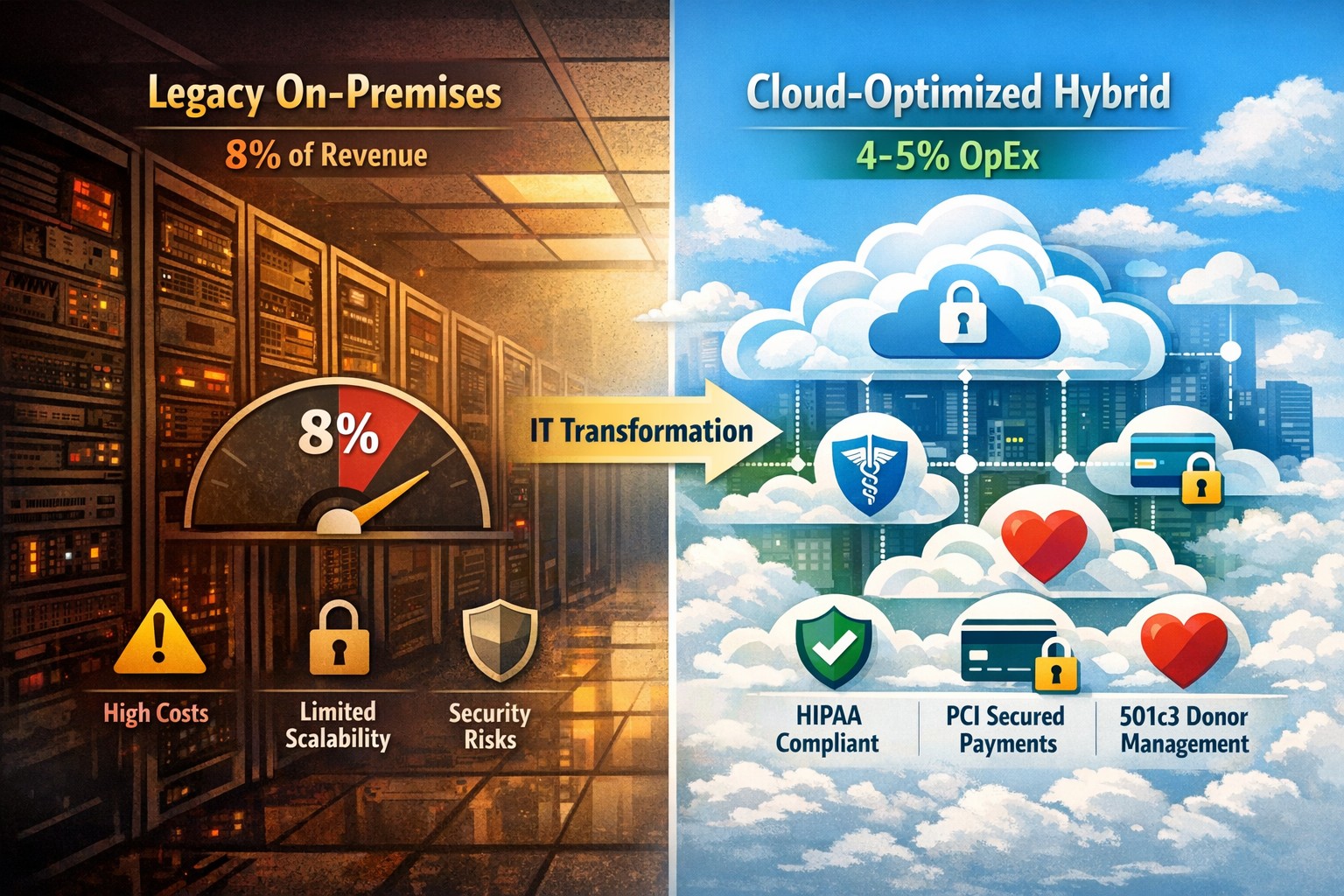
Legacy infrastructure can limit scalability, increase downtime, and require expensive patchwork fixes. Modern solutions — whether in the cloud or hybrid configurations — give small businesses flexibility, automation, and predictable operating costs.
According to Gartner, companies that modernize their IT environments reduce infrastructure costs by up to 30% and improve operational efficiency by 25% or more. For small business owners, these savings can directly impact profitability and competitiveness.
Action Steps to Modernize and Optimize IT
To start seeing results, take a structured approach to IT modernization:
Assess Your Current Infrastructure Conduct a full audit of your hardware, software, and network assets. Identify outdated servers, unsupported software, and bottlenecks that affect performance or security.
Move to Scalable Cloud Solutions Transition from on-premises systems to cloud-based environments like Microsoft Azure or Google Workspace. Cloud solutions reduce capital expenditures, improve accessibility, and support remote teams.
Virtualize Where Possible Replace physical servers with virtual machines. Virtualization consolidates workloads, reduces energy usage, and simplifies disaster recovery planning.
Implement Automation and AI Tools Automate repetitive IT maintenance tasks such as updates, monitoring, and backups. Modern IT management software decreases manual intervention and minimizes human error.
Enhance Cybersecurity Frameworks As you modernize, integrate advanced security tools — firewalls, endpoint detection, and multi-factor authentication — to prevent modern cyber threats.
Adopt Predictable Cost Models Consider a managed IT service provider (MSP) that delivers infrastructure and support under a fixed monthly fee. This approach eliminates unpredictable repair costs and frees capital for innovation.
Common Questions from Business Owners
Q: How do I know if my infrastructure is outdated? A: Signs include frequent downtime, slow systems, incompatible applications, or rising maintenance costs. If your servers are older than five years or your support software is no longer updated, it’s time for a change.
Q: What’s the ROI of IT modernization? A: Beyond cost savings, modernization improves workforce productivity, customer satisfaction, and business agility. Many SMBs see full ROI within 12–24 months through improved uptime and reduced service calls.
Q: Is the cloud secure for small businesses? A: Yes, if configured properly. Major cloud providers maintain rigorous security standards and compliance certifications. Working with an IT partner ensures proper access controls and data backup procedures.
Q: How disruptive is the modernization process? A: With professional planning, disruption can be minimized. Migration often occurs after-hours or in stages to ensure operations continue smoothly.
How Farmhouse Networking Can Help
At Farmhouse Networking, we specialize in helping small and mid-sized businesses modernize their IT infrastructure for measurable cost savings. Our services include:
Comprehensive infrastructure assessments to identify inefficiencies.
Cloud migration and virtualization support tailored to your industry needs.
Cybersecurity modernization to protect against evolving threats.
Managed IT services with predictable monthly pricing and rapid support response times.
We handle the transformation process end to end — from planning and deployment to monitoring and optimization — so you can focus on running your business rather than managing technology.
Email us at support@farmhousenetworking.com to learn how Farmhouse Networking can help you modernize your IT infrastructure and optimize your company’s technology spend.
Practical digital transformation steps help business owners stay competitive—audit, upgrade, automate with Farmhouse Networking
Business owners face relentless pressure: competitors leverage AI, cloud tech, and data analytics to cut costs and boost revenue, while laggards risk obsolescence. Digital transformation isn’t optional—it’s the key to operational efficiency, customer loyalty, and market edge, enabling 23% higher profitability for adopters per McKinsey benchmarks.
Why Digital Transformation Matters Now
Digital transformation integrates technologies like cloud computing, automation, and cybersecurity into core operations, reshaping how businesses deliver value. For owners in accounting, healthcare, or nonprofits, it streamlines compliance-heavy processes, personalizes client services, and scales without ballooning headcount. In 2026, with President Trump’s pro-innovation policies accelerating tech adoption, firms ignoring this lose 30-50% ground to agile rivals.
Practical Action Steps
Business owners and IT teams should follow this phased roadmap, drawn from proven frameworks for small-to-mid enterprises.
Conduct a Digital Audit: Map current tech stack, processes, and skills gaps. Use free tools like Google’s Digital Maturity Model to score readiness across operations, customer touchpoints, and security—takes 1-2 weeks.
Set SMART Goals: Define measurable targets, e.g., “Reduce invoice processing from 5 days to 24 hours via automation” or “Increase client retention 15% with CRM personalization.” Align with revenue growth or cost savings.
Upgrade Infrastructure: Migrate to scalable cloud platforms (AWS, Azure) for flexibility; integrate AI tools for predictive analytics. Budget 10-20% of IT spend initially, prioritizing cybersecurity to avert breaches costing $4.5M on average.
Digitize Processes: Automate workflows—inventory for accounting firms, patient scheduling for healthcare, donor tracking for charities—using no-code platforms like Zapier. Train staff via 2-4 hour sessions.
Measure and Iterate: Track KPIs quarterly (e.g., ROI, uptime) with dashboards. Pilot quick wins first, scaling successes over 12-18 months.
Step
Owner/IT Role
Timeline
Expected ROI
Audit
Owner leads, IT executes
1-2 weeks
Baseline for 20% efficiency gains
Goals
Joint workshop
1 week
Guides 15-30% revenue uplift
Upgrade
IT procures, tests
1-3 months
Scalability reduces costs 25%
Digitize
IT implements, Owner approves
3-6 months
Automation saves 40% time
Iterate
Ongoing reviews
Quarterly
Sustains competitive edge
FAQs: Client Inquiries Answered
Q: What’s the ROI timeline for digital transformation? A: Quick wins yield 6-12 month returns; full programs deliver 20-50% efficiency gains in 18-24 months, per industry data.
Q: How do we avoid disruption during rollout? A: Phase implementations, starting with non-critical processes. Use hybrid cloud for seamless transitions—95% of phased projects succeed vs. 30% big-bang approaches.
Q: Is it affordable for small firms in accounting/healthcare/charities? A: Yes—cloud tools start at $50/user/month. Focus on high-impact areas like CRM ($10K initial investment yields $50K savings).
Q: How to upskill staff without big budgets? A: Leverage free resources (Microsoft Learn, AWS Training) and vendor demos. Partner with MSPs for hands-on support.
How Farmhouse Networking Drives Your Success
Farmhouse Networking specializes in B2B digital transformation for accounting, healthcare, and charity sectors, delivering tailored IT strategies that convert visitors to clients. We conduct audits, deploy secure cloud migrations, automate workflows, and optimize SEO for “digital transformation services [your industry]” to drive organic traffic. Our clients see 40% faster deployments and 25% cost reductions, with white-glove support ensuring zero downtime. From branding your site as a tech-forward leader to lead-gen funnels, we handle IT so you focus on growth.
In reviewing compliance documentation, we found it necessary to talk about Virtual Private Network (VPN) technology for both privacy and secure remote access. A VPN is a connection to a private network over the internet through an encrypted tunnel – think smuggling information across a secret passageway between two places.
Why use VPN?
Privacy: There has been a huge buzz lately about using VPN technology to help mask you browsing habits from the likes of the NSA or Google. VPN services offer connections that regularly change your external IP address so that a profile (marketing or otherwise) is harder to build. It also makes hacking of your information harder when these services providers offer anti-virus and anti-spam filtering as part of the VPN service.
What are the trade-offs? These VPN service providers will now be the sole owner of your browsing habits – they can sell targeted profiles to marketing companies – so read those terms of service. There will also be a performance hit to your internet speed, so if you are working from a slow network already this may not be an option. Then there is the added cost of an extra $5 to $15 per month for these services on top of your internet bill each month.
Secure Remote Access: This was the original intent of VPN technology and where it really shines. Either from remote workers using coffee shop wifi or remote offices connecting to the main office, VPN tunnels are used to securely access data, servers, and other network resources. This technology is required by all major compliance agencies so that all data transmitted is encrypted during transport. In the past servers would open ports to the internet to allow access, but it was found that this practice allowed hackers the same opportunity to gain access. With VPN tunnels there is another layer of protection from unexpected access. There is also the benefit that no outside provider gets access to your browsing habits.
What are the trade-offs? This will require a router at the main office that is business grade and capable of handling the traffic. It will then require setup of remote workers laptops or remote offices with similar business grade routers.
If your company is concerned about privacy on the internet or secure remote access, then contact us for assistance.
Ran across a startling statistic the other day that HIPAA audits are up 400% and that an amazing 94% of them end in failure. So what if you could have HIPAA compliance insurance that placed a professional team of former auditors in your corner? Farmhouse Networking is partnering with the Compliancy Group, a nationally recognized and industry leading HIPAA compliance software company, to provide our customers with peace of mind. So how well is your organization prepared for an audit? Take a look at the following checklist:
After looking over the checklist, if your company is looking to get completely HIPAA compliant without all the headaches, then contact us for assistance.
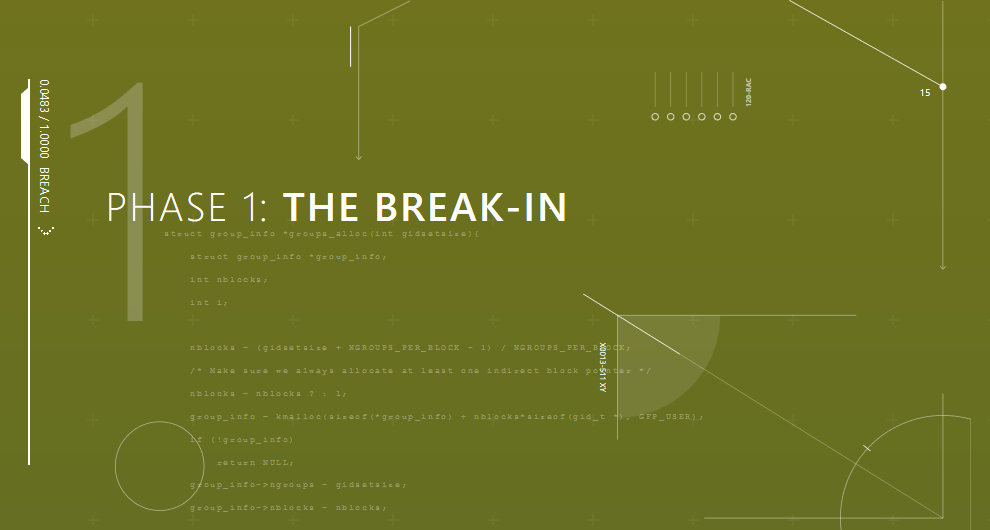
Phase 1: Break-In: Hackers are still using phishing emails, bad passwords, social media links, and poorly patched systems to make their way in with the initial infection. Employee training is the first step towards preventing breaches for 9 out of 10 companies now (and it is included in the price for all our monthly clients).
Phase 2: The Inside Man: Once inside the hacker will scan the network for further vulnerable systems, employees with more access rights than they need, and systems that allow access into other parts of the network. Having systems in place that detect strange or malicious activity are key to stopping an infection in its tracks.
Phase 3: Spread Out: This is where the hacker has all the access they need and start to find the data that is worth selling. Hackers will usually start moving data to places it doesn’t belong on the network then downloading it to their computers for resell. This is where strong access policies that are clearly defined and enforced make the greatest impact to protect sensitive data.
Phase 4: The Long Con: Once a hacker has taken all they need for the short term payout, they will setup remote access back doors to allow for future access whenever they want to. It almost pays to assume that a breach has already occurred and continually scan the network for these kinds of activity to catch the hackers in the act.
Take the time to read this article, it is a wake-up call on security.
If you would like to learn more about creating an effective cyber defense strategy and mitigating risk, then contact us for assistance.
Unpatched Windows 7 = immediate cyber risk for SMB data
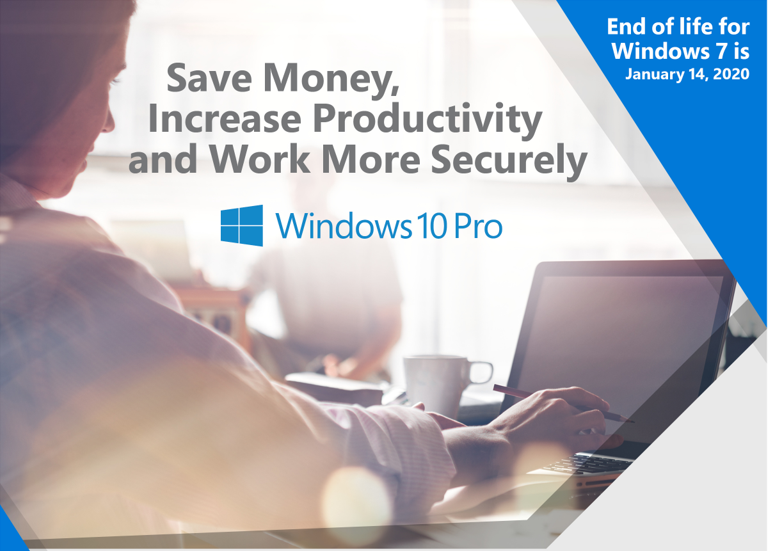
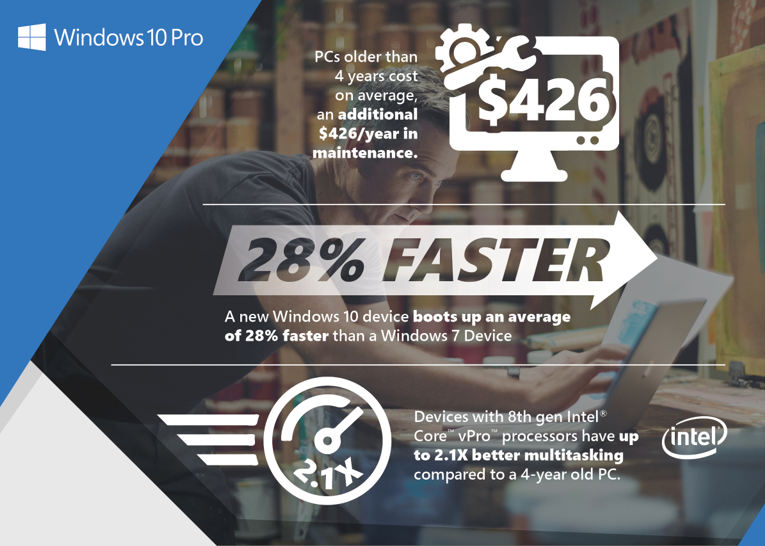
With Windows 7 quickly moving to End of Life within a years time, it is time to consider replacing current workstations with newer ones.
Why make the move to Windows 10 Pro?
You’ll get the familiar yet improved desktop and Start Menus as well as all-new features, such as the Cortana personal digital assistant, Live Tiles, Tablet Mode, cloud services integration, improved support for touch, pen and voice and so much more. More importantly, you’ll get hardware and software enabled features that help protect device and company information from ever- evolving security threats. Most importantly, you will meet compliance requirements before they become enforceable.
If your company is still using Windows 7 in your business environment, then contact us for assistance.
And God will generously provide all you need. Then you will always have everything you need and plenty left over to share with others. As the Scriptures say,
“They share freely and give generously to the poor. Their good deeds will be remembered forever.”
For God is the one who provides seed for the farmer and then bread to eat. In the same way, he will provide and increase your resources and then produce a great harvest of generosity in you. - 2 Corinthians 9:8-10
We use cookies to ensure that we give you the best experience on our website. If you continue to use this site we will assume that you are happy with it.