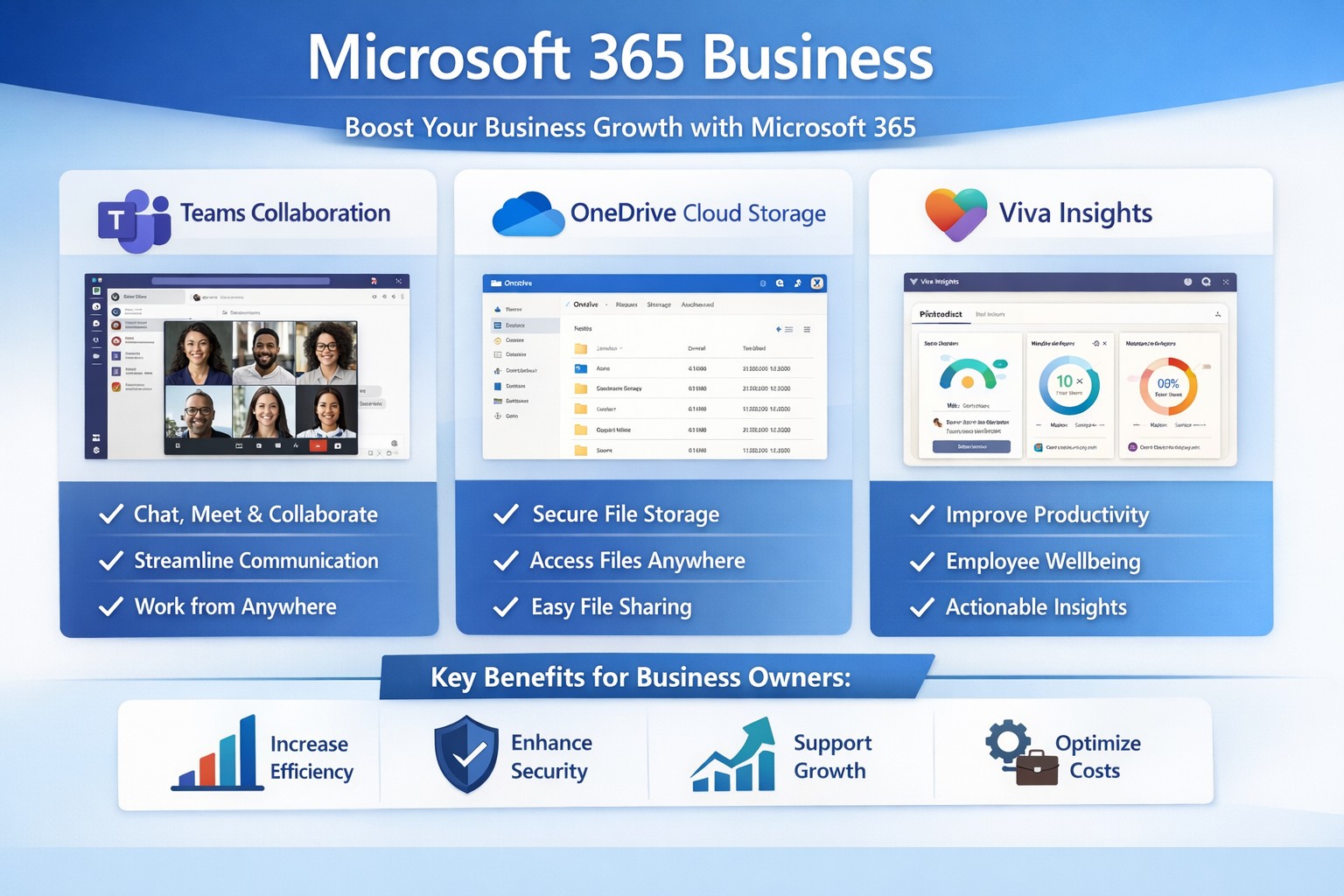
Microsoft 365 Business interface: Collaborate, secure data, and scale your business effortlessly.
You’re juggling growth ambitions with operational headaches like scattered files, insecure data, and remote team friction. Microsoft 365 Business transforms these pain points into scalable advantages, boosting productivity, security, and collaboration to fuel expansion.
Key Benefits for Growth
Microsoft 365 Business bundles essential apps like Teams, Outlook, OneDrive, and Office tools into cloud-based plans starting at $6/user/month.
It enables real-time collaboration via SharePoint and Teams, letting teams co-edit documents without version chaos, which cuts project delays by up to 30% in growing firms.
Advanced security—such as threat protection and data encryption—safeguards sensitive info, vital for scaling without cyber risks.
Scalable subscriptions adapt as you add users, with AI features in Viva Insights optimizing workflows for efficiency.
Practical Action Steps
Follow these steps with your IT department to deploy Microsoft 365 Business effectively.
Assess Needs: Audit current tools for gaps in email, storage, and security; choose a plan like Business Basic ($6/user/month) for starters or Premium ($22/user/month) for full security.
Sign Up and Migrate: Purchase via microsoft.com/microsoft-365/business; migrate emails/files using admin center tools—expect 1-2 days for small teams.
Configure Security: Enable multi-factor authentication (MFA), set up Defender for phishing protection, and classify sensitive data in compliance center.
Onboard Team: Roll out Teams channels, train via free Microsoft Learn modules (30-60 minutes/user), and automate tasks with Power Automate.
Monitor and Scale: Use Viva Insights for usage analytics; add users monthly as you hire. Test ROI in 30 days via productivity metrics.
FAQs from Business Owners
How does Microsoft 365 differ from free personal versions? Business editions offer custom email (you@yourcompany.com), 1TB/user storage, enterprise security, and admin controls absent in personal plans.
Is it secure for healthcare/accounting data? Yes—Premium includes HIPAA/GDPR compliance tools, endpoint protection, and automatic updates to counter threats.
What if my team resists change? Start with pilot groups, provide 1-hour Teams training, and highlight wins like 20% faster file sharing. Adoption hits 90% in optimized setups.
Can I integrate with existing software? Seamless with QuickBooks, CRM tools, and more via APIs; Power Automate connects workflows effortlessly.
What’s the ROI timeline? Most see productivity gains in weeks; scalable costs beat on-premise servers by 50% over time.
How Farmhouse Networking Helps
Farmhouse Networking specializes in Microsoft 365 deployments for accounting, healthcare, and nonprofits, ensuring SEO-driven websites and lead-gen funnels amplify your growth.
We handle full migrations, custom branding for Teams portals, and SEO-optimized intranets to convert visitors into B2B clients.
Our IT experts audit your setup, train staff, and integrate with industry-specific compliance (e.g., HIPAA for healthcare), slashing setup time by 40%.
Past clients in Estacada, OR, report 25% organic traffic boosts via M365-powered content strategies.
Call to Action
Ready to scale securely? Email support@farmhousenetworking.com for a free Microsoft 365 assessment tailored to your business.
And God will generously provide all you need. Then you will always have everything you need and plenty left over to share with others. As the Scriptures say,
“They share freely and give generously to the poor. Their good deeds will be remembered forever.”
For God is the one who provides seed for the farmer and then bread to eat. In the same way, he will provide and increase your resources and then produce a great harvest of generosity in you. - 2 Corinthians 9:8-10
We use cookies to ensure that we give you the best experience on our website. If you continue to use this site we will assume that you are happy with it.