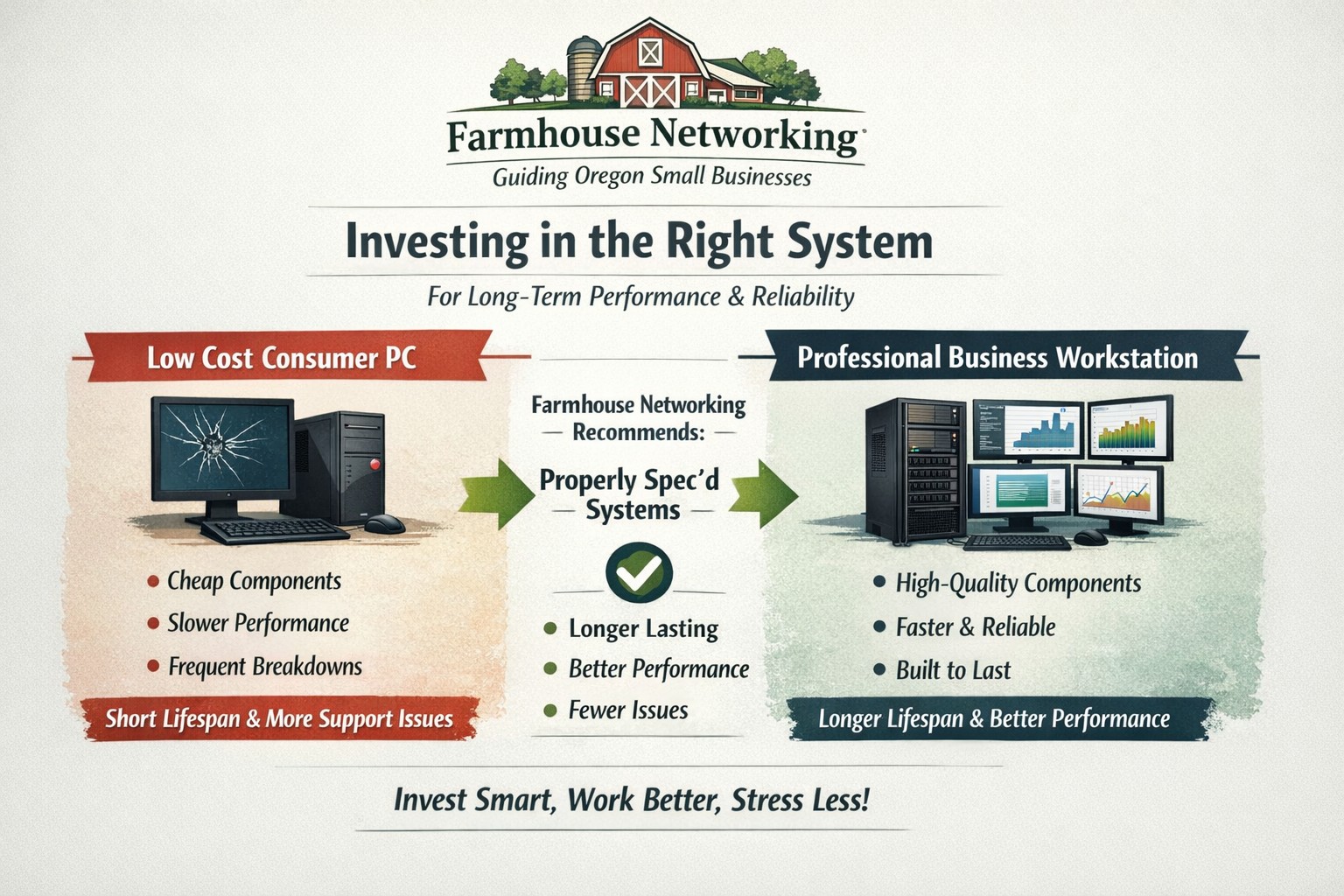
Farmhouse Networking helps small businesses choose new computers where price reflects long term reliability, performance, and lower total cost of ownership.
Based on some recent experiences and plenty of past experiences, we thought it would be good to help customers make good choices when shopping for new computers. The easiest and best way is to trust us to do the research and know your company’s computing needs enough to provide you with the best computer for the best price. However there are some that like the thrill of the hunt and want to find the best “deal” themselves. They try to save money via sales that we honestly cannot compete with on price. This newsletter is meant to help guide them to the best options for solid performance and longevity in their investment.
Shopping Guide
Big Box Stores (Staples, Walmart, Costco, Best Buy, etc.): Seeing the local adds, these retailers are often at the top of the list for many people when shopping for a computer. They offer the convenience of being able to physically touch the computer being purchased and not having to wait for the computer to be shipped from some other part of the country. The downside is that these retailers are selling a commodity product for the smallest cost possible to maximize their profits. This means they are willing to have computers made from the least expensive parts and lowest build quality. They also find ways of scrimping on important features and masking this deficiency with flashy claims on features or partnerships with celebrity endorsements. Don’t be fooled these are disposable computers that will not stand up to the demands of a business environment.
Online Discount Sellers (eBay, Amazon, Google. Overstock, etc.): Bargain hunters are getting savvier with online tools and searches for the products they want. This type of “retailer” works much like the big box store, but you have to trust the pictures you see online and wait for the product to arrive from across the country or globe. These online stores are often just marketplaces where smaller retailers post their products to gain greater visibility then they could on their own. They are also notorious for selling what appear to be quality computers that have been “refurbished” in-house. These refurbished computers are usually years old and are a Frankenstein monster of spare used parts from their shop. Much like buying a car from a used car lot, you get all the troubles of someone else’s computer with all the reliability of a computer that is past its prime held together with old parts.
What to look for in a new computer
Business Class: This is important because manufactures who have this distinction on their products take the time to make a quality computer with mid-range parts. These computers will have all the needed features and typically last much longer then the disposable computers from other stores. If you go directly to the manufacturers website, they will typically have a section labeled Business that you can look through the models they have given this distinction.
Processors: This is the capacity of the computer to crunch through data. There are two main companies that make these chips, Intel and AMD. Intel is what I recommend for the majority of business users (except for those who only do light office work). They currently are using a system of Generations and i-series distinctions. The Generations help determine the age of the processor with the latest being 12th-generation processors, so if you are looking at a computer with a 9th-generation processor it is likely 3 years old out of the box. The i-series consists of i3, i5, i7, and i9 which is a measure of the raw computing power that the processor contains. Our recommendation for businesses are i5 for general office work and i7 if you are a power user who does many things at once.
Memory: This is the short-term memory capacity of the computer, so the more you have the more you can accomplish at once. These chips also have designations of DDR technology and PC-speed rating. The DDR technology has slowly changed over time and they are now shipping DDR5 chips for top of the line gaming computers, but for typical office computers the DDR4 technology will be the best performance per dollar. As for the PC-speed rating, it will somewhat match the DDR number with the latest in the PC5-38400 range, but again the PC4 with the highest number possible next to it will be sufficient. General office work can be accomplished with 8GB of RAM, but 16GB is becoming the new norm. Those who want more performance will need to go to 32GB or higher.
Hard Drive: This is the long-term memory storage of the computer. There have been massive improvements in technology on these in the past few years and performance has jumped substantially. This is one of the ways that big box stores save money the most, they sell an old fashioned hard drive in a new computer and performance suffers greatly. The newest technology is called NVMe and any new computer should contain this kind of hard drive to see the best performance. If cost is prohibitive, then at least get the previous technology of an SSD installed in the computer.
Everything Else: The rest is mostly personal taste. If you want wireless, then get one with wireless in it with the latest being WiFi6 and some include Bluetooth connections too. If you want a large screen, touchscreen, fingerprint scanner, lightweight, certain specific ports for your devices, or whatever other features – these will be the finishing touches that help shape your final choice.
If your company is going to looking to buys new computer, then contact us to save yourself the time and money of getting a computer or worse the wrong computer.
Owner death doesn’t have to kill your business operations
We are currently facing the mountain of paperwork and responsibilities associated with the death of a loved one who did not properly prepare for their passing. While thinking through this stuff the thought of disaster preparedness came to mind and what would be the way to properly prepare for the sudden passing of myself or a business partner so that those who remained could continue on. Here are my thoughts:
Death Preparedness
Partnership / Corporate Agreement: Most states will immediately dissolve / liquidate a business partnership agreement unless the agreement has a continue after death clause that allows the estate to be paid off for their share of the current worth of the business. These payouts can also be paid by an insurance policy. Have an attorney look at the current agreement and amend as needed.
Personal Data: Business partners will need access to a copy of information like social security number, date of birth, birth / marriage / death certificates, and location of all agreements / wills. Having this information easily available saves tons of time for those left behind and make filling out the needed paperwork much easier. This information is best stored in one location like a safe deposit box.
Financial Data: Business partners will need access to insurance information, bank accounts, investment accounts, tax returns, current debts, title / registration of property, and any safe deposit keys that are connected to the business. Knowing this information will help create an estimate of the worth of the business to give the estate their fair share of the current worth. Plus if the partner that passed was in charge of these things it will make it easier for the responsibility to be handed to someone else.
Business Data: Businesses should have a master list of usernames and passwords for all local software, servers, online accounts, key safes, etc. This list needs to be updated regularly and a copy would be best kept in the same safe deposit box that the vital records are kept.
Advanced Directives: Just like for family members, the business partner will need to be able to act on behalf of the business in case the other partner is incapacitated in some way. Having these documents in order before this happens is crucial. Make sure to have a lawyer look over the document to make sure it is complete based on state laws where business is being conducted.
“Key Man” Insurance: If any of the business partners or employees are “indispensable” then key man insurance can be purchased by the business. This insurance policy pays off on death to help the company stay afloat until a replacement can be found. It is also important at this point to think about training and disbursement of business information. No one person in the company should have so much knowledge that they would sink the business even if they just left the organization one day.
Take the time to prepare for the worse to make life for those left behind easier to manage after your passing, and contact us for any assistance you need in this process.
And God will generously provide all you need. Then you will always have everything you need and plenty left over to share with others. As the Scriptures say,
“They share freely and give generously to the poor. Their good deeds will be remembered forever.”
For God is the one who provides seed for the farmer and then bread to eat. In the same way, he will provide and increase your resources and then produce a great harvest of generosity in you. - 2 Corinthians 9:8-10
We use cookies to ensure that we give you the best experience on our website. If you continue to use this site we will assume that you are happy with it.