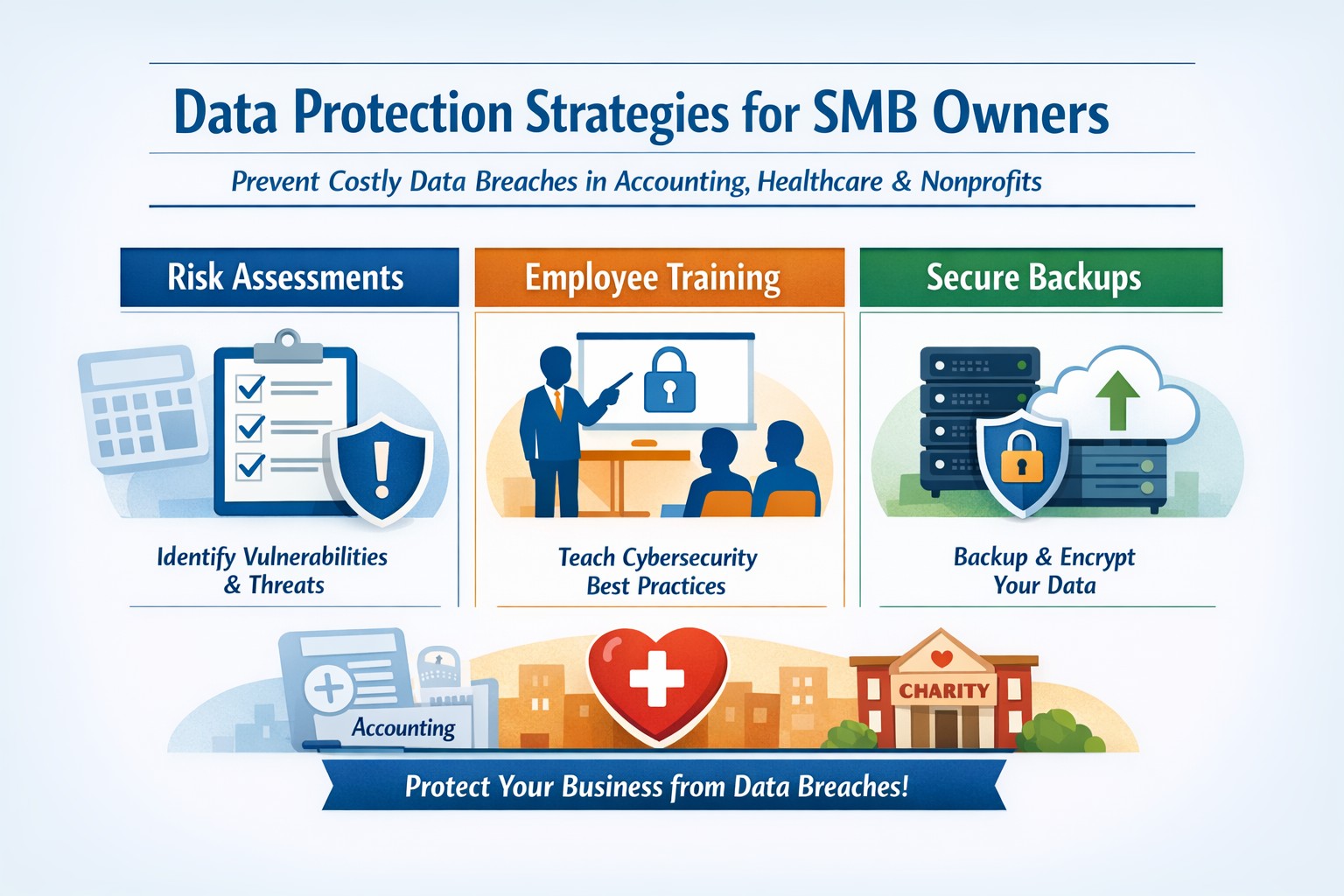
A single data breach can wipe out years of hard work—costing you customers, revenue, and reputation. In today’s digital landscape, where cyberattacks target small firms 4x more than large ones, proactive data protection isn’t optional; it’s survival. This guide delivers practical, actionable strategies tailored for you and your IT team to lock down your data effectively.
Key Action Steps
Implement these steps immediately to build robust defenses. Prioritize based on your risk assessment—start with employee training and backups, as human error causes 74% of breaches.
- Conduct a Cybersecurity Risk Assessment: Map your data flows, identify vulnerabilities (e.g., outdated software), and prioritize fixes. Use free tools from the SBA to evaluate networks and access points.
- Train Employees on Phishing and Best Practices: Mandate quarterly sessions covering phishing recognition, safe browsing, and password hygiene. Tools like KnowBe4 offer affordable options; enforce multi-factor authentication (MFA) everywhere.
- Secure Networks and Devices: Enable firewalls, update all software automatically, and install antivirus (e.g., free tiers from Avast or Malwarebytes). Encrypt sensitive data at rest and in transit using built-in tools like BitLocker.
- Implement Backups and Access Controls: Automate daily backups to cloud (e.g., Google Drive or Backblaze) stored offsite. Use role-based access: employees see only needed data, with unique strong passwords (15+ characters) changed quarterly.
- Monitor and Patch Regularly: Scan for vulnerabilities weekly with tools like Nessus Community Edition. Limit admin privileges and log access attempts.
These steps, drawn from FTC and SBA guidelines, can reduce breach risk by up to 90% when followed consistently.
FAQ: Client Inquiries Answered
Address common questions from your clients to build trust and position your business as secure.
Q: How often should we back up data?
A: Automate backups daily or weekly for critical files (financials, customer lists), storing them offsite or in encrypted cloud storage. Test restores quarterly to ensure usability.
Q: What’s the biggest threat to small businesses?
A: Phishing via email—95% of breaches start here. Train staff to spot red flags like urgent requests or bad links; enable email filters and MFA.
Q: Do we need expensive software?
A: No—start with free tools: OS firewalls, open-source antivirus, and password managers like Bitwarden. Budget $50-200/month scales to enterprise-grade as you grow.
Q: How do we handle remote workers?
A: Require VPNs for access, encrypt devices, and use MDM tools like Jamf Now. Wipe lost devices remotely.
Q: What if we’re hit by ransomware?
A: Isolate affected systems, restore from clean backups, and notify authorities/insurers. Prevention via patches and segmentation limits spread.
How Farmhouse Networking Helps
Farmhouse Networking specializes in tailored cybersecurity for small businesses in accounting, healthcare, and nonprofits. We conduct your initial risk assessment, deploy automated backups and MFA, and train your team remotely—often in under a week.
Our SEO-optimized websites integrate secure forms and HTTPS, boosting organic traffic while protecting leads. For healthcare clients, we ensure HIPAA compliance; accountants get encrypted client portals. Past clients report 40% fewer incidents and faster recovery.
We handle IT burdens, freeing you to focus on growth—custom strategies include lead-gen funnels that convert secure visitors into B2B clients.
Call to Action
Ready to fortify your data defenses? Email support@farmhousenetworking.com today for a free risk audit and personalized plan. Protect your business—act now.