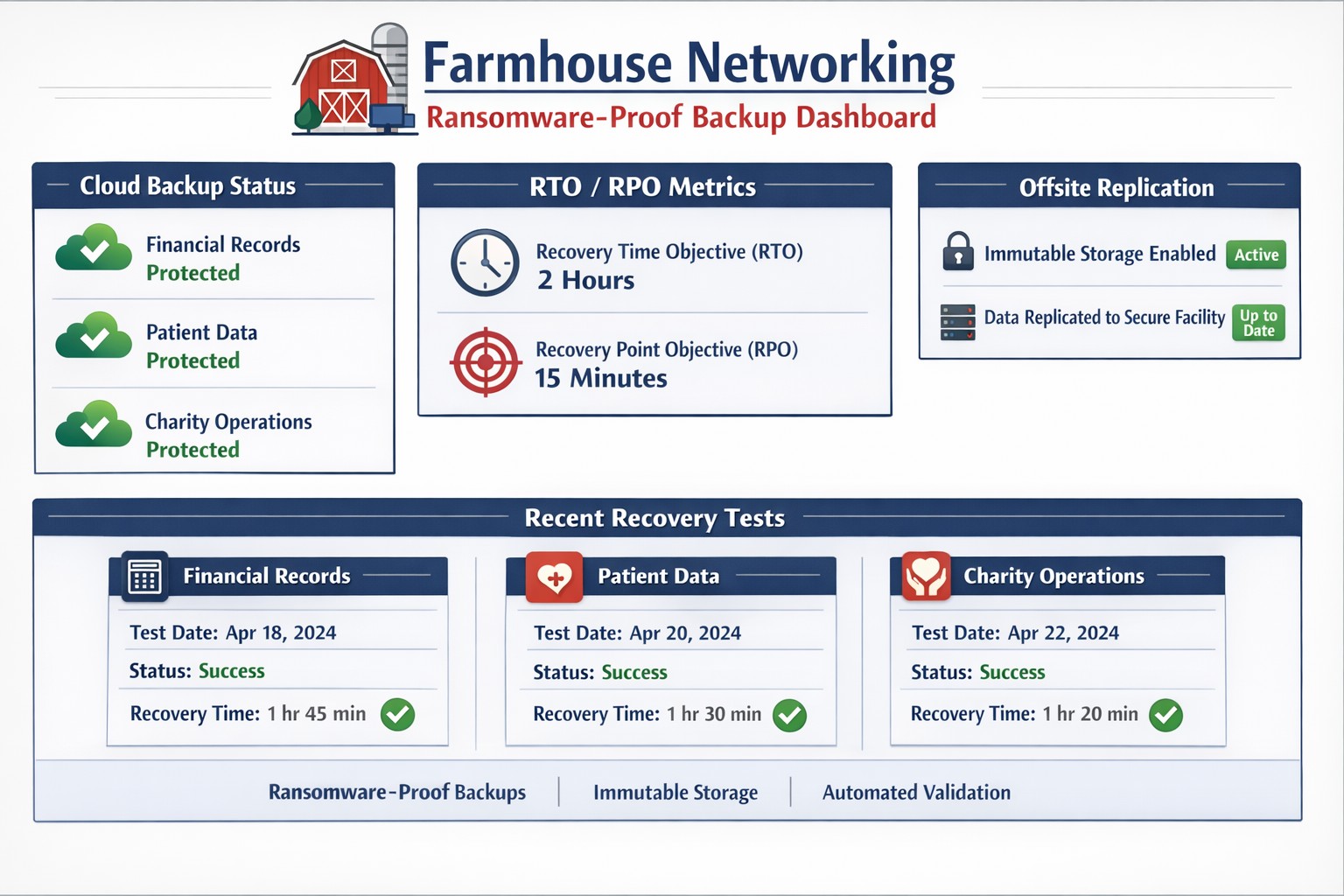
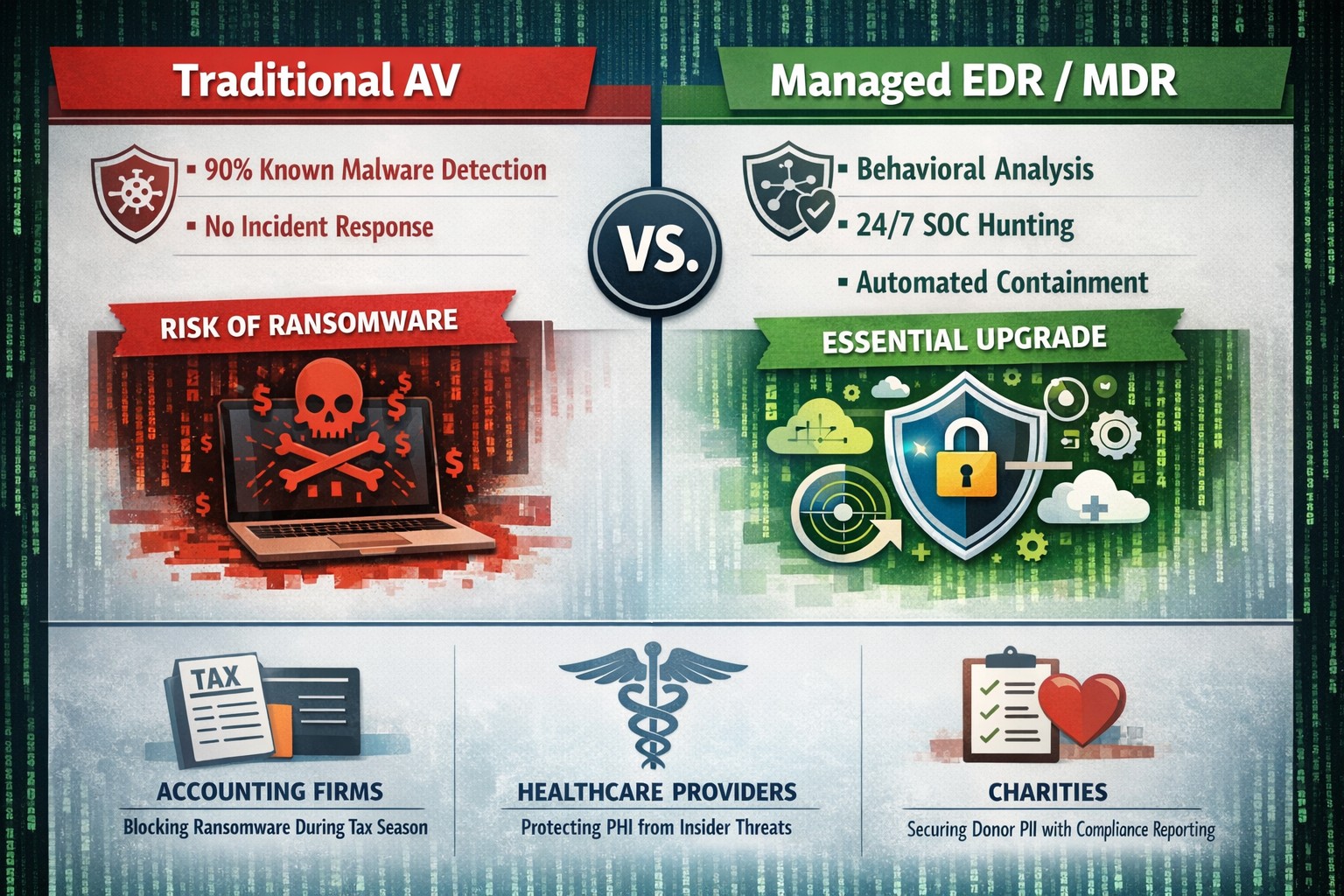
Automated cloud backups with tested recovery ensure business survives disasters
When it comes to security threats, it’s not “if” disaster will strike, it’s “when.” So, how will your organization respond? Do you have the proper infrastructure in place to thwart a potential data disaster and if disaster does strike, is your organization poised to recover quickly?
While 100% prevention of a data disaster is impossible, there are several ways you can position your organization to get your systems back up and running with as little disruptions to day-to-day operations as possible:
File Level Backup: A good file sync and share tool is more than just a way for your team to collaborate on the go, it’s a vital component to your organization’s security strategy. With file level backup, you can ensure that even in the event of a site wide disaster, your team can maintain anytime access to their critical files.
Backup and Disaster Recovery: Your last line of defense in a site wide disaster, backup and disaster recovery solutions allow you to recover at the systems level. An absolutely necessary piece of your organizational infrastructure, backup and disaster recovery delivers peace of mind that your systems will always be recoverable, even when disaster strikes.
Cloud-to-Cloud Backup: Cloud-to-cloud backup fills in the gaps left by some of the most commonly used SaaS applications, such as Office 365. Many of these cloud applications fall short in the way of cloud-retention and a good cloud-to-cloud backup solution can help you protect critical business data while providing enhanced features to maximize your user experience and more importantly, security.
It’s an unfortunate reality but our workforce can often times be our worst enemies, often creating vulnerabilities and leaving our systems open to hackers, viruses, data breaches and data loss. More often than not, we do this through completely harmless, everyday activities like opening compromised emails and links.
As a leader in your organization it’s your role to monitor your team and arm them with the knowledge of good security practices. Without implementing a company-wide security training program, you leave your systems vulnerable to a host of attacks.
Another crucial step in preventing system attacks, is to configure a firewall to monitor user activity and website visits throughout your organization. An Acceptable Use Policy is helpful in establishing what your organization will and will not allow from its employees.
Curious how we can help you establish a more secure company infrastructure?
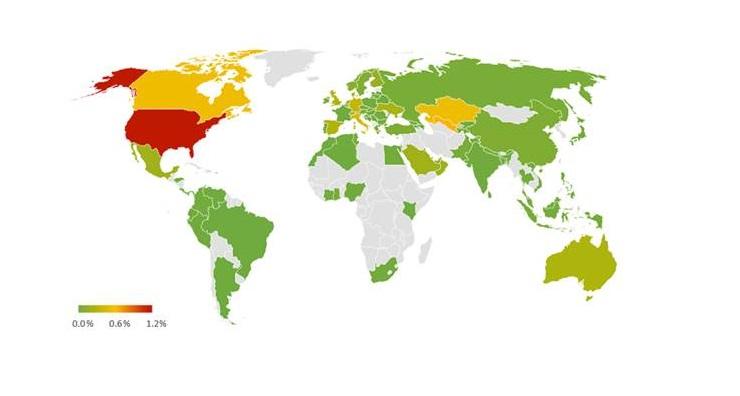
We’ve got a bit of bad news. Ransomware attacks are on the rise. Don’t think so? In 2017 alone, ransomware attacks rose a whopping 250%, with those attacks hitting the U.S. the hardest
Unmanaged BYOD devices create critical data breach pathways
Below are just a few of the attacks that led to such a staggering spike in malicious activity as well as several new trends.
ATTACKS
WannaCry:
In May 2017, the WannaCry ransomware attack affected computers worldwide running the Microsoft Windows OS. This ransomware cryptoworm worked by encrypting data and demanding ransom payments by made in Bitcoin. The attack was estimated to have impacted 200,000+ computers in 150 countries, with damages exceeding hundreds of millions of dollars.
NotPetya:
The NotPetya virus was similar to its 2016 predecessor, Petya in that it encrypts the master file table and demands a Bitcoin ransom to restore access to the files. The reason NotPetya was so damaging and different from Petya is that NotPetya spread on its own and did not require human intervention in order to spread.
RANSOMWARE TRENDS TO KNOW
• Ransomware as a Service (RaaS):
RaaS refers to the practice that allows attackers to rent ransomware infrastructure in lieu of developing it themselves. It’s widely believed that this practice will continue to grow in popularity.
• Boutique Ransomware:
Boutique ransomware is ransomware that typically affects the attacked for a shorter duration and is sent to hundreds of thousands of potential victims instead millions or more at a time. This trend is likely to continue in 2018, as developers of malware try and continue to add ransomware to new methods of attacks.
It seems lately that the power company in the area has not been able to offer consistent service power to the city. This has left many businesses down without the technology they need to operate properly. These power outages cause data loss and damage computer components.
My own unexpected outage
Once upon a time, about two weeks ago, the unexpected happened at our offices. A semi-truck carrying a large backhoe on a trailer drove between two buildings in the area. The landlord had wired power between buildings and the truck driver did not lower the arm of the backhoe low enough. Sure enough the wire was snagged by the backhoe’s arm and pulled from the building. Needless to say the power was out to that part of the building until the landlord took care of the matter.
What can be done?
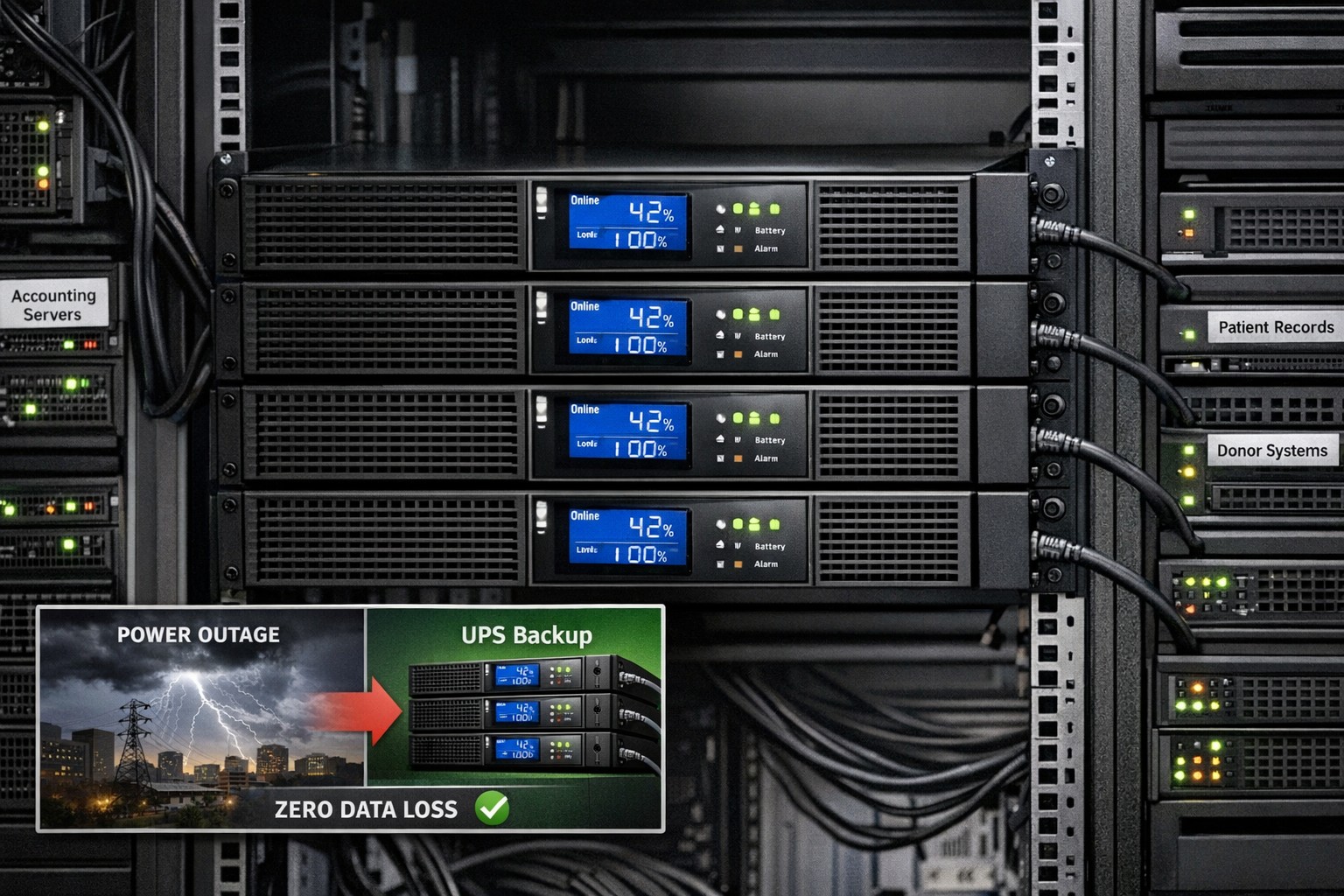
Farmhouse Networking recommends that all business workstations, servers, and networking equipment be protected by an uninterruptible power source aka UPS or battery backup. When the power goes out the right size battery backup will keeps things running for about 15-30 minutes to allow the last touches to be added to whatever was being worked on and things to be shutdown gracefully.
Did you know that malware accounts for 20% of all security incidents?
And that’s just one threat! Your data, no matter how proactive you are from a security standpoint, is constantly vulnerable to a multitude of security threats, the list of which is constantly growing. From ransomware, worms and phishing attacks to human error, your data needs to have a multi-layer defense in place to not only prevent downtime but recover quickly in the event that disaster strikes.
The following are just a few staggering facts about just how vulnerable our systems are to attacks and outages:
• According to Microsoft, the potential cost of cyber-crime to the global community is a $500 billion, and a data breach will cost the average company about $3.8 million!1 • A whopping 1 in 131 emails contain malware2 • 230,000 new malware samples are produced every day, and that number is projected to continue growing3 • It will take the average business about 197 days to detect a breach on their network4
And God will generously provide all you need. Then you will always have everything you need and plenty left over to share with others. As the Scriptures say,
“They share freely and give generously to the poor. Their good deeds will be remembered forever.”
For God is the one who provides seed for the farmer and then bread to eat. In the same way, he will provide and increase your resources and then produce a great harvest of generosity in you. - 2 Corinthians 9:8-10
We use cookies to ensure that we give you the best experience on our website. If you continue to use this site we will assume that you are happy with it.