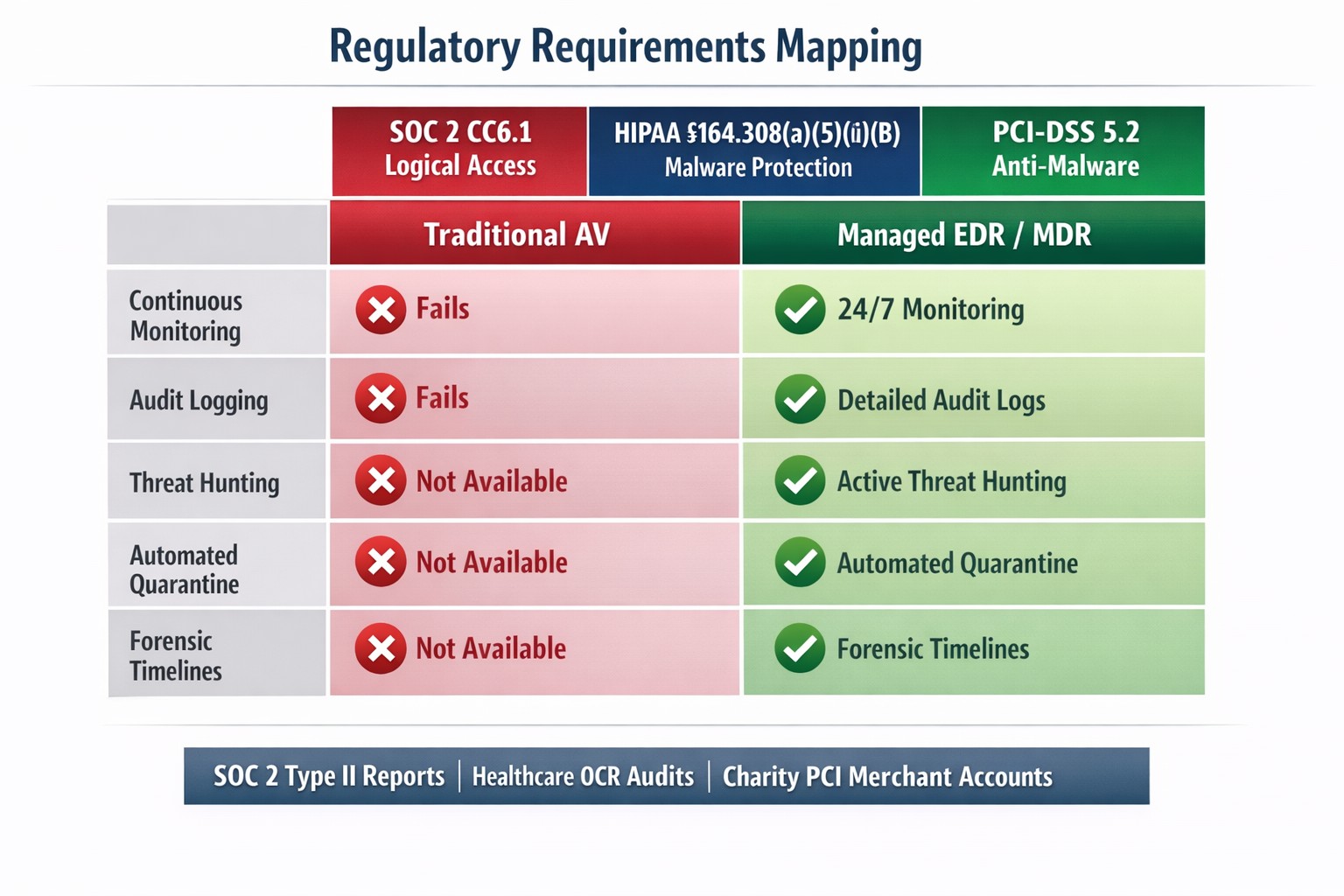
It continues to astound me how many businesses have a free version or home version of antivirus installed on their workstations at the office. There is no central management for the antivirus software to enforce the company security policy creates an infrastructure where each workstation can have a different level of protection or none at all. Leaving security up to the end-user is never a good idea that could easily lead to a virus infection. For those effected by HIPAA or PCI compliance having managed antivirus is a must.
PCI Compliance Regulations
Section 5.1 Deploy anti-virus software on all systems commonly affected by malicious software (particularly personal computers and servers).
Section 5.1.1 Ensure that anti-virus programs are capable of detecting, removing, and protecting against all known types of malicious software.
Section 5.2 Ensure that all anti-virus mechanisms are maintained as follows:
Are kept current,
Perform periodic scans
Generate audit logs which are retained per PCI DSS Requirement 10.7
Section 5.3 Ensure that anti-virus mechanisms are actively running and cannot be disabled or altered by users, unless specifically authorized by management on a case-by-case basis for a limited time period
In order to comply with all of these regulations there is no other choice than to use managed antivirus as it automatically updates, regularly scans and keeps logs in a central place.
HIPAA Compliance Regulations
45 C.F.R § 164.306 (2) Protect against any reasonably anticipated threats or hazards to the security or integrity of such information.
45 C.F.R § 164.308 (a)(5)(ii)(B) Protection from malicious software. Procedures for guarding against, detecting, and reporting malicious software.
These regulations are a bit more cryptic, but they do require antivirus to be installed, fully capable of protection and able to report. The best way to achieve this is to use managed antivirus.
If your company is using standard or free antivirus to protect your business workstations, then contact us for assistance.
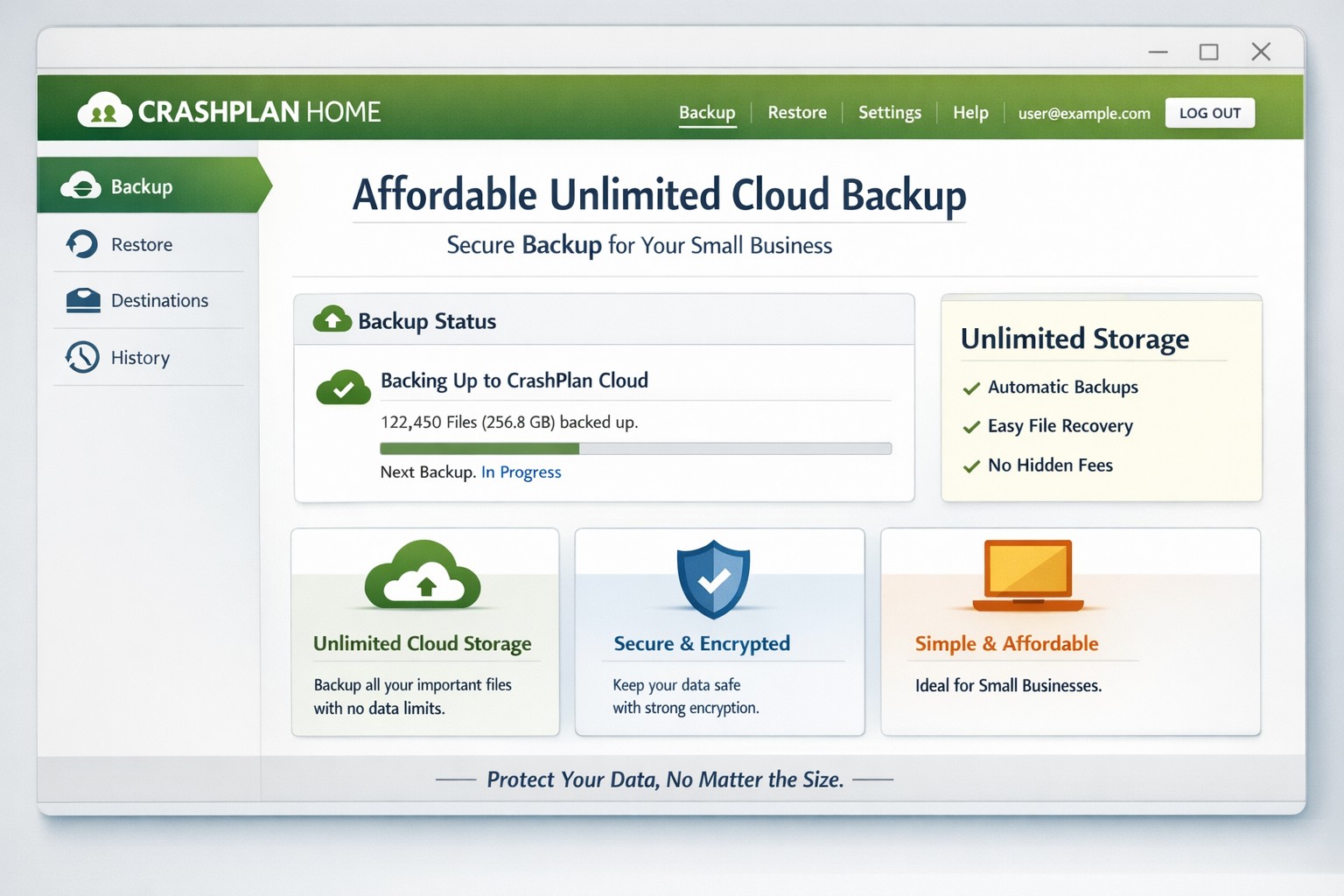
Effective August 22, 2017, Code42 will no longer offer new – or renew – CrashPlan for Home subscriptions, and we will begin to sunset the product over several months. CrashPlan for Home will no longer be available for use starting October 23, 2018.
What alternatives exist?
CrashPlan itself is suggesting that customers move to Carbonite for their personal computer backups. In order to get the same great combination of onsite & offsite backup that CrashPlan users are used to, Farmhouse Networking recommends using Plus package that includes the backup to an external drive. This package is on sale for $25 off the normal yearly cost. Small businesses with only one computer will also find this package to be the most secure way of backing up their important files for the least out-of-pocket costs.
If your business has more than one computer or a server, Farmhouse Networking recommends upgrading to a full business class Backup & Disaster Recovery (BDR) solution with Synology. This provides both the speed of on-site recovery with the resilience of off-site recovery via the cloud. On-site recovery is much simpler with this BDR solution as the device becomes a copy of the main computer or server in the case of failure. This takes recovery time down to minutes instead of days.
If your company is using CrashPlan for backups and are not ready for the move, then contact us for assistance.
And God will generously provide all you need. Then you will always have everything you need and plenty left over to share with others. As the Scriptures say,
“They share freely and give generously to the poor. Their good deeds will be remembered forever.”
For God is the one who provides seed for the farmer and then bread to eat. In the same way, he will provide and increase your resources and then produce a great harvest of generosity in you. - 2 Corinthians 9:8-10
We use cookies to ensure that we give you the best experience on our website. If you continue to use this site we will assume that you are happy with it.