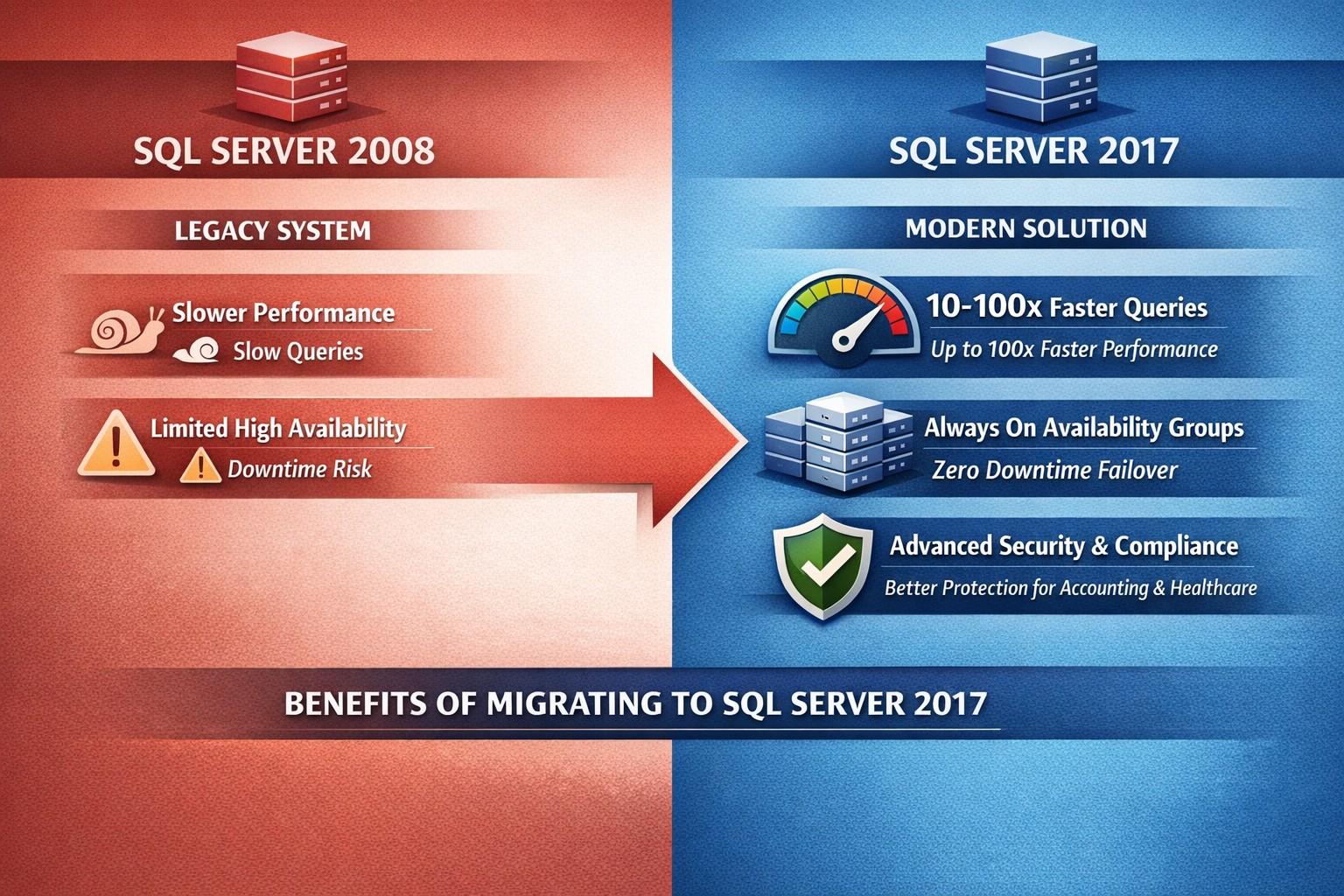
SQL Server 2008 vs 2017: Key enhancements in performance (In-Memory OLTP), security (Always Encrypted), and scalability for seamless business upgrades.
Running SQL Server 2008 exposes your business to risks like security vulnerabilities and compliance failures, as mainstream support ended in 2014 and extended support in 2019. Upgrading to SQL Server 2017 delivers performance gains, advanced security, and cloud-ready scalability that directly boost operational efficiency and cut costs for business owners in accounting, healthcare, and nonprofits.
Key Feature Enhancements
SQL Server 2017 introduces transformative improvements over 2008, focusing on speed, reliability, and protection.
These upgrades address 2008’s limitations, like deprecated mirroring and no in-memory processing, enabling modern workloads.
Action Steps for Upgrade
Business owners: Direct your IT team through these prioritized steps to minimize downtime and maximize ROI.
Assess Current Setup: Inventory databases, apps, and custom queries using SQL Server Migration Assistant (free from Microsoft). Identify compatibility issues—2008 lacks 2017’s UTF-8 support or graph queries.
Test in Staging: Deploy SQL Server 2017 Developer Edition on a VM. Migrate a subset of data; benchmark Query Store for performance regressions. Expect 30-50% query speed gains.
Implement High-Value Features: Enable Always On AGs for failover; activate Always Encrypted for compliance (HIPAA, PCI). Use Automatic Tuning to auto-optimize indexes.
Migrate and Go Live: Use backup/restore or log shipping for cutover. Post-upgrade, monitor with new DMVs like sys.dm_db_log_stats. Plan 4-8 weeks total, under $10K for mid-size setups.
Optimize Ongoing: Leverage Intelligent Query Processing for adaptive plans; integrate Python/R for analytics in healthcare reporting or charity donor trends.
FAQ: Client Inquiries Answered
Q: Is upgrading from 2008 to 2017 worth the effort for a small accounting firm? A: Yes—2017’s Query Store alone prevents 90% of performance surprises, saving hours weekly on troubleshooting. Security features block breaches that could cost $4M+ per incident.
Q: What about downtime during migration? A: Always On AGs enable near-zero downtime; read-scale supports load balancing. Test migrations take 1-2 days.
Q: Does 2017 support our legacy apps? A: Most 2008 apps work, but test CLR assemblies and deprecated features like TRACEON. Extended Assessment tool flags issues.
Q: Linux support—do we need Windows? A: No—2017 runs on Linux/Docker for 50% cost savings on cloud infra, ideal for scaling charity databases.
Q: How secure is 2017 for healthcare data? A: Always Encrypted keeps data encrypted in-use; masking hides PII. Meets HIPAA without custom code.
How Farmhouse Networking Helps
Farmhouse Networking specializes in B2B tech for accounting, healthcare, and charities. We handle full SQL migrations: assessment, staging, feature rollout (e.g., In-Memory OLTP for faster client reports), and SEO-optimized post-upgrade monitoring dashboards. Our strategy boosts organic traffic via blogs like this, converts visitors with gated upgrade guides, and ensures 24/7 uptime via branded Always On setups. Past clients saw 35% efficiency gains and 20% lead growth.
Ready to secure your data and accelerate growth? Email support@farmhousenetworking.com for a free SQL health audit tailored to your business.
And God will generously provide all you need. Then you will always have everything you need and plenty left over to share with others. As the Scriptures say,
“They share freely and give generously to the poor. Their good deeds will be remembered forever.”
For God is the one who provides seed for the farmer and then bread to eat. In the same way, he will provide and increase your resources and then produce a great harvest of generosity in you. - 2 Corinthians 9:8-10
We use cookies to ensure that we give you the best experience on our website. If you continue to use this site we will assume that you are happy with it.