AI-Powered Microsoft 365 & Google Workspace Log Monitoring Now Included Free
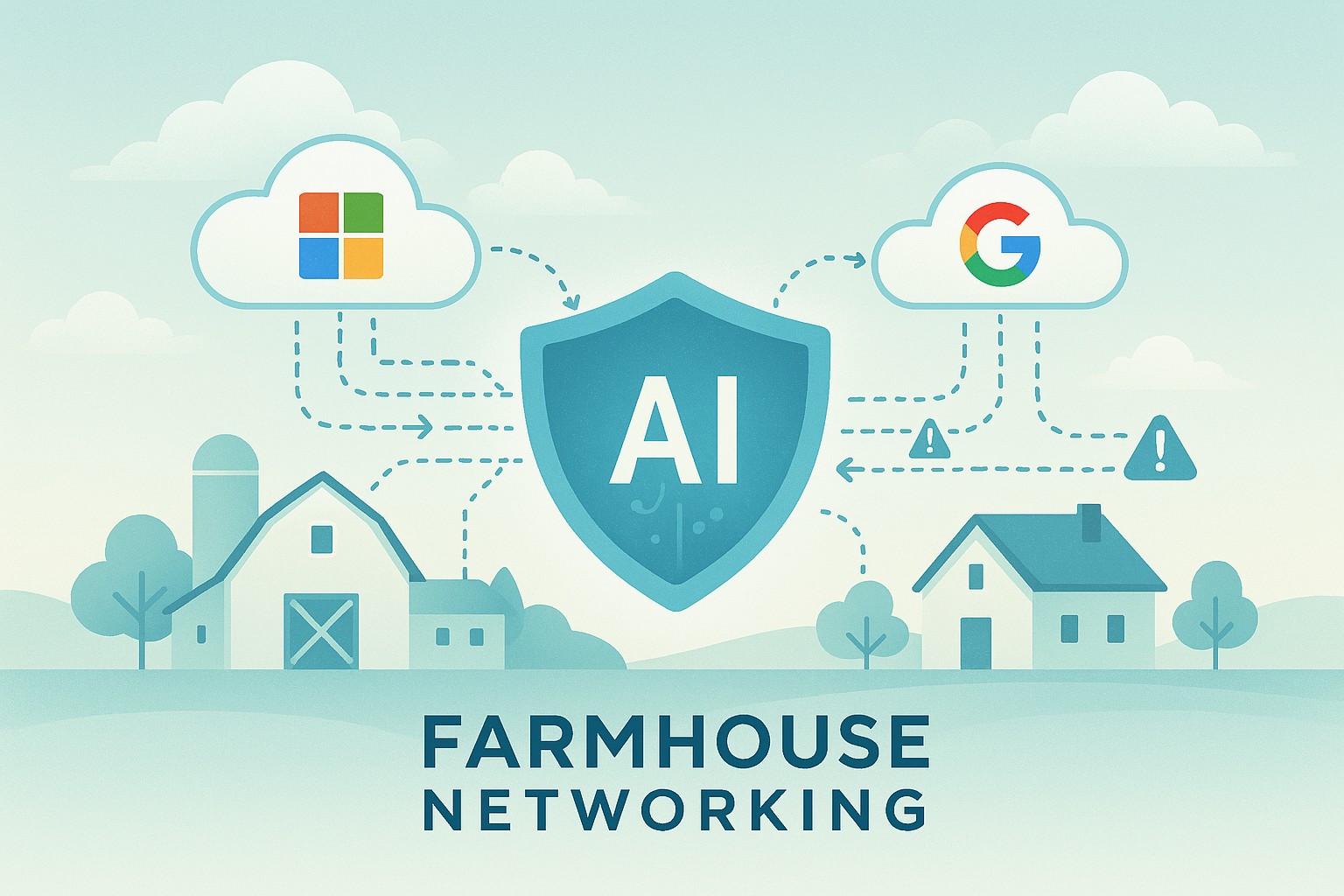
Farmhouse Networking’s managed IT service now includes AI-driven log analysis for SMBs — ensuring proactive cloud security without added cost.
Small and mid-sized businesses today face the same cybersecurity threats as large enterprises — but without the same budget or in-house expertise. That’s why Farmhouse Networking is proud to announce a major upgrade to our managed IT services: AI-driven log triage and alerting for Microsoft 365 and Google Workspace. This enhanced monitoring service is automatically included in every monthly IT services contract — at no additional cost — helping business owners protect their operations, data, and reputation with enterprise-grade intelligence.
Why This Matters for Your Business
Your Microsoft 365 and Google Workspace platforms store your most vital data: emails, documents, and shared communications. Each login, file access, or configuration change generates valuable log data — but few SMBs have time or staff to analyze it.
With AI analysis, Farmhouse Networking automatically scans and prioritizes potential threats like:
Unusual logins or failed login attempts.
Unauthorized access to sensitive files.
Compromised accounts or third-party app activity.
Suspicious data downloads or sharing patterns.
Our system flags concerns in real time and alerts our team so potential incidents are triaged before they escalate into security breaches or downtime.
How AI-Enhanced Log Monitoring Works
Data ingestion: Logs from Microsoft 365 and Google Workspace are securely collected.
AI triage: Advanced machine learning detects patterns of unusual behavior.
Actionable alerts: Our technicians receive intelligent alerts prioritized by severity.
Resolution: We investigate, verify, and act before small issues become big problems.
What sets Farmhouse Networking apart is that this enterprise-grade capability is built into your existing service plan — not an add-on.
Common Questions from Business Owners
Q1: Why should my SMB care about log monitoring? A: Cloud environments record every login and activity. Monitoring those logs can detect attacks, data leaks, or insider misuse early — saving your business from costly security or compliance violations.
Q2: Does this mean I’ll get constant alerts? A: No — our AI filters the noise, so only meaningful alerts reach our support team. You see outcomes, not overwhelm.
Q3: Is my data secure when analyzed? A: Absolutely. We follow strict data handling and encryption standards to ensure privacy at every stage.
Q4: How does this benefit our productivity? A: By catching risks early, we prevent downtime, data loss, and productivity disruption — letting you focus on running your business.
How Farmhouse Networking Helps You Stay Ahead
Your business deserves the same security tools as major corporations — but without excessive cost or complexity. Our AI-assisted log triage gives you proactive protection, increased visibility, and peace of mind.
We handle the technical heavy lifting so you can keep growing.
Email support@farmhousenetworking.com today to learn how we can enhance your IT security strategy and streamline your operations.
Essential network firewall for business setup—safeguard your SMB cybersecurity today.
Cyberattacks hit 43% of SMBs last year—costing time and revenue. A network firewall changes that, acting as your business’s frontline defense. Unlock practical insights to protect operations and grow confidently.
The Power of Network Firewalls for SMBs
Firewalls monitor traffic, blocking malware, hackers, and data leaks at the network edge. Ideal for email servers, cloud apps, and remote work, they provide visibility basic antivirus misses.
SMB breaches average $25,000-$100,000; firewalls reduce risks by 75%.
Hands-On Setup Steps
Guide your IT with this roadmap:
Inventory Assets: List devices, apps; identify weak points.
Choose SMB-Friendly Firewall: Next-Gen Firewalls (NGFWs) like Ubiquiti or Araknis—easy, affordable.
Apply Baseline Rules: Block common exploits; enable web filtering.
Deploy Monitoring: Use alerts and reports for proactive defense.
Common SMB Questions Answered
Q: DIY or professional install? A: DIY for basics; pros for complex setups.
Q: Cloud or on-premise? A: Cloud for scalability; on-premise for control.
Q: Impact on speed? A: Negligible with modern hardware.
Q: Ongoing costs? A: $1,000-$5,000/year, offset by risk reduction.
Let Farmhouse Networking Handle It
We specialize in SMB firewall deployments, from assessment to management—driving secure growth for businesses like yours.
Secure Your Business Future: Enterprise Asset and Software Configuration for Today’s SMBs
A small business owner implements security configuration for business devices and software as part of IT best practices.
Small to mid-sized business owners face the same cyber dangers as Fortune 500 companies. Misconfigurations can open the door to data theft, financial loss, and operational chaos. Secure configuration of every company asset and software is a non-negotiable step in your risk management plan.
Practical Steps for SMBs
Inventory all hardware, mobile devices, and software—no asset is too small to track.
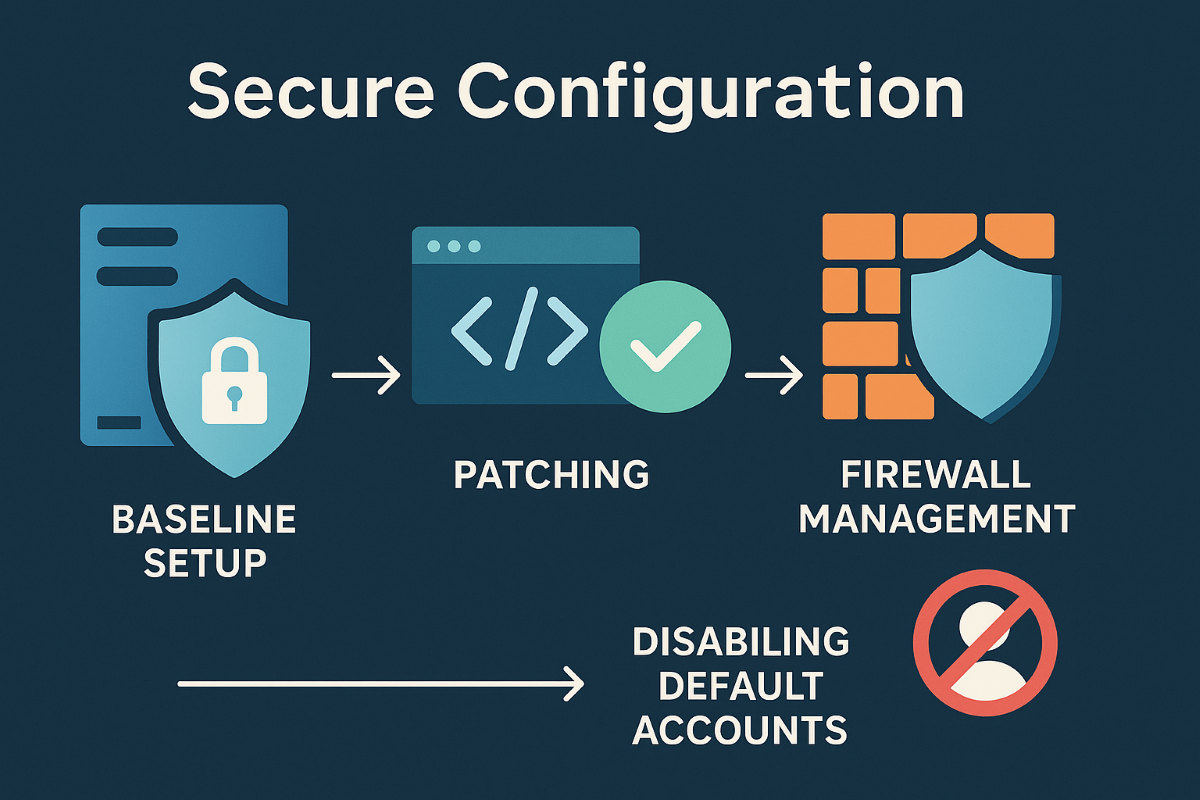
Apply baseline security configurations using global standards, such as CIS Benchmarks and NIST guidelines.
Schedule regular patching and enforce automatic updates.
Limit admin access, enforce strong authentication, and document all configuration changes.
Uninstall anything not needed and disable unused network ports and services.
Encrypt sensitive business data transmissions and use secure protocols for all connections.
Monitor for any changes or vulnerabilities with automated tools.
Client Q&A
Q: Is this overkill? We’re not a bank. A: Basic misconfigurations fuel most breaches, regardless of company size. A secure foundation keeps your doors open and customers confident.
Q: How do I make sure this is all kept up to date? A: Farmhouse Networking offers managed services that maintain and audit your configurations, ensuring nothing slips through the cracks.
How Farmhouse Networking Can Help
Farmhouse Networking is your partner in building, managing, and auditing secure configurations for all your business assets. Trust us to streamline processes, improve productivity, and safeguard data.
Small and medium businesses are frequent cybercrime targets, often due to accidental over-privileging and lack of centralized control. CIS Control 6: Access Control Management empowers SMB owners to safeguard assets, prevent loss, and stay compliant—without upending business operations.
Practical Steps for SMBs
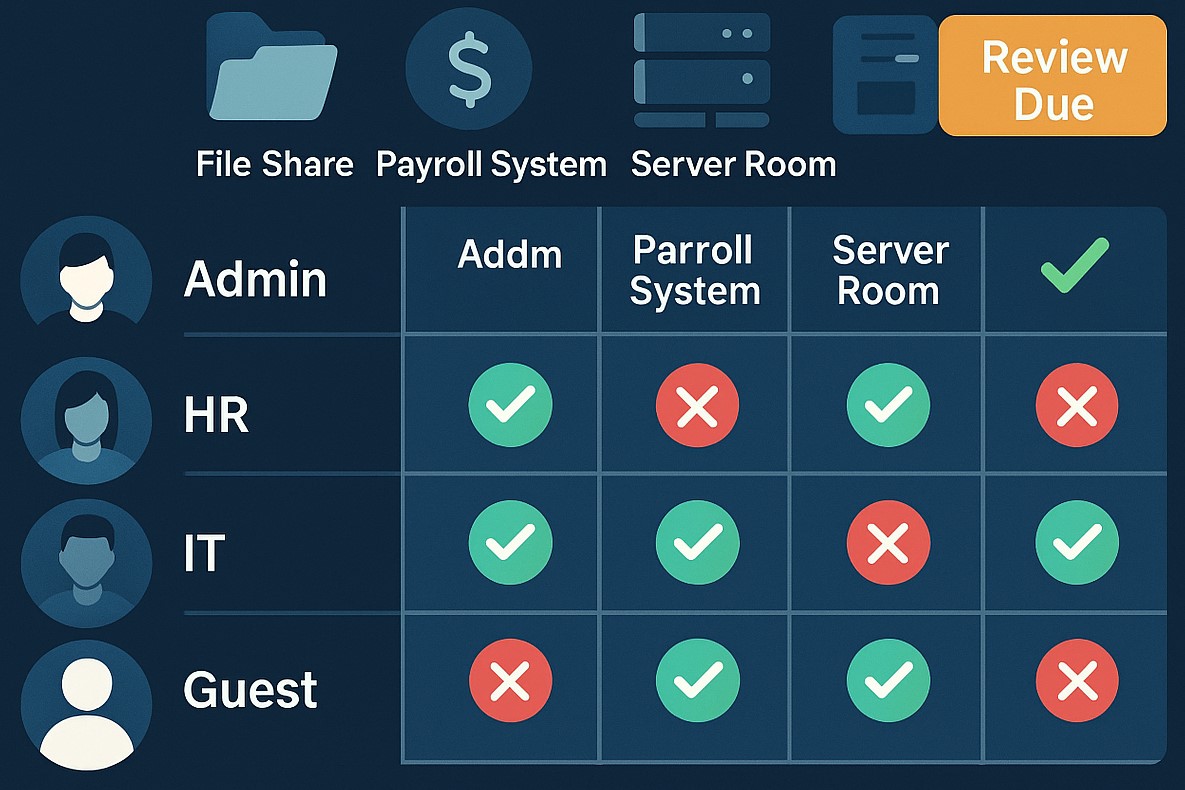
Define, automate, and track who can access what data—prefer automation.
Protect admin accounts and remote access points with MFA.
Keep an inventory of systems and authorization tools; centralize control wherever possible.
Remove unused or dormant accounts quickly.
Map roles to permissions; ensure only current staff have the right access.
Q&A: Client Concerns
Q: I’m worried about costs and complexity. A: CIS framework offers practical, scalable solutions. Automation and role-based policies save time, reduce IT costs, and lower risk.
Q: What’s the real benefit? A: You lower the risk of breaches due to human error, insider threats, or external attackers—protecting your customers and revenue.
Q: Can I do this myself, or should I get help? A: While some controls are DIY, an expert setup ensures no gaps—Farmhouse Networking automates and customizes controls for maximal security and ease.
How Farmhouse Networking Helps
Farmhouse Networking delivers access management strategies proven to reduce security incidents, increase compliance, and make IT teams more efficient. From planning to ongoing monitoring, our experts free up SMB owners to focus on growth.
For a customized access control plan, email support@farmhousenetworking.com and protect your business against today’s digital threats.
Secure your patient data with HIPAA-compliant managed IT: encryption, access controls, and continuous monitoring.
Ensuring the privacy and security of patient information is paramount. The Health Insurance Portability and Accountability Act (HIPAA) sets stringent standards for protecting sensitive patient data. For medical practices, staying compliant with HIPAA regulations can be a daunting task, especially with the increasing complexity of IT systems. This is where a Managed IT Service Provider (MSP) can play a crucial role. In this blog, we’ll explore how partnering with an MSP can help your medical practice remain compliant with HIPAA regulations for data privacy and security.
Understanding HIPAA Compliance
HIPAA compliance involves adhering to a set of rules and regulations designed to safeguard Protected Health Information (PHI). These rules are divided into several key areas:
Privacy Rule: Governs the use and disclosure of PHI.
Security Rule: Establishes standards for protecting electronic PHI (ePHI) through administrative, physical, and technical safeguards.
Breach Notification Rule: Requires covered entities to notify affected individuals, the Secretary of Health and Human Services (HHS), and, in some cases, the media, of a breach of unsecured PHI.
Enforcement Rule: Outlines the penalties for non-compliance and the procedures for investigations and hearings.
The Role of Managed IT in HIPAA Compliance
A Managed IT Service Provider can offer a range of services that help ensure your medical practice remains compliant with HIPAA regulations. Here are some key ways an MSP can assist:
Risk Assessment and Management: HIPAA requires regular risk assessments to identify potential vulnerabilities in your IT systems. An MSP can conduct comprehensive risk assessments to:
Identify and evaluate risks to ePHI.
Implement measures to mitigate identified risks.
Continuously monitor and update risk management strategies.
Data Encryption and Secure Communication: Encrypting ePHI is a critical component of HIPAA compliance. An MSP can implement robust encryption protocols to ensure that data is protected both at rest and in transit. Additionally, they can set up secure communication channels, such as encrypted email, secure messaging platforms, and encrypted file sharing, to protect sensitive information.
Access Control and Authentication: HIPAA mandates strict access controls to ensure that only authorized personnel can access ePHI. An MSP can help by:
Implementing role-based access controls (RBAC).- all users in a group and only specific groups get access to specific things
Setting up multi-factor authentication (MFA) to add an extra layer of security.
Regularly reviewing and updating access permissions.
Backup and Disaster Recovery: Data loss can have severe consequences for HIPAA compliance. An MSP can design and implement a robust backup and disaster recovery plan to ensure that ePHI is regularly backed up and can be quickly restored in the event of data loss or a cyberattack.
Security Awareness Training: Human error is a significant factor in many data breaches. An MSP can provide ongoing security awareness training for your staff to:
Educate them about HIPAA regulations and the importance of data privacy.
Teach best practices for identifying and responding to potential security threats.
Conduct regular phishing simulations to test and improve staff vigilance.
Continuous Monitoring and Incident Response: HIPAA requires continuous monitoring of IT systems to detect and respond to security incidents promptly. An MSP can offer:
24/7 monitoring of your IT infrastructure.
Advanced threat detection and response solutions.
Incident response planning and execution to minimize the impact of security breaches.
Benefits of Partnering with a Managed IT Provider
Partnering with an MSP for HIPAA compliance offers several benefits:
Expertise: MSPs have specialized knowledge and experience in healthcare IT and HIPAA regulations.
Cost-Effectiveness: Outsourcing IT management can be more cost-effective than maintaining an in-house IT team.
Focus on Core Activities: With IT management in the hands of experts, your medical practice can focus on providing quality patient care.
Scalability: MSPs can scale their services to meet the growing needs of your practice.
Ensuring HIPAA compliance is a complex but essential task for any medical practice. By partnering with a Managed IT Service Provider, you can leverage their expertise and resources to safeguard patient data, mitigate risks, and maintain compliance with HIPAA regulations. This not only protects your practice from potential penalties but also builds trust with your patients, knowing their sensitive information is in safe hands. For medical practices looking to navigate the intricacies of HIPAA compliance, a Managed IT Service Provider like Farmhouse Networking can be an invaluable ally in maintaining the highest standards of data privacy and security.
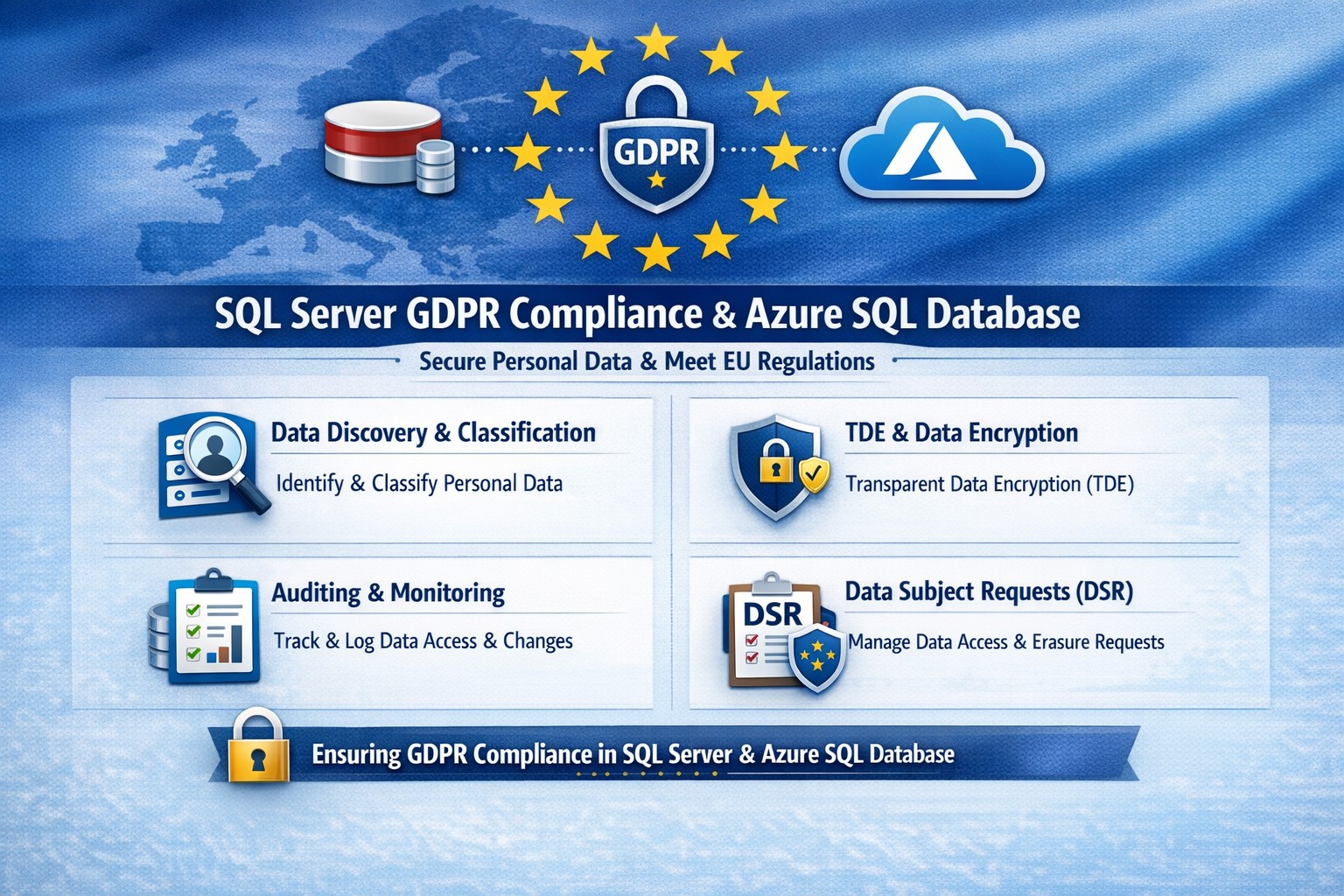
Essential GDPR compliance steps for SQL Server and Azure SQL Database: Classify data, encrypt, audit, and respond to requests.
Non-compliance with GDPR can cost millions in fines—up to 4% of global revenue. Microsoft SQL Server and Azure SQL Database offer built-in tools to secure personal data, but proper setup is essential for businesses handling EU customer info.
Why GDPR Matters for Your SQL Databases
GDPR mandates discovering personal data, controlling access, protecting it, and enabling reporting. SQL Server and Azure SQL Database support this via features like data discovery, encryption, and auditing, reducing compliance risks while maintaining performance.
Microsoft’s four-step framework aligns directly: discover data locations, govern access, strengthen protection, and record activities. This applies to on-premises SQL Server and cloud-based Azure SQL, making hybrid setups viable for growing businesses.
Practical Action Steps for Compliance
Follow these steps with your IT team to achieve GDPR readiness.
Discover Personal Data: Use SQL Server Data Discovery & Classification (right-click database > Tasks > Classify Data). Scan columns for PII like names, emails, or health info; label sensitivity (e.g., Confidential-GDPR).
Govern Access: Enable Azure AD authentication over SQL logins. Configure row-level security (RLS) and firewall rules to enforce least privilege. Limit IT staff to role-based access.
Strengthen Protection: Turn on Transparent Data Encryption (TDE), Always Encrypted for sensitive columns, and Dynamic Data Masking (DDM) to hide PII from non-privileged users. Encrypt backups with long-term retention policies.
Monitor and Report: Activate SQL Auditing and Advanced Threat Protection for logs on access, changes, and threats. Set email alerts for breaches. Handle Data Subject Requests (DSR) like “right to be forgotten” via built-in tools for discover, access, rectify, and delete.
Test quarterly: Simulate DSRs and review audit logs to ensure 72-hour breach notifications per GDPR Article 33.
FAQ: Client Questions Answered
Q: Does Azure SQL automatically make us GDPR compliant? A: No—features like auditing and encryption help, but you must configure them and conduct gap analysis. GDPR requires organizational processes beyond tech.
Q: How do we handle PII in backups or audit logs? A: Encrypt backups; purge PII from long-term storage on DSRs. Audit logs may capture PII—treat as scoped under GDPR, deleting on request unless legally retained.
Q: What’s the difference for SQL Server vs. Azure SQL? A: Both offer core tools (e.g., classification, TDE), but Azure adds managed services like auto-threat detection and easier scaling. Hybrid works via Azure Arc.
Q: How long to respond to data access requests? A: One month max; use SQL tools for quick exports. Non-compliance risks supervisory fines.
How Farmhouse Networking Helps
Farmhouse Networking specializes in B2B tech for accounting, healthcare, and nonprofits—industries heavy on regulated data. We audit your SQL Server/Azure SQL setups, implement classification/encryption, and automate DSR workflows to cut compliance time by 50%.
Our team handles gap analysis, custom policies, and ongoing monitoring, integrating with your CRM/ERP for seamless ops. We’ve helped similar clients avoid audits while boosting data-driven growth.
Protect your remote workforce with managed cybersecurity solutions from Farmhouse Networking.
Remote work isn’t a trend anymore—it’s the new normal. As business owners embrace flexibility for their teams, the question isn’t whether remote work is here to stay, but how to keep it secure. Every remote connection, off-site login, and cloud app increases your organization’s exposure to cyber threats. Yet with a strategic approach and the right IT partner, you can maintain both productivity and peace of mind.
Let’s explore practical steps to safeguard your remote workforce and keep your company’s data protected—no matter where your employees log in from.
Step 1: Strengthen Endpoint Security
Your employees’ laptops, tablets, and smartphones are the front lines of your cybersecurity defense.
Implement device management policies: Require company-issued or managed devices only, using mobile device management (MDM) tools to enforce security settings and lock or wipe lost devices.
Apply regular updates: Patch management ensures operating systems and applications stay current against known vulnerabilities.
Use advanced antivirus and EDR: Endpoint Detection and Response (EDR) continually monitors and analyzes device activity, identifying suspicious behavior early.
Strong endpoint protection helps you prevent compromised devices from becoming entry points into your network.
Step 2: Establish Secure Remote Access
Allowing remote access shouldn’t mean leaving your digital doors wide open.
Deploy a VPN (Virtual Private Network): Encrypt employee connections to your office network and cloud services.
Shift to Zero Trust Network Access (ZTNA): Adopt a “never trust, always verify” model that authenticates users and devices each time they connect.
Use multi-factor authentication (MFA): Combine passwords with a second factor, like a mobile app code or biometric scan, to block unauthorized access.
These technologies work together to create secure pathways for remote workers without slowing them down.
Step 3: Protect Your Cloud and Collaboration Tools
Cloud storage and file-sharing apps make remote work seamless—but they’re also favorite targets for cybercriminals.
Limit access privileges: Give users only the data and systems access they need for their jobs.
Monitor suspicious activity: Use automated alerts for unauthorized downloads, logins from unfamiliar locations, or mass file deletions.
Encrypt cloud data: Apply encryption at rest (while stored) and in transit (while shared).
By managing permissions and encryption settings properly, you ensure your remote team collaborates safely.
Step 4: Train Your Employees to Recognize Threats
Technology can’t protect your business alone—your people are your first defense.
Phishing simulation tests: Help employees identify deceptive emails before they click.
Ongoing security awareness training: Regular, engaging sessions keep cybersecurity top of mind.
Clear incident reporting process: Make sure staff know exactly how to report suspicious emails or activity.
Even the strongest firewall can’t fix a careless click. Empowered employees dramatically lower your exposure to ransomware and data breaches.
Step 5: Backups and Business Continuity
When (not if) something goes wrong, recovery speed determines your resilience.
Automated, off-site backups: Back up critical company data daily to secure cloud storage or a managed backup solution.
Test your recovery protocols: Periodic testing ensures recovery procedures actually work when needed.
Create a disaster recovery plan: Define roles, responsibilities, and communication plans for emergencies.
Regular backups not only protect your business from cyberattacks but also from system failures, accidental deletion, or natural disasters.
Common Questions from Business Owners
Q: How can I ensure my remote workers’ home networks are secure? A: Require strong, unique Wi-Fi passwords and WPA3 encryption. Encourage employees to separate personal and work devices on different Wi-Fi networks where possible.
Q: Aren’t remote security tools expensive? A: Not necessarily. Many solutions scale by user count, making them affordable for small to medium-sized businesses. Cloud-based management and outsourced IT services can reduce operational overhead.
Q: What’s the biggest cybersecurity risk for remote businesses? A: Human error remains number one—especially phishing attacks and weak passwords. That’s why employee training and MFA are critical foundations of your remote work security strategy.
How Farmhouse Networking Helps Strengthen Remote Security
At Farmhouse Networking, we help businesses across Oregon and beyond embrace remote work securely. Our team provides managed IT services, network monitoring, cybersecurity management, and employee training tailored to your business goals.
Here’s how we can help you stay secure while working remotely:
Comprehensive network and endpoint protection designed to prevent unauthorized access.
24/7 monitoring and response to detect threats in real time.
Cloud security audits to ensure collaboration tools meet compliance and security standards.
Custom remote work security plans aligned with your IT budget and risk profile.
We work closely with your internal IT staff or serve as your outsourced department—helping you focus on running your business, not worrying about cyber risks.
Take the Next Step Toward Secure Remote Work
Remote work can be safe, scalable, and sustainable—with the right security foundation. Whether you’re building your first remote team or managing a hybrid workforce, Farmhouse Networking has the expertise to protect your people, devices, and data.
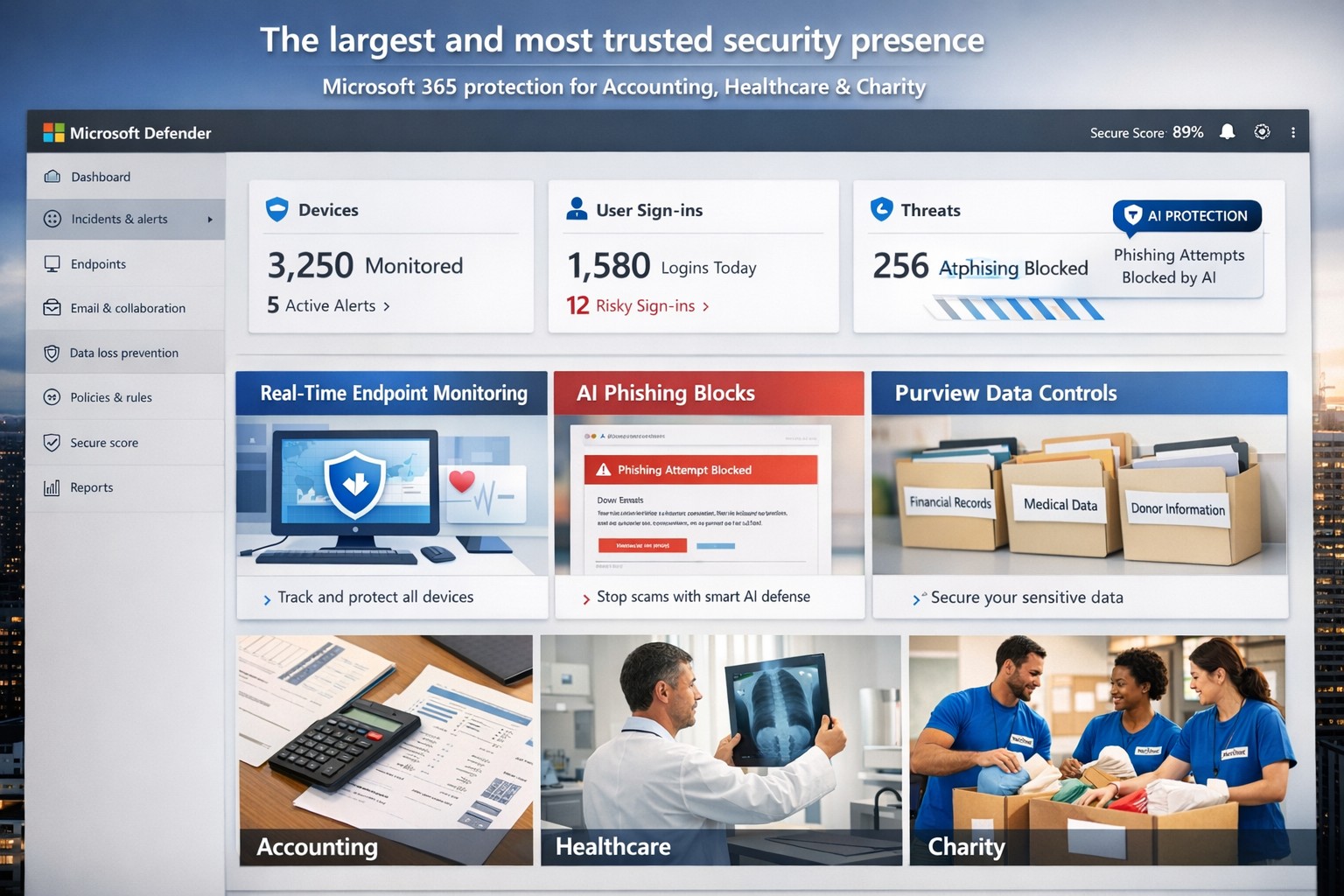
Microsoft’s AI-driven security suite—largest global presence, top-rated for business threat detection and compliance.
Cyber threats like ransomware and phishing can cripple operations overnight. Microsoft delivers the largest, most trusted security ecosystem, leveraging AI-powered tools and enterprise-grade protection tailored for small to mid-sized firms.
Microsoft’s Security Dominance
Microsoft secures over 400,000 organizations globally with solutions like Microsoft 365 Business Premium and Defender for Business, protecting up to 300 users across devices. These tools block AI-driven phishing, ransomware, and data leaks using real-time threat intelligence from billions of signals daily. Independent tests from AV-TEST and MITRE consistently rank Microsoft Defender highest for detection and response.
Key strengths include:
Endpoint protection for Windows, macOS, iOS, Android.
Identity safeguards via Microsoft Entra ID with multifactor authentication.
Data loss prevention through Microsoft Purview for sensitive files and emails.
Practical Action Steps
Implement Microsoft’s security in phases with your IT team for quick wins.
Assess Current Risks: Use Microsoft Defender’s vulnerability scanner in the Microsoft 365 admin center to identify weak devices and unpatched software—takes under 30 minutes.
Deploy Microsoft 365 Business Premium: Purchase via the Microsoft 365 portal ($22/user/month), enable AI anti-phishing, and apply device policies via Intune for remote wipe on lost devices.
Onboard Defender for Business: Run the wizard-based setup for endpoint detection/response (EDR); configure auto-remediation for threats. Supports up to 5 devices/user.
Enable Purview Data Controls: Set sensitivity labels on emails/files and activate insider-risk detection to flag anomalous behavior.
Train Staff Monthly: Use built-in phishing simulations and security reports to enforce compliance—review summaries in the Defender portal.
These steps reduce breach risk by 50% within 90 days, per Microsoft data.
FAQs for Business Owners
How does Microsoft compare to competitors like CrowdStrike? Microsoft integrates natively with your existing Microsoft stack (Outlook, Teams), offering broader coverage at lower cost—no extra agents needed. It excels in XDR across endpoints, email, and identity.
Is it scalable for growing firms? Yes, starts at 300 users but upgrades seamlessly to enterprise plans like Defender XDR, handling unlimited scale with unified management.
What about compliance (e.g., HIPAA for healthcare)? Purview provides audit-ready tools for data lifecycle, encryption, and retention—meets GDPR, HIPAA, SOC 2 standards out-of-box.
How secure is it against zero-day attacks? AI models from Microsoft’s vast telemetry predict and block novel threats; EDR auto-disrupts attacks pre-escalation.
What’s the setup time and cost? Wizard onboarding: 1-2 hours. Pricing: $3/user/month standalone Defender or bundled in Business Premium. No upfront hardware.
How Farmhouse Networking Helps
Farmhouse Networking specializes in deploying Microsoft security for accounting, healthcare, and charity sectors—industries facing strict compliance and high-stakes data risks. We handle full implementation: gap analysis, custom Intune policies, Purview configurations, and ongoing monitoring via our managed SecOps service. Our clients see 40% faster threat response and zero downtime breaches. As your partner, we optimize for SEO-driven lead gen too—securing your site while boosting organic traffic on terms like “Microsoft Defender for business security.”
Ready to fortify your business? Email support@farmhousenetworking.com for a free security audit and personalized Microsoft roadmap. Act now—threats don’t wait.
Microsoft 365 dashboard showing data protection across apps, devices, and endpoints—encrypt, prevent loss, stay compliant.
A single data breach can cost millions in losses, legal fees, and lost trust. Microsoft 365 provides robust, built-in tools to protect your company data across Exchange, Teams, OneDrive, SharePoint, and endpoints, ensuring security without disrupting productivity.
Key Microsoft 365 Protection Features
Microsoft 365 employs a defense-in-depth approach with encryption at rest and in transit using AES-256 standards, safeguarding data in cloud storage and during transfers. Data Loss Prevention (DLP) scans for sensitive info like financial data or PII across apps, blocking unauthorized shares in real-time. Additional layers include Microsoft Defender for phishing/malware defense, Azure AD for identity protection with MFA, and Purview for compliance labeling.
Practical Action Steps
Follow these steps with your IT team to implement protection quickly.
Enable Multi-Factor Authentication (MFA): In the Microsoft 365 admin center, go to Security > Authentication methods. Roll out to admins first, then all users—MFA blocks 99.9% of account compromises.
Configure DLP Policies: Navigate to Microsoft Purview > Data loss prevention. Create policies for sensitive data types (e.g., credit cards, health records) across Exchange, Teams, and OneDrive; test in audit mode before blocking.
Set Up Encryption and Labeling: Use Azure Information Protection to label files/emails as “Confidential.” Enable at-rest encryption (default) and transport rules for outbound emails.
Deploy Endpoint Protection: Integrate Microsoft Intune for device compliance—enforce policies like secure boot and BitLocker. Run Secure Score in the admin center to prioritize fixes.
Conduct Audits and Training: Review Unified Audit Logs weekly via Purview. Launch phishing simulations with Defender and train staff quarterly on recognizing threats.
Backup Critical Data: Supplement with retention policies, but add third-party backups for Teams/OneDrive as Microsoft retention isn’t full recovery.
These steps take 1-2 weeks for a small team and scale with business growth.
FAQ: Client Inquiries Answered
How does Microsoft 365 protect data on employee mobile devices? Intune manages apps/devices with conditional access, ensuring only compliant devices access data; it enforces encryption and remote wipe if lost.
Is DLP enough for healthcare/accounting compliance? Yes for HIPAA/GDPR basics via predefined templates, but customize policies and audit logs for audits; pair with insider risk tools in Purview.
What if we have hybrid/on-prem systems? Microsoft 365 integrates via Azure AD Connect for unified identity/security; extend DLP to on-prem Exchange with hybrid agents.
How much does advanced security cost? Core features are in E3/E5 plans; Defender/Advanced Threat Protection requires E5 or add-ons (~$5-12/user/month).
Can we recover deleted data? OneDrive/SharePoint offer 93-day retention; eDiscovery holds data longer. Full backups recommended beyond defaults.
How Farmhouse Networking Helps
Farmhouse Networking specializes in Microsoft 365 security for accounting, healthcare, and charity sectors, driving organic traffic via SEO-optimized blogs while converting visitors to B2B clients. We handle full implementation: assessing your Secure Score, deploying DLP/Intune, training staff, and optimizing branding/SEO for lead gen. Our custom strategies ensure compliance (e.g., HIPAA for healthcare), reduce breach risks by 80%+, and boost customer experience with zero-downtime setups. Past clients saw 40% traffic growth from secure, branded sites.
Ready to protect your data? Email support@farmhousenetworking.com for a free Microsoft 365 security audit and personalized strategy.
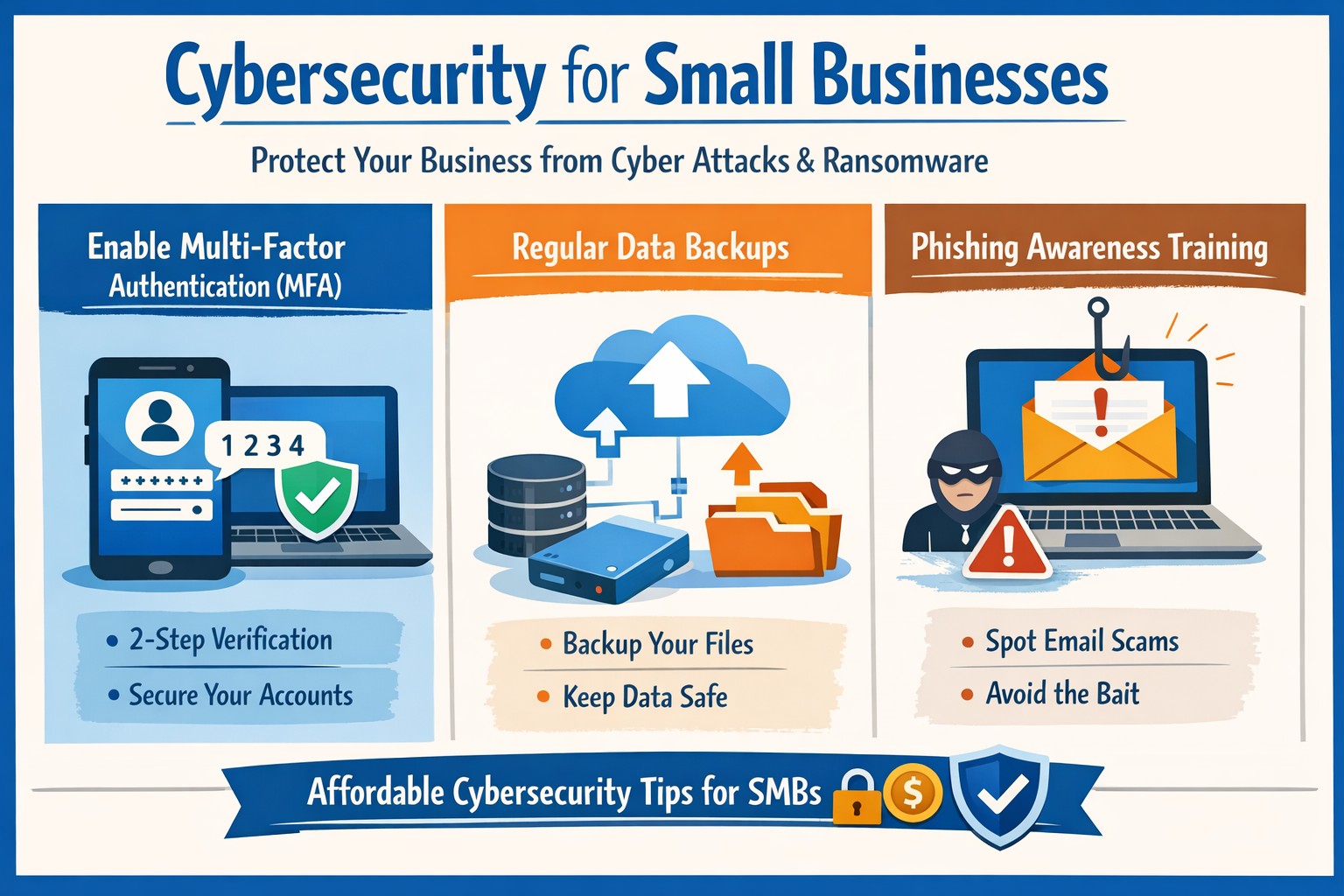
Essential cybersecurity for small businesses—lock down your operations with our proven guide to MFA, backups, and threat prevention
A single cyber breach could wipe out years of hard work—lost data, stolen funds, or regulatory fines that small operations can’t absorb. Recent stats show 43% of cyberattacks target small businesses, with average recovery costs exceeding $25,000. This guide delivers practical steps to secure your operations, answer common concerns, and position your business for growth.
Why Small Businesses Need Cybersecurity Now
Small businesses face unique risks: limited budgets mean weaker defenses, and owners often juggle IT duties without expertise. Cybercriminals exploit this—phishing, ransomware, and weak passwords account for 80% of breaches. Proactive cybersecurity isn’t optional; it’s essential for protecting customer trust, complying with laws like HIPAA or PCI-DSS, and avoiding downtime that kills revenue. Implementing basics now prevents 95% of common attacks.
Practical Action Steps for Owners and IT Teams
Follow these prioritized steps to build a robust defense. Owners oversee policy and budget; IT executes technical controls.
Conduct a Risk Assessment: Inventory all devices, apps, and data flows. Identify crown jewels (customer records, financials). Use free NIST frameworks to score vulnerabilities—takes 1-2 days. Reassess quarterly.
Enforce Multi-Factor Authentication (MFA): Activate MFA on email, cloud apps (e.g., Google Workspace, QuickBooks), and VPNs. Blocks 99% of account takeover attempts. Roll out via group policy; train staff in 30 minutes.
Secure Endpoints and Networks: Install endpoint detection (e.g., Microsoft Defender or CrowdStrike Falcon for SMBs). Set up firewalls, segment networks (guest Wi-Fi separate from core systems), and patch software monthly—automate via WSUS or Intune.
Backup Religiously: Adopt 3-2-1 rule: 3 copies, 2 media types, 1 offsite (cloud like Backblaze). Test restores quarterly. Ransomware can’t win without backups.
Train Your Team: Run phishing simulations monthly (e.g., KnowBe4 free tier). Cover password hygiene (16+ characters, no reuse) and social engineering. Owners lead by example.
Monitor and Respond: Deploy SIEM lite (e.g., Splunk Cloud free tier) or managed detection. Document incidents in a playbook for quick isolation.
Budget tip: Start under $500/month with open-source tools like pfSense firewall and ClamAV antivirus, scaling to pro services as revenue grows.
FAQ: Client Questions Answered
Q: How much does cybersecurity cost for a 10-person business? A: Basic setup runs $50-200/user/year (software + training). Managed services add $100-300/user/month. ROI hits via breach avoidance—downtime alone costs $8,000/hour for small firms.
Q: What if we don’t store sensitive data? A: Attackers use you as a gateway to suppliers/partners. One compromised vendor email can cascade. Even basic ops need protection.
Q: How do I know if we’re compliant? A: Map to frameworks like CIS Controls (free). For payments, PCI scan quarterly via tools like Qualys. Document everything for audits.
Q: Ransomware hit—now what? A: Isolate infected systems, restore from backups, notify authorities if data breached. Don’t pay—fuels crime. Engage experts within 24 hours.
Q: Is cloud safer than on-prem? A: Cloud providers (AWS, Azure) offer enterprise-grade security if configured right (e.g., IAM roles, encryption). Misconfigs cause 80% of cloud breaches—audit permissions monthly.
How Farmhouse Networking Elevates Your Security
Farmhouse Networking specializes in tailored cybersecurity for small businesses in accounting, healthcare, and nonprofits—industries we know inside out. We handle assessments, deployments, and 24/7 monitoring so you focus on growth.
Our approach:
Custom audits pinpoint gaps missed by generic tools.
Managed services include proactive threat hunting and compliance reporting (HIPAA, SOC 2 ready).
SEO-optimized client portals deliver real-time dashboards, building trust that converts leads.
We’ve helped Oregon firms cut breach risk by 90% while boosting uptime 99.9%. No jargon—just results.
Take Control Today
Don’t wait for a breach to act. Email support@farmhousenetworking.com for a free risk assessment and custom roadmap. Secure your business legacy now.
And God will generously provide all you need. Then you will always have everything you need and plenty left over to share with others. As the Scriptures say,
“They share freely and give generously to the poor. Their good deeds will be remembered forever.”
For God is the one who provides seed for the farmer and then bread to eat. In the same way, he will provide and increase your resources and then produce a great harvest of generosity in you. - 2 Corinthians 9:8-10
We use cookies to ensure that we give you the best experience on our website. If you continue to use this site we will assume that you are happy with it.