Small business leaders should review AI assistant security settings with their IT team to protect customer data and reduce cybersecurity risks.
Every department in your company is experimenting with AI assistants for drafting emails, analyzing documents, and answering questions—but mis‑sharing data with these tools is rapidly becoming a top cybersecurity concern. As the business owner, you need AI productivity without turning your data into the next breach headline.
Key security risks with online AI assistants
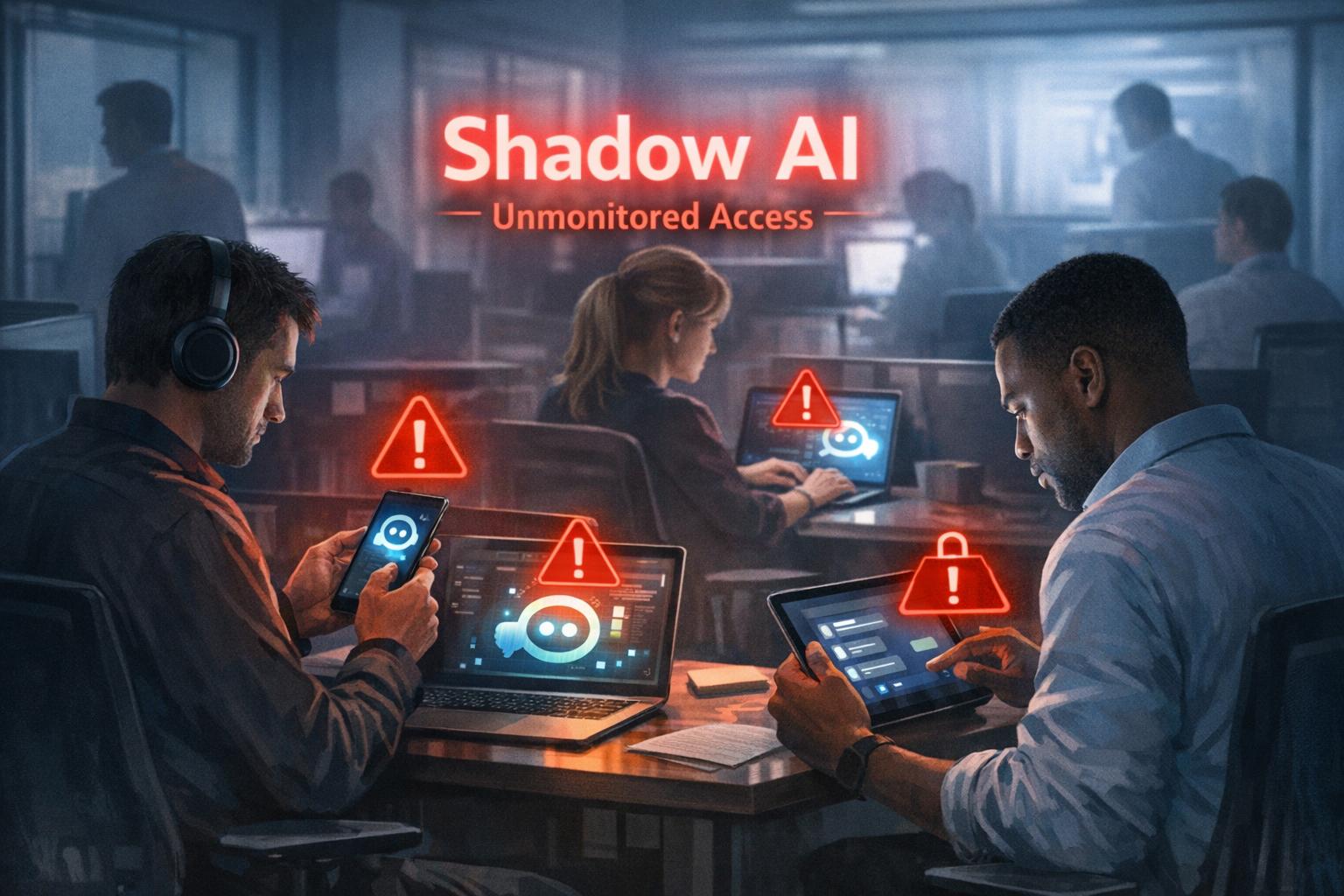
Employees paste sensitive data (contracts, passwords, customer lists, financials) into public AI tools, creating uncontrolled copies outside your security perimeter.
AI agents that connect to email, CRM, and file shares can over‑index data and ignore internal permissions, exposing information to users who should not see it.
Shadow AI—unapproved tools adopted by teams—means no vendor vetting, no logging, and no consistent security controls.
Mis‑configured orchestration and weak authentication give attackers new ways to abuse AI agents to access systems and data.
Action plan for you and your IT team
Define an AI usage policy
Specify what data is never allowed in public AI (customer PII, financials, credentials, trade secrets).
List approved AI tools, who may use them, and for what business cases, and require IT review for any new AI platform.
Harden AI tools technically
Enforce single sign‑on, multifactor authentication, and role‑based access to AI assistants tied to your identity platform.
Configure least‑privilege access to email, CRM, and file systems and enable audit logging for AI actions and data access.
Monitor, train, and prepare for incidents
Monitor for unsanctioned AI usage and phase in secure alternatives.
Train staff on safe prompting habits: strip identifiers, avoid secrets, and use internal assistants where possible.
Update your incident‑response plan to include AI mis‑sharing, compromised AI accounts, and vendor‑side issues.
How to answer customer questions
“Are you putting our data into ChatGPT?”
“We only use AI within secure, approved platforms, and we prohibit staff from pasting your identifiable information into public AI tools.”
“Could your AI assistant leak our information?”
“We enforce strict access controls, logging, and vendor security requirements to prevent unauthorized access or cross‑customer exposure.”
“What happens if something goes wrong?”
“We have a defined response plan that includes containment, investigation, and transparent communication if an AI‑related incident affects your data.”
How Farmhouse Networking can help SMBs
Farmhouse Networking can assess where AI is already in use across your environment, identify the highest‑risk workflows, and recommend safer, governed alternatives. We help you implement secure AI architectures, policies, and training so your team can adopt AI confidently while keeping customer data, intellectual property, and compliance obligations under control.
Email support@farmhousenetworking.com for more information about how Farmhouse Networking can help improve your business and secure AI use.
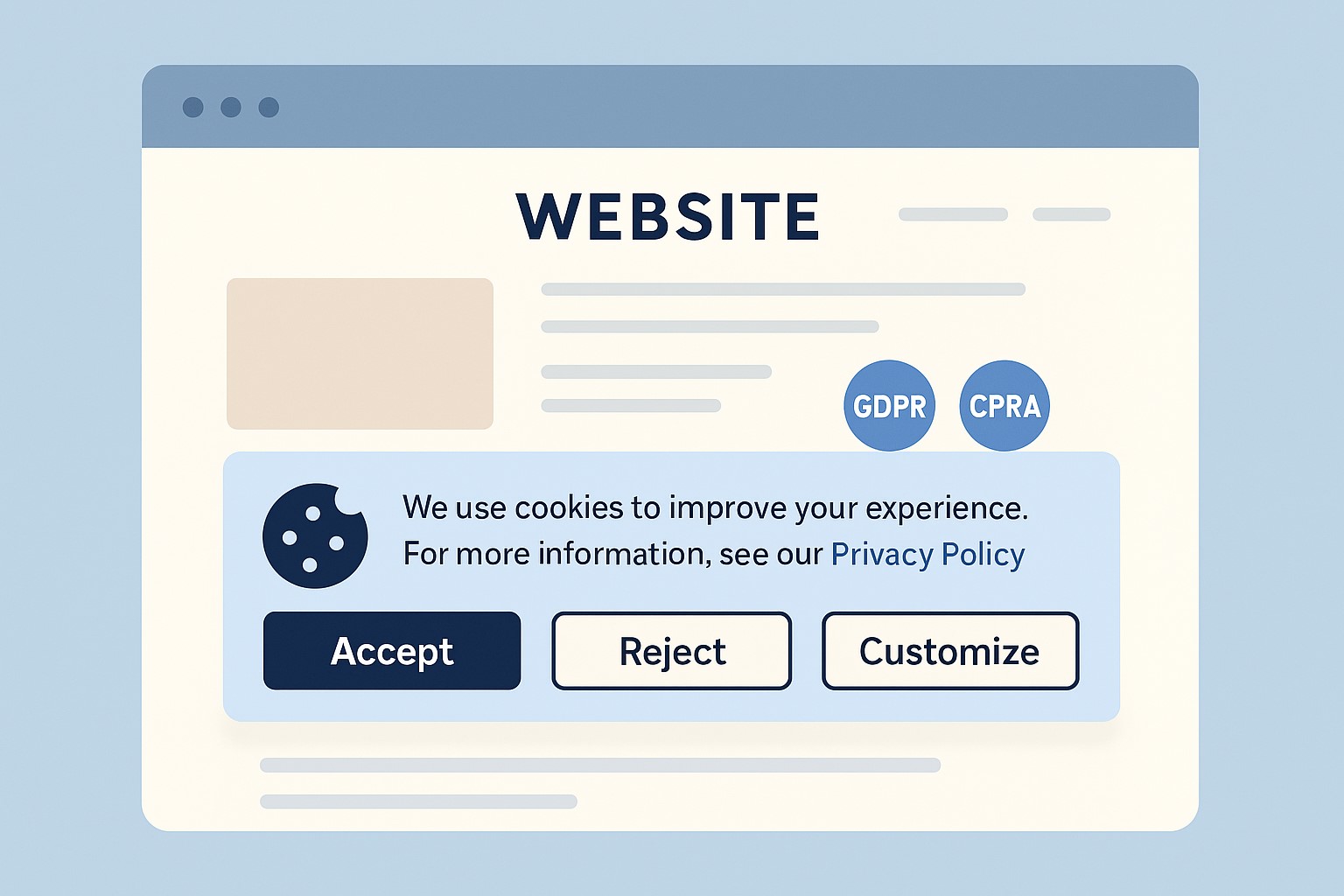
Small business owner collaborating with IT support to update the company’s website privacy policy ahead of the February 16, 2026 HIPAA privacy changes.
If you own a small or mid‑sized business, you are already feeling the pressure from changing privacy expectations, high‑profile breaches, and new regulations worldwide. The February 16, 2026 HIPAA deadline for updated Notices of Privacy Practices is a reminder that regulators are steadily raising the bar on transparency and data protection across all sectors, not just healthcare.
Why Your Website Needs a Privacy Policy
Modern privacy regimes like GDPR and CCPA require businesses that collect personal data online to publish a clear privacy policy explaining what data they collect, why, and how users can exercise their rights.
Many small businesses underestimate how much data they collect—contact forms, job applications, newsletter sign‑ups, and analytics all capture personal information.
Without a clear policy, you risk lawsuits, regulatory fines, and lost customer trust if your data practices are challenged.
Practical Actions for You and Your IT Team
For the business owner:
Catalog the types of data you collect from customers, prospects, and employees through your website and internal systems.
Engage legal or privacy expertise to draft or update a privacy policy that matches your actual practices and covers all relevant jurisdictions you serve.
Decide how privacy ties into your broader brand promise—positioning your business as transparent and trustworthy in how it handles data.
For your IT team or provider:
Publish a prominent “Privacy Policy” link on every page of your site (typically in the footer) and ensure it is mobile‑friendly and easy to read.
Align technical controls—encryption, access management, logging, and data retention—with the commitments your privacy policy makes.
Review third‑party tools (chat widgets, trackers, analytics, CRMs, marketing automation) and make sure their data use is reflected accurately in your policy.
Questions Customers Are Likely to Ask
“What information do you collect when I contact you or buy from you?”
Your privacy policy should list the categories of data collected (identifiers, payment info, browsing data, etc.) in plain language.
“Do you sell or share my information with other companies?”
Your policy should clearly state whether you sell or share personal data, and how customers can opt out where required.
“How do I request a copy of my data or ask you to delete it?”
Users from certain jurisdictions have clear access and deletion rights, which your policy must describe along with contact methods.
How Farmhouse Networking Helps SMB Owners
Farmhouse Networking partners with small and mid‑sized businesses to turn privacy from a risk into a competitive advantage. We can map your data flows, implement secure infrastructure and website configurations, coordinate with your legal advisors, and ensure that your published privacy policy is accurate, technically enforced, and easy for customers to understand.
If you want your business to be ready for evolving privacy expectations—and to earn more trust from every website visitor—email support@farmhousenetworking.com for more information about how Farmhouse Networking can help improve your business.
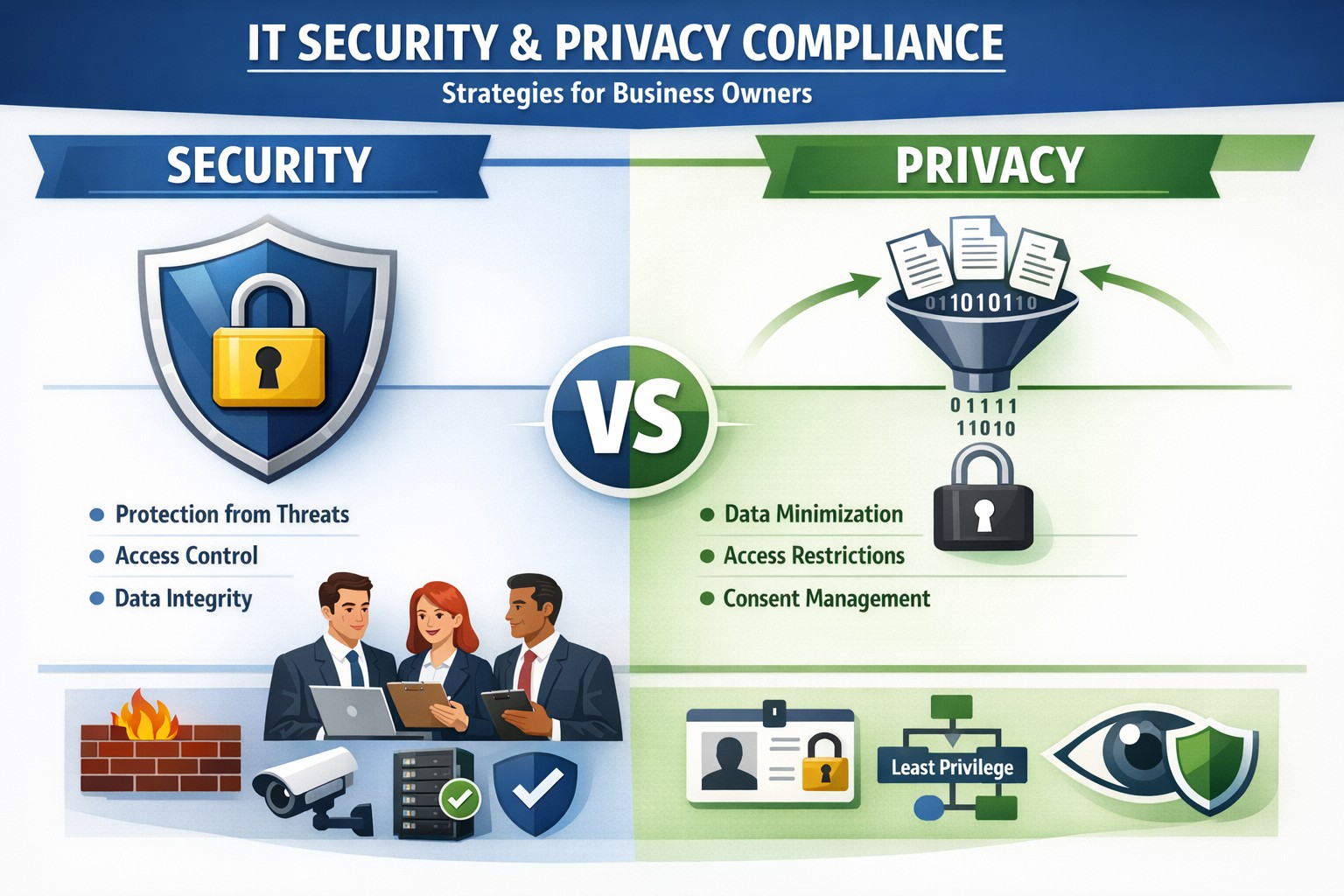
Security locks down access; privacy controls usage—both essential for business data protection.
Many business owners assume that if their data is secure, it’s also private. Unfortunately, that assumption is both costly and dangerous. Security is not privacy—and understanding the difference could mean the survival of your business in an age of relentless breaches, compliance audits, and customer scrutiny.
Security vs. Privacy: What’s the Difference?
Let’s break this down in plain terms:
Security is about protecting data from unauthorized access, theft, or damage. It involves firewalls, encryption, antivirus systems, and strict access control.
Privacy, on the other hand, is about controlling how data is used, shared, or sold—even if it’s technically “secure.” It defines who can see what and why.
Think of it this way: building a lock on your front door is security. Deciding who gets a key—and what they can do inside—is privacy. You need both to protect your business reputation, client trust, and compliance with laws like HIPAA, GDPR, or the CCPA.
Why Businesses Can’t Afford to Confuse Security and Privacy
Failing to distinguish between the two often leads to:
Compliance penalties. Many regulations now focus on privacy controls, not just security infrastructure.
Reputation damage. Customers care deeply about how you handle their data—not just whether it’s encrypted.
Internal risk. Employees with overly broad access can accidentally or intentionally misuse private client data.
For example, a healthcare provider may have state-of-the-art cybersecurity tools, but if patient data is shared without explicit consent, that’s a privacy breach—and legally actionable.
Practical Steps to Protect Both Security and Privacy
Here are key actions every business owner and IT department should take:
Map your data flows. Identify what sensitive data you collect, where it’s stored, and who has access. This forms the foundation of an effective privacy program.
Establish data-use policies. Create clear internal rules for how customer and employee data can be accessed, shared, and retained.
Implement least-privilege access controls. Limit system access to only those who need it for their role. Review permissions regularly.
Train your team. Human error remains the leading cause of breaches. Conduct ongoing security and privacy awareness training tailored to your staff.
Perform audits. Conduct periodic compliance and security audits to catch and correct gaps before regulators or hackers do.
Partner with experts. Small to mid-sized businesses often lack internal resources to manage both privacy governance and IT security at scale. That’s where a managed IT partner like Farmhouse Networking comes in.
Common Questions Business Owners Ask
Q: Isn’t data encryption enough to protect customer privacy? A: No. Encryption protects data from unauthorized access (security), but privacy requires policies that dictate who is authorized in the first place, why they can view data, and how it is used.
Q: Do small businesses really need privacy policies? A: Absolutely. Privacy isn’t just a corporate concern anymore. Even small firms now collect sensitive client information—emails, payment data, medical details, or demographics. If that data is mishandled, it can lead to fines or lawsuits.
Q: What’s the best first step if I’ve never had a privacy audit? A: Start by reviewing your data-handling processes. Determine where personal data lives, how it’s shared, and whether your systems meet relevant regulations. A technology partner like Farmhouse Networking can assist with this process, ensuring both technical and legal compliance.
How Farmhouse Networking Helps You Protect Both Fronts
At Farmhouse Networking, we specialize in helping business owners close the gap between IT security and privacy compliance.
Our tailored solutions include:
Privacy and data protection assessments.
Secure network configuration and monitoring.
Identity and access management (IAM) controls.
Staff training for both cybersecurity and privacy best practices.
Ongoing compliance reporting and audit preparation.
By combining practical security tools with thoughtful privacy governance, we help you create a data environment that safeguards both your business and your customers’ trust.
Take Action Today
Don’t wait for a breach or audit to learn the difference between privacy and security. Protect your data, your customers, and your company’s reputation today.
➡ Email support@farmhousenetworking.com to schedule a consultation and discover how our experts can help you implement privacy-focused security strategies that fit your organization’s needs.
Essential data security measures: encryption, backups, and training protect small businesses from cyber threats.
Business data—customer records, financials, and intellectual property—is your lifeline. A single breach can cost thousands in downtime and lost trust, with 43% of cyberattacks targeting small firms.
Why Data Protection Matters Now
Cyber threats hit small businesses hardest due to limited resources. Ransomware, phishing, and insider errors lead to average losses of $25,000 per incident. Regulations like CCPA and GDPR mandate compliance, with fines up to 4% of revenue for violations. Protecting data safeguards profits, reputation, and legal standing.
Practical Action Steps
Implement these steps with your IT team for immediate impact.
Conduct a Data Audit: Inventory all data types (customer PII, emails, backups). Classify by sensitivity and map storage/access points. Set retention policies to delete unneeded info.
Secure Backups: Automate daily cloud backups (e.g., encrypted AWS S3). Test restores quarterly. Use 3-2-1 rule: 3 copies, 2 media types, 1 offsite.
Enable Encryption and Access Controls: Encrypt devices/emails with tools like BitLocker. Enforce multi-factor authentication (MFA) and role-based access.
Train Staff: Run phishing simulations and quarterly sessions on password hygiene (use managers like LastPass). Cover GDPR/CCPA basics.
Update Systems: Patch software monthly. Install firewalls, antivirus (e.g., Malwarebytes), and SSL for websites to boost SEO trust signals.
Monitor Threats: Deploy endpoint detection (e.g., Microsoft Defender). Review logs weekly for anomalies.
These steps reduce breach risk by 80% when followed consistently.
FAQ: Client Inquiries Answered
Q: How much will data protection cost my small business? A: Start free with MFA and backups via Google Workspace ($6/user/month). Full setups range $500–$5,000/year, far less than breach recovery.
Q: Do I need to worry about GDPR/CCPA if I’m U.S.-based? A: Yes, if serving EU/California customers or hitting thresholds (e.g., 50K consumers/year under CCPA). Draft a privacy policy and get consent.
Q: What if my team lacks IT expertise? A: Outsource audits/backups initially. Tools like UpdraftPlus handle WordPress sites simply.
Q: How do I recover from a breach? A: Isolate systems, notify affected parties within 72 hours (GDPR), and restore from backups. Engage experts to trace/forensics.
Q: Does data protection improve SEO? A: Yes—HTTPS and secure sites rank higher; trust signals cut bounce rates.
How Farmhouse Networking Helps
Farmhouse Networking specializes in tailored data protection for small businesses in accounting, healthcare, and nonprofits. We conduct audits, deploy encrypted backups, and train teams remotely. Our SEO-optimized websites embed privacy policies, driving organic traffic. Clients see 40% faster compliance and zero downtime in pilots. We integrate CRM security for lead gen without leaks.
Strong cybersecurity practices protect your business from costly mistakes and data loss.
Your focus is growth, customers, and operations—not fending off invisible cyber threats. Yet common cybersecurity mistakes expose 43% of small businesses to attacks annually, often leading to data loss, fines, or closure. This guide reveals the top pitfalls and gives you a clear action plan to safeguard your company.
Mistake #1: Weak Passwords and No Multi-Factor Authentication
Many owners reuse simple passwords like “password123” across accounts, making breaches easy. Hackers crack these in seconds, accessing emails, banking, and client data.
Action Steps:
Enforce 12+ character passwords with numbers, symbols, and letters via a manager like LastPass.
Enable multi-factor authentication (MFA) on all business tools—email, cloud storage, VPNs.
IT Task: Audit passwords quarterly; train staff via a 15-minute workshop.
Mistake #2: Skipping Employee Training
Phishing emails trick 90% of targets because staff click suspicious links without thinking. Untrained teams become your weakest link.
Action Steps:
Run monthly phishing simulations using free tools like Google’s Phishing Quiz.
Create a one-page policy: “Verify sender, hover before clicking, report suspicious emails.”
IT Task: Schedule 30-minute quarterly trainings; track completion rates.
Mistake #3: Unpatched Software and Outdated Systems
Running old Windows or unupdated apps leaves known vulnerabilities open—attackers exploit these daily.
Action Steps:
Enable auto-updates for all software, browsers, and OS.
Use a patch management tool like Ninite for bulk updates.
IT Task: Scan monthly with free tools like Nessus Essentials; prioritize critical patches.
Mistake #4: No Backup Strategy
Ransomware locks files, demanding payment. Without backups, you’re forced to pay or lose everything.
IT Task: Automate daily backups to encrypted cloud like Backblaze.
Mistake #5: Ignoring Network Security
Open Wi-Fi or misconfigured firewalls let intruders roam freely, stealing data unnoticed.
Action Steps:
Switch to WPA3-encrypted Wi-Fi; segment guest networks.
Install a next-gen firewall (e.g., pfSense free version).
IT Task: Run network scans with Wireshark; block unused ports.
Mistake #6: Storing Unnecessary Data
Keeping old client files invites bigger breach impacts under laws like GDPR or CCPA.
Action Steps:
Inventory data: Delete anything over 2 years old unless required.
Use tools like Eraser for secure deletion.
IT Task: Implement retention policies in your CRM.
Mistake #7: No Incident Response Plan
When breached, panic delays response—average downtime costs $9K/minute.
Action Steps:
Draft a 1-page plan: Who to call, steps to isolate, notify authorities.
Test with a tabletop exercise yearly.
IT Task: Assign roles; store contacts securely.
Mistake
Risk Level
Quick Fix Priority
Weak Passwords
High
Immediate
No Training
High
1 Week
Unpatched Software
High
Ongoing
No Backups
Critical
1 Day
Poor Network Security
Medium
2 Weeks
Excess Data
Medium
1 Month
No Response Plan
High
1 Week
Q&A: Client Questions Answered
Q: How much does cybersecurity cost for a small business? A: Basic protections (MFA, training, backups) cost under $50/month. Advanced managed services start at $100/user—far less than a breach’s $25K average small business cost.
Q: What if I’m not tech-savvy? A: Start with free checklists from CISA.gov. Focus on people/processes over tools—80% of breaches are preventable without fancy tech.
Q: How do I know if we’re already compromised? A: Check for slow networks, unknown logins, or odd emails. Run free scans with Malwarebytes; monitor with Google Alerts for your domain.
Q: Ransomware hit—now what? A: Isolate devices, restore from backups, notify clients/law enforcement. Never pay— it funds more crime.
How Farmhouse Networking Helps
Farmhouse Networking specializes in cybersecurity for accounting, healthcare, and charity sectors. We conduct vulnerability audits, deploy automated protections, and train your team—reducing risk by 95% for clients. Our managed IT includes 24/7 monitoring, compliance setup (HIPAA/SOC2), and custom strategies that scale with your growth. No jargon, just results.
And God will generously provide all you need. Then you will always have everything you need and plenty left over to share with others. As the Scriptures say,
“They share freely and give generously to the poor. Their good deeds will be remembered forever.”
For God is the one who provides seed for the farmer and then bread to eat. In the same way, he will provide and increase your resources and then produce a great harvest of generosity in you. - 2 Corinthians 9:8-10
We use cookies to ensure that we give you the best experience on our website. If you continue to use this site we will assume that you are happy with it.