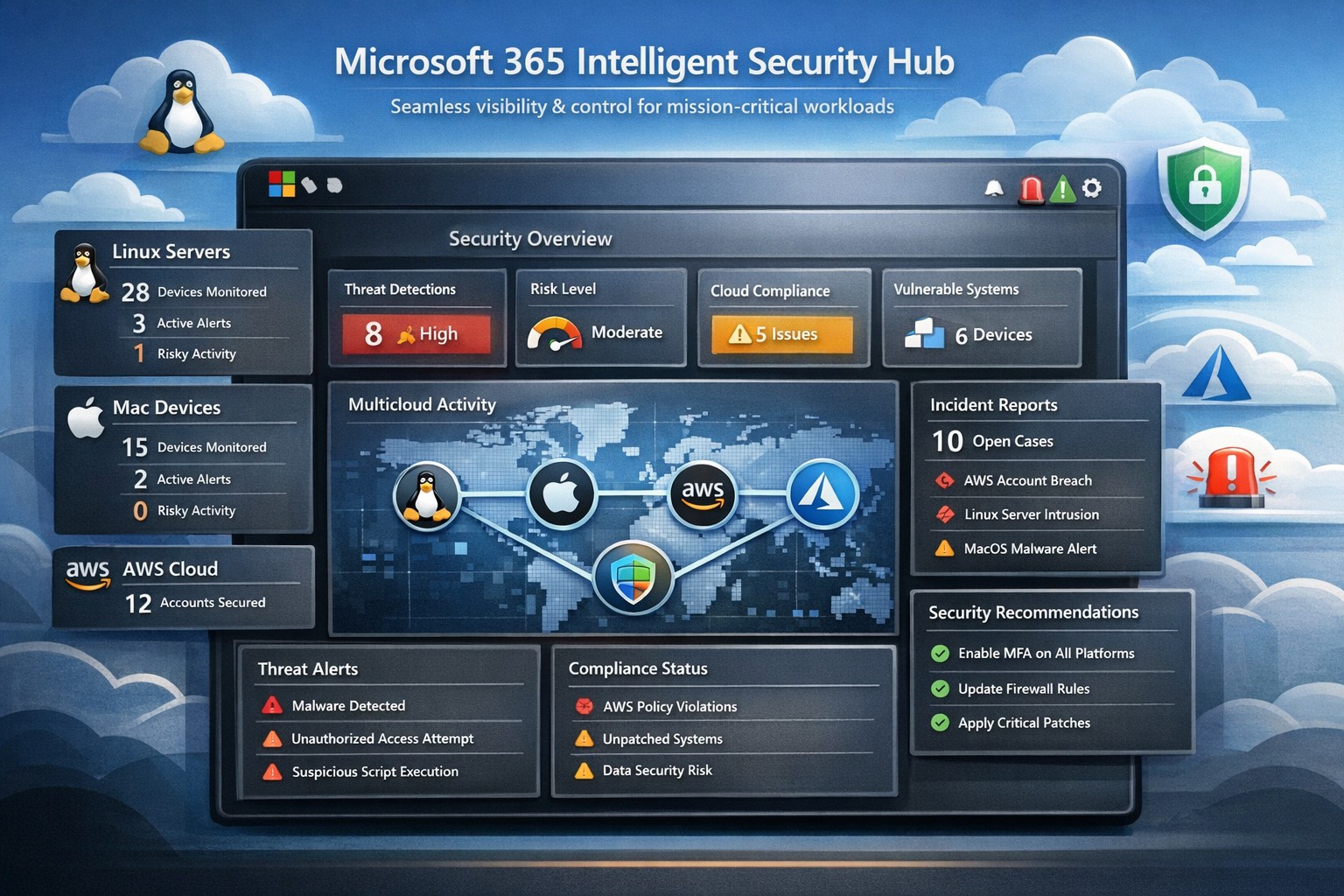
Unified Microsoft 365 security hub managing threats across Linux, Mac, and AWS platforms for business workloads.
Managing security across diverse platforms like Windows, Linux, Mac, AWS, and beyond can feel overwhelming—yet Microsoft 365’s intelligent security hub, powered by tools like Microsoft Defender for Cloud Apps, delivers seamless protection for mission-critical workloads. This unified approach goes far beyond Microsoft ecosystems, providing visibility, threat detection, and governance exactly where your operations demand it.
Core Features of Microsoft 365 Security Hub
Microsoft 365 integrates Microsoft Defender, Purview, and Sentinel into a central hub for multicloud security, supporting Linux, Mac, AWS, and more through connectors and agents. Key capabilities include anomaly detection via machine learning, data loss prevention (DLP), conditional access, and real-time threat response across hybrid environments. Business Premium plans enhance this with endpoint protection for diverse devices and Safe Links/Attachments for Teams, SharePoint, and OneDrive.
Practical Action Steps for Implementation
Follow these steps with your IT team to deploy Microsoft 365’s security hub effectively:
Verify Licensing and Access: Ensure Microsoft 365 Business Premium licenses for users; access via Microsoft Defender Portal > Cloud Apps (requires Security Administrator role).
Enable Core Protections: Turn on MFA via security defaults or Conditional Access; activate preset policies for anti-phishing, anti-malware, and admin account protection.
Connect Apps and Devices: In Defender Portal, go to Settings > Cloud Apps > App Connectors to link AWS, Office 365, etc.; onboard devices with Intune or Defender for Business agents for Mac/Linux.
Configure Policies and Discovery: Create session policies, DLP for sensitive data, and cloud discovery reports using firewall logs or Defender for Endpoint integration.
Monitor and Maintain: Review Secure Score dashboard weekly; set alerts for anomalies and conduct regular audits.
These steps typically take 1-4 weeks, starting with a pilot group.
FAQs: Client Inquiries Answered
Does it really support non-Microsoft platforms like AWS and Linux? Yes, Defender for Cloud Apps uses API connectors for AWS visibility, agents for Linux/Mac endpoints, and multicloud posture management without agent overhead on some resources.
How does it handle multi-cloud workloads? It provides unified threat protection, anomaly detection, and IAM inheritance across Azure, AWS, GCP via Defender for Cloud, integrating with existing tools like Sentinel for SIEM.
What’s the cost impact for small businesses? Included in Business Premium (~$22/user/month); scales with users, no extra for basic multicloud connectors—focus on high-value workloads first.
How secure is data in transit across platforms? Encryption via Purview, Safe Links for URLs, and session controls block risky actions; complies with standards like GDPR through DLP policies.
How Farmhouse Networking Boosts Your Security Efforts
Farmhouse Networking specializes in Microsoft 365 deployments for accounting, healthcare, and charity sectors, handling setup, policy customization, and ongoing optimization to drive secure organic growth. We integrate your multicloud environments (e.g., AWS with M365), train IT teams, and monitor via Lighthouse for MSP-grade efficiency—reducing breach risks while enhancing client trust and conversions.
And God will generously provide all you need. Then you will always have everything you need and plenty left over to share with others. As the Scriptures say,
“They share freely and give generously to the poor. Their good deeds will be remembered forever.”
For God is the one who provides seed for the farmer and then bread to eat. In the same way, he will provide and increase your resources and then produce a great harvest of generosity in you. - 2 Corinthians 9:8-10
We use cookies to ensure that we give you the best experience on our website. If you continue to use this site we will assume that you are happy with it.