Help customers bring teams and resources together with Microsoft technology
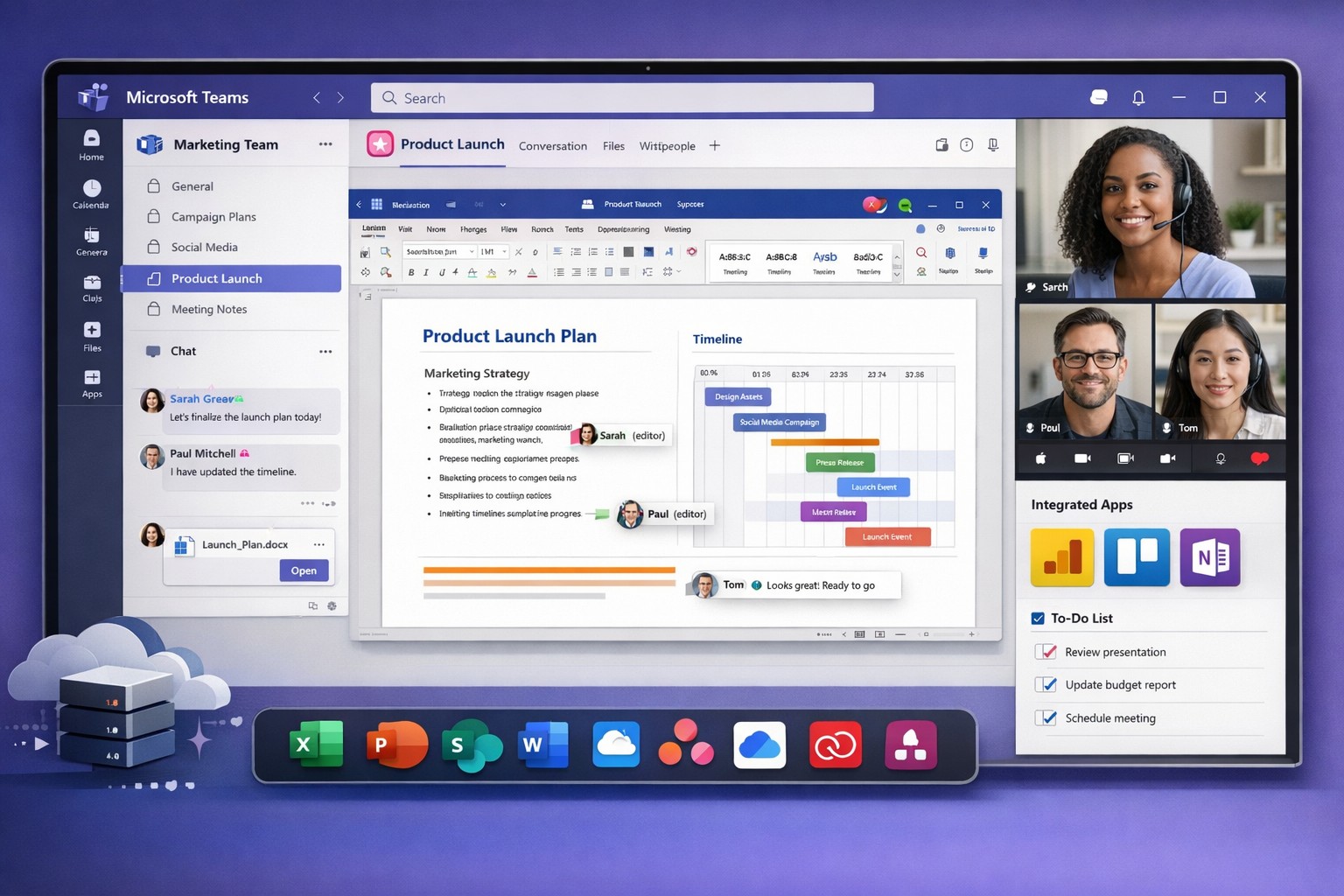
Microsoft Teams interface: Central hub for team collaboration, file sharing, and resource management to boost business productivity.
You’re constantly juggling teams, projects, and resources across locations. Microsoft technology, like Teams and Microsoft 365, centralizes everything into one platform to boost productivity and cut chaos.
Key Microsoft Tools for Collaboration
Microsoft Teams stands out as the hub, combining chat, video calls, file sharing, and app integrations. It lets teams create channels for projects, co-edit documents in real-time, and invite external partners securely.
Other tools like SharePoint for file storage, Planner for task tracking, and Viva Insights for analytics integrate natively, ensuring resources stay organized without switching apps. AI features, such as meeting summaries and action item capture, automate admin work.
These tools scale for small businesses to enterprises, supporting hybrid work with mobile access and real-time updates.
Practical Action Steps
Follow these steps with your IT department to implement quickly.
Assess Needs: Audit current tools—list pain points like scattered emails or file versions. Involve team leads via a short survey.
Set Up Microsoft 365: Sign up for a business plan (e.g., Microsoft 365 Business Premium). IT assigns licenses and configures security like multi-factor authentication.
Deploy Teams: Create core teams/channels (e.g., “Sales-Projects”, “Ops-General”). IT enables integrations with Outlook and OneDrive.
Train Users: Run 1-hour sessions on channels, @mentions, and file sharing. Share quick guides for Week 1 exploration.
Optimize and Monitor: Use SEO-like naming (descriptive keywords in channel names/descriptions) for findability. Review usage weekly, tidy unused channels, and add tabs for apps like Planner.
Expect 20-30% productivity gains within weeks through better communication.
FAQ: Client Inquiries Answered
How secure is Microsoft Teams for sensitive business data? Teams uses enterprise-grade encryption, compliance with GDPR/HIPAA, and role-based access. Guests get limited permissions.
What about costs for small businesses? Plans start at $6/user/month. Free trials let you test without commitment. ROI comes from reduced email overload and faster decisions.
Can it integrate with non-Microsoft tools? Yes, via 1,000+ app connectors (e.g., Zoom, Salesforce). Custom workflows via Power Automate.
How do we handle adoption resistance? Start small: Pilot with one department, gather feedback, and showcase wins like saved meeting time. AI recaps help busy owners.
Is it good for remote/hybrid teams? Perfect—real-time co-authoring, calls, and channels keep everyone aligned across time zones.
How Farmhouse Networking Helps
Farmhouse Networking specializes in Microsoft 365 deployments for accounting, healthcare, and charity sectors. We handle audits, custom setups, SEO-optimized Teams structures (e.g., keyword-rich naming for internal search), training, and ongoing optimization to drive efficiency.
Our B2B clients see faster lead gen through streamlined client portals and improved CX via integrated resources. We target organic traffic with blog strategies like this, positioning your firm as a tech leader.
Call to Action
Ready to unify your teams? Email support@farmhousenetworking.com for a free Microsoft collaboration audit tailored to your business.
And God will generously provide all you need. Then you will always have everything you need and plenty left over to share with others. As the Scriptures say,
“They share freely and give generously to the poor. Their good deeds will be remembered forever.”
For God is the one who provides seed for the farmer and then bread to eat. In the same way, he will provide and increase your resources and then produce a great harvest of generosity in you. - 2 Corinthians 9:8-10
We use cookies to ensure that we give you the best experience on our website. If you continue to use this site we will assume that you are happy with it.