Recently had to convert Cisco 3700 AP from Controller managed to Autonomous when I client separated from their parent company and bought out the IT equipment (that was a very costly mistake – if converting from corporate to small business invest in business grade IT equipment as it is much cheaper, by thousands of dollars). I researched online and found several posts about using the “archive sw-download” method on the AP, but those didn’t work with the TAR file that I was downloading from Cisco. I found another means of doing this by resetting the AP to factory defaults which allowed me to login via the console port and switching to manual boot.
Reset AP to Default
Remove power from the AP
Hold down the MODE button
Plug back in power
Wait 30 seconds then release the MODE button
Configure AP to Manual Boot
You should now be able to login with the “enable” command using the password Cisco
Type in the following command:
debug capwap con cli
conf t
boot manual
reload
Use TFTP to update firmware
Download / Install a TFTP server software of your choice.
Move Firmware TAR file into server directory
Once the AP finishes the manual boot process the prompt with be ap:
Type in the following commands:
set IP_ADDR <IP Address on same subnet as TFTP server>
set NETMASK <Subnet Mask on same subnet at TFTP server>
set DEFAULT_ROUTER <IP Address of default gateway>
ether_init
tftp_init
tar -xtract tftp://<IP Address of TFTP Server>/<Name of firmware TAR file> flash:
use “dir flash:” and cd to find directory name and firmware file name, then issue the last commands:
set BOOT flash:/<Directory name>/<File name>
boot
The AP will reboot with the new firmware and be ready to access a new configuration. This method works great as long as the TFTP extraction of the TAR file completes successfully.
If you need any help gaining access to your Cisco network gear or with configuring your Cisco equipment, then contact us for support.
You already know that small businesses are particularly vulnerable to cyberattacks, but what can you do about it? How familiar are you with the common security pitfalls for small businesses, and do you know how to avoid them? Check out this article for an overview of the most common types of cyberattacks. It also details cybersecurity best practices targeted at protecting small businesses against data breaches.
And if you need help protecting your business and customers, we’re here for you
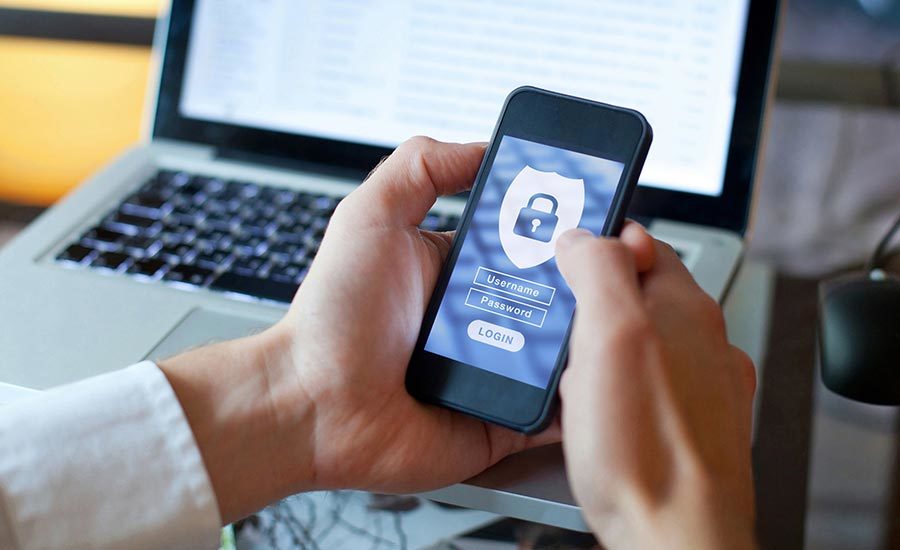
Updating your security measures can be tricky, especially if you don’t know where to start. Luckily, securing your sensitive data is easier than you think.
With these tips on how to protect your valuable company data, you can create a customizable plan of attack to ensure that your information is always protected, no matter the size of your business.
We get it: running a small business is no small task. We know your customers have no shortage of security concerns, whether it be preventing data loss or ensuring information-rights management.
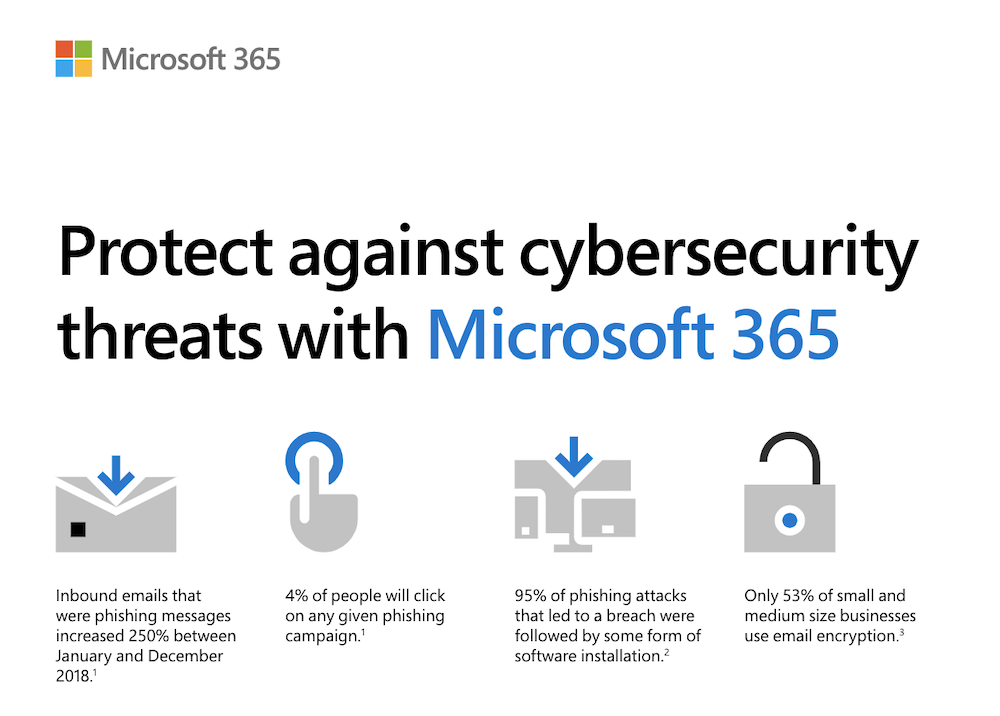
Good news! Now, with security solutions from Microsoft 365 Business, you can have peace of mind knowing your business is defended against all manner of cyberattacks.
Need help paving the way to a more secure future for your company? Check out this infographic and contact us to learn more about our unique security solutions.
Contrary to popular opinion, small and mid-size businesses are at a greater risk for a cybersecurity attack than large corporations. But because many SMBs assume they’re not at risk, they rarely invest in security measures that could save their businesses. Read this article for more on the real impact of a data breach on SMBs and what you can do to protect your business.
Every company needs to have an updated security strategy—we’re looking at you, small businesses. In a digital landscape that’s constantly evolving, now’s the time to adopt a cloud-based security solution to defend customer data against cyberattacks.
Want to secure your customers’ sensitive data? Contact us to learn more.
Adopting technology in the workplace is a double-edged sword. It’s key to maintaining a competitive advantage in the marketplace and increasing workplace productivity, but it can also compromise connection and lead to isolation.
Check out this article for tips on how to use technology to build a better individual employee experience and a more connected company culture.
Do you want help improving communication and teamwork in your company? You’ve come to the right place. Contact us at Farmhouse Networkingto learn more.
Digital teamwork tools are changing the way teams do business: Today, more than 30% of businesses use advanced communication tools in conference rooms.
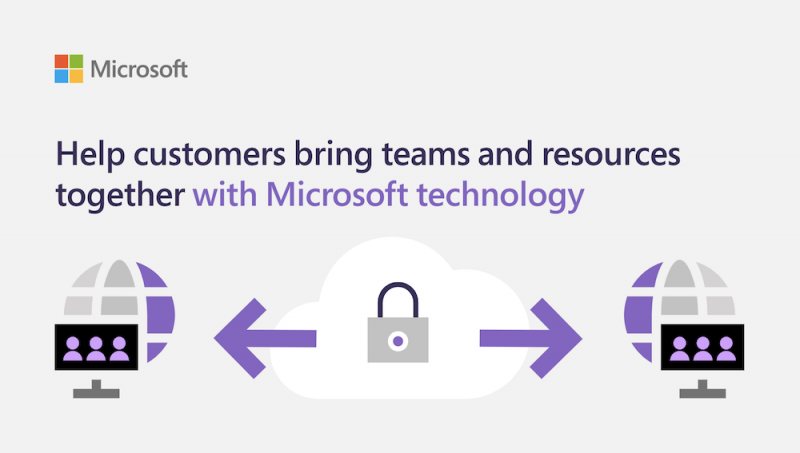
With Teamwork solutions from Microsoft, you can facilitate better communication among your teams by using cloud-based email technology and calendaring services. You can also ensure that your teams are aligned with web conferencing and group chat. And that’s just the beginning.
Contact us to see how your company can benefit from our enterprise-grade communication technology.
Did you know that up to 80% of workers’ time is spent on collaborative activities like responding to emails and attending meetings?
This guide to promoting a more collaborative workplace culture outlines common communication breakdowns in the modern workplace and provides strategies to help customers communicate and collaborate more effectively.
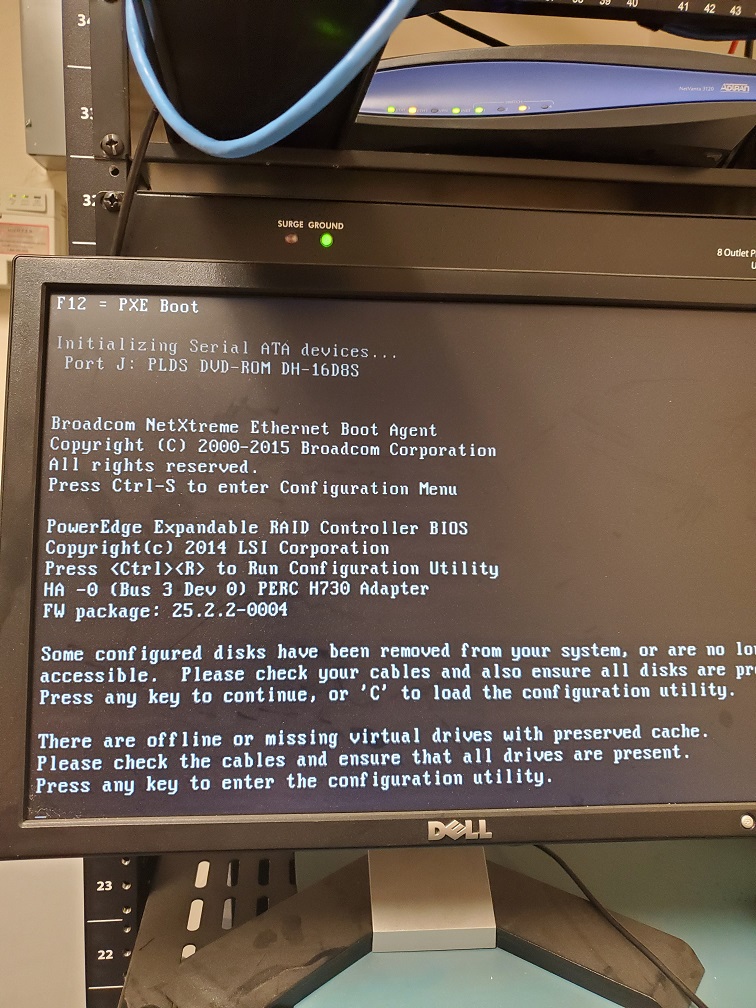
Here are some lessons learned from a recent recovery of a server with the following error:
Lesson #1 – Blinking Hard Drives
So when I got to the customer site the Dell server had blinking hard drive lights on two of the drives. Based on the support article about it the lights meant -“Identifying drive or preparing for removal.” and digging into the RAID controller I found the worst possible scenario for a RAID-5 array – two dead hard drives. I removed the two dead drives, cleared the configuration on the RAID controller, built a new RAID-5 array out of the remaining drives (4 out of 6), and did a fast initialize.
Lesson #2 – Drive letters on Windows Server Backup
Not sure if anyone else has noticed, but when Windows Server Backup is setup to use an external drive it likes to hide the drive by not assigning it a drive letter. This caused a few issues with the restore done from Windows Server 2012 R2 USB boot media as it couldn’t find the drive. I had to connect the external drive to my laptop then give it a drive letter. Plugged it back into the server and rebooted.
Lesson #3 – Patience is a virtue in Scanning for System Image Disks
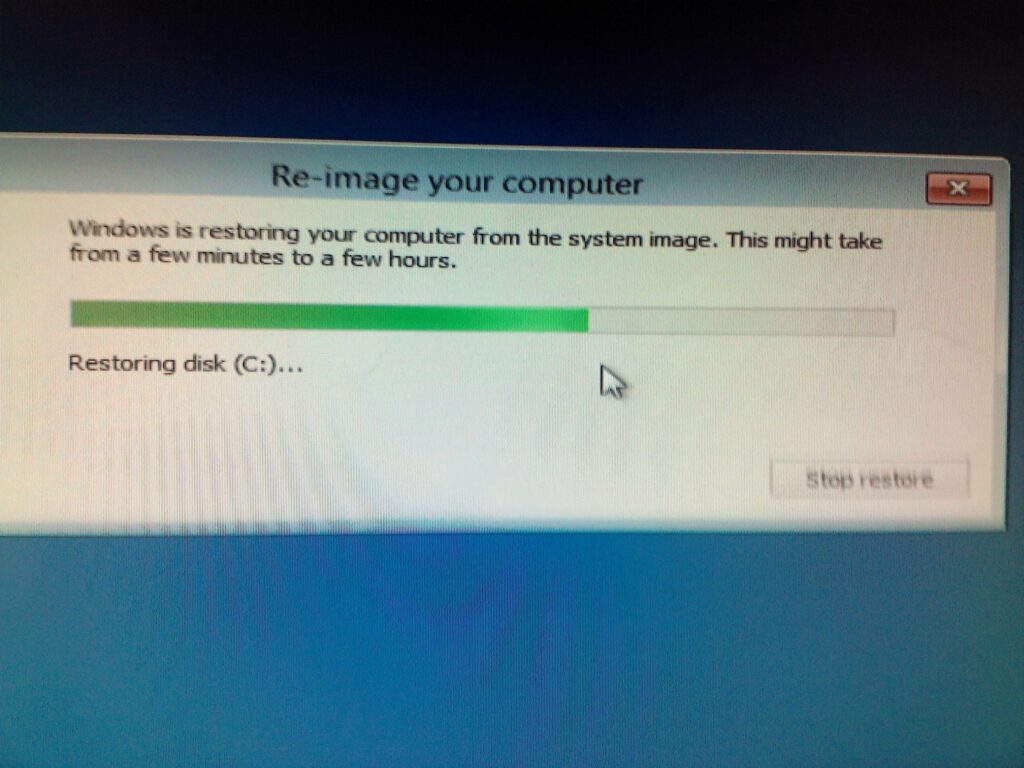
Following the basic instructions for doing a Windows Server Backup 2012 Restore via Windows Server 2012 R2 USB boot media it came to the point where it does the scanning for System Image Disks. Turns out this can take hours depending on the speed of the drive plus the size and quantity of restores you have on the external drive. Just wait for the process to complete.
Lesson #4 – UEFI or Legacy BIOS matters
So you waited all that time for the Scanning for System Image Disks to complete and now that precious moment arrives when you realize that the Windows Server 2012 R2 USB boot media that you created was UEFI instead of legacy BIOS and the restore fails telling you so. Make sure that when you create the Windows Server 2012 R2 USB boot media that you change the settings to match the system that you are trying to restore.
Hope that these lessons help a few other Windows Server admins, who are trying to do a Windows Server Backup 2012 Restore, save some time and frustration. If you are looking for a better way to do backup and restore then contact us for details.
And God will generously provide all you need. Then you will always have everything you need and plenty left over to share with others. As the Scriptures say,
“They share freely and give generously to the poor. Their good deeds will be remembered forever.”
For God is the one who provides seed for the farmer and then bread to eat. In the same way, he will provide and increase your resources and then produce a great harvest of generosity in you. - 2 Corinthians 9:8-10
We use cookies to ensure that we give you the best experience on our website. If you continue to use this site we will assume that you are happy with it.