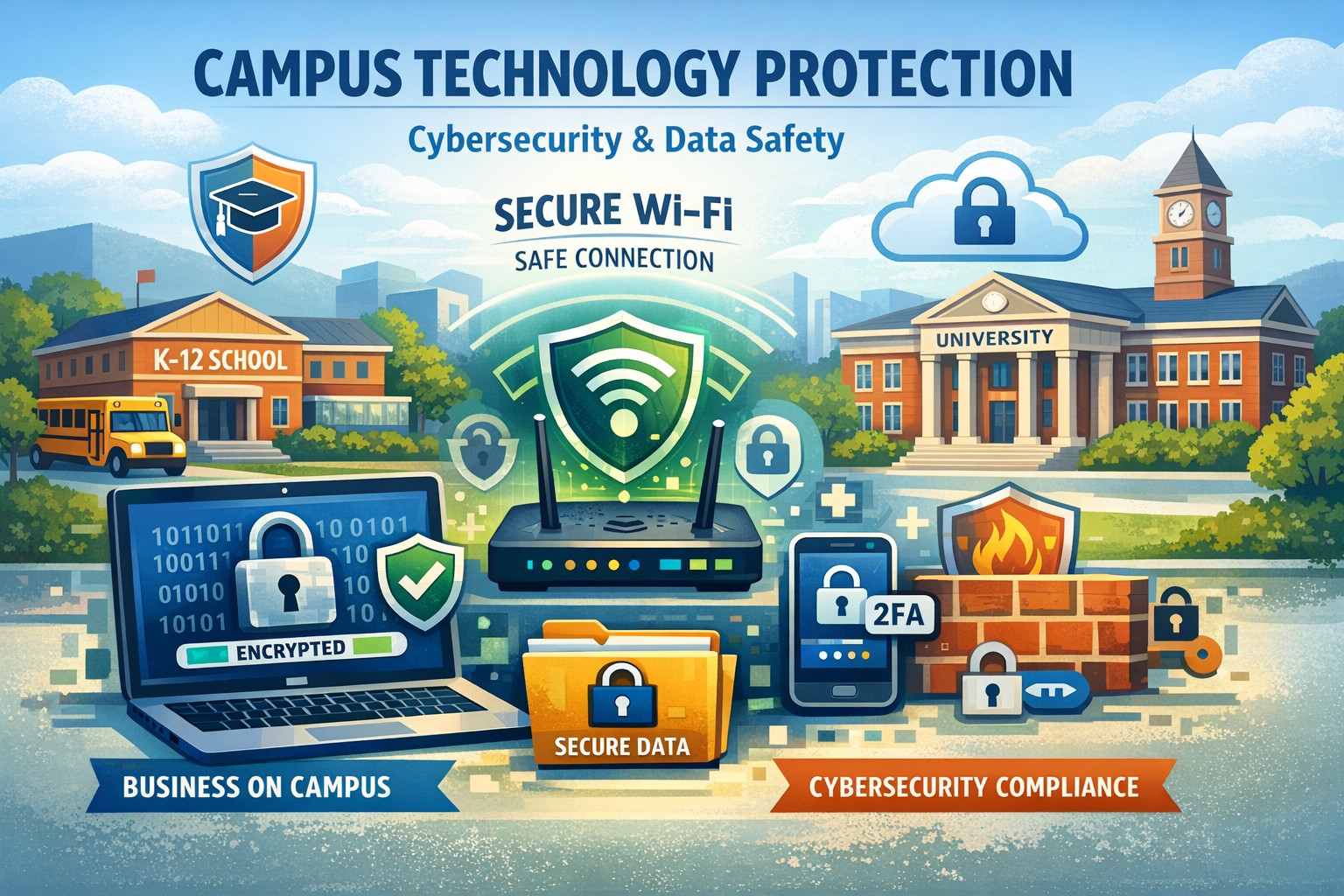
If your business provides services on K–12 or college campuses, your technology footprint is now part of the school’s safety surface – and attackers know it. As the owner, you can’t leave device security, Wi‑Fi hygiene, and data protection entirely to “whoever handles IT”; you need a clear, on-campus technology protection plan that your IT team can execute and your clients can understand.
Why On-Campus Technology Protection Matters for Your Business
When your staff, laptops, and applications operate on campus networks, you inherit the school’s risks and they inherit yours. A single lost laptop, weak campus Wi‑Fi connection, or compromised vendor account can expose:
-
Student and staff information your systems touch (or cache in email).
-
Your proprietary tools and data used to deliver services.
-
Your reputation and contracts with entire districts or universities.
Campuses are high‑traffic, device‑dense environments, which makes physical theft and social engineering (phishing, impersonation, “I’m with IT, let me plug in here”) far more likely than in typical offices.
Practical Action Steps for Owners and IT Teams
Use these as a checklist you can turn into a formal on-campus technology protection policy.
1. Lock Down Devices Used on Campus
Owner responsibilities: set policy and budget.
IT responsibilities: implement and enforce.
-
Require full‑disk encryption on all laptops, tablets, and smartphones used on campus, so data is unreadable if a device is stolen.
-
Deploy endpoint protection (EDR/antivirus) with automatic updates across all devices.
-
Enforce automatic screen lock after short idle times and mandate strong passwords plus multi‑factor authentication (MFA) for logins.
-
Maintain an accurate asset inventory (who has which device, used at which campuses) and define procedures for lost or stolen devices, including remote wipe.
2. Control Physical Access in Campus Environments
Owner: ensure staff culture supports security, not just convenience.
IT: provide tools and standards.
-
Implement a “clean desk / clean backpack” policy: no printed student data lying around, and devices stored in locked rooms or cabinets when unattended.
-
Provide cable locks or secure carts for laptops used in classrooms or labs.
-
Restrict physical access to any room where your networking gear or servers are located on campus; treat them as controlled spaces.
-
Train staff to challenge unknown individuals plugging into your gear (“Which department are you with?”) and to escalate suspicious behavior.
3. Harden Network and Wi‑Fi Usage on Campus
Owner: approve minimum standards for where and how your staff connects.
IT: configure and monitor.
-
Prohibit staff from using open, guest, or “random” campus Wi‑Fi for sensitive apps; require VPN for any connection not meeting your standards.
-
Where you manage network segments on campus, configure separate VLANs for admin tools vs. student‑facing services, and apply least‑privilege access rules.
-
Turn off unnecessary services and default credentials on any hardware you deploy in schools (access points, switches, IoT devices).
-
Log access to critical applications used on campus and regularly review unusual patterns (logins at odd hours, from unexpected locations).
4. Protect and Back Up Business and Student-Related Data
Owner: define what data you are accountable for and acceptable risk levels.
IT: operationalize backup, retention, and access control.
-
Map what student, staff, and operational data you hold that relates to on-campus work, and where it lives (devices, SaaS apps, local servers, cloud storage).
-
Enforce role‑based access control: staff on campus see only what they need to do their job, nothing more.
-
Back up key systems to secure offsite or cloud locations on at least a weekly schedule, with tested restore procedures.
-
Apply encryption to sensitive records (especially student or health-related information), both in transit and at rest.
5. Train Staff for the Realities of Campus Threats
Owner: make training mandatory and ongoing.
IT: design and deliver practical content.
-
Run short, recurring awareness sessions on phishing, safe use of campus Wi‑Fi, handling of student data, and what to do if a device is lost.
-
Provide simple “if this happens, do this” guides: losing a laptop, suspecting a scam email, seeing someone tailgate into a secure room.
-
Include contractors and part‑time staff who regularly go on campus; they’re often your weakest link if not covered.
Common Client Questions (and Clear Answers You Can Use)
These Q&As help your front-line staff and account managers respond confidently to schools.
Q1: How do you protect our students’ data when working on campus?
A: We use encrypted devices, VPN-secured connections, and strict access controls so staff only see the minimum data required. Lost devices can be remotely locked or wiped to prevent data exposure.
Q2: What happens if one of your laptops is stolen from our campus?
A: All laptops are encrypted, protected with MFA, and set to auto-lock. We immediately disable accounts, attempt remote wipe, and review access logs to confirm no unauthorized use.
Q3: Do your staff use our guest Wi‑Fi?
A: We only connect to networks that meet our security standards, and we always tunnel sensitive traffic through a secure VPN. When possible, we work with your IT team to use a dedicated, segmented network for our systems.
Q4: How often do you review your security controls?
A: We perform regular access audits, update security software automatically, and review backup and incident response procedures at defined intervals to keep pace with evolving threats.
You can adapt these answers into a one‑page “on‑campus security posture” sheet for schools.
How Farmhouse Networking Helps You Execute This
Farmhouse Networking can turn these principles into a concrete, managed program tailored to how your business actually works on campus.
-
Policy and risk workshop: We help you define clear on‑campus device, network, and data policies that align with your specific school clients and compliance requirements.
-
Secure device and identity management: We deploy and manage encryption, endpoint protection, MFA, and asset tracking across all staff who visit campuses.
-
Network and Wi‑Fi hardening: We work with both your team and school IT to segment traffic, configure secure VPN access, and monitor critical systems for suspicious behavior.
-
Backup, recovery, and incident response: We establish reliable backup schedules, test restores, and documented response playbooks for lost devices or suspected breaches tied to campus activity.
-
Staff training and client‑facing materials: We deliver concise, practical training for your team and help you create security summaries that reassure school decision‑makers.
The result is a repeatable security posture you can show every new campus client instead of starting from scratch each time.
Call to Action
If you want a practical, on-campus technology protection plan that your IT team can manage and your school clients will trust, Farmhouse Networking can help you design and implement it end to end. Email support@farmhousenetworking.com for more information about how Farmhouse Networking can help improve your business.