Small business owners should update ownership records and IT controls to align with FinCEN’s new due diligence relief and banking compliance requirements.
FinCEN has issued an order granting relief from part of its Customer Due Diligence rule, so banks no longer must re‑identify and re‑verify beneficial owners every time your company opens a new account or product. Instead, they focus ownership checks on initial account opening, when something about your information looks off, and when their risk‑based procedures say they should dig deeper.
The Core Change in Simple Terms
Under this exceptive relief, your bank must confirm your company’s beneficial owners only:
At the first account opening with that institution.
When they learn facts that call your existing ownership information into question.
As needed under their ongoing risk‑based due‑diligence procedures.
They are no longer required to repeat the beneficial ownership process for each subsequent checking account, loan, or credit card you open with them.
Concrete Steps for Owners and IT
Owner/management actions:
Keep ownership data clean: Maintain a current list of all beneficial owners (and key controllers) with legal names, tax data, and ownership percentages so you can certify accuracy quickly when requested.
Align with your bank: Ask your relationship manager how they will apply the relief, what they will still ask for, and how your internal records can make their reviews faster.
Tie into CTA/BOI: If your company is subject to beneficial ownership reporting, ensure your BOI filings, internal records, and the bank’s records are consistent.
IT department actions:
Centralize and secure records: Store ownership documents, formation records, and signatory forms in a secure repository with encryption, permissions, and audit logging.
Implement change‑management: Put in a formal process so every ownership change, equity issuance, or leadership change creates an IT and compliance ticket to update records and access rights.
Protect financial access: Enforce MFA, least‑privilege access, and monitoring on all systems connected to banking, payments, and accounting, supporting the bank’s risk‑based oversight with strong internal controls.
Common Customer Questions (and Answers You Can Use)
“Is my business still being monitored for suspicious activity?” Yes. The relief removes duplicated paperwork but does not change the Bank Secrecy Act’s risk‑based monitoring and reporting framework.
“Will my bank ask for less paperwork now?” In many cases, yes, especially when opening additional accounts or services with the same institution, because they can rely on previously collected ownership information when appropriate.
“Do I still need to tell my bank when ownership changes?” Absolutely. If the bank discovers that ownership data is outdated or inaccurate, they must revisit their due diligence, and delays or risk re‑assessment may follow.
How Farmhouse Networking Helps SMBs Turn Relief into Advantage
Farmhouse Networking helps small and midsize businesses convert regulatory changes into operational improvements by:
Designing secure, centralized systems for ownership, governance, and banking documentation.
Automating workflows triggered by ownership and leadership changes to keep systems, access, and records aligned.
Strengthening IT security around financial systems so your risk profile stays low while your bank leans more on a risk‑based approach.
To learn how to implement these steps efficiently and securely, email support@farmhousenetworking.com for more information about how Farmhouse Networking can help improve your business.
Small business leaders should review AI assistant security settings with their IT team to protect customer data and reduce cybersecurity risks.
Every department in your company is experimenting with AI assistants for drafting emails, analyzing documents, and answering questions—but mis‑sharing data with these tools is rapidly becoming a top cybersecurity concern. As the business owner, you need AI productivity without turning your data into the next breach headline.
Key security risks with online AI assistants
Employees paste sensitive data (contracts, passwords, customer lists, financials) into public AI tools, creating uncontrolled copies outside your security perimeter.
AI agents that connect to email, CRM, and file shares can over‑index data and ignore internal permissions, exposing information to users who should not see it.
Shadow AI—unapproved tools adopted by teams—means no vendor vetting, no logging, and no consistent security controls.
Mis‑configured orchestration and weak authentication give attackers new ways to abuse AI agents to access systems and data.
Action plan for you and your IT team
Define an AI usage policy
Specify what data is never allowed in public AI (customer PII, financials, credentials, trade secrets).
List approved AI tools, who may use them, and for what business cases, and require IT review for any new AI platform.
Harden AI tools technically
Enforce single sign‑on, multifactor authentication, and role‑based access to AI assistants tied to your identity platform.
Configure least‑privilege access to email, CRM, and file systems and enable audit logging for AI actions and data access.
Monitor, train, and prepare for incidents
Monitor for unsanctioned AI usage and phase in secure alternatives.
Train staff on safe prompting habits: strip identifiers, avoid secrets, and use internal assistants where possible.
Update your incident‑response plan to include AI mis‑sharing, compromised AI accounts, and vendor‑side issues.
How to answer customer questions
“Are you putting our data into ChatGPT?”
“We only use AI within secure, approved platforms, and we prohibit staff from pasting your identifiable information into public AI tools.”
“Could your AI assistant leak our information?”
“We enforce strict access controls, logging, and vendor security requirements to prevent unauthorized access or cross‑customer exposure.”
“What happens if something goes wrong?”
“We have a defined response plan that includes containment, investigation, and transparent communication if an AI‑related incident affects your data.”
How Farmhouse Networking can help SMBs
Farmhouse Networking can assess where AI is already in use across your environment, identify the highest‑risk workflows, and recommend safer, governed alternatives. We help you implement secure AI architectures, policies, and training so your team can adopt AI confidently while keeping customer data, intellectual property, and compliance obligations under control.
Email support@farmhousenetworking.com for more information about how Farmhouse Networking can help improve your business and secure AI use.
Small business owners can use clear reporting and documentation systems to navigate 2026 charitable giving rules and maximize tax‑deductible donations.
If your business donates to local nonprofits, schools, or community projects, the 2026 charitable giving rules change how much of that generosity you can deduct. The mechanics are more complex, but with the right systems you can still give strategically and get the full benefit available.
What Changed for Small Businesses in 2026
Your corporation can now deduct charitable contributions only to the extent they exceed 1% of taxable income, and total deductible contributions are still capped at 10% of taxable income, with excess potentially carried forward up to five years.
As an individual owner, your personal deductions are subject to a 0.5% AGI floor, though cash gifts to qualifying public charities remain deductible up to 60% of AGI.
A new, permanent charitable deduction for non‑itemizers lets individuals deduct up to $1,000 (single) or $2,000 (joint) for qualifying gifts starting in 2026.
All of this sits on top of existing substantiation rules: written acknowledgments for gifts of $250 or more and additional requirements for non‑cash contributions.
Action Steps for Owners and IT Teams
For the business owner:
Revisit your giving strategy:
Identify how much you typically give each year and whether it clears the new 1% floor and stays within the 10% cap for corporate deductions.
Coordinate with your tax advisor:
Decide whether to increase or bunch certain donations into specific years so you actually realize the deductions you expect.
Clarify business vs. personal giving:
Separate corporate contributions from personal donations so both you and your company can plan around the new floors and limits.
For your IT or technical team:
Build a clear digital trail:
Implement structured storage for donation receipts and acknowledgments, linked to accounting entries and accessible for your CPA during tax season.
Standardize data and approvals:
Use simple forms or workflows where staff record donation details—amount, date, charity, purpose, and whether any benefits were received—before payments go out.
Security and retention:
Protect donor‑related and financial data with proper access controls and keep records long enough to support the five‑year carryforward window for excess contributions.
Questions Your Customers or Community Partners May Ask
“Is my company’s sponsorship of your event still tax‑deductible?”
It may be treated as a charitable contribution or as advertising/marketing depending on the benefits received; in either case, new floors and caps can affect the deduction.
“Does it still help me tax‑wise if I give small amounts?”
Smaller gifts may not exceed the new floors by themselves, which is why many taxpayers will see more benefit from fewer, larger, or more concentrated gifts.
“Why do you need to send such detailed receipts?”
The IRS requires specific elements in acknowledgments for gifts of $250 or more and for non‑cash donations, so detailed receipts protect both you and your donors.
How Farmhouse Networking Supports SMBs
Farmhouse Networking helps small and mid‑sized businesses turn charitable giving from an ad‑hoc expense into a well‑tracked, well‑documented, and strategically planned process. We integrate your accounting tools with secure document management, create simple digital forms for recording donations, and set up dashboards so you can see where you stand relative to the 1% floor and 10% cap.
We also support customer‑facing communication—website content, FAQs, and email updates—so your community partners understand that you are still committed to giving, and how the 2026 rules affect them.
Email support@farmhousenetworking.com to find out how Farmhouse Networking can help your business modernize its systems and make smarter, more strategic charitable giving decisions under the new 2026 regulations.
Small business owner collaborating with IT support to update the company’s website privacy policy ahead of the February 16, 2026 HIPAA privacy changes.
If you own a small or mid‑sized business, you are already feeling the pressure from changing privacy expectations, high‑profile breaches, and new regulations worldwide. The February 16, 2026 HIPAA deadline for updated Notices of Privacy Practices is a reminder that regulators are steadily raising the bar on transparency and data protection across all sectors, not just healthcare.
Why Your Website Needs a Privacy Policy
Modern privacy regimes like GDPR and CCPA require businesses that collect personal data online to publish a clear privacy policy explaining what data they collect, why, and how users can exercise their rights.
Many small businesses underestimate how much data they collect—contact forms, job applications, newsletter sign‑ups, and analytics all capture personal information.
Without a clear policy, you risk lawsuits, regulatory fines, and lost customer trust if your data practices are challenged.
Practical Actions for You and Your IT Team
For the business owner:
Catalog the types of data you collect from customers, prospects, and employees through your website and internal systems.
Engage legal or privacy expertise to draft or update a privacy policy that matches your actual practices and covers all relevant jurisdictions you serve.
Decide how privacy ties into your broader brand promise—positioning your business as transparent and trustworthy in how it handles data.
For your IT team or provider:
Publish a prominent “Privacy Policy” link on every page of your site (typically in the footer) and ensure it is mobile‑friendly and easy to read.
Align technical controls—encryption, access management, logging, and data retention—with the commitments your privacy policy makes.
Review third‑party tools (chat widgets, trackers, analytics, CRMs, marketing automation) and make sure their data use is reflected accurately in your policy.
Questions Customers Are Likely to Ask
“What information do you collect when I contact you or buy from you?”
Your privacy policy should list the categories of data collected (identifiers, payment info, browsing data, etc.) in plain language.
“Do you sell or share my information with other companies?”
Your policy should clearly state whether you sell or share personal data, and how customers can opt out where required.
“How do I request a copy of my data or ask you to delete it?”
Users from certain jurisdictions have clear access and deletion rights, which your policy must describe along with contact methods.
How Farmhouse Networking Helps SMB Owners
Farmhouse Networking partners with small and mid‑sized businesses to turn privacy from a risk into a competitive advantage. We can map your data flows, implement secure infrastructure and website configurations, coordinate with your legal advisors, and ensure that your published privacy policy is accurate, technically enforced, and easy for customers to understand.
If you want your business to be ready for evolving privacy expectations—and to earn more trust from every website visitor—email support@farmhousenetworking.com for more information about how Farmhouse Networking can help improve your business.
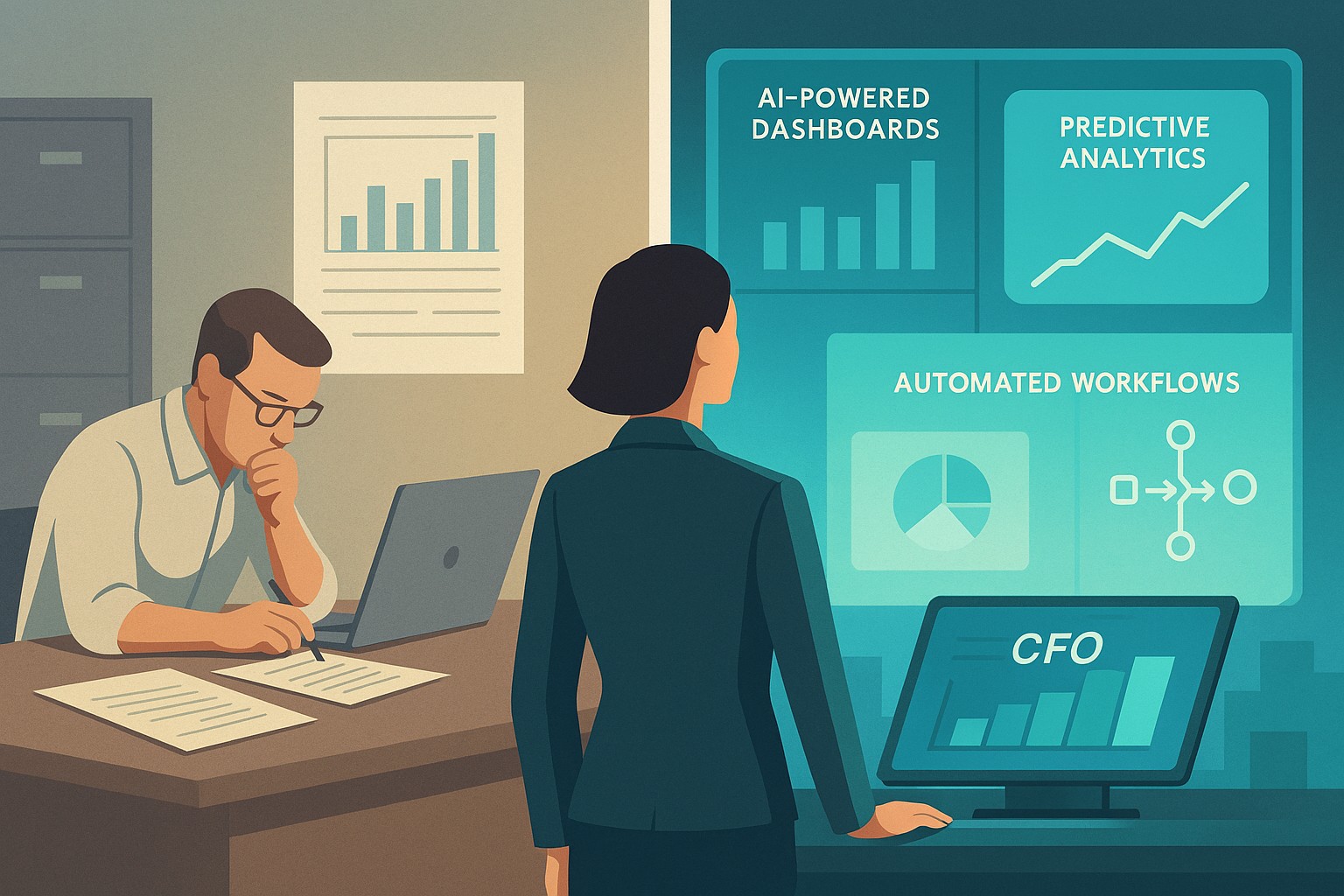
A small business owner and IT partner align on 2026 CFO technology priorities using AI‑powered finance dashboards and automation tools.
Across industries, CFOs are entering 2026 with rising confidence and a clear message: technology — especially AI and automation — is now central to financial performance, not a side project. Half list digital finance transformation as their top priority, and nearly 9 in 10 expect AI to be critical to their operations. For small and mid-sized businesses, this is both a threat and an opportunity.
What this shift means for SMBs
Digital transformation of finance now outranks many traditional priorities.
87% of CFOs expect AI to be extremely or very important to their finance departments in 2026, and over half plan to integrate AI agents.
Finance leaders are using tech to improve cash management, forecasting, and efficiency, while interest in deals and expansion is rising.
Businesses that modernize will outpace competitors on speed, insight, and resilience when conditions change.
Action steps for owners and IT
Take inventory of your finance tech stack
List all tools used for invoicing, payments, payroll, accounting, reporting, and analytics, plus the spreadsheets in between.
Identify duplicated effort, manual rekeying, and systems that do not integrate.
Automate the “finance plumbing”
Implement automation for AR/AP workflows, bank feeds, reconciliations, and basic reporting to reduce errors and labor.
Use role-based dashboards to give leadership real-time visibility into cash, pipeline, and profitability.
Pilot AI in contained, high-impact areas
Start with anomaly detection on transactions, cash flow forecasting support, and draft commentary for financial reports.
Ensure humans remain accountable for approvals and final decisions, with clear audit trails.
Invest in data quality and governance
Standardize your chart of accounts, customer/vendor master data, and product/service coding for consistent reporting.
Define who owns which data, and document how it flows across systems.
Upgrade security and resilience
Move to secure, managed cloud infrastructure with strong access control, encryption, backup, and continuous monitoring.
Regularly test incident response and recovery so a cyber event or outage does not cripple your finance function.
Questions owners often ask
Q: Is this level of tech really necessary for an SMB? A: Yes. Research shows most finance functions will use AI-enabled tools by 2026, and those that do not will struggle with costs, speed, and insight relative to competitors and larger buyers.
Q: How do we avoid wasting money on tools we never use? A: Start with clear business goals (e.g., reduce DSO by X days, shorten monthly close by Y hours, cut errors by Z%), then choose the minimal tech that supports those goals and measure outcomes.
Q: Do we need to hire data scientists? A: Not typically. Many modern tools embed AI and analytics; what you need most are clean data, good processes, and a partner who understands both finance and IT.
How Farmhouse Networking helps SMBs
Farmhouse Networking helps small and mid-sized businesses translate big-company CFO tech strategies into practical roadmaps. Services include:
Assessing current systems, data quality, and security to identify gaps and opportunities.
Designing and implementing integrated, automated finance and operations platforms, with appropriate AI where it delivers value.
Providing ongoing management, monitoring, and support so your internal team can focus on growth and customers.
With Farmhouse Networking, your business gains the infrastructure and expertise needed to compete in a world where technology is central to financial performance.
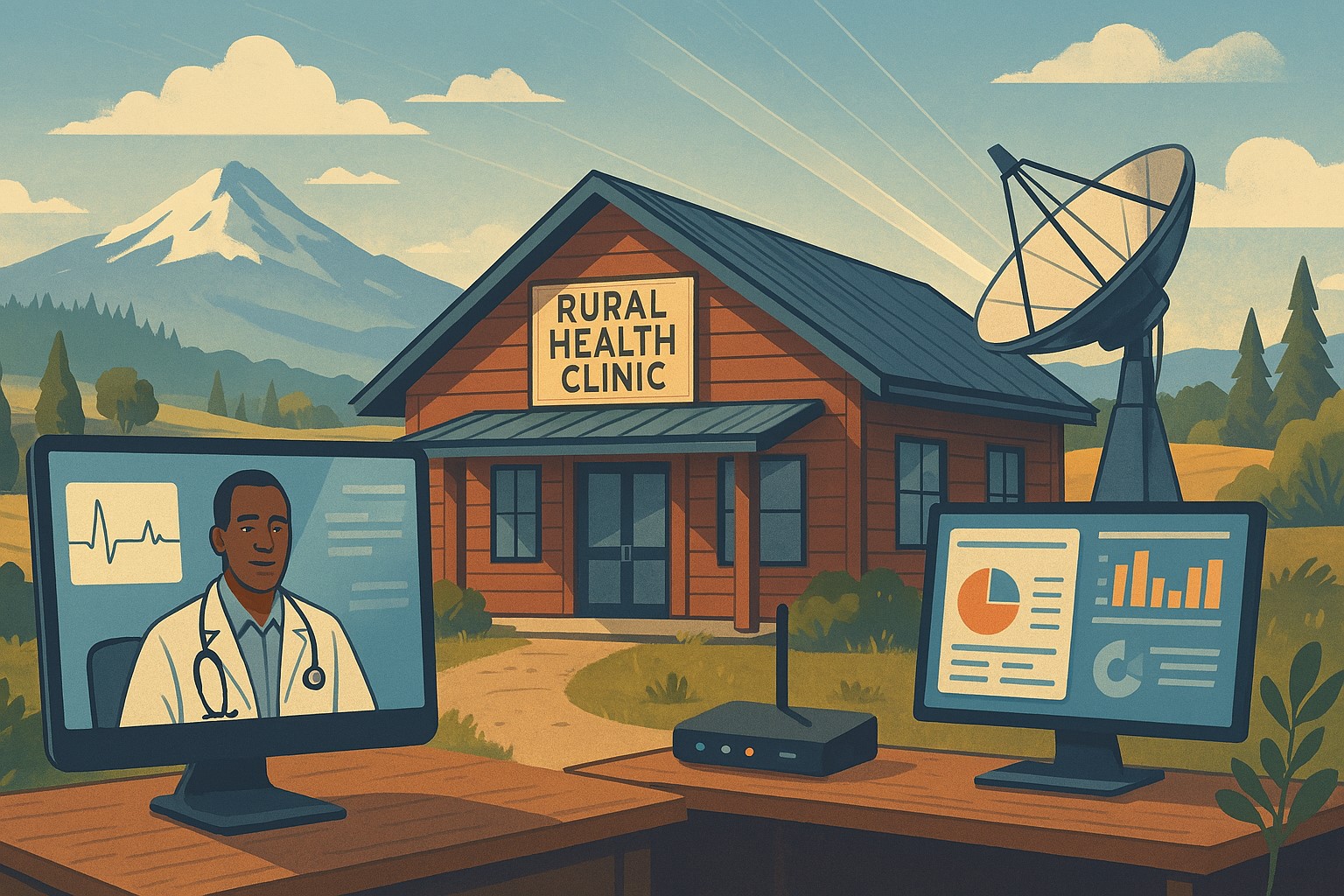
Modern IT and cybersecurity tools help rural small businesses strengthen resilience, protect customer data, and apply lessons from the Rural Health Transformation Program.
The Rural Health Transformation Program is a five-year, $50 billion national initiative focused on stabilizing and modernizing rural health systems through better technology, stronger cybersecurity, and more resilient operations. Even if your business is not in healthcare, the same principles apply: modern, secure IT and good data are now core to long-term sustainability.
Why Business Owners Should Pay Attention
The program explicitly invests in IT support, cybersecurity, and technology-enabled efficiency as critical to sustainable operations in rural settings.
Oregon’s plan emphasizes tech modernization, workforce resilience, and strong regional partnerships as keys to surviving funding shifts and market changes.
SMBs that adopt these same priorities gain resilience against outages, cyberattacks, and regulatory pressure—without waiting for a crisis.
Practical Action Steps for You and Your IT Team
Treat IT as critical infrastructure, not overhead
Conduct a full inventory and risk assessment: hardware, software, data flows, third-party platforms, and security controls.
Identify single points of failure and systems that would halt operations if compromised.
Invest in modernization and cybersecurity
Prioritize upgrades that increase efficiency and security: cloud migration, MFA, endpoint protection, secure backups, and network segmentation.
Align IT investments with measurable business outcomes such as uptime, recovery time, and staff productivity.
Build reporting and data capability
Ensure your systems can generate the metrics you need to manage performance and respond to customer or regulator questions.
Standardize data structures so growth, audits, or new partnerships do not require rebuilding your information from scratch.
Plan for multi-year resilience, not quick fixes
Create a three- to five-year IT roadmap similar to how RHTP structures its budget periods and milestones.
Include cybersecurity training, periodic testing, and regular reviews of your business continuity and disaster recovery plans.
Likely Customer Questions – With Suggested Answers
“Is my data safe with your company?”
Yes. We use modern security practices—encryption, secure access controls, and monitored systems—to protect your information.
“Can you keep operating if there’s an outage or cyberattack?”
Yes. We maintain tested backups, continuity plans, and resilient systems so we can continue serving you even during disruptions.
“How do you handle sensitive information?”
We limit access to only those who need it, track system activity, and use secure tools to store and transmit sensitive data.
How Farmhouse Networking Helps SMBs Apply These Lessons
Farmhouse Networking has helped organizations that participate in complex state and federal programs build robust, secure IT environments that pass strict scrutiny. Those same capabilities translate directly to SMBs in any industry. Farmhouse Networking can:
Conduct comprehensive IT and cybersecurity assessments focused on business risk and resilience.
Design and implement a modernization roadmap—cloud, security, backups, remote work, and compliance-aligned practices.
Provide ongoing, proactive support so your internal team can focus on revenue, customers, and strategic growth.
Call to Action
To apply the same modernization, security, and resilience principles behind Rural Health Transformation to your own business, email support@farmhousenetworking.com and discover how Farmhouse Networking can help improve your systems and protect your bottom line.
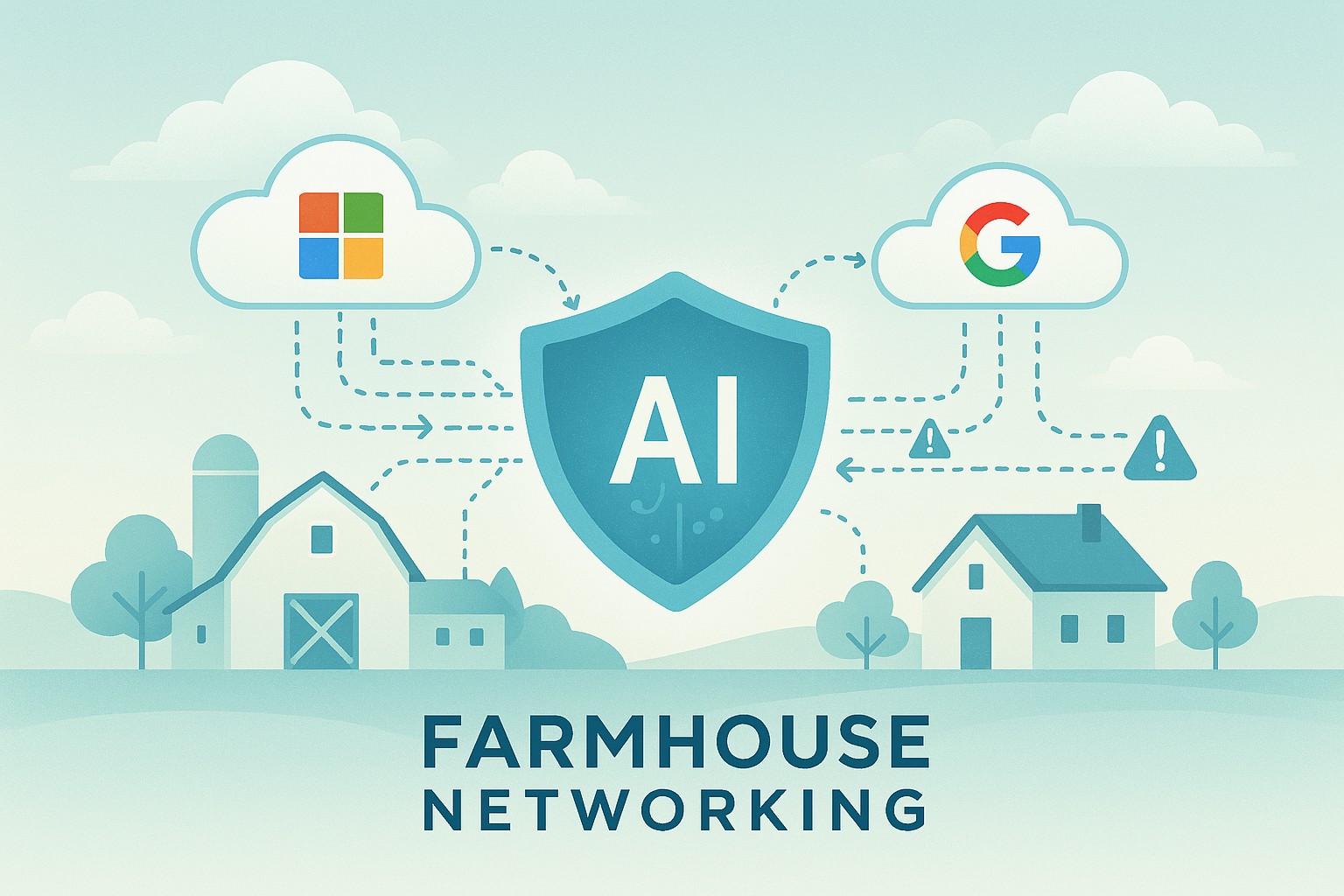
Farmhouse Networking’s managed IT service now includes AI-driven log analysis for SMBs — ensuring proactive cloud security without added cost.
Small and mid-sized businesses today face the same cybersecurity threats as large enterprises — but without the same budget or in-house expertise. That’s why Farmhouse Networking is proud to announce a major upgrade to our managed IT services: AI-driven log triage and alerting for Microsoft 365 and Google Workspace. This enhanced monitoring service is automatically included in every monthly IT services contract — at no additional cost — helping business owners protect their operations, data, and reputation with enterprise-grade intelligence.
Why This Matters for Your Business
Your Microsoft 365 and Google Workspace platforms store your most vital data: emails, documents, and shared communications. Each login, file access, or configuration change generates valuable log data — but few SMBs have time or staff to analyze it.
With AI analysis, Farmhouse Networking automatically scans and prioritizes potential threats like:
Unusual logins or failed login attempts.
Unauthorized access to sensitive files.
Compromised accounts or third-party app activity.
Suspicious data downloads or sharing patterns.
Our system flags concerns in real time and alerts our team so potential incidents are triaged before they escalate into security breaches or downtime.
How AI-Enhanced Log Monitoring Works
Data ingestion: Logs from Microsoft 365 and Google Workspace are securely collected.
AI triage: Advanced machine learning detects patterns of unusual behavior.
Actionable alerts: Our technicians receive intelligent alerts prioritized by severity.
Resolution: We investigate, verify, and act before small issues become big problems.
What sets Farmhouse Networking apart is that this enterprise-grade capability is built into your existing service plan — not an add-on.
Common Questions from Business Owners
Q1: Why should my SMB care about log monitoring? A: Cloud environments record every login and activity. Monitoring those logs can detect attacks, data leaks, or insider misuse early — saving your business from costly security or compliance violations.
Q2: Does this mean I’ll get constant alerts? A: No — our AI filters the noise, so only meaningful alerts reach our support team. You see outcomes, not overwhelm.
Q3: Is my data secure when analyzed? A: Absolutely. We follow strict data handling and encryption standards to ensure privacy at every stage.
Q4: How does this benefit our productivity? A: By catching risks early, we prevent downtime, data loss, and productivity disruption — letting you focus on running your business.
How Farmhouse Networking Helps You Stay Ahead
Your business deserves the same security tools as major corporations — but without excessive cost or complexity. Our AI-assisted log triage gives you proactive protection, increased visibility, and peace of mind.
We handle the technical heavy lifting so you can keep growing.
Email support@farmhousenetworking.com today to learn how we can enhance your IT security strategy and streamline your operations.
A small business owner collaborates with an IT security partner to elevate cybersecurity from a technical task to a core business risk management priority.
Across regions and industries, executives now rank cybersecurity as their top external risk, ahead of supply chain issues, regulatory changes, and macroeconomic concerns. For small and mid‑sized businesses, cyber incidents can rapidly translate into operational outages, reputational damage, and long‑term financial loss.
What this means for SMBs
Security has moved out of the server room Leaders are embedding cybersecurity within enterprise risk management, using business continuity plans, risk frameworks, and scenario planning rather than treating it as a pure IT issue. Business owners must therefore own cyber risk in the same way they own cash flow and strategy.
Skill gaps and competing priorities Executives report that talent shortages, workload pressure, and cost constraints make it difficult to execute technology and security plans effectively. Many SMBs rely on a small IT team that spends most of its time on basic maintenance instead of proactive defense.
Vendor pressure and forced upgrades A significant share of executives cite vendor lock‑in and forced upgrades that constrain security planning, delay patching, and divert funds from higher‑value initiatives such as AI and modernization. SMBs need more control over when and how they adopt changes.
Practical action steps for owners and IT
Treat cybersecurity as a business risk
Add cyber risk to your leadership agenda, risk register, and strategic planning sessions.
Define risk scenarios in business terms: downtime costs, lost sales, regulatory penalties, and reputational impact.
Build structured risk, continuity, and investment processes
Implement a risk framework and business continuity plan that cover key systems, suppliers, and customer touchpoints.
Evaluate security investments based on multi‑year business value, including reduced incident costs and improved resilience.
Leverage outsourcing as a strategy
Follow the many organizations that already outsource or are planning to outsource cybersecurity services to stabilize operations and address skill shortages.
Let internal IT prioritize strategic initiatives and innovation while a specialist partner handles monitoring, vulnerabilities, and incident response.
Customer questions – and your answers
“How do you protect our data and services?” Cybersecurity is managed at the leadership level, supported by formal risk management, continuity planning, and external security expertise.
“Can you stay operational if you are attacked?” We create tested business continuity and disaster recovery plans, including backups, alternate processes, and clear responsibilities during incidents.
“Are you keeping up with evolving threats?” We evaluate technology with security as a key criterion, and we work with dedicated security partners to adapt to changing risks.
How Farmhouse Networking helps SMBs
Farmhouse Networking helps business owners turn cybersecurity into a manageable, measurable business function by:
Designing and managing secure, resilient IT environments that align with your risk appetite and growth plans.
Delivering outsourced cybersecurity services to tackle monitoring, patching, and incident response so your internal team can focus on innovation.
Advising on vendor strategies and technology investments so security, cost, and flexibility stay in balance.
Call to action
To find out how Farmhouse Networking can help your business make cybersecurity a strategic advantage, email support@farmhousenetworking.com for more information about how Farmhouse Networking can help improve your business.
Farmhouse Networking helps small businesses integrate AI as their new intern, automating routine tasks for increased efficiency.
Small and medium businesses can treat AI as a new intern—handling repetitive tasks, data entry, customer inquiries, and reporting. This guide provides practical steps for SMB owners and their IT departments to deploy AI safely and effectively.
What AI interns do for SMBs
Automate repetitive admin tasks and data entry
Improve customer service with 24/7 basic support
Generate routine reports and insights for decision-making
Accelerate onboarding and vendor communications
Action steps for owners and IT
Step 1: Inventory tasks suitable for AI assistance and set success metrics.
Step 2: Ensure data security, governance, and access controls across systems.
Step 3: Choose AI tools with smooth integration into CRM, ERP, and helpdesk platforms.
Step 4: Create SOPs for AI outputs, approvals, and escalation paths.
Step 5: Run a phased pilot, monitor KPIs, and adjust workflows.
Step 6: Provide ongoing training and a clear policy for continued use and exit strategies.
FAQs from clients
Will AI reduce headcount? AI typically augments staff, enabling them to focus on strategic work while AI handles repetitive tasks.
How long before value is seen? Many SMBs see operational gains within 1–3 months, with compounding efficiency over time.
How to measure success? Track time saved, accuracy, customer satisfaction, and revenue impact where applicable.
How Farmhouse Networking helps
Offers scalable AI deployments with governance, security, and integration expertise.
Provides IT-side support for deployment planning, vendor selection, and risk management.
Delivers ongoing optimization and ROI reporting to justify investment.
To discuss how Farmhouse Networking can help your SMB adopt an AI intern, email support@farmhousenetworking.com
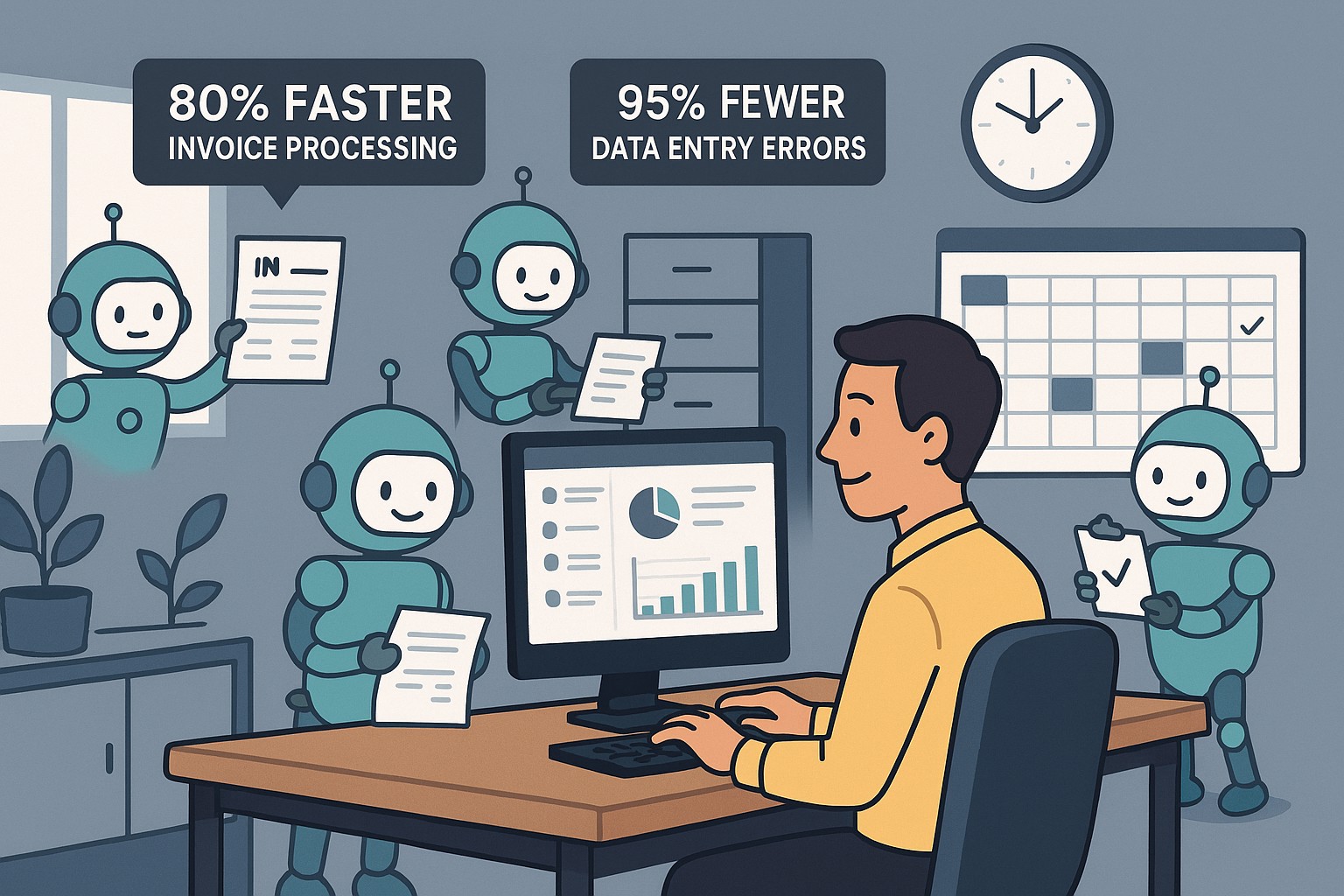
Visualize AI transforming SMB workflows—cut costs by 20% with smart automation tools.
Business owners battle inefficiency amid competition. AI is redesigning workflows for SMBs via automation in sales, HR, and ops, scaling operations without extra hires. Here are some actionable insights.
Core AI Workflow Upgrades
Robotic Process Automation (RPA) automates invoicing and payroll. AI analytics predict inventory needs. GenAI generates client proposals instantly.
Workflow Area
AI Benefit
Efficiency Gain
Sales
Lead scoring
+30% close rate
HR
Resume screening
50% faster hires
Operations
Demand forecasting
Reduced waste 20%
Steps for Owners and IT Departments
Audit Workflows: Identify top 3 bottlenecks.
Choose Scalable Tools: Start with no-code RPA like Zapier AI.
Integrate and Train: Roll out to one department; IT oversees security.
Measure and Iterate: Target 20% time savings in 90 days.
SMB Owner FAQs
Q: What’s the AI learning curve? A: Low—intuitive dashboards; full proficiency in weeks.
Q: ROI timeline? A: 2-4 months via cost cuts.
Q: Data privacy concerns? A: Use compliant AI platforms with audits and reports.
Partner with Farmhouse Networking
We specialize in AI strategies, from correspondence creation to workflow automation. Drive efficiency with our proven AI integrations.
And God will generously provide all you need. Then you will always have everything you need and plenty left over to share with others. As the Scriptures say,
“They share freely and give generously to the poor. Their good deeds will be remembered forever.”
For God is the one who provides seed for the farmer and then bread to eat. In the same way, he will provide and increase your resources and then produce a great harvest of generosity in you. - 2 Corinthians 9:8-10
We use cookies to ensure that we give you the best experience on our website. If you continue to use this site we will assume that you are happy with it.