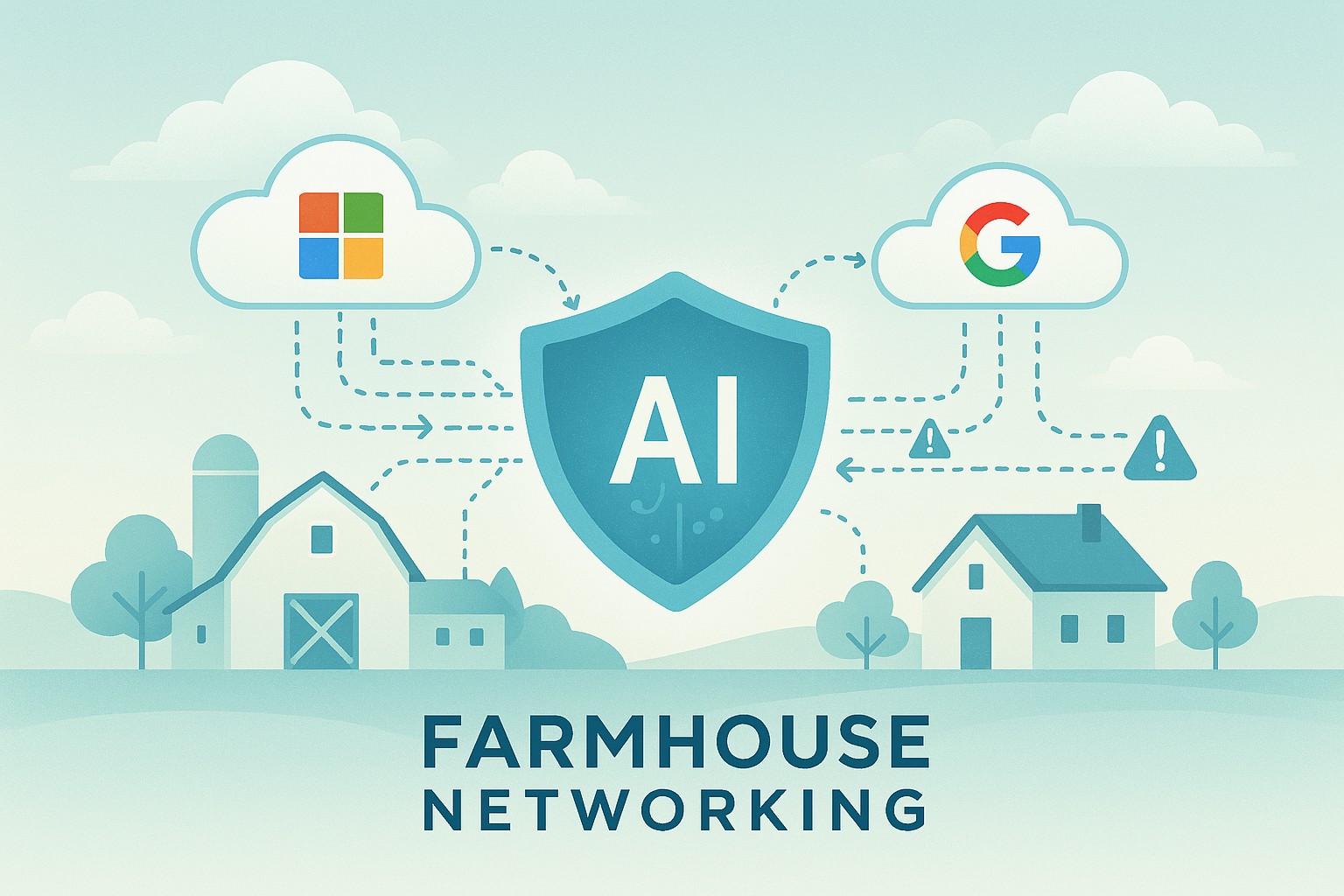
Small business leaders should review AI assistant security settings with their IT team to protect customer data and reduce cybersecurity risks.
Every department in your company is experimenting with AI assistants for drafting emails, analyzing documents, and answering questions—but mis‑sharing data with these tools is rapidly becoming a top cybersecurity concern. As the business owner, you need AI productivity without turning your data into the next breach headline.
Key security risks with online AI assistants
Employees paste sensitive data (contracts, passwords, customer lists, financials) into public AI tools, creating uncontrolled copies outside your security perimeter.
AI agents that connect to email, CRM, and file shares can over‑index data and ignore internal permissions, exposing information to users who should not see it.
Shadow AI—unapproved tools adopted by teams—means no vendor vetting, no logging, and no consistent security controls.
Mis‑configured orchestration and weak authentication give attackers new ways to abuse AI agents to access systems and data.
Action plan for you and your IT team
Define an AI usage policy
Specify what data is never allowed in public AI (customer PII, financials, credentials, trade secrets).
List approved AI tools, who may use them, and for what business cases, and require IT review for any new AI platform.
Harden AI tools technically
Enforce single sign‑on, multifactor authentication, and role‑based access to AI assistants tied to your identity platform.
Configure least‑privilege access to email, CRM, and file systems and enable audit logging for AI actions and data access.
Monitor, train, and prepare for incidents
Monitor for unsanctioned AI usage and phase in secure alternatives.
Train staff on safe prompting habits: strip identifiers, avoid secrets, and use internal assistants where possible.
Update your incident‑response plan to include AI mis‑sharing, compromised AI accounts, and vendor‑side issues.
How to answer customer questions
“Are you putting our data into ChatGPT?”
“We only use AI within secure, approved platforms, and we prohibit staff from pasting your identifiable information into public AI tools.”
“Could your AI assistant leak our information?”
“We enforce strict access controls, logging, and vendor security requirements to prevent unauthorized access or cross‑customer exposure.”
“What happens if something goes wrong?”
“We have a defined response plan that includes containment, investigation, and transparent communication if an AI‑related incident affects your data.”
How Farmhouse Networking can help SMBs
Farmhouse Networking can assess where AI is already in use across your environment, identify the highest‑risk workflows, and recommend safer, governed alternatives. We help you implement secure AI architectures, policies, and training so your team can adopt AI confidently while keeping customer data, intellectual property, and compliance obligations under control.
Email support@farmhousenetworking.com for more information about how Farmhouse Networking can help improve your business and secure AI use.
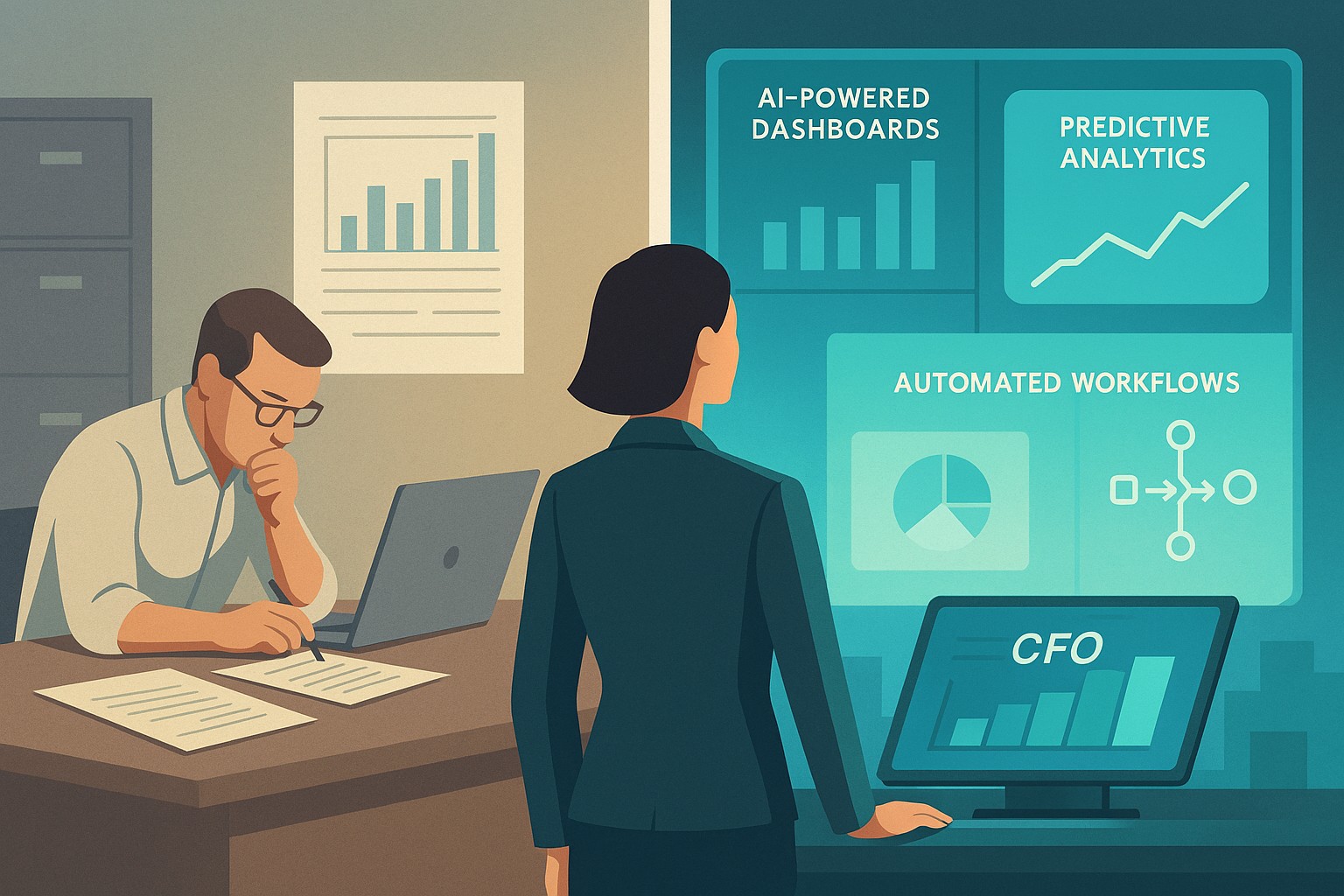
A small business owner and IT partner align on 2026 CFO technology priorities using AI‑powered finance dashboards and automation tools.
Across industries, CFOs are entering 2026 with rising confidence and a clear message: technology — especially AI and automation — is now central to financial performance, not a side project. Half list digital finance transformation as their top priority, and nearly 9 in 10 expect AI to be critical to their operations. For small and mid-sized businesses, this is both a threat and an opportunity.
What this shift means for SMBs
Digital transformation of finance now outranks many traditional priorities.
87% of CFOs expect AI to be extremely or very important to their finance departments in 2026, and over half plan to integrate AI agents.
Finance leaders are using tech to improve cash management, forecasting, and efficiency, while interest in deals and expansion is rising.
Businesses that modernize will outpace competitors on speed, insight, and resilience when conditions change.
Action steps for owners and IT
Take inventory of your finance tech stack
List all tools used for invoicing, payments, payroll, accounting, reporting, and analytics, plus the spreadsheets in between.
Identify duplicated effort, manual rekeying, and systems that do not integrate.
Automate the “finance plumbing”
Implement automation for AR/AP workflows, bank feeds, reconciliations, and basic reporting to reduce errors and labor.
Use role-based dashboards to give leadership real-time visibility into cash, pipeline, and profitability.
Pilot AI in contained, high-impact areas
Start with anomaly detection on transactions, cash flow forecasting support, and draft commentary for financial reports.
Ensure humans remain accountable for approvals and final decisions, with clear audit trails.
Invest in data quality and governance
Standardize your chart of accounts, customer/vendor master data, and product/service coding for consistent reporting.
Define who owns which data, and document how it flows across systems.
Upgrade security and resilience
Move to secure, managed cloud infrastructure with strong access control, encryption, backup, and continuous monitoring.
Regularly test incident response and recovery so a cyber event or outage does not cripple your finance function.
Questions owners often ask
Q: Is this level of tech really necessary for an SMB? A: Yes. Research shows most finance functions will use AI-enabled tools by 2026, and those that do not will struggle with costs, speed, and insight relative to competitors and larger buyers.
Q: How do we avoid wasting money on tools we never use? A: Start with clear business goals (e.g., reduce DSO by X days, shorten monthly close by Y hours, cut errors by Z%), then choose the minimal tech that supports those goals and measure outcomes.
Q: Do we need to hire data scientists? A: Not typically. Many modern tools embed AI and analytics; what you need most are clean data, good processes, and a partner who understands both finance and IT.
How Farmhouse Networking helps SMBs
Farmhouse Networking helps small and mid-sized businesses translate big-company CFO tech strategies into practical roadmaps. Services include:
Assessing current systems, data quality, and security to identify gaps and opportunities.
Designing and implementing integrated, automated finance and operations platforms, with appropriate AI where it delivers value.
Providing ongoing management, monitoring, and support so your internal team can focus on growth and customers.
With Farmhouse Networking, your business gains the infrastructure and expertise needed to compete in a world where technology is central to financial performance.
AI-Powered Microsoft 365 & Google Workspace Log Monitoring Now Included Free
Farmhouse Networking’s managed IT service now includes AI-driven log analysis for SMBs — ensuring proactive cloud security without added cost.
Small and mid-sized businesses today face the same cybersecurity threats as large enterprises — but without the same budget or in-house expertise. That’s why Farmhouse Networking is proud to announce a major upgrade to our managed IT services: AI-driven log triage and alerting for Microsoft 365 and Google Workspace. This enhanced monitoring service is automatically included in every monthly IT services contract — at no additional cost — helping business owners protect their operations, data, and reputation with enterprise-grade intelligence.
Why This Matters for Your Business
Your Microsoft 365 and Google Workspace platforms store your most vital data: emails, documents, and shared communications. Each login, file access, or configuration change generates valuable log data — but few SMBs have time or staff to analyze it.
With AI analysis, Farmhouse Networking automatically scans and prioritizes potential threats like:
Unusual logins or failed login attempts.
Unauthorized access to sensitive files.
Compromised accounts or third-party app activity.
Suspicious data downloads or sharing patterns.
Our system flags concerns in real time and alerts our team so potential incidents are triaged before they escalate into security breaches or downtime.
How AI-Enhanced Log Monitoring Works
Data ingestion: Logs from Microsoft 365 and Google Workspace are securely collected.
AI triage: Advanced machine learning detects patterns of unusual behavior.
Actionable alerts: Our technicians receive intelligent alerts prioritized by severity.
Resolution: We investigate, verify, and act before small issues become big problems.
What sets Farmhouse Networking apart is that this enterprise-grade capability is built into your existing service plan — not an add-on.
Common Questions from Business Owners
Q1: Why should my SMB care about log monitoring? A: Cloud environments record every login and activity. Monitoring those logs can detect attacks, data leaks, or insider misuse early — saving your business from costly security or compliance violations.
Q2: Does this mean I’ll get constant alerts? A: No — our AI filters the noise, so only meaningful alerts reach our support team. You see outcomes, not overwhelm.
Q3: Is my data secure when analyzed? A: Absolutely. We follow strict data handling and encryption standards to ensure privacy at every stage.
Q4: How does this benefit our productivity? A: By catching risks early, we prevent downtime, data loss, and productivity disruption — letting you focus on running your business.
How Farmhouse Networking Helps You Stay Ahead
Your business deserves the same security tools as major corporations — but without excessive cost or complexity. Our AI-assisted log triage gives you proactive protection, increased visibility, and peace of mind.
We handle the technical heavy lifting so you can keep growing.
Email support@farmhousenetworking.com today to learn how we can enhance your IT security strategy and streamline your operations.
Farmhouse Networking helps small businesses integrate AI as their new intern, automating routine tasks for increased efficiency.
Small and medium businesses can treat AI as a new intern—handling repetitive tasks, data entry, customer inquiries, and reporting. This guide provides practical steps for SMB owners and their IT departments to deploy AI safely and effectively.
What AI interns do for SMBs
Automate repetitive admin tasks and data entry
Improve customer service with 24/7 basic support
Generate routine reports and insights for decision-making
Accelerate onboarding and vendor communications
Action steps for owners and IT
Step 1: Inventory tasks suitable for AI assistance and set success metrics.
Step 2: Ensure data security, governance, and access controls across systems.
Step 3: Choose AI tools with smooth integration into CRM, ERP, and helpdesk platforms.
Step 4: Create SOPs for AI outputs, approvals, and escalation paths.
Step 5: Run a phased pilot, monitor KPIs, and adjust workflows.
Step 6: Provide ongoing training and a clear policy for continued use and exit strategies.
FAQs from clients
Will AI reduce headcount? AI typically augments staff, enabling them to focus on strategic work while AI handles repetitive tasks.
How long before value is seen? Many SMBs see operational gains within 1–3 months, with compounding efficiency over time.
How to measure success? Track time saved, accuracy, customer satisfaction, and revenue impact where applicable.
How Farmhouse Networking helps
Offers scalable AI deployments with governance, security, and integration expertise.
Provides IT-side support for deployment planning, vendor selection, and risk management.
Delivers ongoing optimization and ROI reporting to justify investment.
To discuss how Farmhouse Networking can help your SMB adopt an AI intern, email support@farmhousenetworking.com
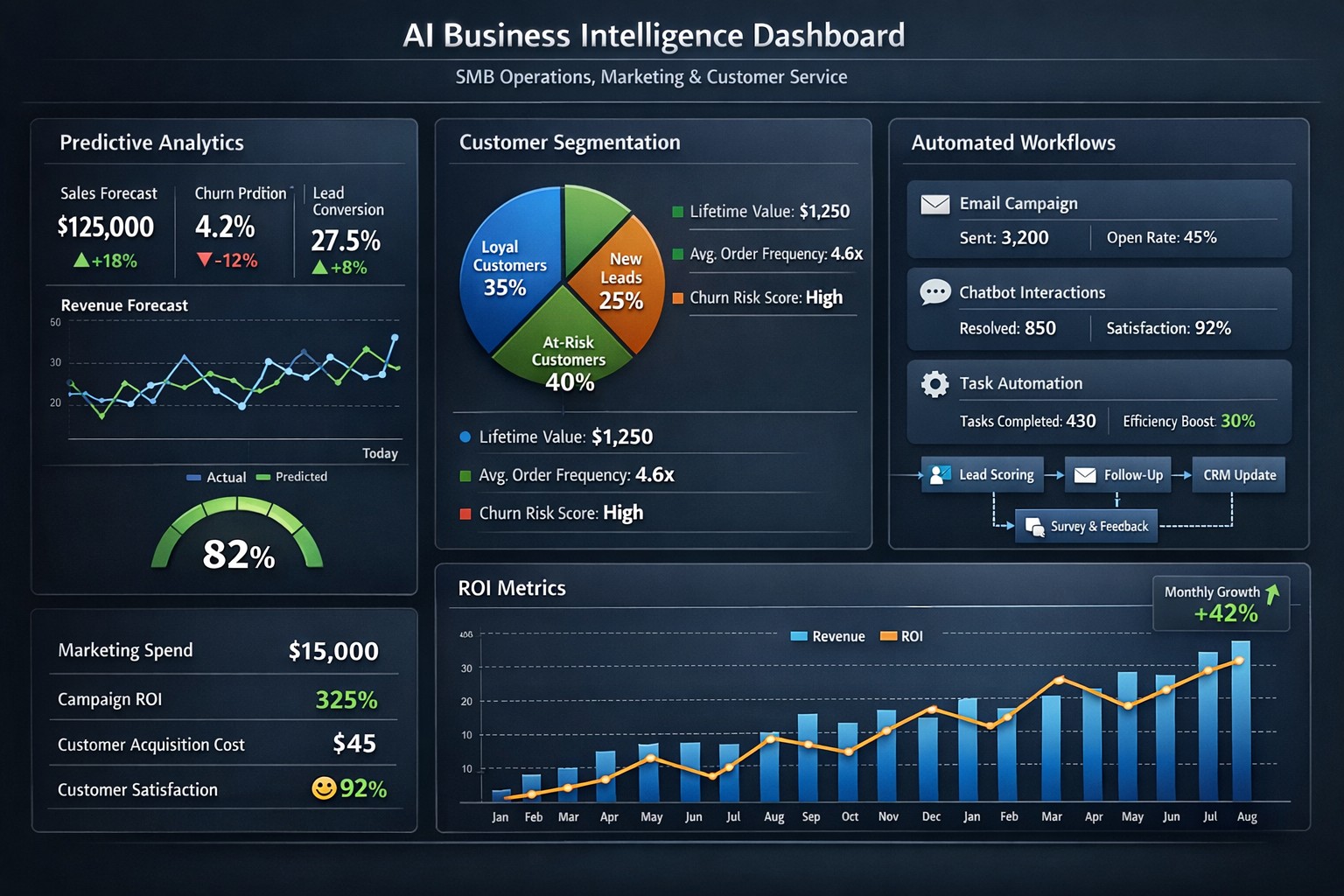
Enterprise AI platform integrating predictive maintenance customer insights process automation.
As your trusted Managed IT Service Provider (MSP), we are always looking for ways to help your business thrive. Today, we want to shed some light on the remarkable potential of Artificial Intelligence (AI) and how it can benefit your day-to-day operations.
Artificial Intelligence
AI isn’t just a buzzword; it’s a game-changer for businesses of all sizes, including businesses like yours. We wanted to highlight some of the ways AI can empower your business:
Improved Efficiency: AI can automate repetitive tasks, saving your employees time and allowing them to focus on more strategic and creative endeavors.
Data Analysis: AI can analyze large sets of data quickly and accurately, helping you make informed decisions and uncover valuable insights.
Personalized Customer Experiences: AI can help you tailor your products and services to individual customer needs, enhancing satisfaction and loyalty.
Enhanced Security: AI can bolster your cybersecurity efforts, identifying threats and vulnerabilities more effectively.
Cost Savings: With AI-driven solutions, you can reduce operational costs while increasing productivity.
We believe that implementing AI safely in your business can give you a competitive edge, improve your bottom line, and create new opportunities for growth. If you’re interested in exploring AI solutions for your business, please don’t hesitate to reach out. We’re here to help you navigate this exciting technology landscape.
Let’s embrace AI together and unlock new possibilities for your business’s success. Feel free to contact us for a personalized consultation and guidance on AI integration into your processes.
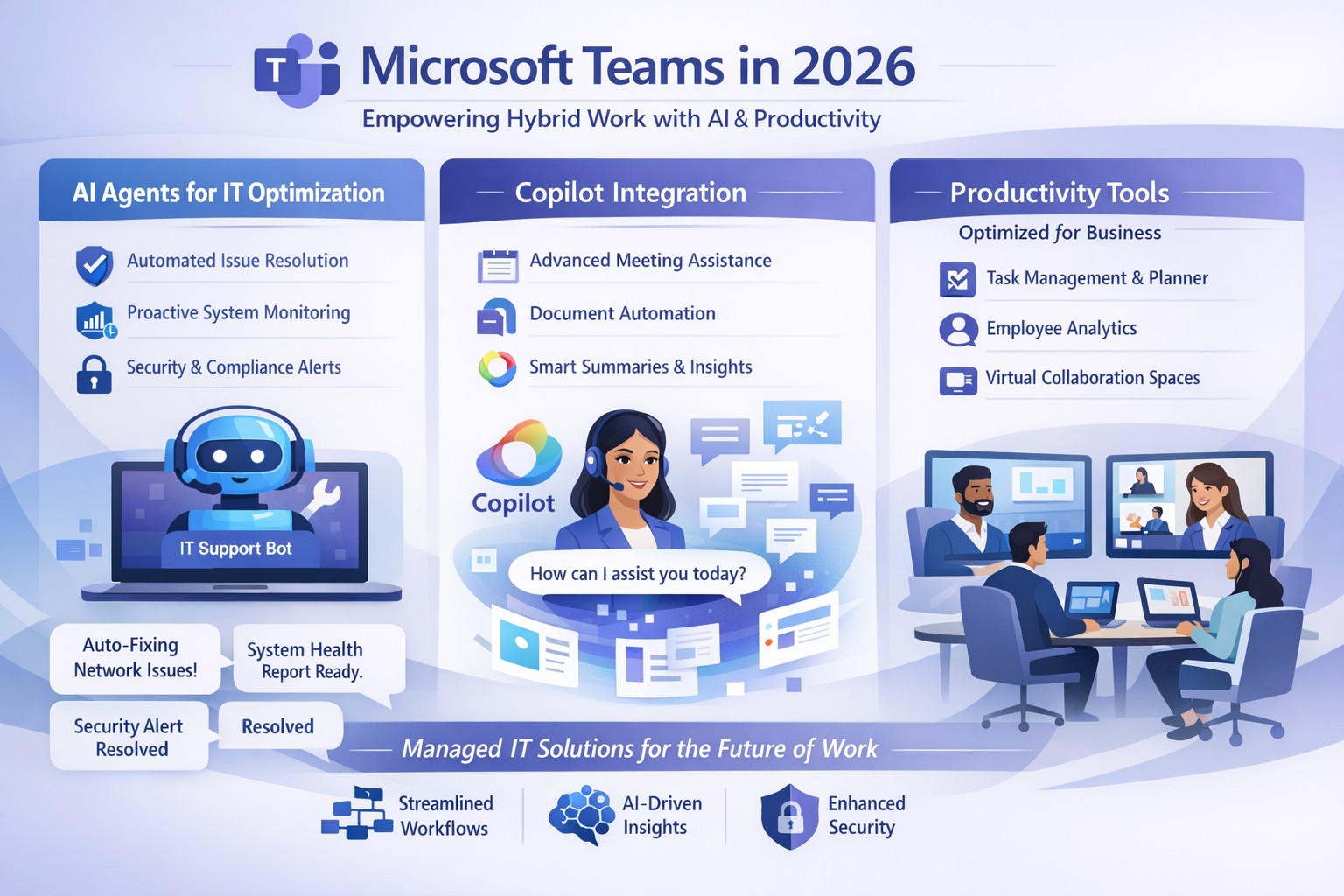
Microsoft Teams 2026 AI-powered features like intelligent agents and screen-aware Copilot transforming business collaboration.
Staying ahead of Microsoft Teams’ rapid evolution is critical for team productivity and competitive edge. 2026 brings AI-powered updates like intelligent agents, screen-aware Copilot, and smarter recaps that transform Teams from a chat tool into a strategic hub—directly impacting your bottom line through reduced meeting time and better decisions.
Key Future Features in Teams 2026
Microsoft Teams’ 2026 roadmap emphasizes AI integration via Copilot, making collaboration proactive. Highlights include AI agents joining meetings to answer questions and track agendas in real-time; Copilot analyzing shared screens for context-aware insights; enhanced chat summaries extracting decisions from threads; and meeting recaps auto-posting to SharePoint for searchable knowledge bases. Interactive annotations let all participants mark up shared content, boosting hybrid brainstorming. These features cut manual work by 30-50%, per early adopter reports, freeing teams for high-value tasks.
Practical Action Steps
Implement these steps with your IT department to leverage Teams’ future features.
Audit Current Setup: Review Teams licenses—upgrade to Microsoft 365 Copilot or Teams Premium for AI access. IT: Run Microsoft 365 admin center audit for usage gaps.
Enable AI Agents and Copilot: In Teams admin center, activate Copilot Studio for custom agents and screen analysis. Test in pilot meetings; train leaders via 15-minute sessions.
Optimize Meetings and Chats: Configure recap templates with visual references; set SharePoint auto-sync. IT: Deploy policies for resizable galleries and multilingual captions.
Secure and Scale: Apply external user trust badges; integrate with frontline tools. Monitor via analytics dashboard, targeting 20% productivity gains quarterly.
Train and Measure: Roll out via Viva Learning modules; track adoption with usage reports.
These steps ensure seamless rollout, minimizing disruption.
Client FAQs on Teams Future Features
Q: How do AI agents impact small business operations? A: Agents handle real-time summaries and nudges, saving 1-2 hours weekly per team on notes—ideal for lean operations without dedicated admins.
Q: What about security with screen analysis? A: Copilot processes data in your tenant with enterprise-grade encryption; admins control via sensitivity labels, compliant with GDPR and HIPAA.
Q: Will these features work for hybrid teams? A: Yes—interactive annotations and resizable views enhance remote participation; automatic language detection supports global clients.
Q: How much do upgrades cost? A: Copilot adds $30/user/month to E3/E5 plans; ROI comes from 25% faster decision-making, per Microsoft benchmarks.
Q: Can we customize recaps? A: Fully—preset templates or Copilot prompts tailor outputs to your workflows, integrating with SharePoint for persistence.
How Farmhouse Networking Helps
Farmhouse Networking specializes in managed IT for accounting, healthcare, and charity sectors, delivering Microsoft Teams optimization as your strategic partner. We handle full audits, Copilot deployments, custom AI agent builds, and compliance setups—reducing your IT overhead by 40%. Our experts integrate Teams with existing systems, train your staff, and monitor performance via proactive dashboards. For seamless adoption of 2026 features, we provide tailored roadmaps that drive organic growth and B2B conversions.
Ready to future-proof your Teams? Email support@farmhousenetworking.com today for a free consultation on boosting business efficiency.
It’s an unfortunate reality but our workforce can often times be our worst enemies, often creating vulnerabilities and leaving our systems open to hackers, viruses, data breaches and data loss. More often than not, we do this through completely harmless, everyday activities like opening compromised emails and links.
As a leader in your organization it’s your role to monitor your team and arm them with the knowledge of good security practices. Without implementing a company-wide security training program, you leave your systems vulnerable to a host of attacks.
Another crucial step in preventing system attacks, is to configure a firewall to monitor user activity and website visits throughout your organization. An Acceptable Use Policy is helpful in establishing what your organization will and will not allow from its employees.
Curious how we can help you establish a more secure company infrastructure?
And God will generously provide all you need. Then you will always have everything you need and plenty left over to share with others. As the Scriptures say,
“They share freely and give generously to the poor. Their good deeds will be remembered forever.”
For God is the one who provides seed for the farmer and then bread to eat. In the same way, he will provide and increase your resources and then produce a great harvest of generosity in you. - 2 Corinthians 9:8-10
We use cookies to ensure that we give you the best experience on our website. If you continue to use this site we will assume that you are happy with it.