How to Get Breached, Step 8: Leave the Default Password on the Printer
How unchanged factory logins, skipped firmware updates, and one flat network turn ordinary office devices into an open door
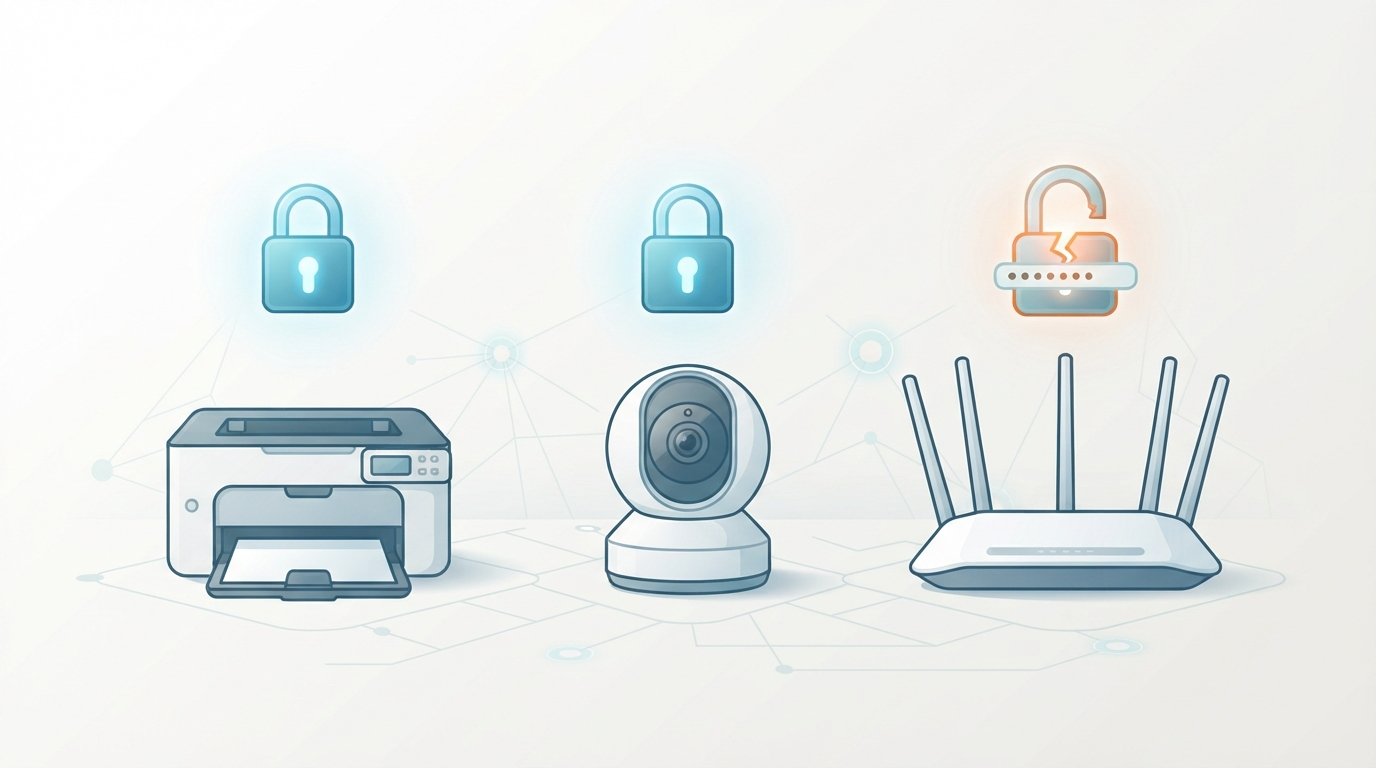
Printers, cameras, and routers often ship with default passwords that attackers know by heart.
Welcome back to our series on how to get breached. This week’s advice is the easiest yet: do nothing. Plug in the new printer, admire the blinking lights, and never open its settings page again. Do the same with the security cameras, the router, the smart thermostat, and the badge reader. The factory picked a password for you, so why argue with it?
Because that password is probably “admin,” and everyone else knows it too. Manufacturers publish default logins in their manuals, and CISA warns that attackers can look up a default password online and try it against exposed devices. In an April 2026 SANS Internet Storm Center write-up, a camera recorder protected only by its factory root login was compromised in roughly two seconds, apparently by an automated script. Nobody was watching, because nobody ever watches the camera box.
Why Unsecured Network Devices Get Businesses Breached
Printers, cameras, routers, and other IoT devices share three habits: they ship with known passwords, they rarely get updated, and they sit on the same network as everything else.
Picture a hypothetical 25-person distribution company. The router is nine years old. The lobby camera still uses its factory login. Nobody has opened the printer’s admin page since installation. All of it shares one network with the accounting workstation. A bot logs into the camera, uses it as a foothold, and starts looking for file shares. Nobody notices for weeks, because nobody monitors the camera.
Firmware matters too. Verizon’s 2026 Data Breach Investigations Report found that exploiting vulnerabilities is now the leading way into a breach, at 31% of initial access, the first time in the report’s 19 years that it beat credential abuse. The median time to fully patch rose to 43 days, and the window between disclosure and exploitation has shrunk from months to hours.
Some devices have no patch to wait for. Certain Edimax IP cameras, end of life for more than ten years, were hit by Mirai-based botnets that relied on default credentials, and the vendor said the flaw could no longer be fixed.
What to Do Instead: Practical Steps
For the business owner
Ask IT for a written inventory of every network-connected device, including printers, cameras, routers, access points, and smart gadgets, with a named person responsible for each.
Set a purchasing rule: nothing connects to the network until IT has changed the default login and recorded it.
Approve replacement of end-of-life devices that no longer receive security updates.
For your IT department
Scan the network and build the inventory: model, location, firmware version, and date of the last password change.
Replace every default login with a unique, long password stored in a password manager. Disable unused accounts and services such as Telnet.
Turn off remote administration and UPnP on routers unless there is a documented need.
Update firmware on a set schedule and subscribe to vendor security notices.
Segment the network. Use separate VLANs for staff computers, servers, IoT devices (cameras, printers, thermostats), and guests, and allow only the traffic each device needs.
Send device logs to monitoring and alert on new devices and repeated failed logins.
Questions Your Clients May Ask
These answers are what you should be able to say once the steps above are in place.
“Is the camera in your lobby a risk to my information?” Not if it is set up correctly. Our cameras sit on a separate network segment with unique passwords and current firmware, so they cannot reach client records.
“How do you keep your devices updated?” Every device is on an inventory with an owner and a review schedule. Critical security updates are applied promptly, and devices the manufacturer no longer supports are replaced.
“What happens if one device gets hacked?” Segmentation limits the damage. A compromised printer on its own network segment cannot talk to file servers or workstations, and monitoring flags the unusual activity.
“Is all this expensive?” Changing passwords and updating firmware costs time, not money. Segmentation may run on equipment you already own. Replacing unsupported devices is usually the main expense.
How Farmhouse Networking Can Help
Most owners do not have a spare week to crawl under desks and log into forgotten admin pages. We do that part for you.
Device inventory and default-credential audit: We find every connected device, check for factory logins, and fix them.
Network segmentation: We design and configure VLANs so staff, guest, and IoT traffic stay apart.
24/7 monitoring: Our Wazuh-based security monitoring watches for unusual device and network activity, so a quiet camera compromise does not stay quiet.
Get Your Free Breach-Readiness Review
Not sure what is plugged into your network? Neither is anyone else, until someone looks. Email support@farmhousenetworking.com to request a free breach-readiness review. We will walk your site, build a device inventory, and show you which devices still have factory logins.
Next week: How to Get Breached, Step 9: Work From Anywhere on Anything.
And God will generously provide all you need. Then you will always have everything you need and plenty left over to share with others. As the Scriptures say, “They share freely and give generously to the poor. Their good deeds will be remembered forever.” For God is the one who provides seed for the farmer and then bread to eat. In the same way, he will provide and increase your resources and then produce a great harvest of generosity in you. - 2 Corinthians 9:8-10
We use cookies to ensure that we give you the best experience on our website. If you continue to use this site we will assume that you are happy with it.