Case Study – Streamlining Employee Onboarding and Offboarding with Automated Office 365 Forms
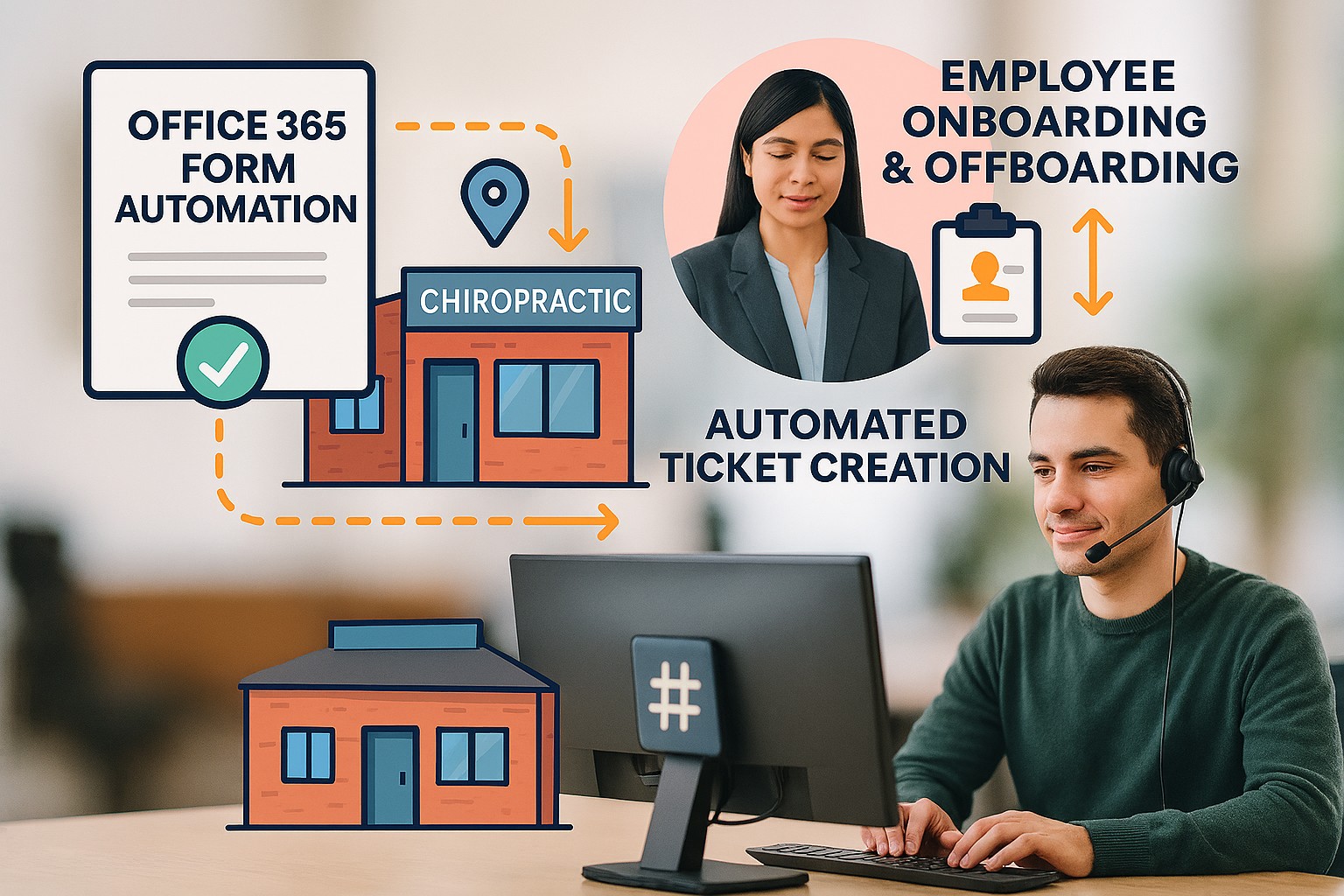
Streamlined Onboarding and Offboarding for a Multi-Office Chiropractic Practice
A fast-growing chiropractic office with three locations and more than 50 employees needed a better way to manage employee onboarding and offboarding. With high turnover and a previously manual request process, the client needed a standardized system that would ensure nothing was missed when a new employee joined or when access needed to be removed.
The challenge
The client’s previous process relied on an email with only the employee’s name. From there, the team often had to follow up by phone to determine the user’s role, required program access, file share permissions, and other details needed to create or remove access correctly.
That approach created unnecessary back-and-forth, slowed down onboarding, and introduced security risk during offboarding. The client wanted a more reliable process that would reduce missed details, eliminate multiple tickets, and help ensure access was fully removed when employees left the organization.
The solution
We built a set of Office 365 forms from scratch: one for onboarding and one for offboarding. The forms were designed to standardize the information managers submit so every request includes the details needed to create the ticket correctly the first time.
The completed form now feeds directly into Farmhouse Networking’s ticketing system through a Power Automate workflow. That means managers can submit a single request, and the ticket is generated automatically with the necessary information already in place.
The process
We worked directly with managers to refine the forms through several rounds of revisions. Over the course of about two weeks, we shaped the final drafts to make sure they were simple to complete while still collecting all of the required information.
The final forms were built to capture the key details needed for each employee, including:
Email address.
Program access.
File share access.
Role-specific onboarding or offboarding needs.
The results
The new process has reduced the amount of interaction required from managers, freeing up time for other responsibilities. It also gives the support team a cleaner, more complete ticket from the start, which helps streamline onboarding and reduce the risk of missed steps during offboarding.
By replacing an informal email process with a structured form and automated workflow, the client now has a more consistent and scalable process for managing employee access across all three offices.
Why it matters
For organizations with frequent employee changes, a standardized onboarding and offboarding process is more than an efficiency upgrade. It helps improve consistency, reduce manual follow-up, and close security gaps that can happen when access removal depends on memory or incomplete requests.
This project gave the client a practical system that supports both speed and security, while making the process easier for managers to use.
Looking to streamline onboarding, offboarding, or other internal workflows?
We help organizations build efficient, standardized processes that reduce manual work and improve consistency.